
1. Uvod
The EPOS Sennheiser IMPACT SC 660 USB ML is a premium, wired, double-sided USB headset designed for professionals. It is optimized for Unified Communications (UC) and certified for Skype for Business, offering outstanding sound performance, convenient call handling, durability, and all-day comfort. This headset features HD sound, an ultra noise-cancelling microphone, and a USB connector for seamless integration with various devices and platforms.

Slika 1: Prednja strana view of the EPOS Sennheiser IMPACT SC 660 USB ML Headset.
2. Što je u kutiji
Carefully unpack your EPOS Sennheiser IMPACT SC 660 USB ML headset and ensure all components are present:
- IMPACT SC 660 USB ML Headset
- Zaštitna torbica
- Cable clip mounted on headset
- Leatherette ear pad/s (spare)
- Magnetski držač
- Brzi vodič
- Sigurnosni vodič
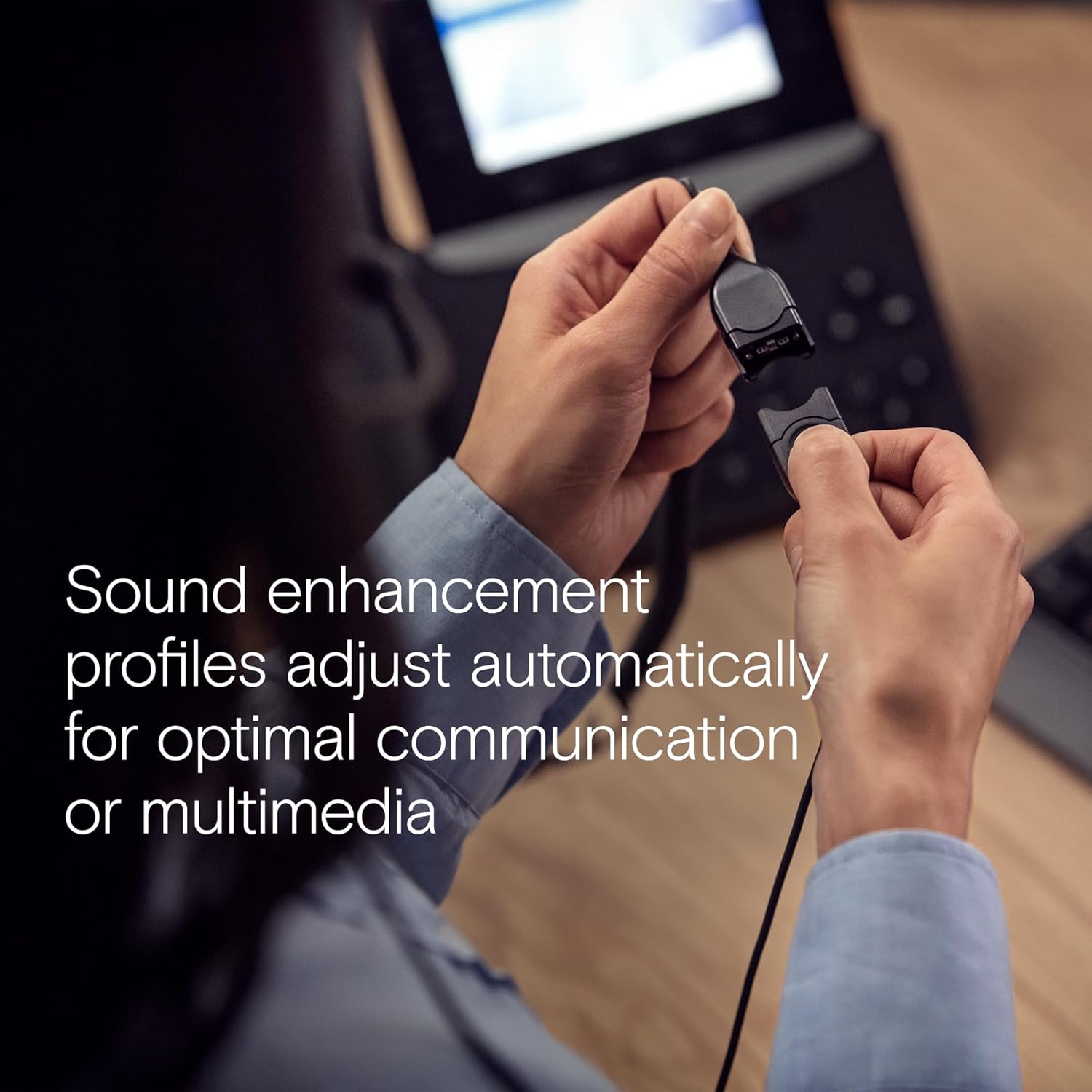
Figure 2: All included components: headset, carry pouch, in-line call control, clothing clip, USB connector, leatherette ear pads, ear pad holders, safety guide, and quick guide.
3. Postavljanje
The IMPACT SC 660 USB ML headset is designed for simple plug-and-play setup.
3.1 Spajanje slušalica
- Locate an available USB port on your computer or compatible device.
- Uključite USB priključak slušalica u USB priključak.
- The headset will be automatically recognized by your operating system. No additional drivers are typically required for basic functionality.
3.2 Kompatibilnost softvera
This headset is optimized for Unified Communications (UC) and certified for various platforms, ensuring seamless integration and optimal performance:
- Skype za posao
- Microsoftovi timovi
- Google Meet
- Alcatel-Lucent Enterprise
- Webbivši Cisco
- Avaya
- Radi s Chromebookom

Figure 3: The headset is optimized for various Unified Communications platforms, including Microsoft Teams, Google Meet, Alcatel-Lucent Enterprise, Webex by Cisco, Avaya, and Chromebook.
3.3 Nošenje slušalica
Adjust the headband and microphone boom for a comfortable and secure fit. The microphone boom is flexible to allow for optimal positioning near your mouth.

Figure 4: A person wearing the headset, demonstrating proper microphone positioning for natural, clear conversations with EPOS Voice and noise-cancelling microphone technology.
Video 1: Official product description video for the EPOS Sennheiser IMPACT SC 600 Series, highlighting key features and benefits for business communication.
4. Upute za rad
The IMPACT SC 660 USB ML headset provides intuitive controls for managing your calls and audio.
4.1 In-Line Call Control Unit
The headset features an in-line call control unit for easy management of calls and audio settings:
- Odgovori/prekini poziv: Press the dedicated call button to answer or end a call.
- Kontrola glasnoće: Pomoću tipki '+' i '-' podesite glasnoću slušanja.
- Isključi mikrofon: Press the microphone mute button to mute or unmute your microphone.
- Ponovno biranje: Some applications may support redialing directly from the control unit.
4.2 Korištenje mikrofona
The ultra noise-cancelling microphone filters out unwanted background noise, ensuring crystal-clear conversations. Position the microphone approximately two fingers' width from the corner of your mouth for optimal voice pickup.
4.3 Zvučne značajke
- HD zvuk: Powered by a neodymium speaker, the headset delivers clear and natural voice and audio experiences.
- ActiveGard Technology: This technology protects users against acoustic injury caused by sudden sound bursts on the line.
- Sound Enhancement Profiles: The headset automatically adjusts sound enhancement profiles for optimal communication or multimedia listening.

Slika 5: Bočna strana view of the headset, highlighting the in-line call control unit and USB connector.
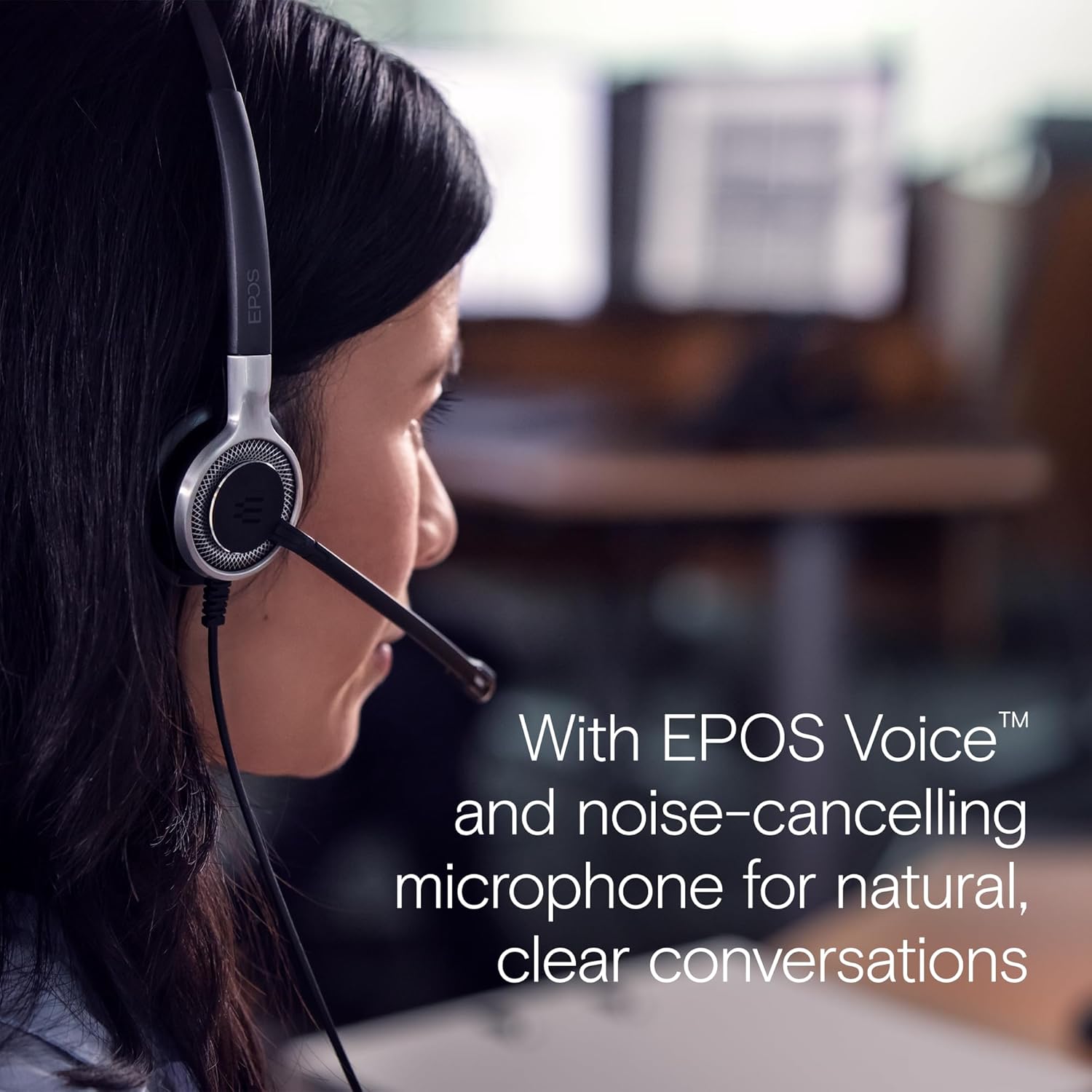
Figure 6: Image illustrating how sound enhancement profiles adjust automatically for optimal communication or multimedia experiences.
5. Održavanje
Proper care and maintenance will extend the life and performance of your headset.
5.1 Čišćenje
- Jastučići za uši: The soft leatherette ear pads can be gently wiped with a damp krpom. Prije upotrebe provjerite jesu li potpuno suhi.
- Headset Body: Use a soft, dry cloth to clean the headset body. Avoid using harsh chemicals or abrasive materials.
5.2 Skladištenje
When not in use, store the headset in its protective case. The ear cups can be folded flat for easy transportation and storage, protecting the headset from damage.
5.3 Briga o kabelima
The headset features Vectran reinforced cables for enhanced durability. Avoid sharp bends or excessive pulling on the cable to prevent damage.
6. Rješavanje problema
If you encounter issues with your headset, try the following basic troubleshooting steps:
- Nema zvuka/mikrofon ne radi:
- Provjerite je li USB priključak potpuno umetnut u priključak.
- Check your computer's audio settings to ensure the headset is selected as the default playback and recording device.
- Verify that the microphone is not muted using the in-line control unit.
- Pokušajte priključiti slušalice u drugi USB priključak ili drugo računalo kako biste isključili probleme specifične za priključak ili sustav.
- Loša kvaliteta zvuka:
- Adjust the volume using the in-line control or your computer's settings.
- Ensure the microphone is positioned correctly near your mouth for clear voice pickup.
- Provjerite ima li fizičkih oštećenja na kabelu ili konektorima.
- Slušalice nisu prepoznate:
- Ponovno pokrenite računalo.
- Provjerite je li vaš operativni sustav ažuriran.
For more complex issues, refer to the detailed Safety Guide or Quick Guide included in the box, or contact EPOS customer support.
7. Specifikacije
| Naziv modela | IMPACT SC 660 USB ML |
| Marka | EPOS |
| Tehnologija povezivanja | USB |
| Utičnica za slušalice | USB |
| Postavljanje uha | Na uhu |
| Form Factor | Na uhu |
| Boja | Crna |
| Materijal | Plastika |
| Težina artikla | 7.9 unci (224 grama) |
| Dimenzije proizvoda | 13 x 2.44 x 2.44 inča |
| Frequency Response (Microphone) | 150 – 6,800 Hz (širokopojasni) |
| Frequency Response (Speaker) | 50 – 18,000 Hz |
| Impedancija | 200 Ohma |
| Kontrola buke | Noise Cancellation (Microphone) |
| Posebna značajka | Lagan |
| Kompatibilni uređaji | Laptops, Tablets (via USB) |
| Značajka kabela | Retractable, Vectran reinforced |
| Vrsta kontrole | Call Control (in-line remote) |
8. Jamstvo i podrška
8.1 Informacije o jamstvu
The EPOS Sennheiser IMPACT SC 660 USB ML headset comes with a 3-godišnje međunarodno jamstvo. This warranty covers manufacturing defects and ensures peace of mind regarding the quality and durability of your headset. Please retain your proof of purchase for warranty claims.
8.2 Korisnička podrška
For technical assistance, warranty claims, or further inquiries, please visit the official EPOS website or contact their customer support directly. Refer to the contact information provided in your Safety Guide or on the EPOS webmjesto.