
1. Uvod
This manual provides essential information for the proper installation, operation, and maintenance of your AMD FX-8370 Black Edition 8-Core CPU Processor. The AMD FX-8370 is an unlocked 8-core processor designed for the AM3+ platform, offering high performance for computing tasks. Please read this manual thoroughly before proceeding with installation.
2. Sadržaj paketa
Provjerite jesu li sve dolje navedene stavke prisutne u pakiranju vašeg proizvoda:
- AMD FX-8370 8-Core CPU Processor
- Heat Sink and Fan (Stock Cooler) with pre-applied thermal paste
- FX Bezel Sticker
- Potvrda o autentičnosti
- Vodič s uputama za instalaciju
- Informacije o 3 godini jamstva
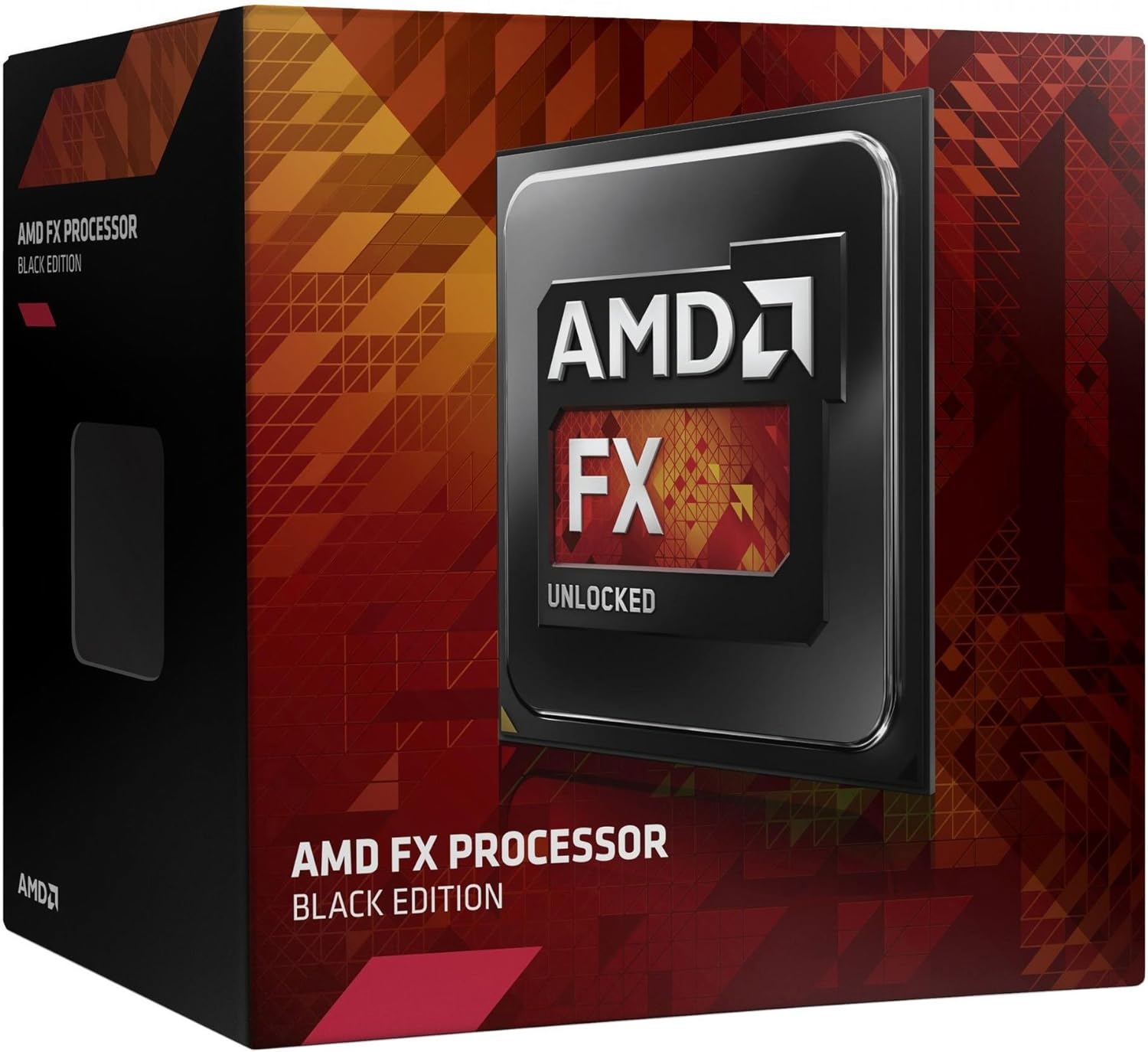
Image 1: AMD FX-8370 Black Edition Processor Retail Box. This image displays the packaging of the AMD FX-8370 processor, indicating its 'Black Edition' and 'Unlocked' status.
3. Proizvod je gotovview
The AMD FX-8370 processor is engineered for demanding applications and gaming. Key features include:
- 8-Core Architecture: Designed for multi-threaded performance.
- 4.3 GHz Max Turbo Frequency: Delivers high clock speeds for responsive computing.
- AM3+ Socket Compatibility: Ensures broad compatibility with existing motherboards.
- 125W Thermal Design Power (TDP): Indicates power consumption and heat output.
- 16MB Cache: Provides fast access to frequently used data.
- Otključani množitelj: Allows for overclocking (advanced users only).
4. Specifikacije
| Značajka | Specifikacija |
|---|---|
| Procesorske jezgre | 8 |
| Osnovna brzina takta | 4.0 GHz |
| Maksimalna turbo frekvencija | 4.3 GHz |
| Tip utičnice | AM3+ |
| Snaga toplinskog dizajna (TDP) | 125 W |
| Total Cache (L2+L3) | 16 MB |
| Podrška za vrstu memorije | DDR3 SDRAM |
| Broj modela | FD8370FRHKBOX |
| Product Dimensions (CPU only) | 1.57 x 1.57 inča (40 x 40 mm) |
5. Postavljanje i instalacija
Proper installation is critical for the performance and longevity of your CPU. Always handle the processor by its edges to avoid touching the pins or the integrated heat spreader (IHS).
5.1 Sigurnosne mjere opreza
- Provjerite je li vaš sustav isključen iz napajanja i iskopčan iz zidne utičnice.
- Ispraznite statički elektricitet dodirivanjem uzemljenog metalnog predmeta prije rukovanja komponentama.
- Refer to your motherboard manual for specific CPU socket and cooler mounting instructions.
5.2 Koraci instalacije CPU-a
- Pripremite matičnu ploču: Locate the AM3+ CPU socket on your motherboard. Lift the small metal lever on the side of the socket to open it.
- Instalirajte CPU: Carefully align the triangular arrow on the corner of the AMD FX-8370 processor with the corresponding arrow on the CPU socket. Gently lower the processor straight down into the socket. Do not force it; if it doesn't seat easily, recheck the alignment.
- Osigurajte CPU: Once the CPU is fully seated, push the metal lever back down to lock the processor into place.

Image 2: AMD FX-8370 Black Edition Processor. This image shows a close-up of the AMD FX-8370 CPU, highlighting its design and the 'AMD FX Unlocked' branding.
5.3 Cooler Installation Steps
The included stock cooler has thermal paste pre-applied. If you are using an aftermarket cooler, follow its specific instructions for thermal paste application.
- Postavite hladnjak: Place the heat sink and fan assembly onto the CPU, ensuring the mounting clips align with the retention brackets on the motherboard.
- Osigurajte hladnjak: Attach the cooler's clips to the motherboard retention brackets. Apply even pressure and secure both clips. Some coolers may require screwing down.
- Spojite napajanje ventilatora: Connect the cooler's 4-pin fan cable to the CPU_FAN header on your motherboard. Refer to your motherboard manual for the exact location.
6. Upute za rad
Once the CPU and cooler are installed, reassemble your computer and connect all peripherals. Upon first boot, access your motherboard's BIOS/UEFI settings to ensure the CPU is recognized correctly and that fan speeds are set appropriately. Install the latest chipset drivers from your motherboard manufacturer's webmjesto za optimalnu izvedbu.
6.1 Konfiguracija BIOS-a/UEFI-ja
- Verify CPU temperature readings are within acceptable limits.
- Ensure RAM frequency and timings are correctly configured.
- For advanced users, the unlocked multiplier allows for overclocking. Proceed with caution and adequate cooling.
7. Održavanje
Regular maintenance helps ensure stable performance and extends the lifespan of your CPU and cooling system.
- Uklanjanje prašine: Periodically clean the CPU cooler's fan and heatsink fins to prevent dust buildup, which can impede airflow and lead to overheating. Use compressed air for this task.
- Termalna pasta: Over time, thermal paste can dry out. If you notice consistently high temperatures, consider reapplying fresh thermal paste. This requires removing the cooler, cleaning old paste from both the CPU and cooler base, and applying a new thin, even layer.
- Protok zraka u sustavu: Ensure good airflow within your computer case by managing cables and keeping intake/exhaust vents clear.
8. Rješavanje problema
If you encounter issues after installation, refer to the following common troubleshooting steps:
- Sustav se ne pokreće:
- Check all power connections, especially the 4/8-pin CPU power connector on the motherboard.
- Ensure the CPU is correctly seated in its socket and the lever is locked.
- Verify the CPU cooler is properly installed and its fan is spinning.
- Reset CMOS (refer to your motherboard manual).
- Overheating/High Temperatures:
- Confirm the CPU cooler is securely mounted and making good contact with the CPU.
- Check if the CPU fan is connected to the correct header (CPU_FAN) and is spinning.
- Ensure thermal paste was applied correctly (or is still effective if pre-applied).
- Clean dust from the heatsink fins.
- Nestabilnost/rušenja sustava:
- Ensure your motherboard BIOS/UEFI is updated to the latest version.
- Check RAM stability and compatibility.
- If overclocking, revert to default CPU settings to test stability.
9. Jamstvo i podrška
9.1 Informacije o jamstvu
The AMD FX-8370 Black Edition CPU Processor comes with a 3-godišnje ograničeno jamstvo from the date of purchase. This warranty covers defects in materials and workmanship under normal use. For full terms and conditions, please refer to the warranty documentation included in your package or visit the official AMD webmjesto.
9.2 Tehnička podrška
For technical assistance, driver downloads, or further product information, please visit the official AMD support webstranica:
You may also contact AMD customer service through the channels provided on their webmjesto.