
NOCO GB40
NOCO Boost GB40 User Manual
Model: GB40 | Brand: NOCO
Uvod
The NOCO Boost GB40 is a compact, yet powerful, 1000-amp lithium jump starter designed to safely jump start a dead car battery in seconds. This portable device is suitable for a wide range of vehicles, including cars, trucks, motorcycles, ATVs, boats, SUVs, and vans. It incorporates advanced safety features and offers additional functionalities such as a portable power bank and an integrated LED flashlight.
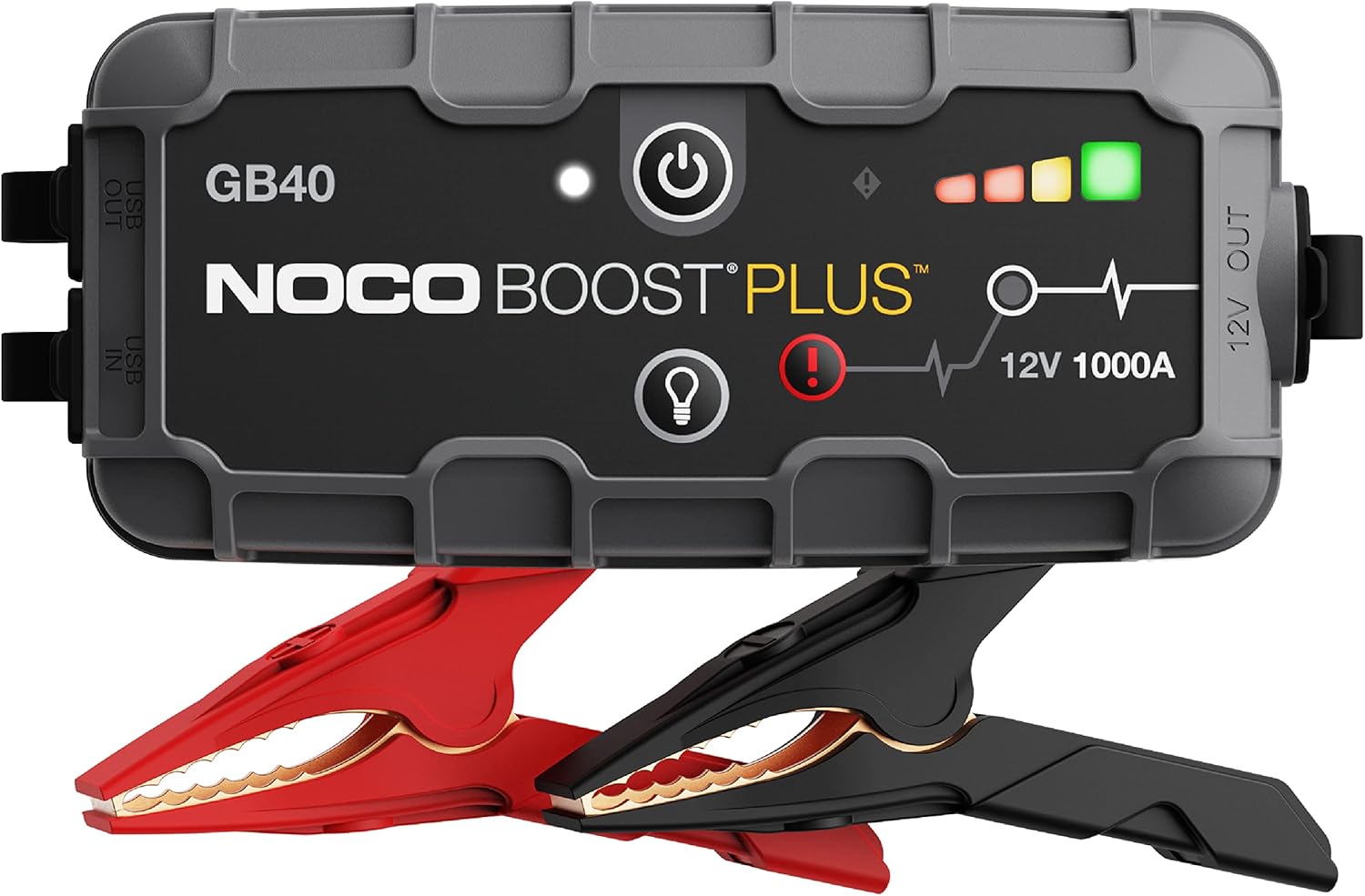
The NOCO Boost GB40 unit with its included heavy-duty clamps.
Sigurnosne informacije
WARNING: Read and understand all safety information before using this product. Failure to follow these safety instructions may result in electrical shock, explosion, fire, which may result in serious injury, death, or property damage.
- Sigurnost baterije: Do not attempt to jump start a frozen battery. If the battery fluid is frozen, do not use the device.
- Ventilacija: Ensure adequate ventilation when operating in an enclosed area.
- Spark-Proof Connections: The GB40 features spark-proof technology and reverse polarity protection. However, always ensure correct connection to battery terminals.
- djeca: Čuvati izvan dohvata djece. Ovo nije igračka.
- Punjenje: Only charge the device using the provided USB-C cable. Do not use damaged cables or chargers.
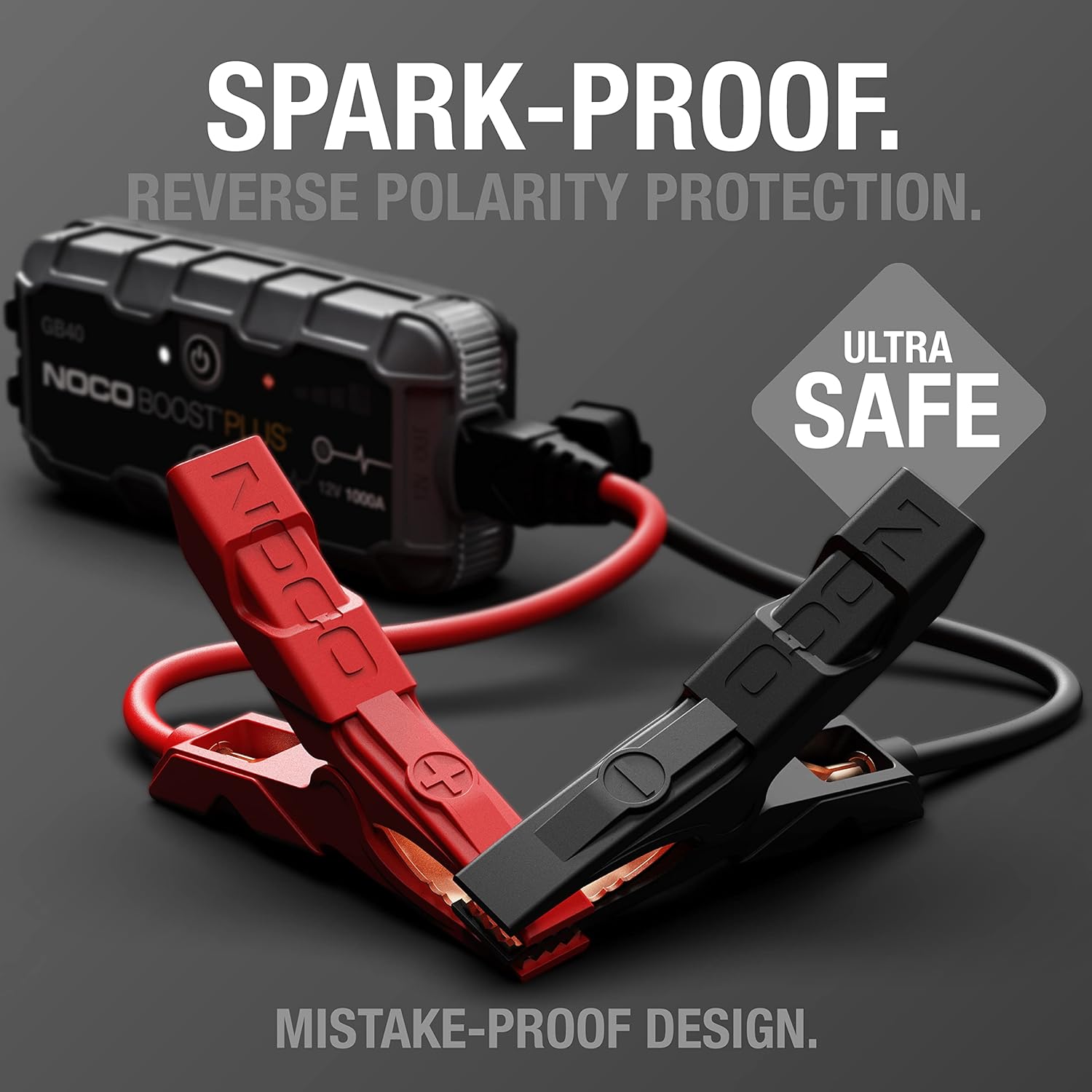
The UltraSafe technology ensures spark-proof connections and reverse polarity protection for safe operation.
Što je u kutiji
Provjerite jesu li sve komponente prisutne i u dobrom stanju:
- GB40 Prijenosni paket za pokretanje automobila
- Teški pojačivač Clamps
- USB-C kabel za punjenje
- Vrećica za pohranu od mikrovlakana
- User Guide for Jump Starter
- Informacije o 1-godišnjem ograničenom jamstvu

All items included in the NOCO Boost GB40 package.
Postavljanje
Početna naplata
Before first use, fully charge the GB40. The unit comes partially charged from the factory. It is recommended to fully charge the unit before use to ensure optimal performance.
- Spojite priloženi USB-C kabel za punjenje na USB-C IN priključak na GB40.
- Drugi kraj USB-C kabela spojite na USB punjač (nije uključen) ili na USB priključak s napajanjem.
- The Charge LEDs will illuminate, indicating the charging status. All four LEDs will be solid white when fully charged.
- Potpuno punjenje obično traje otprilike 3 sata.

Understanding the LED indicators on the GB40 for charge status and operation.
Upute za rad
Skoči Pokretanje vozila
- Spojite Clamps: Attach the heavy-duty booster clamps to the GB40. Ensure a secure connection.
- Spojite na bateriju: Spojite crveni (pozitivni) clamp na pozitivni (+) terminal baterije i crni (negativni) polamp na negativni (-) terminal baterije.
- Uključivanje: Press the Power Button on the GB40. The Power LED will illuminate white. The Charge LEDs will indicate the GB40's battery level.
- Pokreni vozilo: Attempt to start your vehicle. If the vehicle does not start after 1-3 seconds, wait 15-30 seconds and try again.
- Prekini vezu: Once the vehicle starts, disconnect the battery clamps from the vehicle battery first, then disconnect the clamps from the GB40.
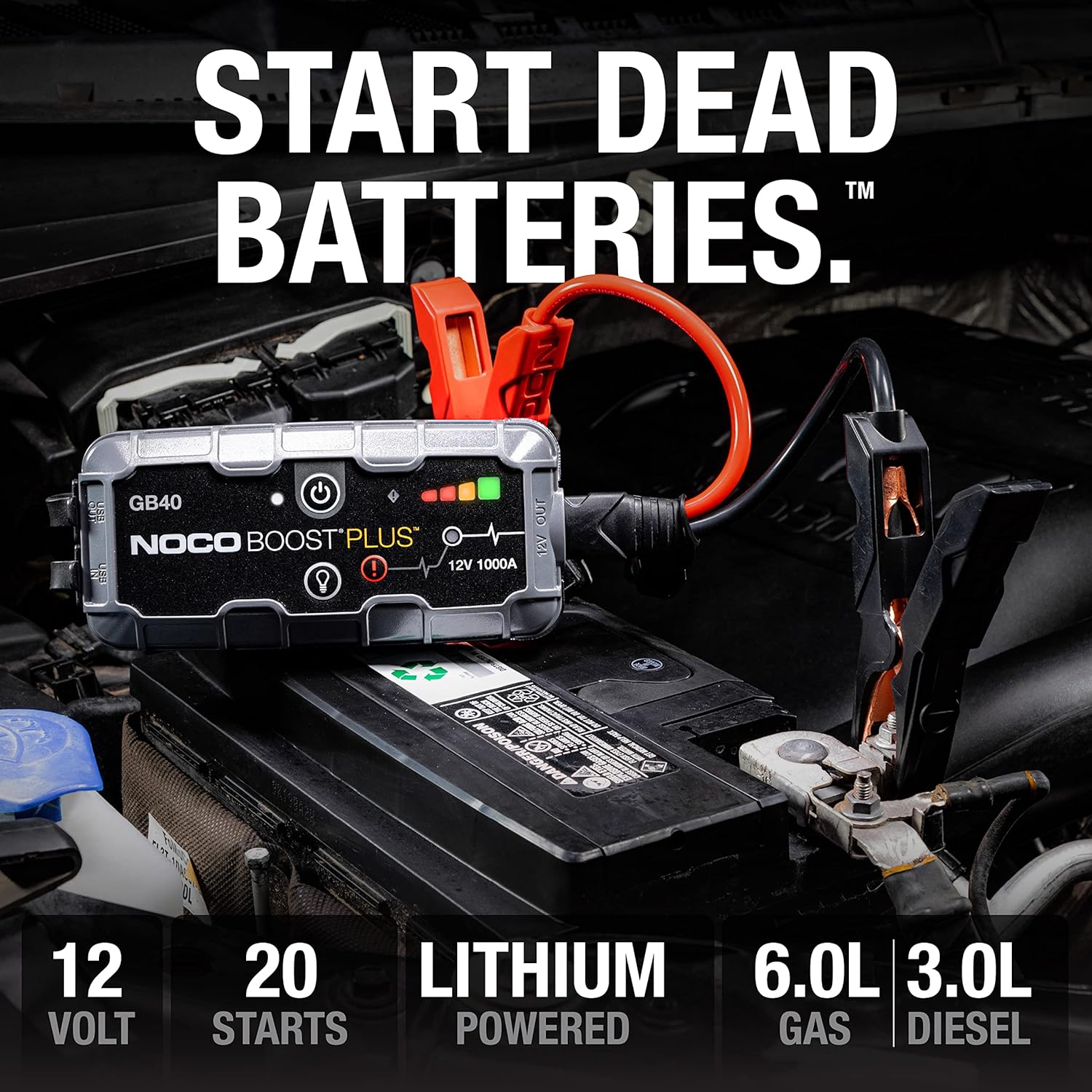
The GB40 is designed to instantly start dead batteries, providing up to 20 jump starts on a single charge for engines up to 6.0L gas and 3.0L diesel.

Simple four-step process for jump starting your vehicle with the GB40.
Koristi se kao prijenosni Power Bank
The GB40 can be used to charge USB devices such as smartphones, tablets, and other portable electronics.
- Connect your device's USB charging cable to the USB OUT port on the GB40.
- GB40 će automatski početi puniti vaš uređaj.

The GB40 functions as a portable power bank with 2.1A USB-A output and 10W USB-C input for recharging.
Using the Integrated LED Flashlight
The GB40 features a powerful 100-lumen LED flashlight with multiple modes for various situations.
- Press the Light Mode Button to cycle through the seven light modes: 100% > 50% > 10% > SOS > Blink > Strobe > Off.
- Hold the Light Mode Button for 3 seconds to activate the SOS or Strobe modes directly.

The integrated 100-lumen LED flashlight offers multiple modes for illumination during repairs, emergencies, or in low-light environments.
Održavanje
- Čišćenje: Clean the exterior of the GB40 with a soft, damp tkanina. Nemojte koristiti jake kemikalije ili abrazivne materijale.
- Skladištenje: Store the GB40 in a cool, dry place when not in use. Avoid extreme temperatures.
- Punjenje: For optimal battery life, recharge the GB40 every 2-3 months, even if not used.
- Održavanje kabela: Pregledajte clamps and cables for any damage before each use. Replace if damaged.
Rješavanje problema
| Problem | Mogući uzrok | Otopina |
|---|---|---|
| GB40 does not turn on. | Baterija je potpuno ispražnjena. | Charge the GB40 using the USB-C cable. |
| Vozilo se ne pokreće pomoću kablova. | Loša veza s terminalima baterije. | Osigurajte clamps are securely connected to clean battery terminals. |
| Vozilo se ne pokreće pomoću kablova. | Battery is severely discharged or damaged. | Try using the Manual Override feature (refer to full user guide for details). If still unsuccessful, the battery may need replacement. |
| LED lampica za grešku treperi. | Spajanje obrnutog polariteta. | Odspojite clamps and reconnect correctly (red to positive, black to negative). |
| LED lampica za grešku treperi. | Otkriven kratki spoj. | Osigurajte clamps are not touching each other or other metal surfaces. |
Tehnički podaci
| Značajka | Detalj |
|---|---|
| Model | GB40 |
| Vrh Ampdoba | 1000 Amps |
| Vrsta baterije | Litij-ionski |
| Voltage | 12 V |
| Kompatibilnost motora | Do 6.0 l benzina, 3.0 l dizela |
| USB izlaz | 2.1 A (USB-A) |
| USB Input (Recharge) | 10 W (USB-C) |
| LED svjetiljka | 100 lumena, 7 načina rada |
| Dimenzije (D x Š x V) | 4.61 cm x 8.19 cm x 4.21 cm |
| Težina artikla | 7.94 unci |
| Vodootpornost | IP65 (Rugged, water-resistant enclosure) |
| Sigurnosne značajke | Spark-Proof, Reverse Polarity Protection |
Jamstvo i podrška
Informacije o jamstvu
The NOCO Boost GB40 comes with a 1-Year Limited Warranty. This warranty covers defects in material and workmanship under normal use. For specific terms and conditions, please refer to the warranty card included in your product packaging or visit the official NOCO webmjesto.
Korisnička podrška
For technical assistance, troubleshooting, or warranty claims, please contact NOCO Customer Support. You can find contact information on the official NOCO webweb-mjestu ili putem prodavača gdje ste kupili proizvod.
Mrežni resursi:
- Official NOCO Webstranica: br.co
- Stranica za podršku proizvoda (ako je dostupna): Pogledajte službenu website for dedicated product support pages, FAQs, and additional resources.
Ask a question about this manual
Ask about setup, troubleshooting, compatibility, parts, safety, or missing instructions. Manuals+ will review the question and use this page’s manual context to help answer it.