
1. Uvod
This manual provides detailed instructions for the installation, configuration, and operation of your Multilaser RE058 150Mbps Wireless Router. Please read this manual carefully before using the device to ensure proper setup and optimal performance. This router offers wireless connectivity at 150Mbps, features a detachable antenna, and includes four LAN ports for wired connections.
2. Sadržaj paketa
Provjerite jesu li svi artikli prisutni u vašem paketu:
- 1x Multilaser RE058 150Mbps Wireless Router
- 1x Power Adapter (Bivolt)
- 1x RJ45 Ethernet Cable
- 1x Detachable Antenna (5 dBi)
- 1x Vodič za brzu instalaciju
3. Proizvod je gotovview
Upoznajte se s portovima i indikatorima rutera.
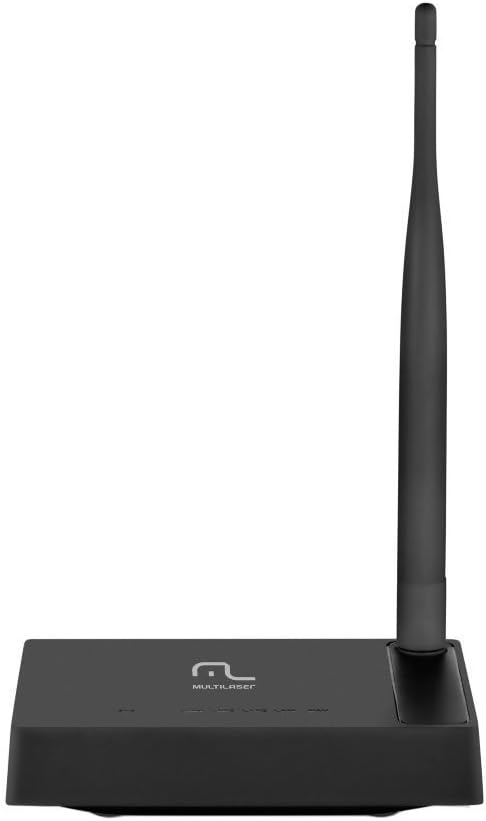
Slika 3.1: straga view of the Multilaser RE058 router, highlighting the WAN port (blue), four LAN ports (yellow/orange), and the power input. The detachable antenna is connected on the left side.
3.1. Pokazatelji na prednjoj ploči
- PWR: Indikator napajanja. Svijetli kada je uređaj uključen.
- WAN: Wide Area Network indicator. Lit when connected to the internet. Blinks during data transmission.
- LAN1-LAN4: Local Area Network indicators. Lit when a device is connected to the corresponding LAN port. Blinks during data transmission.
3.2. Priključci na stražnjoj ploči
- WAN priključak (plavi): Povezuje se s vašim modemom ili mrežom davatelja internetskih usluga.
- LAN priključci (1-4): Povezuje se s žičanim uređajima poput računala, igraćih konzola ili pametnih televizora.
- Ulazna snaga: Spaja se na priloženi adapter za napajanje.
- Priključak za antenu: For attaching the detachable antenna.
- Gumb za resetiranje: Used to restore factory default settings. Press and hold for approximately 5-10 seconds while the router is powered on.
4. Postavljanje
Follow these steps to set up your Multilaser RE058 router:
- Spojite antenu: Screw the detachable antenna clockwise onto the antenna connector at the back of the router until it is secure.
- Spajanje na modem: Use the provided RJ45 Ethernet cable to connect your modem's LAN port to the plavi WAN priključak na ruteru.
- Uključivanje: Connect the power adapter to the router's power input and then plug the adapter into an electrical outlet. The PWR indicator should light up.
- Spojite uređaje (opcionalno žičano): For wired connections, use additional Ethernet cables to connect your computers or other devices to the yellow LAN ports (1-4) na ruteru.
- Pričekajte inicijalizaciju: Allow a few minutes for the router to power on and initialize. The WAN indicator should light up, indicating an internet connection.
- Pristup sučelju usmjerivača: Otvori a web browser on a connected computer or device. In the address bar, type the router's default IP address (usually
192.168.0.1or192.168.1.1) and press Enter. Refer to the Quick Installation Guide for the exact default IP and login credentials. - Početna konfiguracija: Follow the on-screen instructions in the router's web interface to set up your internet connection type (DHCP, Static IP, PPPoE, etc.) and configure your wireless network (SSID and password). The router software is available in Portuguese for easier setup.
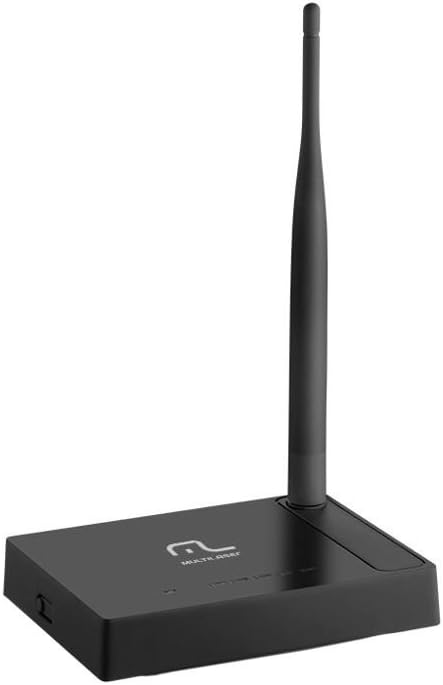
Slika 4.1: Bočna strana view of the Multilaser RE058 router, showing the detachable antenna securely connected and standing upright.
5. Operativni
This section covers the basic operation and features of your router.
5.1. Wireless Network (Wi-Fi)
After initial setup, your wireless network will be active. To connect devices:
- Na svom uređaju (pametnom telefonu, prijenosnom računalu, tabletu) potražite dostupne Wi-Fi mreže.
- Odaberite naziv mreže (SSID) koji ste konfigurirali tijekom postavljanja.
- Enter the Wi-Fi password (security key) when prompted.
5.2. Žičana mreža
Devices connected to the LAN ports will automatically obtain an IP address from the router and gain internet access (if the WAN connection is active).
5.3. Repeater Function
The Multilaser RE058 can function as a wireless repeater to extend the range of an existing Wi-Fi signal. This mode needs to be configured via the router's web interface. Consult the full user manual or the router's online help for detailed steps on configuring repeater mode.
5.4. Napredne značajke
Ruterov web interface provides access to advanced settings, including:
- WAN tip: DHCP, Static IP, PPPoE, L2TP, PPTP, Dual Access, WISP.
- Virtual Servers, Port Triggering, UPnP, DMZ: For advanced network configurations and port forwarding.
- Kontrola pristupa: IP/MAC/Domain Filtering to manage network access.
- VPN prolaz: PPTP, L2TP, IPSec for VPN connections.
- Dynamic DNS, Static Routing, WOL (Wake-on-LAN): Additional network utilities.
- Ažuriranje firmvera: Keep your router's software up-to-date for improved performance and security.
6. Održavanje
Kako biste osigurali dugotrajnost i optimalne performanse vašeg rutera:
- Keep the router in a cool, dry place, away from direct sunlight and heat sources.
- Osigurajte odgovarajuću ventilaciju oko uređaja.
- Vanjski dio očistite mekom, suhom krpom. Ne koristite tekuća sredstva za čišćenje.
- Regularly check for and install firmware updates from the Multilaser website to enhance security and features.
- Periodically restart the router (unplug and replug the power adapter) to refresh its connection and clear temporary issues.
7. Rješavanje problema
Ako naiđete na probleme, isprobajte ova uobičajena rješenja:
7.1. Nema pristupa internetu
- Check all cable connections (WAN, LAN, Power). Ensure they are securely plugged in.
- Provjerite radi li vaš modem ispravno i ima li aktivnu internetsku vezu.
- Restart both your modem and router. Unplug their power adapters, wait 30 seconds, then plug the modem back in. Once the modem is fully online, plug the router back in.
- Prijavite se na ruter web interface and check the WAN status. Ensure your internet connection type (DHCP, PPPoE, etc.) is correctly configured.
7.2. Ne mogu se povezati s Wi-Fi mrežom
- Ensure the router is powered on and the wireless indicator is active.
- Provjerite jeste li odabrali ispravnu Wi-Fi mrežu (SSID) i unijeli ispravnu lozinku.
- Približite se ruteru kako biste isključili probleme s dometom.
- Pokušajte ponovno pokrenuti ruter.
7.3. Spora brzina interneta
- Ensure your router is placed in a central location, away from obstructions and interference sources (e.g., microwaves, cordless phones).
- Provjerite koriste li više uređaja intenzivno mrežu.
- Ažurirajte firmware vašeg rutera.
- Contact your Internet Service Provider (ISP) to check your internet line speed.
7.4. Forgot Router Login Password
If you forget the router's login password, you can perform a factory reset. Locate the Reset button on the rear panel. With the router powered on, use a paperclip or similar pointed object to press and hold the Reset button for approximately 5-10 seconds until the indicators flash. The router will restart with factory default settings, and you can then log in using the default credentials (usually found on a sticker on the router or in the Quick Installation Guide).
8. Specifikacije
| Značajka | Detalj |
|---|---|
| Marka | Multilaser |
| Model | RE058 |
| Bežični standardi | IEEE 802.11b, IEEE 802.11g, IEEE 802.11n |
| Frekvencijski pojas | 2.4 - 2.4835 GHz (Single-Band) |
| Brzina prijenosa podataka | Do 150 Mbps |
| Antena | 1x Detachable, 5 dBi |
| Ethernet priključci | 1x 10/100Mbps Auto MDI/MDIX RJ45 WAN Port, 4x 10/100Mbps Auto MDI/MDIX RJ45 LAN Ports |
| Napajanje | DC 9V/500mA (Output), Bivolt input |
| Snaga prijenosa | 20dBm (MAX) |
| Kompatibilni uređaji | Notebook, Smartphone, Tablet |
| Značajke softvera | DHCP, Static IP, PPPoE, L2TP, PPTP, Dual Access, WISP, Virtual Servers, Port Triggering, UPnP, DMZ, FTP Private Port, Access Control (IP/MAC/Domain Filtering), VPN Pass-through, Dynamic DNS, Static Routing, WOL, Backup & Restore, Firmware Update. |
9. Jamstvo i podrška
This Multilaser RE058 Wireless Router comes with a Jamstvo 7 godine koje je osigurao proizvođač. Molimo sačuvajte dokaz o kupnji za potrebe jamstvenog zahtjeva.
For technical support, troubleshooting assistance, or warranty inquiries, please contact Multilaser customer service. Refer to the official Multilaser website or the Quick Installation Guide for up-to-date contact information.