
1. Uvod
This manual provides essential information for the safe and effective use of your Fujifilm Fujinon XC15-45mmF3.5-5.6 OIS PZ Lens. Please read this manual thoroughly before using the lens and keep it in a safe place for future reference.
2. Proizvod je gotovview
The Fujifilm Fujinon XC15-45mmF3.5-5.6 OIS PZ is a compact and lightweight electric-powered zoom lens designed for Fujifilm X-mount cameras. It offers a versatile focal range equivalent to 23-69mm in 35mm format, making it suitable for a variety of photographic situations from wide-angle landscapes to portraits. The lens features Optical Image Stabilization (OIS) to reduce camera shake and a minimum working distance of 5cm for close-up photography.
Ključne karakteristike:
- Žarišna duljina: 15-45mm (23-69mm equivalent in 35mm format)
- Raspon otvora blende: f/3.5-5.6 to f/22
- Optička stabilizacija slike (OIS): Integrated for sharper images.
- Power Zoom (PZ): Electric-powered zoom mechanism for smooth operation.
- Minimalna udaljenost fokusa: 5cm (at 15mm wide-angle)
- Veličina filtra: 52 mm
- Težina: Otprilike 136 g (4.8 oz)
- Kompatibilna montaža: Fujifilm X-mount
Lens Components:

Slika 1: Ispred view of the Fujifilm Fujinon XC15-45mmF3.5-5.6 OIS PZ Lens. Shows the front element, filter thread, and the 15-45mm focal length marking.
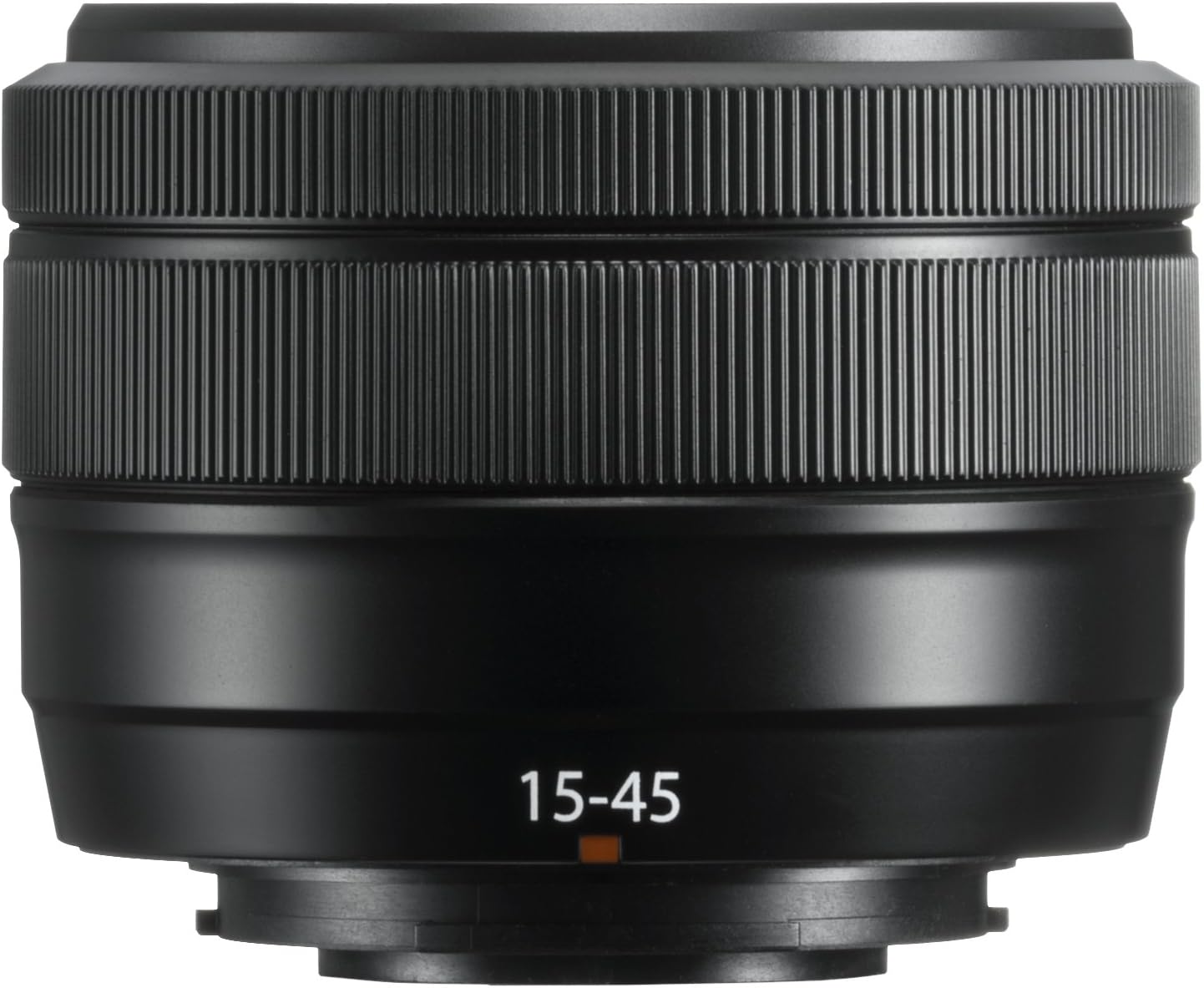
Slika 2: Pod kutom view of the Fujifilm Fujinon XC15-45mmF3.5-5.6 OIS PZ Lens. Highlights the zoom ring, focus ring, and lens barrel markings including "SUPER EBC XC 15-45mm 1:3.5-5.6 OIS PZ Ø52".
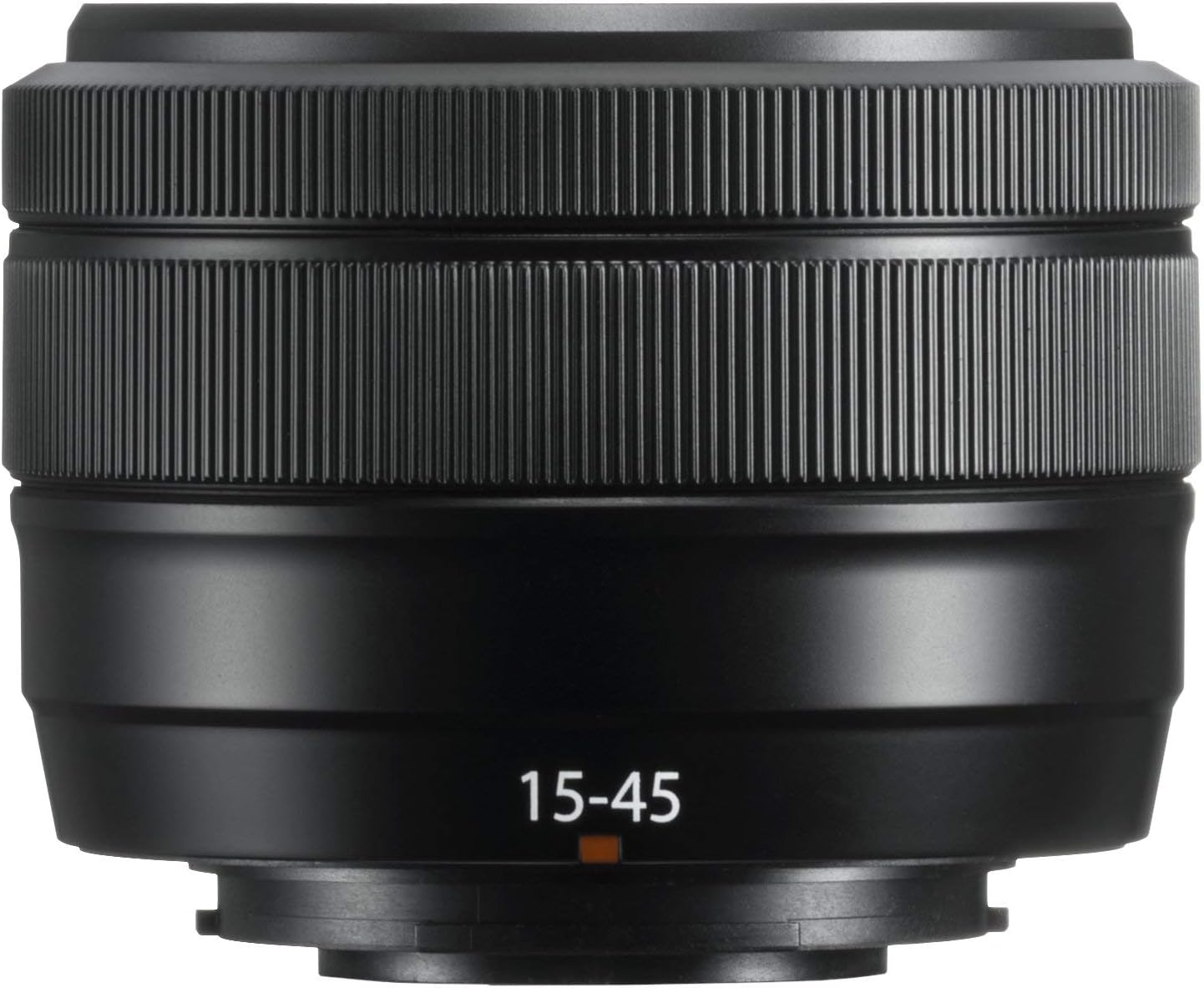
Slika 3: The Fujifilm Fujinon XC15-45mmF3.5-5.6 OIS PZ Lens shown in its extended position, demonstrating the power zoom mechanism.
3. Postavljanje
Pričvršćivanje objektiva:
- Provjerite je li fotoaparat isključen.
- Uklonite stražnji poklopac objektiva i poklopac kućišta fotoaparata.
- Poravnajte bijele oznake za montažu na objektivu i kućištu fotoaparata.
- Umetnite objektiv u nosač kamere i okrećite ga u smjeru kazaljke na satu dok ne klikne na svoje mjesto.
Odvajanje leće:
- Provjerite je li fotoaparat isključen.
- Dok držite pritisnut gumb za otpuštanje objektiva na kućištu fotoaparata, okrećite objektiv u smjeru suprotnom od kazaljke na satu dok se ne zaustavi.
- Remove the lens and attach the front and rear lens caps.
Poklopci objektiva:
Always attach the front and rear lens caps when the lens is not in use to protect the glass elements from dust and scratches.
4. Upravljanje objektivom
Power Zoom Operation:
This lens features an electric-powered zoom mechanism. When the camera is turned on, the lens will automatically extend to its shooting position. To zoom, rotate the zoom ring on the lens barrel. The speed of the zoom can vary based on how quickly the ring is turned. The lens will retract when the camera is turned off.
Fokusiranje:
The lens supports autofocus (AF) and manual focus (MF). The focus mode is typically controlled via your camera body settings. In AF mode, the camera will automatically adjust focus. In MF mode, rotate the focus ring on the lens barrel to adjust focus manually.
Optička stabilizacija slike (OIS):
The lens is equipped with Optical Image Stabilization to compensate for camera shake, especially useful in low light conditions or when shooting at longer focal lengths. OIS is typically activated and controlled through your camera's menu settings.
Podešavanje otvora blende:
This lens does not have a dedicated aperture ring. Aperture settings are adjusted electronically via the camera's control dial or menu system. Refer to your camera's instruction manual for specific details on adjusting aperture.
5. Održavanje
Čišćenje leće:
- Za uklanjanje prašine s površine leće koristite četku s puhalom.
- Za mrlje ili otiske prstiju upotrijebite meku, čistu krpu od mikrovlakana posebno dizajniranu za optičke leće. Nanesite malu količinu otopine za čišćenje leća na krpu, a ne izravno na leću.
- Nikada ne koristite organska otapala kao što su razrjeđivač ili benzen za čišćenje leće.
Skladištenje:
- Store the lens with both front and rear caps attached in a cool, dry place away from direct sunlight.
- Izbjegavajte skladištenje leće u prostorima s visokom vlagom kako biste spriječili rast plijesni.
- If storing for extended periods, consider using a desiccant.
Mjere opreza pri rukovanju:
- This lens is not weather-resistant. Avoid exposure to rain, snow, or high humidity.
- Do not apply excessive force to the lens barrel or rings.
- Protect the lens from strong impacts or drops.
6. Rješavanje problema
Lens Not Extending/Retracting:
- Ensure the camera battery is sufficiently charged. The power zoom mechanism requires power to operate.
- Check for any obstructions around the lens barrel.
- If the issue persists, try detaching and reattaching the lens.
Problemi s autofokusom:
- Ensure the camera's focus mode is set to AF.
- Check for sufficient light in the scene. Autofocus may struggle in very dark conditions.
- Očistite kontakte objektiva i na objektivu i na tijelu fotoaparata.
Problemi s kvalitetom slike:
- Provjerite jesu li elementi objektiva čisti i bez prašine ili mrlja.
- Verify camera settings such as ISO, shutter speed, and aperture are appropriate for the shooting conditions.
- Provjerite je li objektiv sigurno pričvršćen na tijelo fotoaparata.
For further troubleshooting or issues not covered here, please refer to your camera's instruction manual or contact Fujifilm customer support.
7. Specifikacije
| Marka | Fujifilm |
| Naziv modela | XC15-45mmF3.5-5.6 OIS PZ Lens Black |
| Žarišna duljina | 15-45 milimetara |
| 35 mm ekvivalentna žarišna duljina | 23-69 milimetara |
| Maksimalni otvor blende | f/3.5-5.6 |
| Minimalni otvor blende | f/22 |
| Vrsta objektiva | Wide Angle, Telephoto, Zoom |
| Kompatibilni nosači | Fujifilm X |
| Vrsta fokusa | Automatski fokus |
| Stabilizacija slike | Optički (OIS) |
| Veličina foto filtra | 52 milimetara |
| Minimalna radna udaljenost | 5 cm |
| Težina artikla | 0.6 funte (približno 136 g) |
| Boja | Crna |
| Razina vodootpornosti | Nije vodootporan |
8. Jamstvo i podrška
Informacije o jamstvu:
This Fujifilm Fujinon XC15-45mmF3.5-5.6 OIS PZ Lens comes with a 1-godišnje jamstvo proizvođačaMolimo sačuvajte dokaz o kupnji za reklamacije u jamstvenom roku. Jamstvo pokriva nedostatke u materijalu i izradi pri normalnoj uporabi.
Korisnička podrška:
For technical assistance, service, or warranty inquiries, please contact Fujifilm customer support. Contact information can typically be found on the official Fujifilm webweb-mjestu ili u jamstvenoj dokumentaciji koja je priložena uz vaš proizvod.


