
1. Uvod
This manual provides comprehensive instructions for the Huawei P Smart Plus 2019 smartphone. It covers essential information regarding product features, setup, operation, maintenance, and troubleshooting to ensure optimal use of your device. Please read this manual thoroughly before using your smartphone.
2. Proizvod je gotovview
Familiarize yourself with the physical components of your Huawei P Smart Plus 2019 smartphone.
Slika 2.1: Stražnji view of the Huawei P Smart Plus 2019 smartphone, showing the triple camera module, fingerprint sensor, and HUAWEI branding.
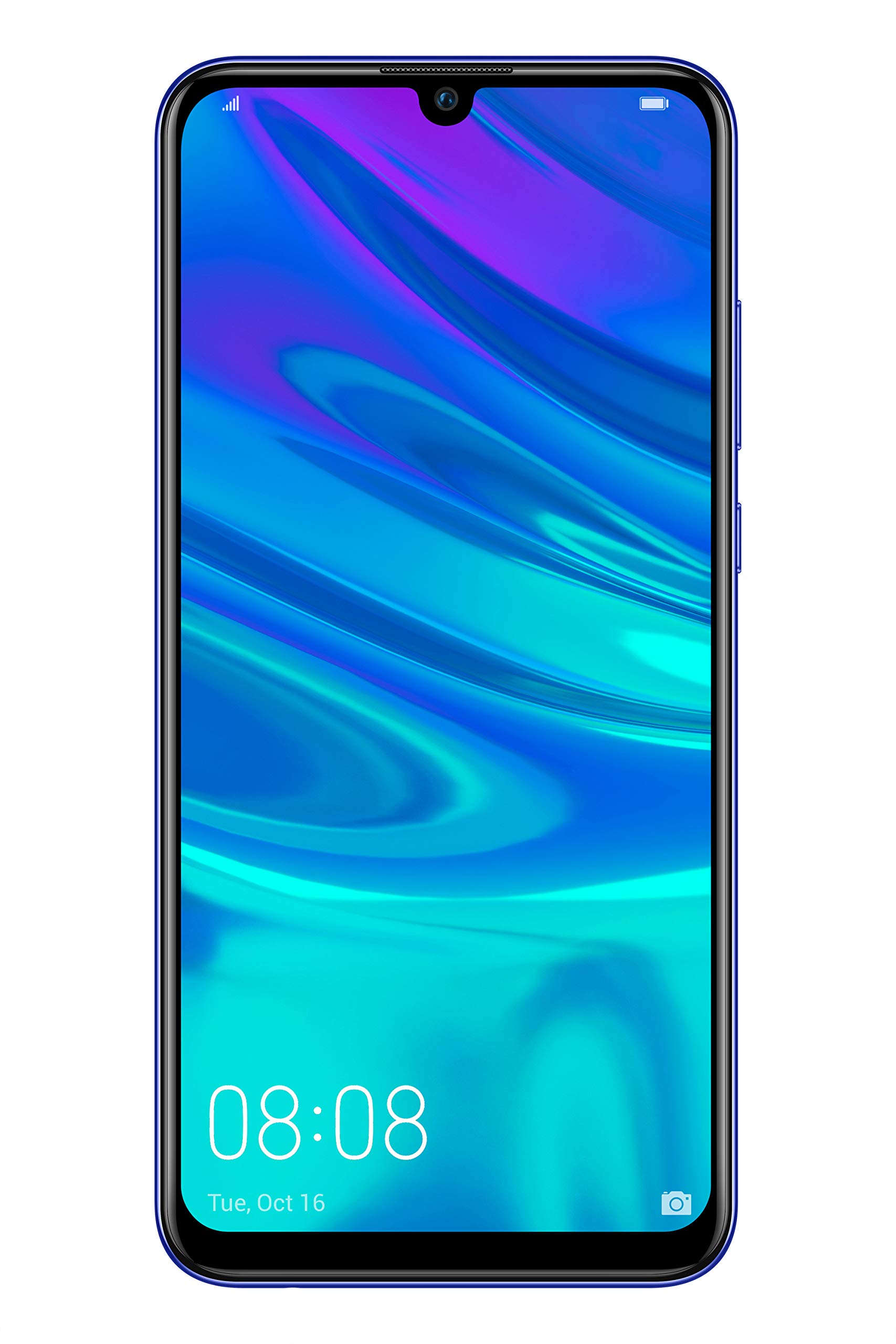
Slika 2.2: Ispred view of the Huawei P Smart Plus 2019 smartphone, displaying the 6.21-inch screen with a small notch for the front camera.

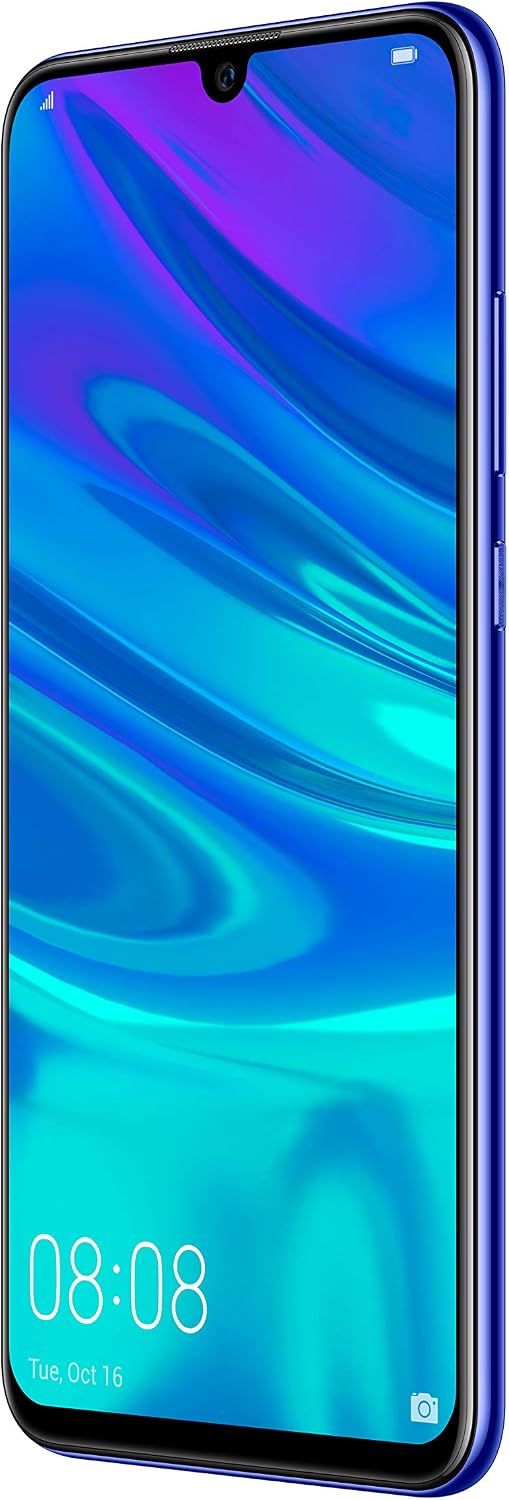
Slika 2.3: Strana view of the Huawei P Smart Plus 2019 smartphone, highlighting the power and volume buttons.
Ključne komponente:
- Prikaz: 6.21-inch FHD+ LCD screen.
- Prednja kamera: Nalazi se u utoru na zaslonu.
- Stražnje kamere: Triple camera module on the back.
- Senzor otiska prsta: Circular sensor on the rear panel.
- Gumb za napajanje: Na desnoj strani uređaja.
- Gumbi za glasnoću: Above the power button on the right side.
- Utor za SIM/MicroSD karticu: Typically on the left side or top edge.
- Priključak za punjenje: USB Type-C, usually at the bottom.
- Zvučnik/mikrofon: Smješten na dnu.
3. Postavljanje
3.1 Umetanje SIM i MicroSD kartica
- Pronađite ladicu za SIM karticu sa strane uređaja.
- Umetnite alat za izbacivanje SIM kartice u malu rupu pored ladice da biste je otvorili.
- Place your Nano-SIM card(s) and/or microSD card into the tray, ensuring correct orientation as indicated on the tray. This device supports Dual SIM functionality and expandable storage up to 512GB.
- Pažljivo gurnite ladicu natrag u utor dok ne bude u ravnini s uređajem.
3.2 Početno uključivanje i punjenje
- To power on, press and hold the Power button until the HUAWEI logo appears.
- Slijedite upute na zaslonu za dovršetak početnog postavljanja, uključujući odabir jezika, Wi-Fi vezu i postavljanje Google računa.
- Before first use, it is recommended to fully charge the device. Connect the provided USB Type-C cable to the phone's charging port and the other end to a power adapter.
4. Upute za rad
4.1 Osnovne funkcije
- Power On/Off/Restart: Press and hold the Power button. Select the desired option from the menu.
- Zaključavanje/otključavanje zaslona: Press the Power button to lock/unlock the screen. Use Face Recognition or the Fingerprint Sensor for secure unlocking.
- Pozivi i poruke: Use the Phone and Messaging applications for communication.
- Mrežna povezanost: Access Wi-Fi settings from the Quick Settings panel or Settings app. Enable mobile data for internet access via your SIM card.
4.2 Korištenje kamere
The Huawei P Smart Plus 2019 features a versatile camera system.
- Stražnja kamera: The triple camera setup includes a 24MP main sensor, a 16MP ultra-wide sensor, and a 2MP bokeh sensor. Open the Camera app and select modes like Automatic, Portrait, or Sport.
- Prednja kamera: An 8MP front camera is available for selfies and video calls. Switch to the front camera within the Camera app.
- AI značajke: The camera utilizes AI to optimize scene recognition and enhance photo quality.
4.3 Pohrana i memorija
Your device comes with 64GB of internal storage, which can be expanded up to 512GB using a microSD card. It has 3GB of RAM for smooth multitasking.
4.4 Upravljanje baterijom
The device is equipped with a 3400 mAh Lithium-Polymer battery. To optimize battery life, manage background apps, adjust screen brightness, and utilize power-saving modes available in the Settings app.
4.5 Operativni sustav
The smartphone runs on Android 9 (Pie) with Huawei's EMUI 9 interface, offering a range of features and customization options.
5. Održavanje
5.1 Čišćenje uređaja
Use a soft, lint-free cloth to gently wipe the screen and body of your phone. Avoid using harsh chemicals or abrasive materials, which can damage the device's finish or screen coating.
5.2 Ažuriranja softvera
Regularly check for and install software updates to ensure your device has the latest features, security patches, and performance improvements. You can usually find this option in Settings > System > Software update.
5.3 Njega baterija
To prolong battery lifespan, avoid extreme temperatures. Do not leave the phone fully charged or fully discharged for extended periods. Use only approved chargers and cables.
5.4 Sigurnosna kopija podataka
Redovito izrađujte sigurnosne kopije važnih podataka (fotografija, kontakata, dokumenata) na uslugu u oblaku ili na računalo kako biste spriječili gubitak podataka.
6. Rješavanje problema
This section addresses common issues you might encounter with your Huawei P Smart Plus 2019.
6.1 Uređaj se ne uključuje
- Provjerite je li baterija napunjena. Spojite punjač i pričekajte nekoliko minuta prije nego što pokušate uključiti uređaj.
- Pritisnite i držite gumb za napajanje najmanje 10-15 sekundi za prisilno ponovno pokretanje.
6.2 Loše trajanje baterije
- Zatvorite nekorištene aplikacije koje rade u pozadini.
- Smanjite svjetlinu zaslona i postavite kraće vrijeme isključivanja zaslona.
- Isključite Wi-Fi, Bluetooth i GPS kada ih ne koristite.
- Provjerite potrošnju baterije u Postavkama kako biste prepoznali aplikacije koje troše puno energije.
6.3 Network Issues (No Signal/Wi-Fi Disconnection)
- Ponovno pokrenite uređaj.
- Ensure your SIM card is correctly inserted and your mobile data plan is active.
- For Wi-Fi, try restarting your router. Forget the network on your phone and reconnect.
6.4 Rušenje ili zamrzavanje aplikacija
- Prisilno zatvorite aplikaciju i ponovno je otvorite.
- Izbrišite predmemoriju i podatke aplikacije u Postavkama > Aplikacije.
- Provjerite je li aplikacija ažurirana na najnoviju verziju.
- Ako se problem nastavi, razmislite o deinstaliranju i ponovnoj instalaciji aplikacije.
6.5 Vraćanje na tvorničke postavke (zadnja opcija)
If other troubleshooting steps fail, a factory reset may resolve persistent issues. Upozorenje: This will erase all data on your device. Back up your data before proceeding. Go to Settings > System > Reset > Factory data reset.
7. Specifikacije
| Značajka | Detalj |
|---|---|
| Broj modela | POT-LX1T, 51093RVX |
| Prikaz | 6.21 inches, LCD, FHD+ (2340 x 1080 pixels), 415 PPI |
| Procesor | Kirin 710 Octa-core (4 x 2.2 GHz, 4 x 1.7 GHz) |
| OVAN | 3 GB |
| Unutarnja pohrana | 64 GB |
| Proširiva pohrana | MicroSD do 512 GB |
| Stražnja kamera | Triple: 24 MP (main) + 16 MP (ultra-wide) + 2 MP (bokeh) |
| Prednja kamera | 8 MP |
| Baterija | 3400 mAh litij-polimer |
| Operativni sustav | Android 9 (Pie) with EMUI 9 |
| Vrsta SIM kartice | Nano-SIM (podrška za dvije SIM kartice) |
| Povezivost | LTE, GSM, Wi-Fi, Bluetooth, USB Type-C |
| Biometrijska sigurnost | Fingerprint Sensor, Face Recognition |
| Dimenzije | 8 x 155 x 73 mm |
| Težina | 160 grama |
| Prosječno trajanje baterije | 25 sata |
8. Sigurnosne informacije
Molimo vas da se pridržavate sljedećih sigurnosnih uputa kako biste spriječili ozljede ili oštećenje uređaja:
- Ne izlažite uređaj ekstremnim temperaturama, izravnoj sunčevoj svjetlosti ili vlazi.
- Koristite samo odobrene punjače i dodatnu opremu.
- Izbjegavajte ispuštanje ili izlaganje uređaja jakim udarcima.
- Ne pokušavajte sami rastavljati ili popravljati uređaj. Obratite se ovlaštenom servisnom osoblju.
- Držite uređaj dalje od medicinskih uređaja kako biste izbjegli interferenciju.
- Uređaj i njegovu bateriju odložite odgovorno u skladu s lokalnim propisima.
9. Jamstvo i podrška
Your Huawei P Smart Plus 2019 smartphone is covered by a limited warranty. For detailed warranty terms and conditions, please refer to the warranty card included in the product packaging or visit the official HUAWEI webmjesto.
For technical support, service, or further assistance, please contact HUAWEI customer service or visit an authorized service center. Contact information can typically be found on the official HUAWEI support webmjesto.