
BANNER ENGINEERING S18AW3FF50
S18AW3FF50 EZ-Beam S18 Series Photoelectric Sensor User Manual
Model: S18AW3FF50 | Brand: BANNER ENGINEERING
1. Uvod
This manual provides essential information for the installation, operation, and maintenance of the BANNER ENGINEERING S18AW3FF50 EZ-Beam S18 Series Photoelectric Sensor. This sensor is designed for reliable object detection in industrial environments, featuring a 50 mm range, 20-250VAC input, and SPST solid-state light operate output.
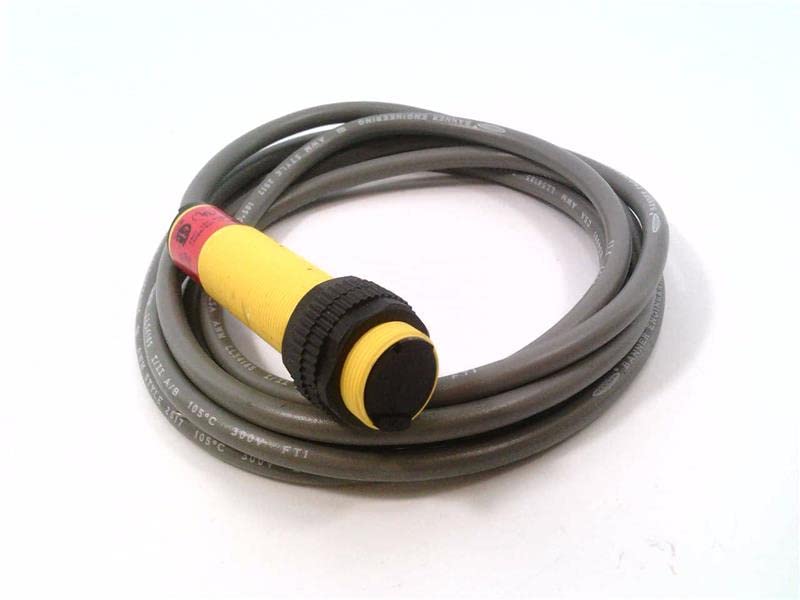
Figure 1: BANNER ENGINEERING S18AW3FF50 Photoelectric Sensor with coiled cable.
2. Postavljanje i instalacija
Pravilna instalacija je ključna za optimalne performanse i sigurnost. Pažljivo slijedite ove korake.
2.1 Raspakiranje i pregled
- Carefully remove the sensor from its packaging.
- Inspect the sensor for any visible damage that may have occurred during shipping.
- Provjerite jesu li prisutne sve komponente navedene u pakiranju.
2.2 Montaža senzora
The S18AW3FF50 sensor is designed for easy mounting. Ensure the mounting surface is stable and free from excessive vibration.
- Select a mounting location that provides clear line-of-sight for the sensor's detection range (50 mm).
- Secure the sensor using appropriate mounting hardware (not included). The sensor features a threaded barrel for secure attachment.
- Ensure the sensor is oriented correctly for the intended detection application.
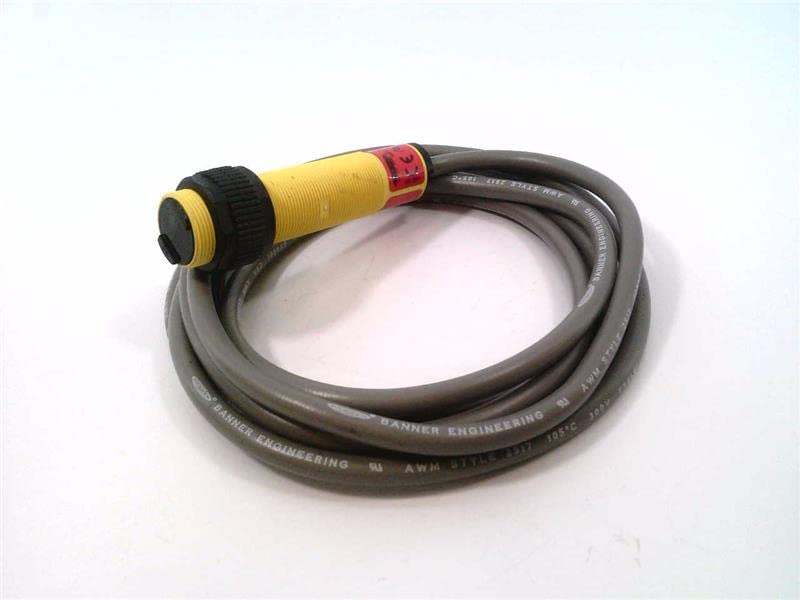
Slika 2: Bočna strana view of the S18AW3FF50 sensor, showing the threaded barrel and cable.
2.3 Električni priključci
UPOZORENJE: Disconnect all power before making electrical connections to prevent electric shock or damage to the equipment.
The S18AW3FF50 operates on 20-250VAC input and provides an SPST Solid-State Light Operate output. The sensor comes with a 2M (6.5FT) cable.
| Boja žice | Funkcija |
|---|---|
| Smeđa | AC Line (L1) |
| Plava | AC Neutral (L2) |
| Crna | Output (SPST Light Operate) |
Connect the sensor wires to the control circuit according to the provided wiring diagram and local electrical codes. Ensure all connections are secure.
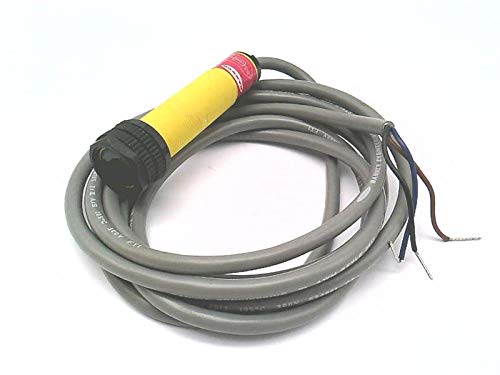
Figure 3: S18AW3FF50 sensor showing the cable with exposed wires for electrical connection.
3. Operacija
Once installed and wired, the S18AW3FF50 sensor is ready for operation.
3.1 Uključivanje
Apply power to the sensor (20-250VAC). The sensor will typically have an indicator LED (if present) to show power status and output state.
3.2 Detection Principle
The S18AW3FF50 is a photoelectric sensor operating in a fixed field mode. It emits a light beam and detects objects based on the reflection or interruption of this beam. The "Light Operate" output means the output will be active when light is received by the sensor (i.e., when an object is detected or not detected, depending on the specific fixed field configuration).
3.3 Range and Performance
The sensor has a specified detection range of 50 mm. Ensure that objects to be detected fall within this range for reliable operation. Environmental factors such as dust, moisture, and ambient light can affect performance.
4. Održavanje
The S18AW3FF50 sensor is designed for low maintenance. Regular checks can ensure long-term reliable operation.
4.1 Čišćenje
- Periodically clean the sensor lens and housing to remove dust, dirt, or debris that may accumulate and interfere with detection.
- Use a soft, lint-free cloth and a mild cleaning solution if necessary. Avoid abrasive cleaners or solvents.
4.2 Pregled kabela i priključaka
- Regularly inspect the sensor cable for any signs of wear, cuts, or damage.
- Check electrical connections to ensure they remain secure and free from corrosion.
5. Rješavanje problema
This section provides solutions to common issues encountered with the S18AW3FF50 sensor.
| Problem | Mogući uzrok | Otopina |
|---|---|---|
| Sensor not powering on | No power supply; Incorrect wiring; Damaged sensor. | Verify power supply (20-250VAC); Check wiring against Table 1; Replace sensor if damaged. |
| Sensor not detecting objects | Object out of range (50 mm); Dirty lens; Misalignment; Ambient light interference. | Ensure object is within 50 mm range; Clean sensor lens; Realign sensor; Shield sensor from strong ambient light. |
| Povremeno otkrivanje | Vibration; Loose connections; Fluctuating power. | Secure sensor mounting; Check all electrical connections; Ensure stable power supply. |
6. Specifikacije
Key technical specifications for the BANNER ENGINEERING S18AW3FF50 Photoelectric Sensor.
- Model: S18AW3FF50
- Niz: EZ-Beam S18 Series
- Raspon detekcije: 50 mm
- Ulazni voltage: 20-250VAC
- Vrsta izlaza: SPST Solid-State Light Operate
- Duljina kabela: 2 M (6.5 FT)
- Vrsta senzora: Photoelectric, Fixed Field
- Proizvođač: BANNER ENGINEERING
- ASIN: B07RZTBRLS
- Datum prve dostupnosti: 3. prosinca 2021
7. Jamstvo i podrška
For warranty information and technical support, please contact BANNER ENGINEERING directly or refer to their official webmjesto.
Politika povrata: The product may be subject to a return policy of 30 days for refund/replacement, as per the seller's terms.
Proizvođač: BANNER ENGINEERING
Za dodatnu pomoć posjetite BANNER ENGINEERING official webmjesto.
Ask a question about this manual
Ask about setup, troubleshooting, compatibility, parts, safety, or missing instructions. Manuals+ will review the question and use this page’s manual context to help answer it.