
Apple AirPods Pro
Apple AirPods Pro Wireless Earbuds User Manual
Uvod
Welcome to your Apple AirPods Pro. These advanced wireless earbuds offer Active Noise Cancellation, Transparency Mode, and adaptive equalization for an immersive audio experience. This manual provides essential information for setting up, operating, maintaining, and troubleshooting your device.
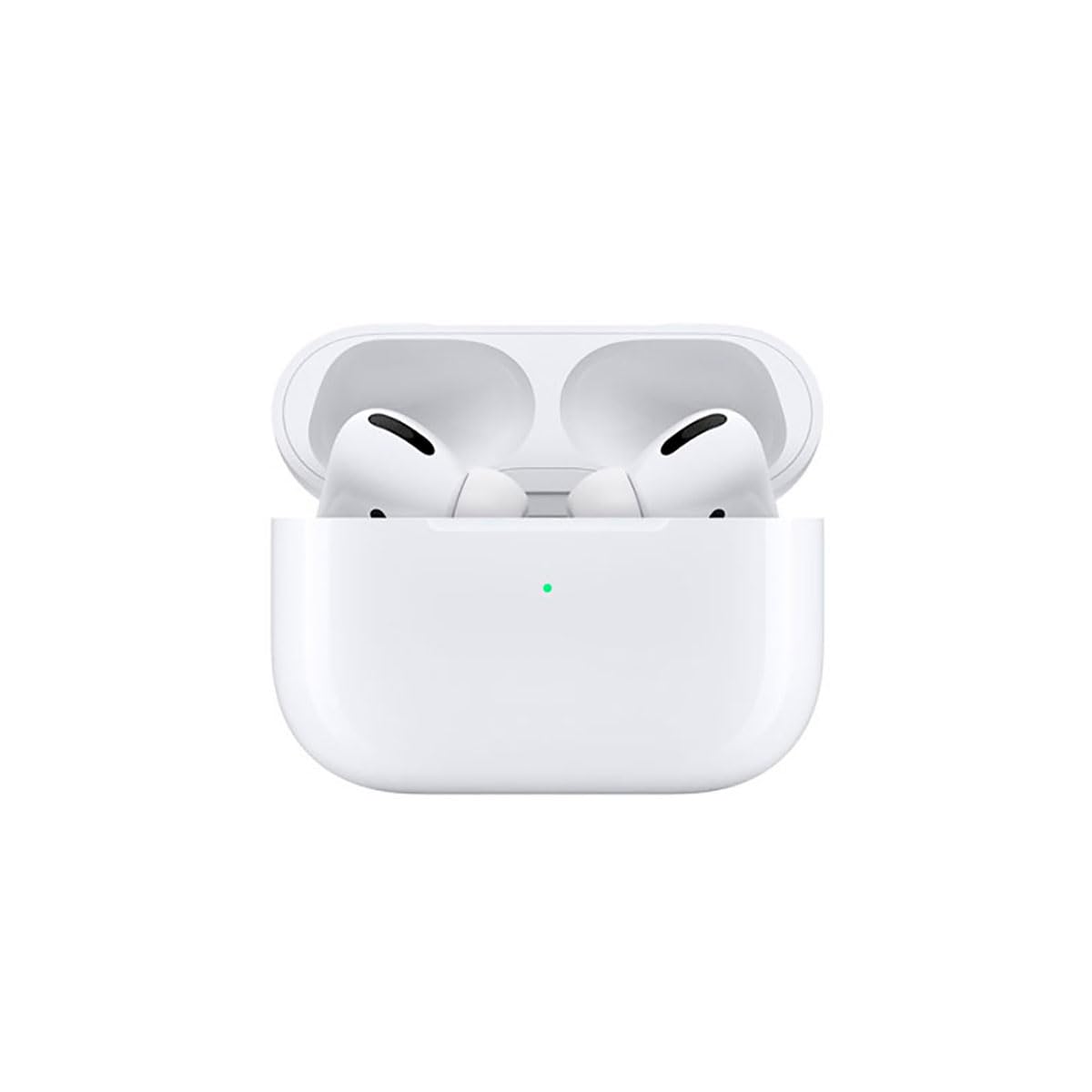
Image: A person wearing Apple AirPods Pro earbuds, demonstrating their use in a daily setting.
1. Početak
1.1 Raspakiranje i punjenje
Your AirPods Pro come with a Wireless Charging Case, silicone ear tips in three sizes, and a Lightning to USB-C cable.
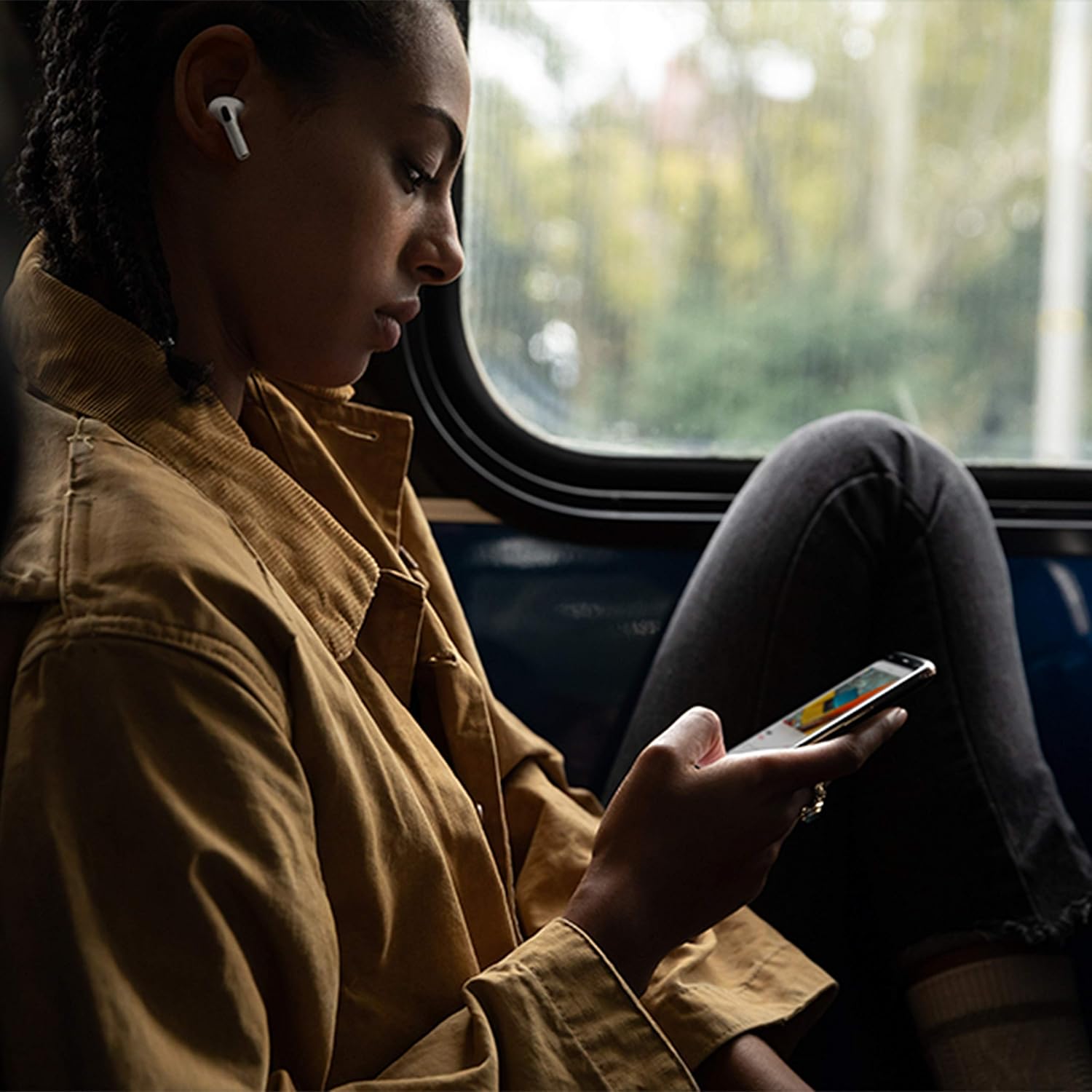
Image: Apple AirPods Pro earbuds inside their wireless charging case, with the status indicator light visible.
Before first use, ensure your AirPods Pro and their charging case are fully charged. Connect the Lightning to USB-C cable to the charging case and a power adapter, or place the case on a Qi-certified wireless charging mat.
1.2 Uparivanje s vašim uređajem
To pair your AirPods Pro with an Apple device:
- Ensure your Apple device (iPhone, iPad, or iPod touch) is running the latest iOS version.
- Otključajte uređaj i idite na početni zaslon.
- Open the charging case lid with your AirPods Pro inside, and hold it near your device.
- Na zaslonu vašeg uređaja pojavit će se animacija postavljanja. Slijedite upute na zaslonu.
- Nakon povezivanja, vaše AirPods Pro slušalice će se automatski upariti sa svim podržanim uređajima prijavljenim na vaš iCloud račun.
To pair with a non-Apple device (e.g., Android phone):
- S AirPods Pro slušalicama u kutijici za punjenje otvorite poklopac.
- Pritisnite i držite gumb za postavljanje na stražnjoj strani kućišta dok lampica statusa ne zasvijetli bijelo.
- On your device, go to Bluetooth settings and select "AirPods Pro" from the list of available devices.
1.3 Finding Your Best Fit
Achieving the right fit is crucial for optimal sound quality and Active Noise Cancellation. Your AirPods Pro come with small, medium, and large silicone ear tips.

Slika: Krupni plan view of two individual Apple AirPods Pro earbuds, highlighting the silicone ear tips.
- Try each size of ear tip to find the ones that provide the best seal and comfort.
- Na svom iPhoneu idite na Postavke > Bluetooth, tap the "i" icon next to your AirPods Pro, then tap "Ear Tip Fit Test." Follow the on-screen instructions to check the seal.
2. Using Your AirPods Pro
2.1 Kontrole
The force sensor on the stem of each AirPod Pro allows you to control audio playback and calls.
- Pritisnite jednom: Reproducirajte, pauzirajte ili odgovorite na telefonski poziv.
- Pritisnite dvaput: Preskoči naprijed.
- Pritisnite tri puta: Preskoči natrag.
- Pritisnite i držite: Prebacivanje između aktivnog uklanjanja buke i načina prozirnosti.
2.2 Active Noise Cancellation and Transparency Mode
Your AirPods Pro offer two primary listening modes:
- Aktivno uklanjanje buke (ANC): Blocks out external sounds, allowing you to focus on your audio.
- Način transparentnosti: Allows you to hear your surroundings while listening to audio, useful for awareness in busy environments.
Switch between these modes by pressing and holding the force sensor on an AirPod stem, or via Control Center on your Apple device.
2.3 Siri Activation
Activate Siri by saying "Hey Siri" or by pressing and holding the force sensor on an AirPod stem (if configured in settings).
2.4 Otpornost na vodu i znoj
AirPods Pro are sweat and water resistant for non-water sports and exercise. They are not waterproof and should not be submerged in water. Resistance may decrease as a result of normal wear.
3. Njega i održavanje
3.1 Cleaning Your AirPods Pro and Case
Regularly clean your AirPods Pro and their charging case to maintain performance and hygiene.
- Wipe the AirPods and case with a soft, dry, lint-free cloth.
- Do not use abrasive materials, sprays, or solvents.
- For ear tips, remove them from the AirPods and rinse with water. Dry thoroughly before reattaching.
3.2 Podaci o bateriji
The AirPods Pro and charging case contain rechargeable batteries. Battery life is dependent on usage and settings. Over time, the capacity of all rechargeable batteries diminishes. To maximize battery lifespan:
- Izbjegavajte ekstremne temperature.
- Čuvajte na hladnom i suhom mjestu kada nije u upotrebi.
- Charge regularly, but avoid leaving them fully charged or fully depleted for extended periods.
4. Rješavanje uobičajenih problema
4.1 Problemi s povezivanjem
If your AirPods Pro are not connecting:
- Provjerite je li Bluetooth omogućen na vašem uređaju.
- Place AirPods Pro in the charging case, close the lid, wait 15 seconds, then open the lid.
- If issues persist, try resetting your AirPods Pro: With the lid open, press and hold the setup button on the back of the case for about 15 seconds until the status light flashes amber, then white. Re-pair them with your device.
4.2 Problemi s kvalitetom zvuka
If you experience poor sound quality or ineffective noise cancellation:
- Ensure ear tips are clean and properly fitted. Perform the Ear Tip Fit Test.
- Check for debris in the speaker mesh.
- Provjerite je li glasnoća vašeg uređaja ispravno podešena.
4.3 Problemi s punjenjem
If your AirPods Pro or case are not charging:
- Verify the Lightning cable is securely connected to both the case and the power adapter.
- If using wireless charging, ensure the case is correctly positioned on the charging mat.
- Očistite priključak za punjenje na kućištu.
5. Specifikacije proizvoda
| Značajka | Detalj |
|---|---|
| Marka | Jabuka |
| Naziv modela | Apple AirPods Pro |
| Form Factor | In-ear |
| Kontrola buke | Aktivno poništavanje buke |
| Tehnologija povezivanja | Bluetooth |
| Bežična komunikacijska tehnologija | Bluetooth |
| Boja | Bijela |
| Dobni raspon (opis) | Odrasla osoba |
5.1 Što se nalazi u kutiji
- AirPods Pro
- Futrola za bežično punjenje
- Silicone Ear Tips (three sizes)
- Lightning na USB-C kabel
- Dokumentacija
6. Jamstvo i podrška
6.1 Informacije o jamstvu
Apple AirPods Pro come with a standard limited warranty. For detailed warranty terms and conditions, please refer to the documentation included with your product or visit the official Apple support webmjesto.
6.2 Korisnička podrška
Za dodatnu pomoć, tehničku podršku ili servis posjetite službenu Apple podršku webweb-mjesto ili se izravno obratite Appleovoj korisničkoj službi.
Ask a question about this manual
Ask about setup, troubleshooting, compatibility, parts, safety, or missing instructions. Manuals+ will review the question and use this page’s manual context to help answer it.