
Uvod
This manual provides detailed instructions for the installation, operation, and maintenance of your ESX VN1015-MA-DAB-1DIN 1-DIN Touchscreen Navigation System. This advanced car multimedia unit features a 10.1-inch multi-angle touchscreen, Android operating system, DAB+ digital radio, Bluetooth hands-free and audio streaming, GPS navigation, and extensive media connectivity. Please read this manual thoroughly before using the device to ensure proper operation and to maximize your user experience.
Postavljanje i instalacija
Proper installation is crucial for the optimal performance of your ESX navigation system. It is recommended that installation be performed by a qualified professional.
1. Raspakiranje i pregled
- Pažljivo izvadite sve komponente iz pakiranja.
- Verify that all listed accessories are present.
- Pregledajte uređaj na bilo kakve znakove oštećenja.
2. Spajanje ožičenja
Refer to the wiring diagram for detailed connections. Ensure all connections are secure to prevent malfunctions.
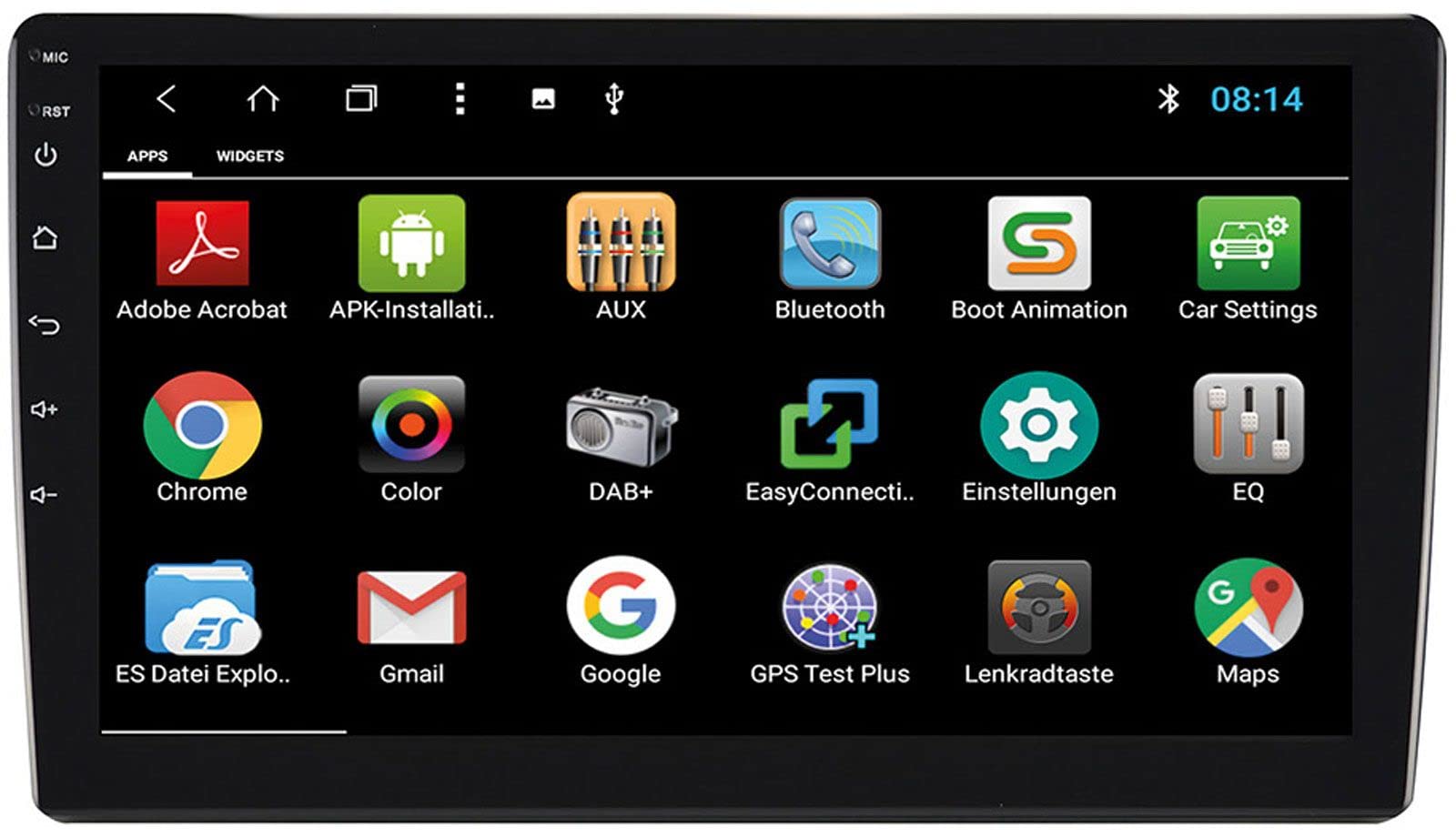
Image: Rear Connection Ports. This image displays the rear panel of the ESX VN1015-MA-DAB-1DIN unit, highlighting the various input and output ports. Key connections visible include GPS antenna input, WiFi antenna input, microphone input, USB ports, AV inputs, and the main power/speaker harness connector. A DAB+ antenna input is also present, along with a "PASSED" quality control sticker.
- Priključak za napajanje: Connect the main power harness to your vehicle's power supply (constant 12V, ignition 12V, and ground).
- Priključci zvučnika: Spojite žice zvučnika na zvučnike vašeg vozila, pazeći na ispravan polaritet.
- GPS antena: Connect the GPS antenna to the dedicated GPS input. Position the antenna in a location with a clear view neba za optimalan prijem signala.
- DAB+ Antenna: Connect the included DAB+ antenna to the DAB+ input. Ensure proper placement for best digital radio reception.
- WiFi antena: Connect the WiFi antenna for internet connectivity via a mobile hotspot.
- USB priključci: Spojite USB uređaje za reprodukciju medija ili punjenje pametnog telefona.
- Mikrofon: Connect the internal microphone or an optional external microphone (VNA-MIC-AND) for Bluetooth hands-free calling.
- AUX/Video Input: Spojite vanjske audio/video izvore.
- Ulaz kamere: Spojite stražnji dioview camera to the camera input. The system supports adjustable parking lines.
- prijeamp Izlazi: Povežite vanjski ampOjačavači za prednje, stražnje i kanale subwoofera.
- Kontrola na upravljaču: If your vehicle supports steering wheel controls, an optional adapter may be required. Connect the steering wheel control wires as per the adapter's instructions.
3. Montaža jedinice
- Install the 1-DIN chassis into your vehicle's dashboard opening.
- Attach the 10.1-inch touchscreen display to the chassis. The display is multi-angle adjustable (height and viewing angle) for optimal visibility.
- Secure the unit firmly to prevent movement during driving.
4. Početno uključivanje
- After all connections are made, turn on your vehicle's ignition.
- The unit should power on and display the ESX logo.
- Follow any on-screen prompts for initial setup, such as language selection and time zone.
Upute za rad
Your ESX navigation system runs on an Android operating system, offering a familiar and intuitive user interface.
1. Sučelje zaslona osjetljivog na dodir
The 10.1-inch high-resolution touchscreen allows for easy control of all functions. Tap, swipe, and pinch-to-zoom gestures are supported.
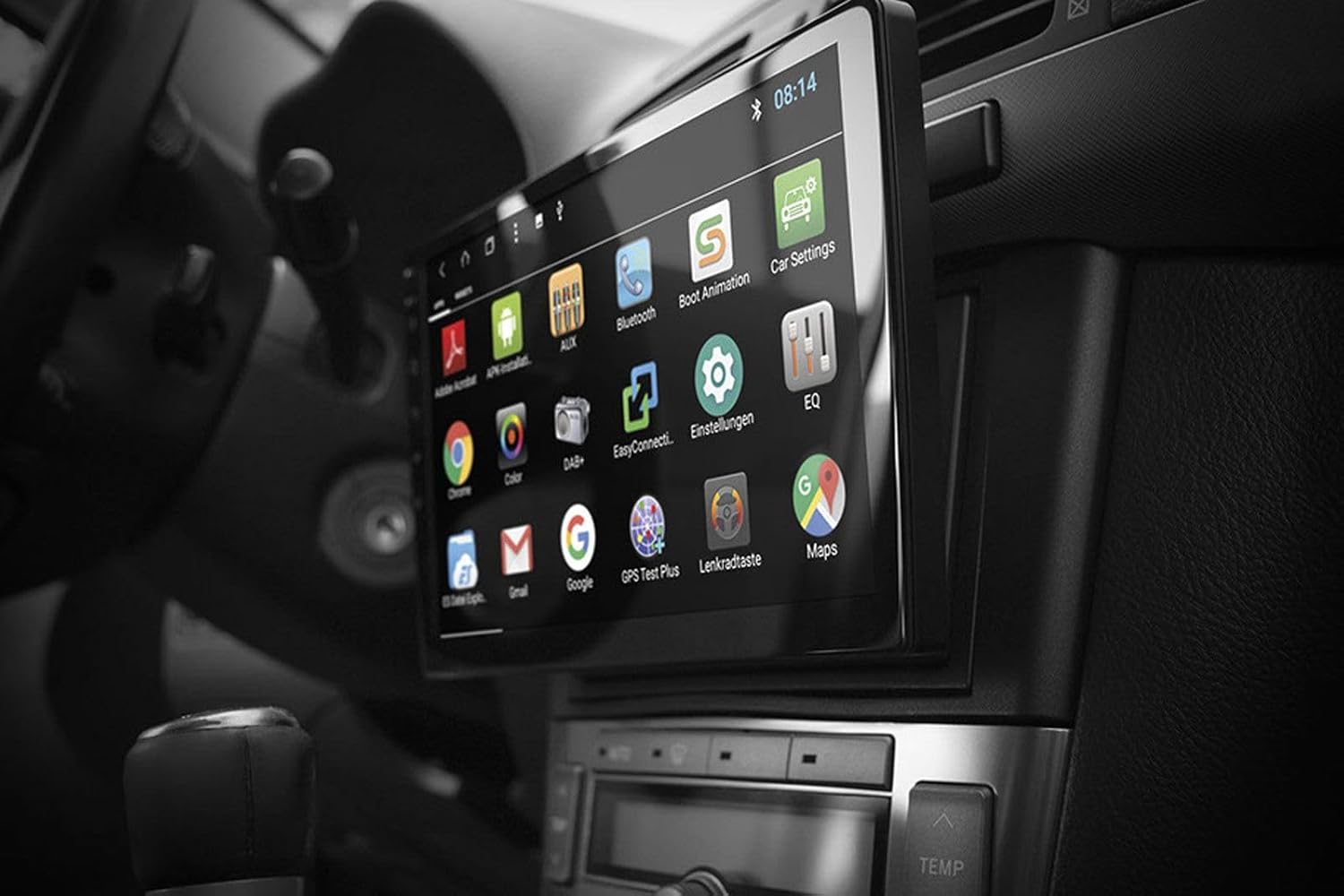
Image: Android App Interface. This image shows the ESX VN1015-MA-DAB-1DIN unit installed in a car, with its screen displaying a grid of Android application icons. Visible apps include Bluetooth, DAB+, EQ, Google, Maps, and various system settings, indicating the unit's smart functionality.
2. Navigation (GPS)
- The system uses Google Maps for navigation, supporting both online and offline modes.
- Ensure the GPS antenna is properly connected and positioned.
- For offline maps, download the required map data via a WiFi connection.
- To start navigation, open the Maps application and enter your destination.

Image: Navigation Display. This image illustrates the ESX VN1015-MA-DAB-1DIN unit's screen showing a detailed navigation map. The map displays street names and routes, indicating active GPS guidance within a vehicle's interior.
3. Radio Functions (DAB+/AM/FM)
- DAB+ digitalni radio: Access high-quality digital radio broadcasts. The system displays station logos. Ensure the DAB+ antenna is connected.
- AM/FM radio: Tune into analog radio stations. RDS (Radio Data System) functionality provides station information.
- To switch between radio modes, select the appropriate option in the radio application.
- Scan for stations and save your favorites for quick access.

Image: Radio Interface. This image shows the ESX VN1015-MA-DAB-1DIN unit's screen displaying the FM radio interface. It features a frequency tuner, station presets, and controls for functions like REG, TA, AF, and PTY, indicating comprehensive radio capabilities.
4. Bluetooth povezivanje
- Uparivanje: Go to the Bluetooth settings on the unit and your smartphone. Tražiti available devices and select "ESX VN1015-MA-DAB-1DIN" (or similar). Enter the PIN if prompted (usually 0000 or 1234).
- Pozivanje bez ruku: Once paired, you can make and receive calls directly from the unit. Use the internal microphone or an optional external microphone for clear communication.
- Streaming zvuka (A2DP): Stream music from your smartphone to the unit wirelessly.
5. Reprodukcija medija
- USB/MicroSD: Insert USB drives or MicroSD cards containing audio or video files into the respective ports. The system will automatically detect and allow playback through the media player application.
- AUX ulaz: Connect external audio/video devices via the AUX input.
- Povezivanje s pametnim telefonom: Connect Android or iPhone devices via USB for charging. Some Android devices may support mirroring or data transfer depending on the phone and app.
6. Postavke sustava
- Access the Android settings menu to customize various aspects of the unit, including display, sound, network, and system information.
- You can adjust display brightness, sound equalizer settings, and connect to a WiFi hotspot for internet access.
- Customize boot logos and background images from the settings.
Održavanje
Regular maintenance ensures the longevity and optimal performance of your ESX navigation system.
- Čišćenje ekrana: Zaslon osjetljiv na dodir nježno obrišite mekom krpom koja ne ostavlja dlačice. Za tvrdokorne mrlje lagano obrišiteampOperite krpu vodom ili sredstvom za čišćenje ekrana. Izbjegavajte jake kemikalije ili abrazivne materijale.
- Ažuriranja softvera: Povremeno provjeravajte ima li ažuriranja softvera od proizvođača website or through the unit's system settings (if available). Updates can improve performance and add new features.
- Opća njega: Izbjegavajte izlaganje uređaja ekstremnim temperaturama, izravnoj sunčevoj svjetlosti dulje vrijeme ili prekomjernoj vlazi. Osigurajte pravilnu ventilaciju oko uređaja.
Rješavanje problema
If you encounter issues with your ESX navigation system, refer to the following common problems and solutions.
| Problem | Moguće rješenje |
|---|---|
| Jedinica se ne uključuje. | Check all power connections (constant 12V, ignition 12V, ground). Verify the vehicle's fuse box and the unit's inline fuse. Ensure the ignition is on. |
| Nema zvuka. | Check speaker connections. Ensure volume is not muted or set too low. Verify amplifier connections if external amplifiers are used. Check audio source selection. |
| GPS signal je slab ili nije dostupan. | Provjerite je li GPS antena sigurno spojena i postavljena na mjesto s jasnim view of the sky (e.g., dashboard, under windshield). Avoid obstructions. |
| Bluetooth not connecting or unstable. | Ensure Bluetooth is enabled on both the unit and your smartphone. Delete previous pairings and try re-pairing. Move the phone closer to the unit. Restart both devices. |
| DAB+ radio prijem je slab. | Check the DAB+ antenna connection and its placement. Ensure you are in an area with DAB+ coverage. Rescan for stations. |
| Zaslon osjetljiv na dodir ne reagira. | Perform a soft reset of the unit (refer to the system settings for a reset option, or press and hold the power button if available). Ensure the screen is clean and free of debris. |
Tehnički podaci
Key technical specifications for the ESX VN1015-MA-DAB-1DIN navigation system:
- Prikaz: 10.1-inch high-resolution multi-angle LCD touchscreen
- Operativni sustav: Android
- Navigacija: Google Maps (online and offline)
- Povezivost: WiFi Hotspot (requires compatible smartphone), Bluetooth (hands-free, audio streaming), USB (2 ports), MicroSD card slot (for navigation and media), AUX/Video input, AUX/Audio input
- Radio: DAB+ Digital Radio (with station logos, DAB antenna included), AM/FM Radio (with RDS function)
- Audio izlazi: Front/Rear/Subwoofer pre-amp izlazi
- Unosi: 1 Camera input (adjustable lines), 1 AUX/Video input, 1 AUX/Audio input
- Posebne karakteristike: Adjustable boot logos and background images, Internal microphone, Connector for optional external microphone (VNA-MIC-AND), Steering wheel control support (optional adapter required)
- Metoda kontrole: Zaslon osjetljiv na dodir
- Vrsta usluge vozila: Automobil
- Proizvođač: ESX proširenje
- Zemlja podrijetla: Kina
Informacije o jamstvu
The ESX VN1015-MA-DAB-1DIN unit includes a Certificate of Authenticity. For specific warranty terms and conditions, please refer to the documentation provided with your purchase or contact your retailer. Information regarding spare parts availability and guaranteed software updates is not explicitly provided.
Korisnička podrška
If you require further assistance or have questions not covered in this manual, please contact your authorized ESX dealer or the retailer from whom you purchased the product. They can provide specialized support and service.