
MAGLICA D2131
NEBULA by Anker Solar Portable 1080p Projector Instruction Manual
Model: D2131 | Marka: NEBULA
1. Uvod
This manual provides essential information for the safe and efficient operation of your NEBULA by Anker Solar Portable 1080p Projector. Please read it thoroughly before using the device and retain it for future reference.

Slika 1: Prednja strana view of the NEBULA Solar Portable 1080p Projector.
2. Što je u kutiji
Provjerite jesu li sve dolje navedene stavke uključene u vaš paket:
- NEBULA Solar Portable Projector
- Daljinski upravljač
- Kratki vodič za početak
- PD Charger (65W, output 20V/3.25A)
- USB-C na USB-C kabel
3. Proizvod je gotovview
The NEBULA Solar Portable Projector is designed for versatile entertainment, offering a Full HD 1080p image with 400 ANSI lumens brightness. It supports 4K content and features autofocus and keystone correction for easy setup. The device runs on Android TV 9.0, providing access to over 5,000 applications.
Ključne karakteristike:
- Tehnologija zaslona: 0.23DMD u 1080p DLP-u
- rezolucija: 1920x1080 (puni HD)
- Svjetlina: 400 ANSI lumeni
- Automatsko fokusiranje: 3-second autofocus for clear images.
- Korekcija trapezoida: Auto (vertical ±40°) and Manual (horizontal ±40°, Quadrilateral ±40°).
- Operativni sustav: Android TV 9.0 with Google Play Store access.
- Audio: Dual 3W speakers with Dolby Digital Plus support. Can function as a portable Bluetooth speaker.
- Povezivost: HDMI, USB-A, Type-C (Power Delivery charging), Wi-Fi (2.4/5GHz), Bluetooth 4.2.
- Trajanje baterije: Up to 3 hours of video playtime (in battery mode).
- Integrirani stalak: Adjustable up to 13 degrees for optimal viewing kutova.

Figure 2: Visual representation of the projector's 1080p image clarity at 400 ANSI lumens.
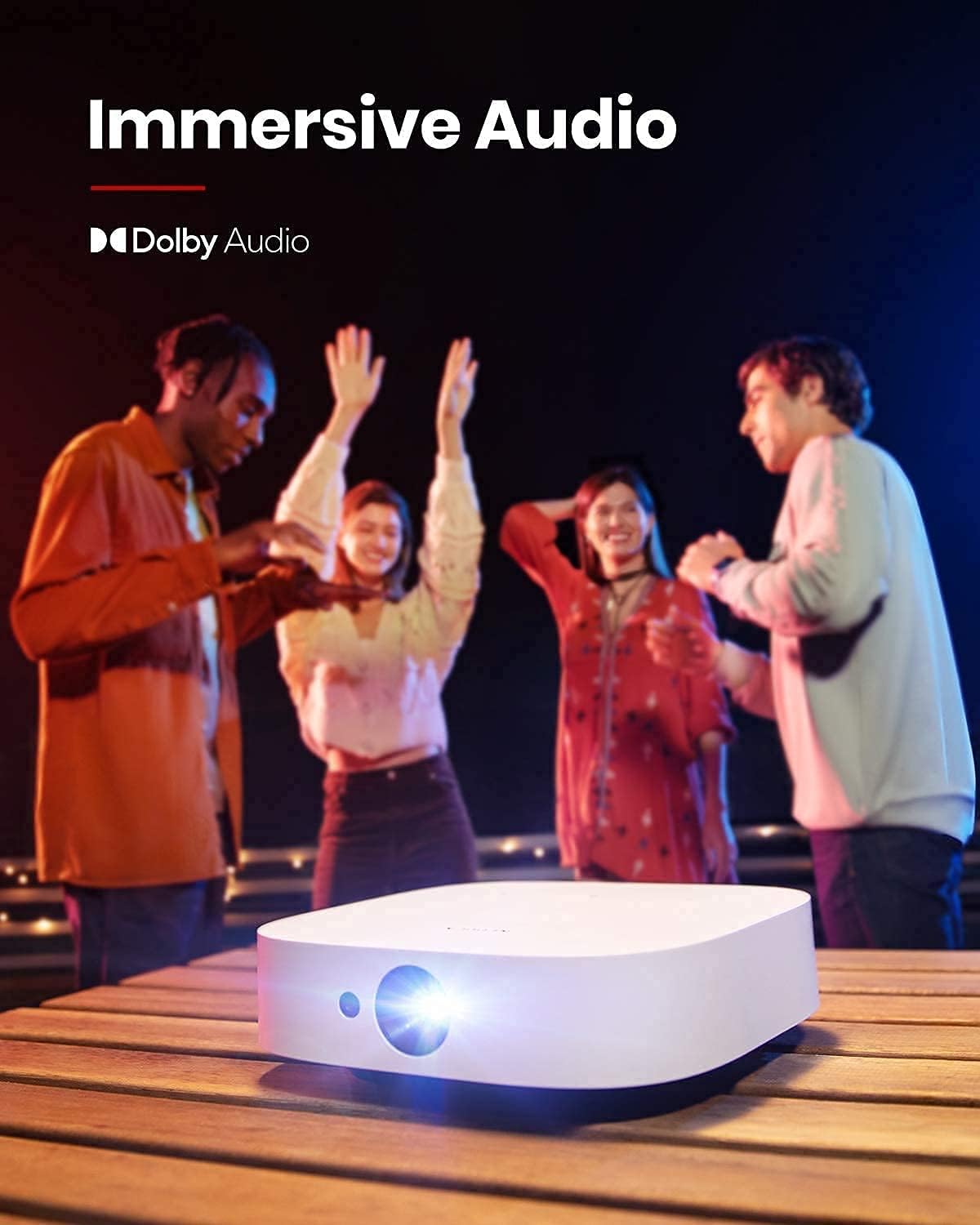
Figure 3: The projector in use for outdoor group viewing, highlighting its portability and battery life.
4. Postavljanje
4.1 Početno uključivanje i punjenje
- Connect the provided PD charger to the Type-C port on the projector.
- Plug the charger into a power outlet. The projector can be used while charging.
- Pritisnite i držite gumb za napajanje na projektoru ili daljinskom upravljaču da biste ga uključili.
Video 1: A short video demonstrating the charging process and initial power-on of the projector.
4.2 Podešavanje kuta projekcije
The projector features an integrated stand on its base, allowing for angle adjustments up to 13 degrees. Simply adjust the stand to achieve your desired projection height and angle.
Figure 4: The adjustable stand on the bottom of the projector for angle customization.
4.3 Priključci za povezivanje
The rear of the projector provides various ports for connecting external devices:
- HDMI: Povežite se s prijenosnim računalima, igraćim konzolama ili drugim uređajima s HDMI priključkom.
- USB-A: For connecting USB flash drives or other USB accessories.
- Tip-C: Primarily for Power Delivery charging.

Slika 5: Gotovoview of the projector's input/output ports.
5. Upute za rad
5.1 Android TV 9.0 and App Access
The projector runs on Android TV 9.0, providing access to the Google Play Store. You can download and install a wide range of streaming applications and games directly onto the device.
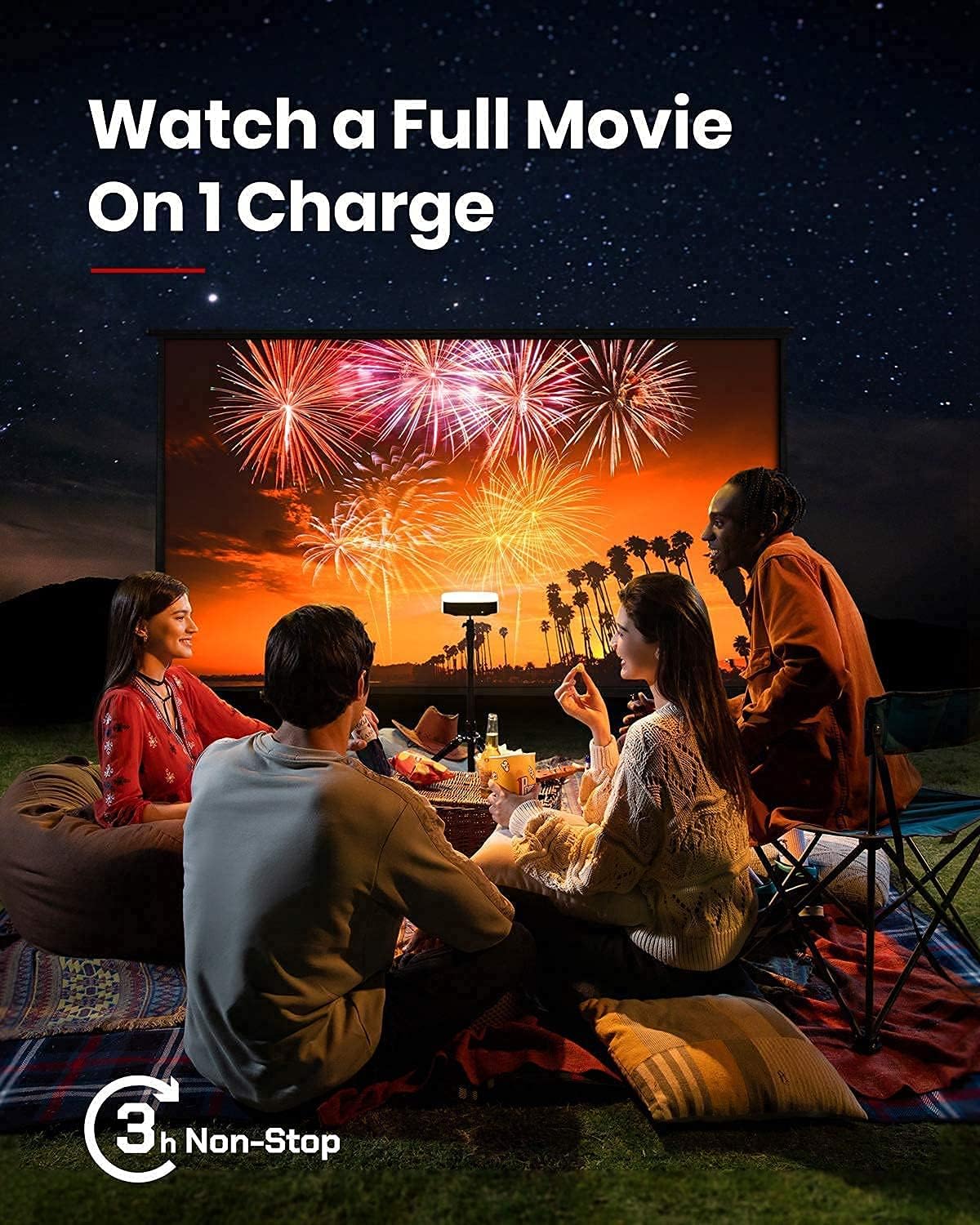
Figure 6: The Android TV 9.0 interface with access to various applications.
5.2 Installing Netflix
To install Netflix, navigate to the Google Play Store and install the "Nebula Manager" app. Within "Nebula Manager", you can then install Netflix. It is recommended to use the "Nebula Connect" app on your phone in mouse mode to control Netflix, as the remote control may have limited functionality with the mobile version of the Netflix app.
Video 2: Instructions on how to install and use Netflix on the projector.
5.3 Screen Mirroring (iOS Devices)
For iOS devices (iPhone, iPad, MacBook), install the "AirScreen" app from the Google Play Store on your projector. Ensure both your projector and iOS device are connected to the same Wi-Fi network. Then, use the "Screen Mirroring" function on your iOS device to connect to the projector.
Video 3: A guide on how to screen mirror and cast content from an iPhone to the projector.
5.4 USB Flash Drive Playback
To play movies or media from a USB flash drive, install a file management app (e.g., File Explorer, File Manager) and a video player from the Google Play Store. Insert your USB flash drive into the USB-A port and use the file manager to access and play your content.
5.5 Autofocus and Keystone Correction
The projector features 3-second autofocus. To trigger autofocus, slightly move the device or press the dedicated "focus" button on the remote. For keystone correction, the device supports auto vertical (±40°) and manual horizontal (±40°) and quadrilateral (±40°) adjustments. If the image is tilted, disable auto keystone correction via "Settings > Projector Settings > Keystone Correction" and manually adjust both vertical and horizontal keystone correction.

Figure 7: The autofocus feature ensures a clear image automatically.

Figure 8: Keystone correction allows for adjusting the image shape to be rectangular.
6. Održavanje
Kako biste osigurali dugotrajnost i optimalne performanse projektora, slijedite ove smjernice za održavanje:
- Čišćenje: Za čišćenje vanjske strane projektora koristite meku, suhu krpu. Za leću koristite specijaliziranu krpu i otopinu za čišćenje leća. Izbjegavajte abrazivna sredstva za čišćenje.
- Skladištenje: Store the projector in a cool, dry place away from direct sunlight and extreme temperatures. If storing for extended periods, ensure the battery is partially charged (around 50%) to maintain battery health.
- Ventilacija: Ensure the ventilation grilles are not obstructed during operation to prevent overheating.
7. Rješavanje problema
This section addresses common issues you might encounter with your NEBULA Solar Portable Projector.
- Netflix App Control Issues: If the remote control has limited functionality with Netflix, use the "Nebula Connect" app on your smartphone in mouse mode for better navigation.
- iOS Screen Mirroring Failure: Ensure both the projector (with "AirScreen" installed) and your iOS device are connected to the same Wi-Fi network. Some protected content may not mirror due to DRM restrictions.
- Image Tilted/Distorted: If the projected image is tilted, turn off auto keystone correction via "Settings > Projector Settings > Keystone Correction" and manually adjust both vertical and horizontal keystone correction.
- Baterija se brzo prazni: The projector offers different brightness modes. "Battery Mode" (80% volume, Wi-Fi off) provides up to 3 hours. "Standard Mode" offers 2 hours. Ensure the device is fully shut down (hold power button and select "Shut down") rather than just standby to prevent battery drain.
- Buka ventilatora: In "Normal Brightness Mode," the fan may be noticeable. For quieter operation, use the less-bright "Battery Mode."
- App Compatibility/Performance: Some apps may experience issues due to the Android TV 9.0 version. Ensure apps are updated to their latest versions.
8. Specifikacije
| Značajka | Detalj |
|---|---|
| Dimenzije proizvoda | 7.56 x 7.57 x 2.15 inča |
| Težina artikla | 2.77 funti |
| Broj modela artikla | D2131 |
| Baterije | 1 litij-ionska baterija (uključena) |
| Tehnologija zaslona | 0.23DMD u 1080p DLP-u |
| Rezolucija | 1920x1080 |
| Svjetlina | 400 ANSI lumeni |
| LED život | 30,000 sata |
| Omjer bacanja | 1.2 |
| Podešavanje fokusa | 3-sekundni autofokus |
| Ispravak ključa | Auto (vertical ±40°), Manual (horizontal ±40°, Quadrilateral ±40°) |
| HDMI | x 1 |
| USB-A | x 1 |
| Tip-C | x 1 (Power Delivery charging) |
| OVAN | 2GB DDR |
| ROM | 8 GB eMMC |
| Baterija | 20,000 mAh / 3.7 v |
| Zvučnik | 2×3W |
| Wi-Fi | Dvostruka frekvencija 2.4/5 GHz |
| Bluetooth | BT4.2 |
| Buka ventilatora | <30 dB |
| OS | Android TV 9.0 |
| Chromecast | Podržano |
| Načini rada | Projector Mode, Bluetooth Speaker Mode |
| App Store | Google Play |
| Video Playtime | 3 hours (battery mode); 2 hours (standard mode) |
| Vrijeme punjenja | 3 hours with Power Delivery 20V-3.25A |
| Audio dekodiranje | Dolby supported |
| Video dekodiranje | HDR10 |
9. Jamstvo i podrška
Your NEBULA Solar Portable Projector is covered by a manufacturer's warranty. For detailed warranty information, technical support, or service inquiries, please visit the official NEBULA brand store or contact customer support.
Official NEBULA Store: https://www.amazon.com/stores/Nebula/page/A836DB9B-3AD4-4696-A071-A0A11B4E59A2
Ask a question about this manual
Ask about setup, troubleshooting, compatibility, parts, safety, or missing instructions. Manuals+ will review the question and use this page’s manual context to help answer it.