
EKASN MP02
EKASN Prijenosni filmski projektor MP02 Korisnički priručnik
Brand: EKASN | Model: MP02
1. Uvod
Welcome to the EKASN Portable Movie Projector MP02 user manual. This guide provides essential information to help you set up, operate, and maintain your projector for an optimal home entertainment experience. Please read this manual thoroughly before using the product and retain it for future reference.
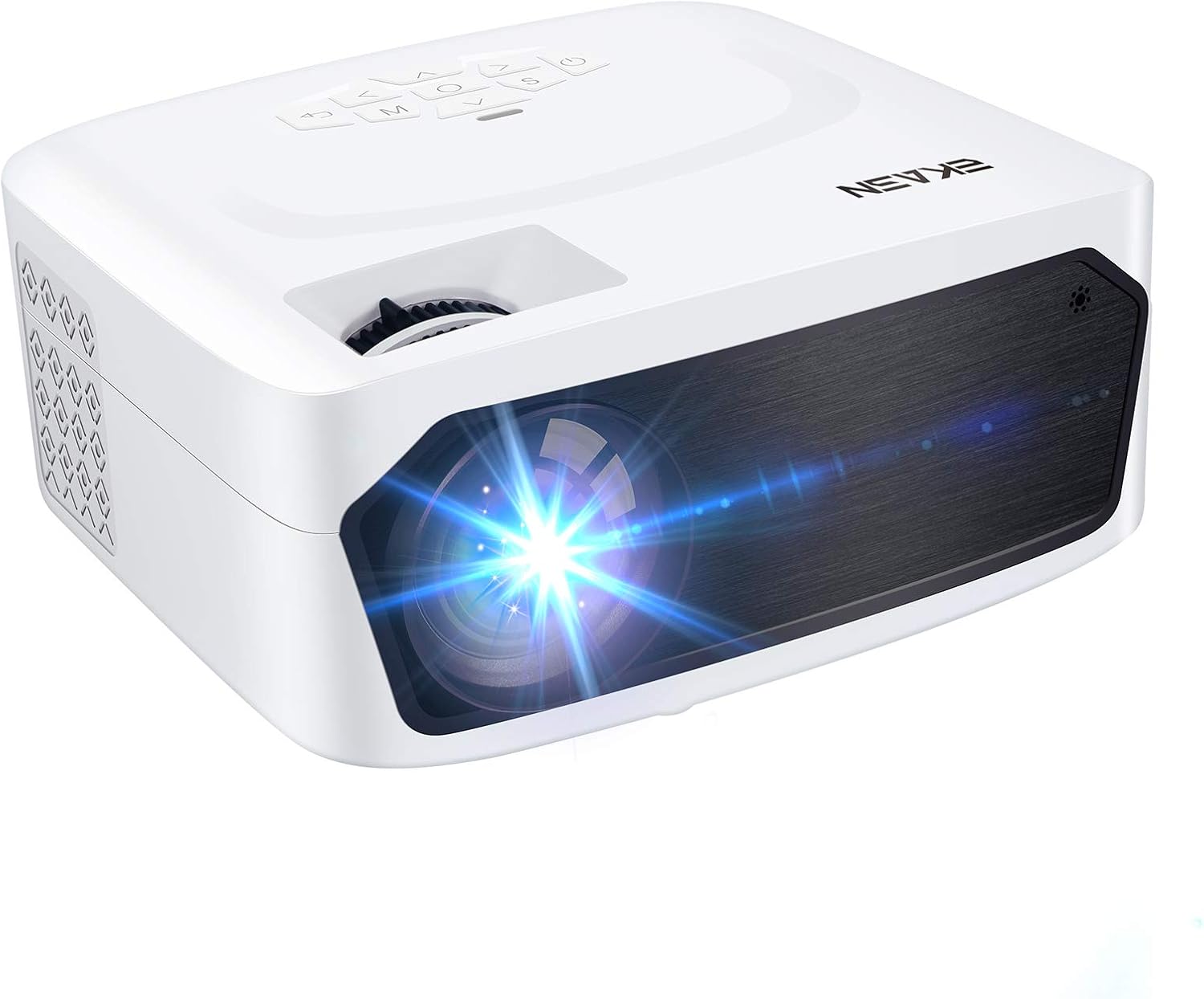
Image 1.1: The EKASN Portable Movie Projector MP02, a compact and versatile device designed for home theater and outdoor entertainment.
2. Važne sigurnosne upute
- Ne blokirajte ventilacijske otvore. Osigurajte dovoljno prostora oko projektora za pravilan protok zraka.
- Ne izlažite projektor kiši ili vlazi kako biste spriječili požar ili električni udar.
- Koristite samo dodatke/dodatke koje je naveo proizvođač.
- Isključite projektor iz struje tijekom grmljavine ili kada ga ne koristite dulje vrijeme.
- Sve servise prepustite kvalificiranom servisnom osoblju.
- Izbjegavajte gledati izravno u leću projektora kada je lamp je uključen.
3. Sadržaj paketa
Molimo označite okvir za sljedeće stavke:
- EKASN Portable Movie Projector MP02
- Kabel za napajanje
- Daljinski upravljač
- HDMI kabel
- AV kabel
- korisnički priručnik
4. Proizvod je gotovview
Familiarize yourself with the various parts and functions of your EKASN projector.

Image 4.1: This image highlights the flexible adjustment features of the EKASN projector, including the keystone correction and focus adjustment dials, which are crucial for achieving vivid and clear images.
Ključne komponente uključuju:
- Objektiv: Projicira sliku na ekran.
- Prsten za fokusiranje: Podešava jasnoću slike.
- Korekcija trapezoida: Ispravlja trapezoidno izobličenje slike.
- Upravljačka ploča: Buttons for navigation and settings.
- Ulazni portovi: HDMI, VGA, AV, USB for connecting various devices.
- Ugrađeni zvučnik: Omogućuje audio izlaz.
5. Postavljanje
5.1 Postavljanje
Place the projector on a stable, flat surface. Ensure the projector is positioned directly in front of the projection surface (wall or screen) for best results. The optimal projection distance ranges from 3.9ft to 8.2ft, providing a screen size from 50" to 120".

Image 5.1: This illustration demonstrates the adjustable big projection screen capability of the EKASN projector, showing various screen sizes achievable at different projection distances.
5.2 Priključak za napajanje
- Spojite kabel za napajanje na ulaz za napajanje projektora.
- Uključite drugi kraj kabela za napajanje u utičnicu.
- Pritisnite gumb za napajanje na projektoru ili daljinskom upravljaču da biste ga uključili.
5.3 Fokus i podešavanje trapezoidne slike
Nakon uključivanja, prilagodite fokus i korekciju trapezoidnosti za jasnu, pravokutnu sliku.
- Fokus: Okrećite prsten za fokusiranje na objektivu projektora dok slika ne postane oštra i jasna.
- Ključni kamen: Pomoću kotačića za korekciju trapezoidnog izobličenja prilagodite sliku ako izgleda trapezoidno (šira na vrhu ili dnu).
6. Upute za rad
6.1 Povezivanje uređaja
The EKASN MP02 projector supports multiple input sources:

Image 6.1: This image illustrates the broad compatibility of the EKASN projector, showing connections to smart phones/tablets, DVD players, Chromecast, Fire TV, PS4, flash drives, and external audio systems.
- HDMI: Connect your laptop, game console (PS4, Xbox), Fire TV Stick, or other HDMI-enabled devices using an HDMI cable. Select 'HDMI' as the input source.
- VGA: Connect older computers or devices using a VGA cable. Select 'VGA' as the input source.
- OD: Use the included AV cable to connect devices with RCA outputs (e.g., DVD players). Select 'AV' as the input source.
- USB: Umetnite USB flash pogon za reprodukciju medija files (videos, photos, music). Select 'USB' as the input source and navigate to your files.
6.2 Screen Mirroring (via HDMI)
To mirror your smartphone screen, an additional adapter is required (not included):

Image 6.2: This image demonstrates the screen mirroring capability of the EKASN projector, showing how to connect an iPhone (with a Lightning to HDMI adapter) and an Android phone (with a Micro USB/Type C to HDMI adapter) to the projector for displaying content.
- Za iPhone: Use a Lightning to HDMI adapter.
- Za Android telefon: Use a Micro USB/Type C to HDMI adapter.
Connect the adapter to your phone, then connect an HDMI cable from the adapter to the projector. Select 'HDMI' as the input source.
6.3 Audio izlaz
The projector features a built-in stereo speaker for convenient audio playback. For enhanced sound quality, you can connect external speakers or headphones using the 3.5mm audio output jack.
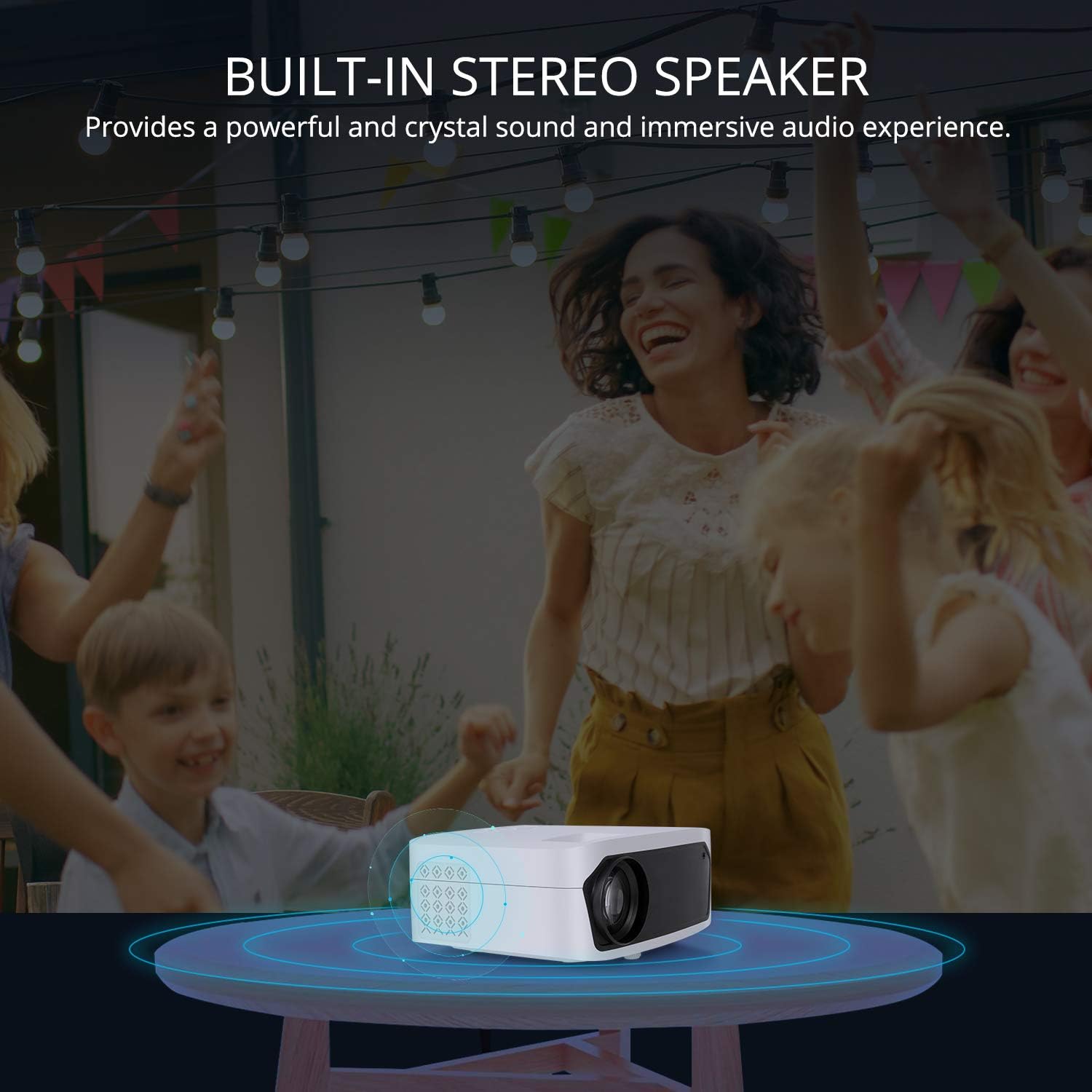
Image 6.3: This image illustrates the built-in stereo speaker feature of the EKASN projector, emphasizing its ability to provide powerful and clear sound for an immersive audio experience.
7. Održavanje
- Čišćenje leća: Use a soft, lint-free cloth or lens cleaning paper to gently wipe the projector lens. Avoid abrasive materials or harsh chemicals.
- Ventilacija: Regularly check and clean the ventilation openings to prevent dust buildup, which can affect performance and lifespan. Use a soft brush or compressed air.
- Skladištenje: Kada se ne koristi, projektor čuvajte na hladnom i suhom mjestu, dalje od izravne sunčeve svjetlosti i ekstremnih temperatura.
8. Rješavanje problema
| Problem | Mogući uzrok | Otopina |
|---|---|---|
| Nema slike na ekranu | Incorrect input source selected; Loose cable connection; Power issue. | Select the correct input source (HDMI, VGA, AV, USB). Check all cable connections. Ensure the projector is powered on. |
| Slika je mutna | Fokus nije podešen; Projektor je preblizu/predaleko od platna. | Adjust the focus ring on the lens. Adjust projection distance. |
| Slika je trapezoidna | Keystone not adjusted; Projector not perpendicular to screen. | Adjust the keystone correction dial. Reposition the projector. |
| Nema zvuka | Glasnoća preniska; Utišano; Vanjski audio uređaj nije pravilno spojen. | Increase volume. Unmute the projector. Check external audio connections. |
| Daljinski upravljač ne radi | Baterije su slabe/prazne; Prepreka između daljinskog upravljača i projektora. | Replace batteries. Ensure no obstructions and point remote directly at the IR receiver. |
9. Specifikacije
| Značajka | Detalj |
|---|---|
| Marka | EKASN |
| Broj modela | MP02 |
| Razlučivost zaslona | 1920 x 1080 (podržana Full HD rezolucija) |
| Tehnologija povezivanja | HDMI, USB, VGA, AV |
| Posebne značajke | Ugrađeni zvučnik, prijenosni |
| Vrsta zvučnika | Built-In, Stereo |
| Težina artikla | 3.23 funti |
| Dimenzije paketa | 11.42 x 8.23 x 4.92 inča |
| Boja | Bijela |
| Preporučena upotreba | Kućna zabava |
10. Jamstvo i podrška
EKASN products are designed and manufactured to the highest quality standards. For information regarding warranty coverage, technical support, or service inquiries, please refer to the warranty card included in your package or visit the official EKASN webmjesto.
For further assistance, please contact EKASN Customer Service:
- Webstranica: www.ekasn.com (rezervirano mjesto)
- Email: support@ekasn.com (rezervirano mjesto)