
Gioteck SWIAGJC
Gioteck VX-4 Wired Controller User Manual
Model: SWIAGJC
Brand: Gioteck
Uvod
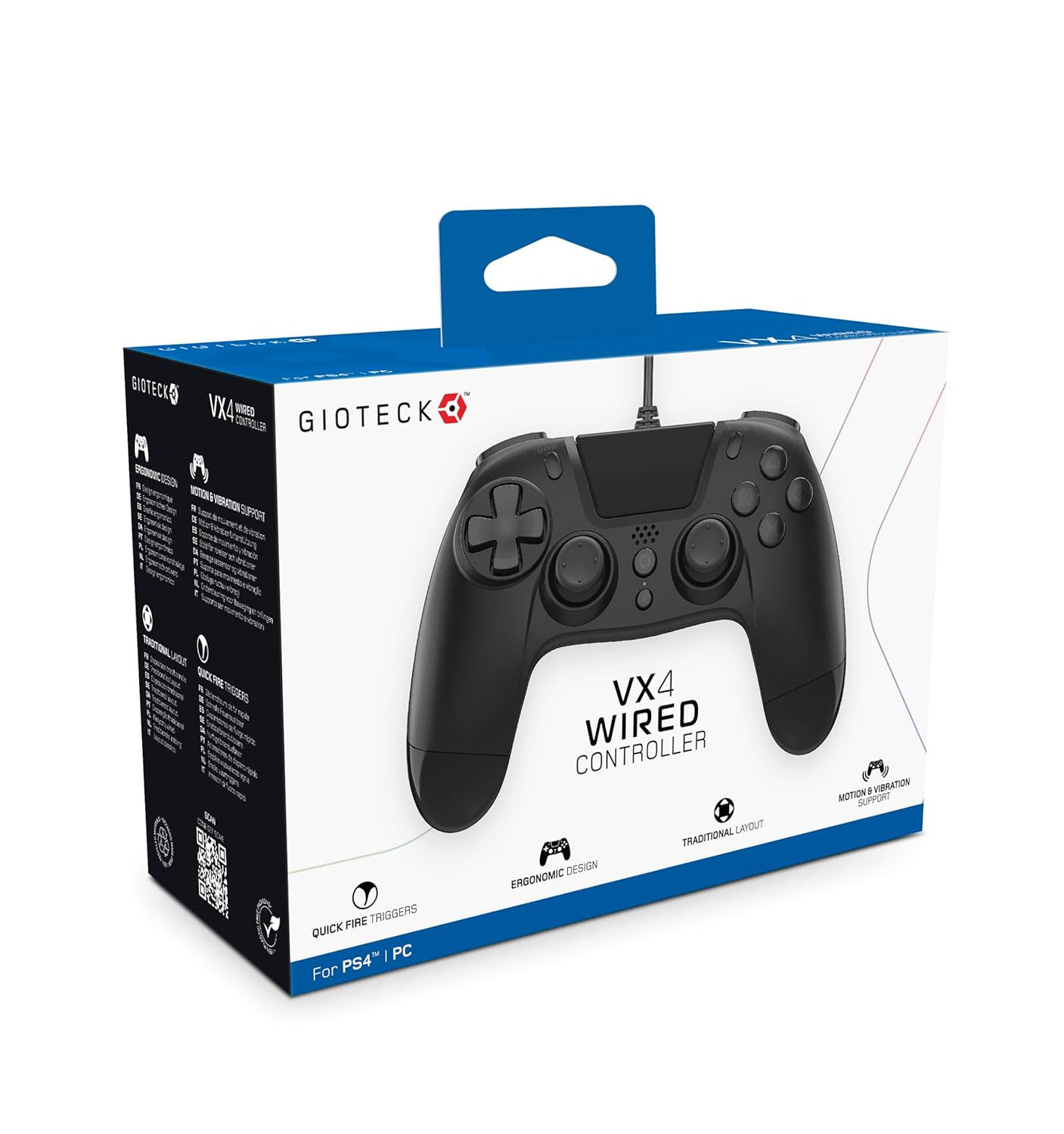
The Gioteck VX-4 Wired Controller is designed for PlayStation 4 and PC, offering a comfortable and responsive gaming experience. It features quick-fire triggers, a precision D-pad, and anti-slip rubber thumb sticks for enhanced performance, providing a next-level immersive gaming experience.
Ključne karakteristike:
- Quick Fire triggers
- Ergonomski dizajn
- Traditional PlayStation layout
Sadržaj paketa:
- Gioteck VX-4 Wired Controller
- Korisnički priručnik (ovaj dokument)
Proizvod gotovview:
Postavljanje
Connecting to PlayStation 4:
- Provjerite je li vaša PlayStation 4 konzola uključena.
- Insert the USB connector of the VX-4 Wired Controller into an available USB port on your PlayStation 4 console.
- The controller should be automatically recognized and ready for use.
Spajanje na PC:
- Provjerite je li vaše računalo uključeno.
- Insert the USB connector of the VX-4 Wired Controller into an available USB port on your PC.
- The PC operating system should automatically install the necessary drivers. If prompted, allow the driver installation to complete.
- The controller will be ready for use with compatible PC games.

Upute za rad
Izgled gumba:
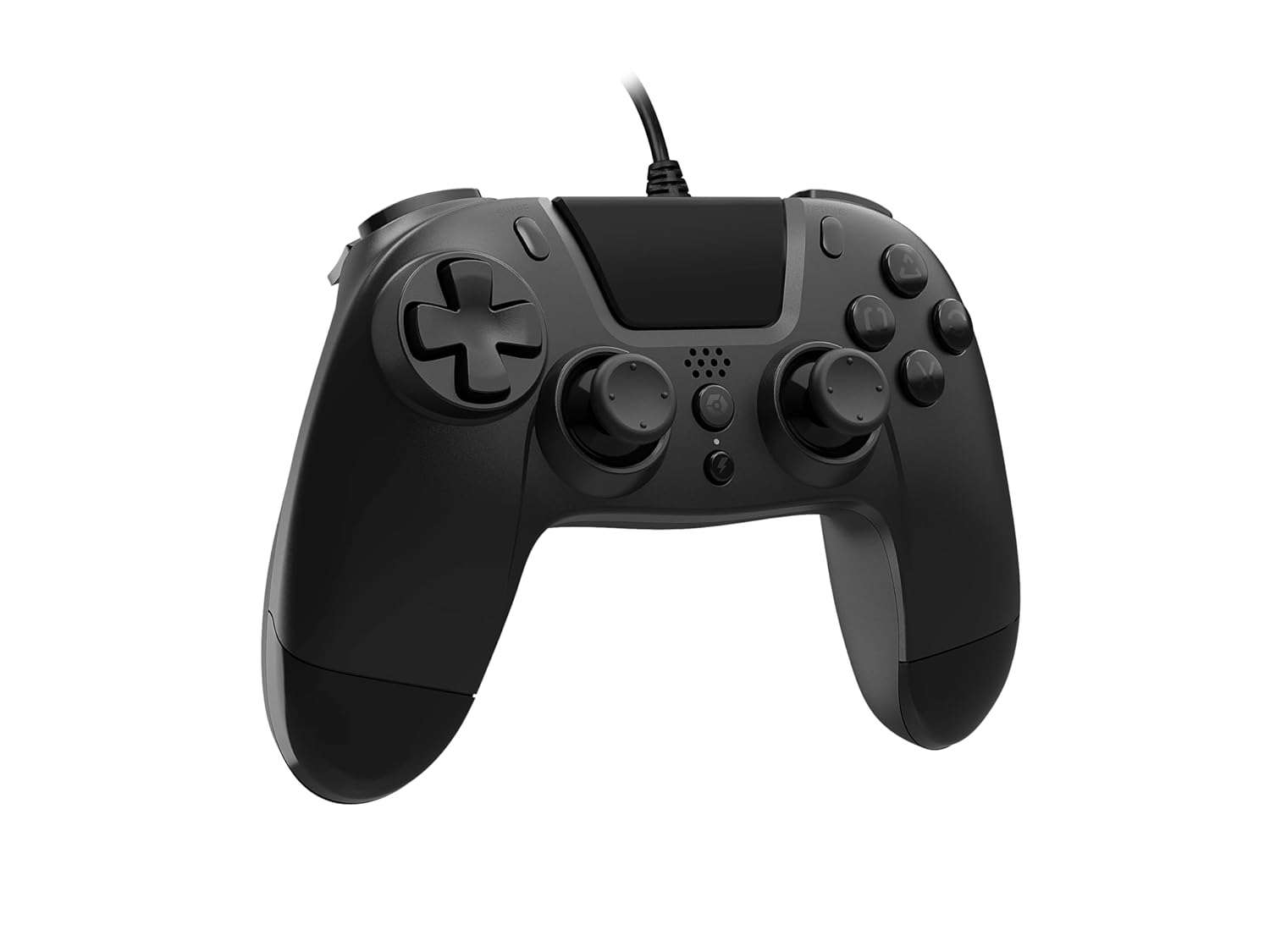
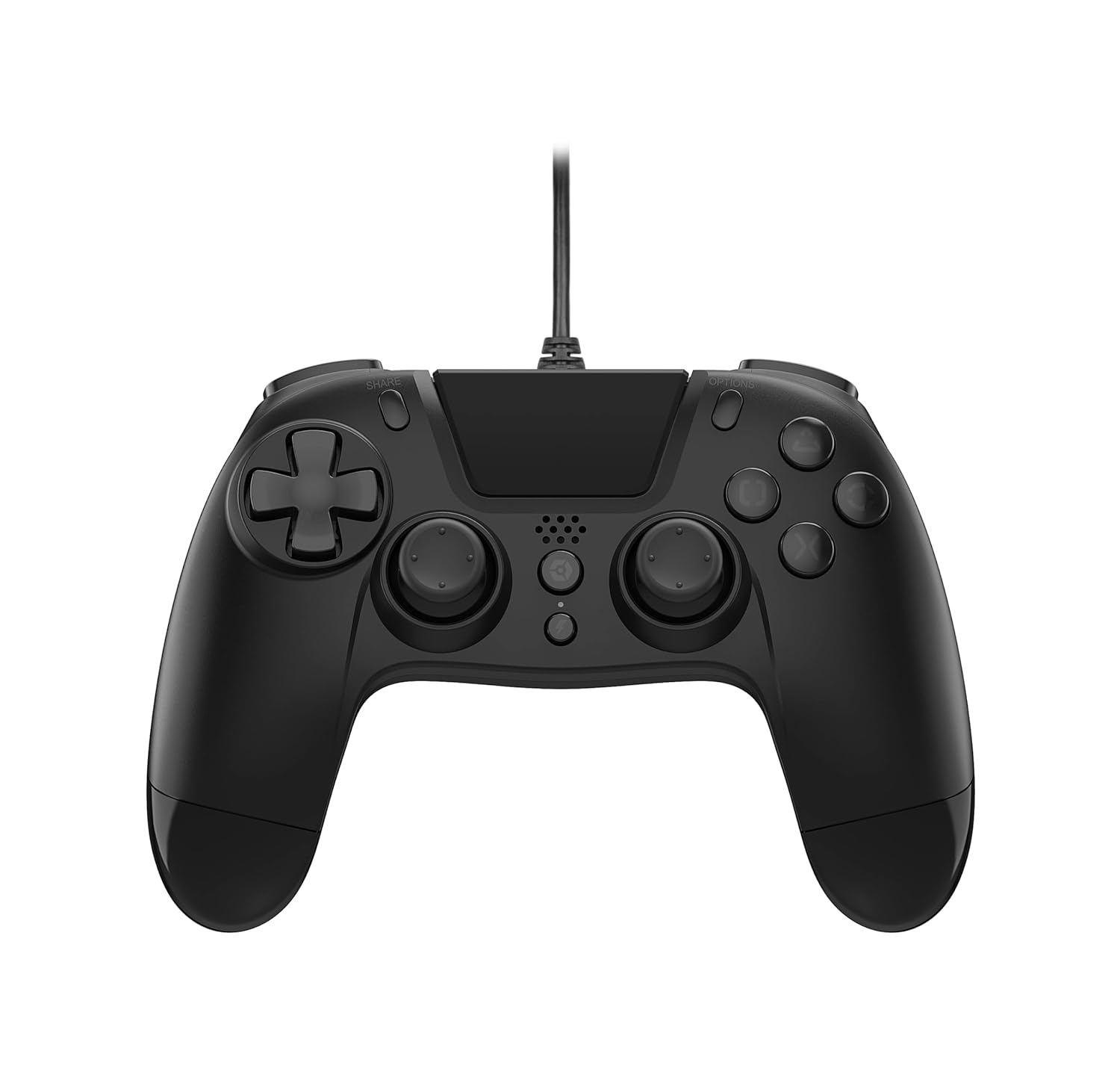
The VX-4 Wired Controller features a traditional PlayStation layout:
- Smjerna tipka (D-Pad): Za precizan smjerni unos.
- Lijeva analogna palica: Primarna kontrola kretanja.
- Desna analogna palica: Upravljanje kamerom ili ciljanjem.
- Akcijski gumbi (trokut, krug, križ, kvadrat): Context-sensitive actions in games.
- Gumb DIJELI: Share gameplay moments (PS4 only).
- Gumb OPCIJE: Access in-game menus or pause (PS4 only).
- Gumb PS: Access the PlayStation Home screen or power on/off the console (PS4 only).
- Gumbi L1/R1: Shoulder buttons, typically for quick actions.
- L2/R2 okidači: Analogni okidači za precizan unos, poput ubrzanja ili okidanja.
Korištenje kontrolera:
Once connected, the controller functions similarly to a standard PlayStation 4 controller for compatible games. For PC, ensure the game supports XInput or DirectInput controllers for optimal performance.
Održavanje
Čišćenje:
Za čišćenje kontrolera koristite meku, suhu krpu. Za tvrdokornu prljavštinu, laganoamp cloth can be used, but ensure no moisture enters the controller's internal components. Do not use harsh chemicals or abrasive cleaners, as these may damage the finish or internal electronics.
Skladištenje:
Store the controller in a cool, dry place away from direct sunlight and extreme temperatures. Avoid placing heavy objects on the controller to prevent damage to the cable or buttons.
Održavanje kabela:
Do not sharply bend, twist, or pull on the controller cable. Always grasp the plug, not the cable, when connecting or disconnecting it from your console or PC to prevent internal wire damage.
Rješavanje problema
Upravljač ne reagira:
- Provjerite je li USB kabel sigurno priključen i u kontroler i u konzolu/računalo.
- Try plugging the controller into a different USB port on your console/PC.
- Ponovno pokrenite konzolu ili računalo.
- Ako je na računalu, provjerite Upravitelj uređaja kako biste bili sigurni da je kontroler prepoznat i da su upravljački programi ispravno instalirani.
Buttons or Sticks Not Working Correctly:
- Check for any physical obstructions or debris around the buttons or analog sticks.
- Ensure the controller is clean (refer to Maintenance section).
- Test the controller with another game or application to determine if the issue is specific to one program.
Vibracija ne radi:
- Verify that the game or application you are playing supports vibration feedback.
- Provjerite postavke u igri kako biste bili sigurni da je vibracija uključena.
Tehnički podaci
| Značajka | Detalj |
|---|---|
| Broj modela | SWIAGJC |
| Povezivost | Žičani USB |
| Kompatibilnost | PlayStation 4, PC |
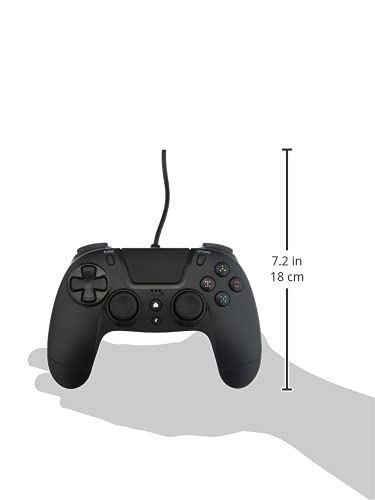
| Dimenzije proizvoda (kontroler) | Approximately 7.2 inches (18 cm) in height |
| Težina artikla | 7.41 unci (210 grama) |
| Proizvođač | Gioteck |
Jamstvo i podrška
For warranty information and technical support regarding your Gioteck VX-4 Wired Controller, please refer to the official Gioteck webweb-mjesto ili izravno kontaktirajte njihovu korisničku službu. Preporučuje se da sačuvate dokaz o kupnji za bilo kakve jamstvene zahtjeve.
Manufacturer: Gioteck
Datum prve dostupnosti: 10. rujna 2020.
Ask a question about this manual
Ask about setup, troubleshooting, compatibility, parts, safety, or missing instructions. Manuals+ will review the question and use this page’s manual context to help answer it.