
1. Uvod
The Looki I3 Cam is an intelligent indoor security camera designed to provide real-time monitoring of your home. It is ideal for keeping an eye on your property when you are away, or for observing pets and children. The camera offers convenient features such as motion detection and two-way audio communication, all controllable via a dedicated mobile application. The package includes a free 32GB microSD card for secure storage of recordings.
2. Sigurnosne informacije
- Osigurajte da je kamera postavljena na stabilno mjesto kako biste spriječili pad.
- Ne izlažite kameru ekstremnim temperaturama, vlazi ili izravnoj sunčevoj svjetlosti.
- Use only the provided power adapter and USB cable.
- Keep the camera away from water, despite its stated water resistance, as it is designed for indoor use.
- Do not attempt to disassemble or repair the camera yourself. Contact technical support for assistance.
- Čuvati izvan dohvata djece i kućnih ljubimaca.
3. Sadržaj paketa
Provjerite jesu li svi artikli prisutni u vašem paketu:
- Looki I3 Cam Indoor Security Camera
- 32GB MicroSD Card (pre-installed or separate)
- USB Power Adapter
- USB kabel
- Ceiling/Wall Mount Bracket
- Montažni vijci
- Korisnički priručnik (ovaj dokument)
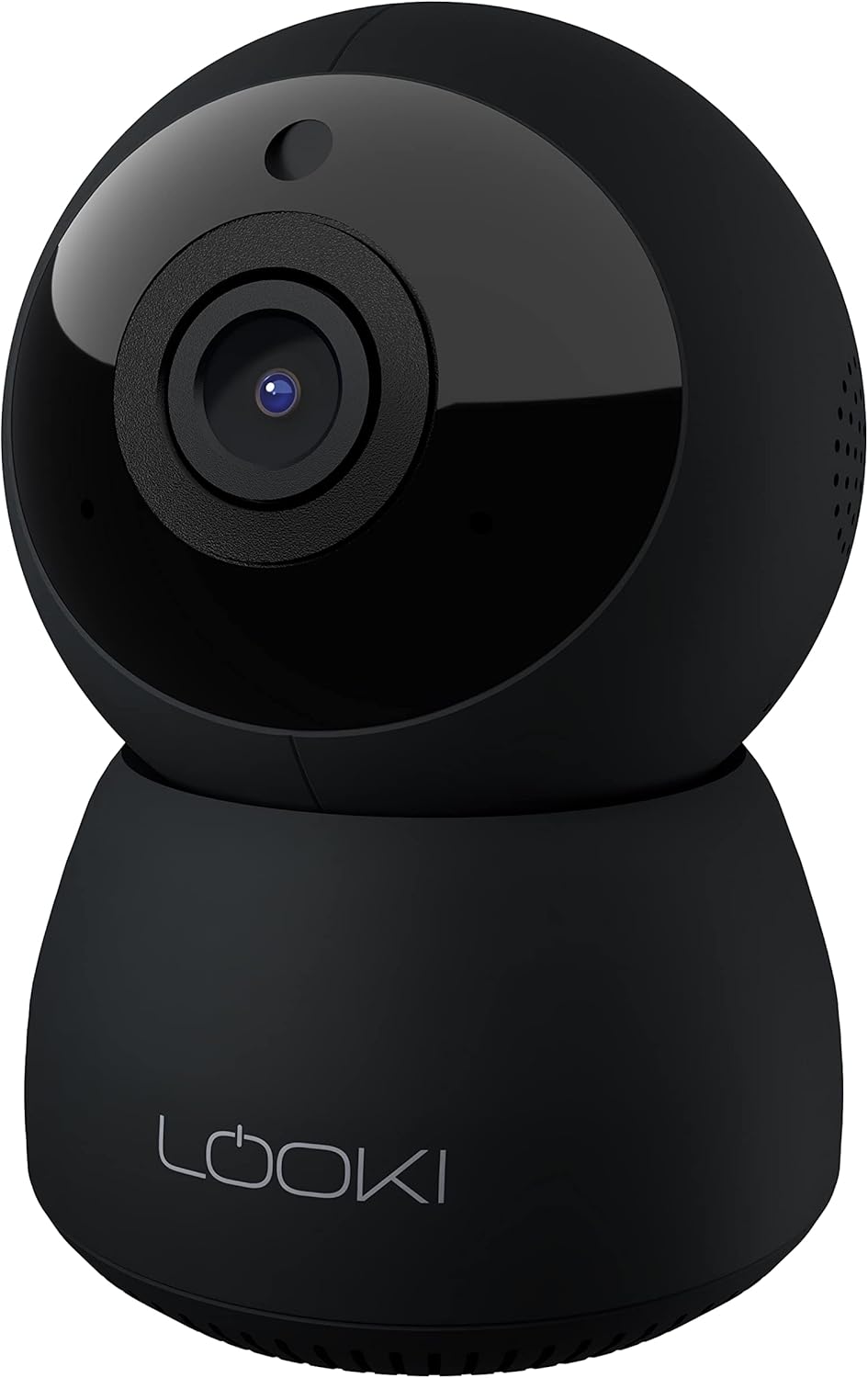
Figure 3.1: The Looki I3 Cam and its included accessories, such as the 32GB SD card, USB adapter, USB cable, and mounting hardware.
4. Proizvod je gotovview
Familiarize yourself with the main components of your Looki I3 Cam.
Slika 4.1: Prednja strana view of the Looki I3 Cam, showing the camera lens and indicator light.

Slika 4.2: Bočna strana view of the Looki I3 Cam, highlighting the sleek design.

Slika 4.3: Natrag view of the Looki I3 Cam, showing the speaker grille and power port.
5. Postavljanje
Follow these steps to set up your Looki I3 Cam:
- Uključivanje: Connect the USB cable to the camera's power port and the USB adapter. Plug the adapter into a power outlet. The camera will power on and an indicator light will illuminate.
- Preuzmi aplikaciju: Download the official Looki app from your mobile device's app store (available for iOS).
- Napravi račun: Otvorite aplikaciju i stvorite novi korisnički račun ili se prijavite ako ga već imate.
- Dodaj uređaj: Follow the in-app instructions to add your new Looki I3 Cam. This typically involves scanning a QR code on the camera or connecting to its temporary Wi-Fi network.
- Spojite se na Wi-Fi: Select your home Wi-Fi network and enter the password when prompted. Ensure your camera is within range of your Wi-Fi router.
- Montaža (opcionalno): If desired, use the included mount and screws to install the camera on a wall or ceiling. Ensure the mounting surface is sturdy enough to support the camera's weight.

Figure 5.1: The Looki I3 Cam connected to a smartphone, demonstrating live view capabilities and the inclusion of a 32GB SD card for storage.
6. Operativni
Once set up, you can utilize the various features of your Looki I3 Cam through the mobile application.
6.1 Uživo View
Access the live video feed from your camera anytime, anywhere, directly from the app. The camera provides 1080p Full HD resolution for clear images.

Figure 6.1: A visual comparison demonstrating the superior clarity of 1080p Full HD resolution provided by the Looki I3 Cam compared to 720p.
6.2 Dvosmjerni zvuk
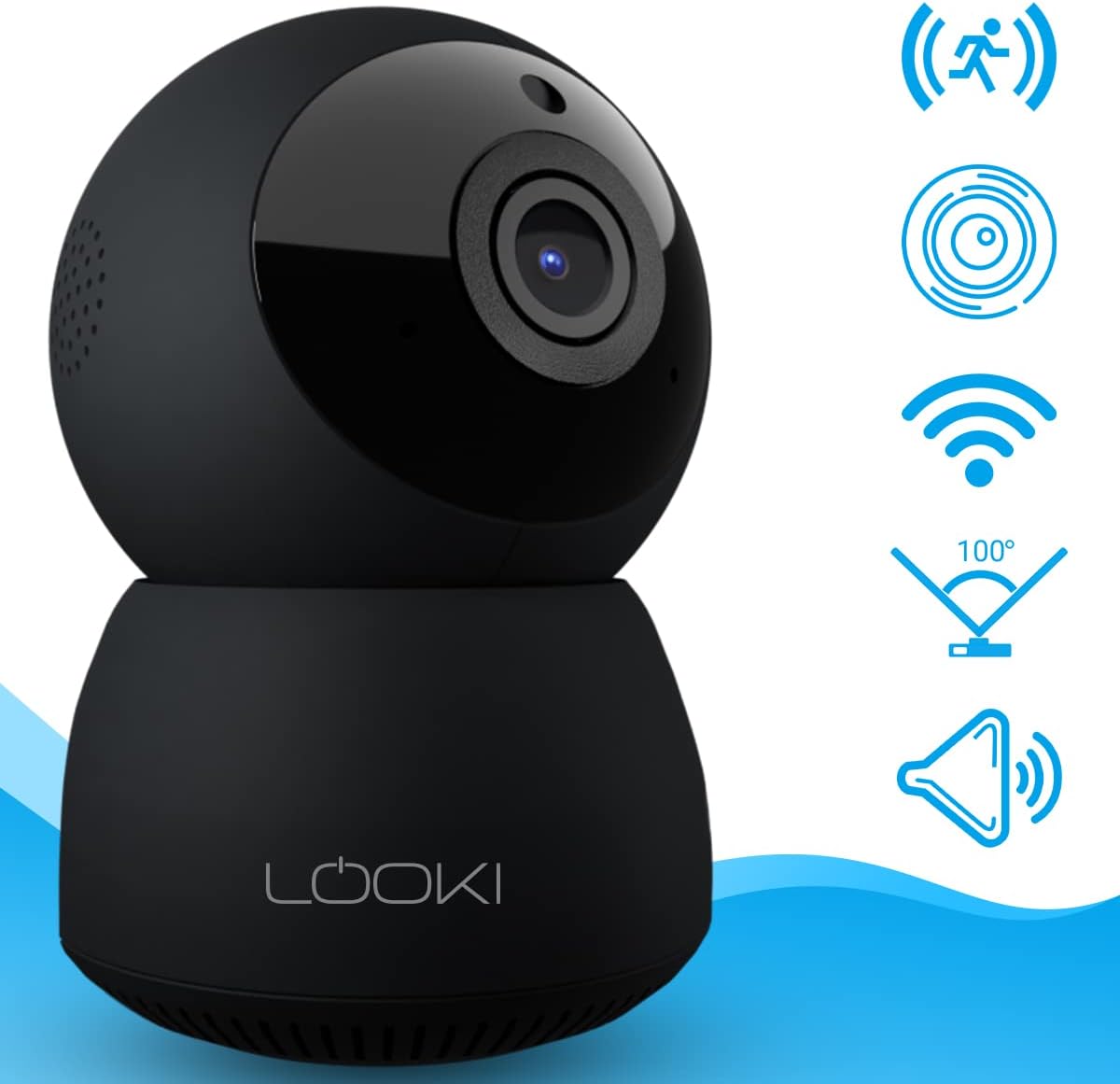
The camera is equipped with a built-in speaker and microphone, allowing for two-way communication. You can speak through the camera and hear audio from its surroundings via the app.
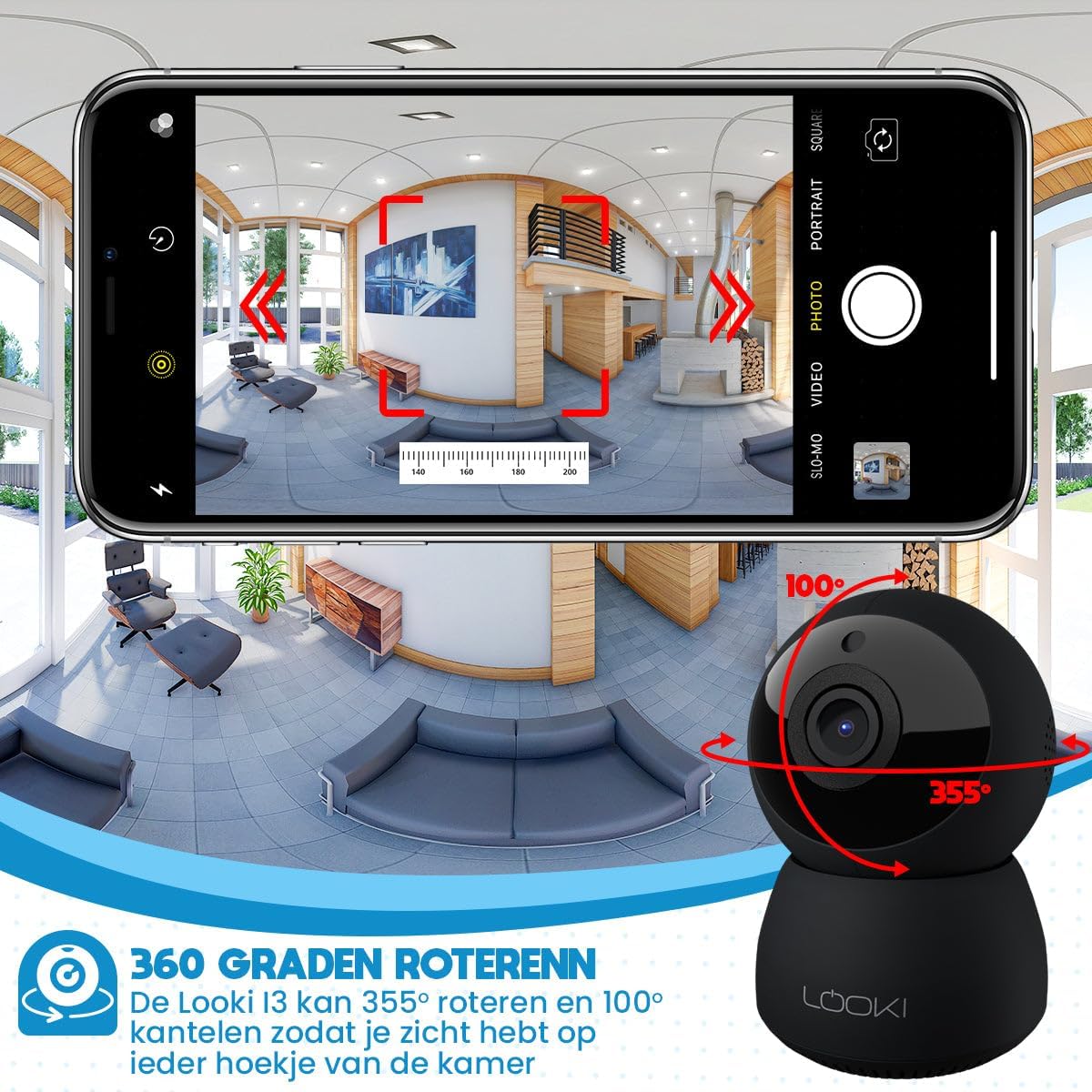
Figure 6.2: Illustration of the two-way audio feature, enabling communication through the camera from your mobile device.
6.3 Detekcija pokreta
The Looki I3 Cam features smart motion detection. When motion is detected, you will receive a push notification on your mobile device, and the camera will begin recording.
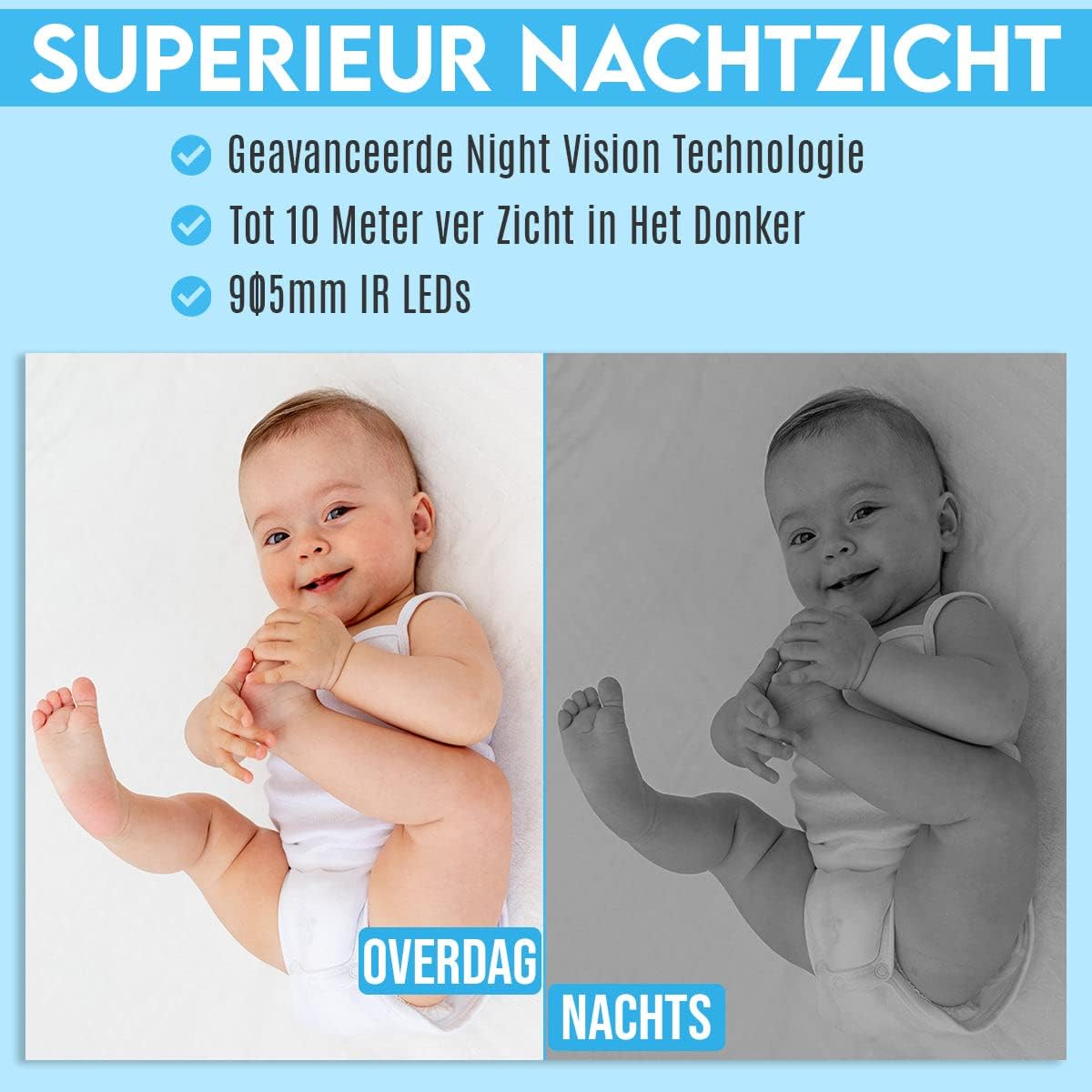
Figure 6.3: Depiction of the smart motion detection system, which alerts you to activity and initiates recording.
6.4 Noćni vid
The camera is equipped with advanced night vision technology, allowing it to capture clear images in low-light conditions up to 10 meters away using 905mm IR LEDs.

Slika 6.4: Example illustrating the camera's superior night vision, showing clear images in complete darkness.
6.5 Pan i Tilt
The Looki I3 Cam offers a 355-degree horizontal rotation (pan) and 100-degree vertical tilt, allowing you to remotely adjust the viewing angle to cover a wide area of your room.

Figure 6.5: Diagram showing the camera's 355-degree horizontal rotation and 100-degree vertical tilt capabilities for comprehensive room coverage.
7. Održavanje
- Čišćenje: Za čišćenje objektiva i tijela fotoaparata koristite meku, suhu krpu. Nemojte koristiti tekuća sredstva za čišćenje ili aerosole.
- Skladištenje: Ako kameru skladištite dulje vrijeme, isključite je iz napajanja i pohranite na hladnom i suhom mjestu.
- Ažuriranja firmvera: Periodically check the app for available firmware updates to ensure optimal performance and security.
8. Rješavanje problema
If you encounter issues with your Looki I3 Cam, refer to the following common solutions:
- Kamera izvan mreže: Check your Wi-Fi connection and ensure the camera is powered on. Restart the camera and your router.
- Ne mogu se povezati s aplikacijom: Ensure you have the latest version of the app. Try resetting the camera (refer to app instructions for reset procedure) and re-adding it.
- Loša kvaliteta videa: Check your internet speed. Ensure the camera lens is clean and free from obstructions.
- Detekcija pokreta ne radi: Verify that motion detection is enabled in the app settings. Adjust sensitivity if necessary.
- Bez zvuka: Check the volume settings on your phone and within the app. Ensure the camera's microphone is not obstructed.
For further assistance, please contact Looki technical support.
9. Specifikacije
| Značajka | Specifikacija |
|---|---|
| Naziv modela | I3 Cam incl. 32GB SD Card (Black) |
| Broj modela artikla | i3 |
| Boja | Crna |
| Materijal | Plastični |
| Težina | 341 gram |
| Unutarnja/vanjska upotreba | Zatvoreni |
| Rezolucija video snimanja | 1080 p |
| Viewing kut | 355 degrees (Pan), 100 degrees (Tilt) |
| Frame Rate | 60 sličica u sekundi |
| Bežična komunikacijska tehnologija | Wi-Fi |
| Tehnologija povezivanja | Žičano, bežično |
| Posebne značajke | Night Vision, Motion Detector, HD Resolution, Two-Way Audio |
| Izvor napajanja | Električni kabel |
| Vrsta montaže | Standing, Wall Mount, Ceiling Mount |
| Vrsta kontrolera | iOS (via Application) |
| Uključene komponente | Camera, 32GB SD Card, USB Adapter, USB Cable, Mount, Screws |
| Preporučena upotreba | Pet Monitoring, Indoor Security |
10. Jamstvo i podrška
Looki provides lifetime technical support for the I3 Cam. If you have any questions, require assistance with setup, or encounter any issues not covered in this manual, please contact Looki customer service. Refer to the product packaging or the official Looki webstranica za kontakt podatke.