
1. Uvod
Thank you for choosing the Eono Eonoheadphone 1 Wireless Active Noise Cancelling Headphones. This manual provides essential information for setting up, operating, and maintaining your headphones. Please read it carefully before use.
Sadržaj paketa
- Eono Eonoheadphone 1 Wireless ANC Headphones
- USB-C kabel za punjenje
- 3.5 mm audio kabel (AUX)
- Tvrda torbica
- korisnički priručnik
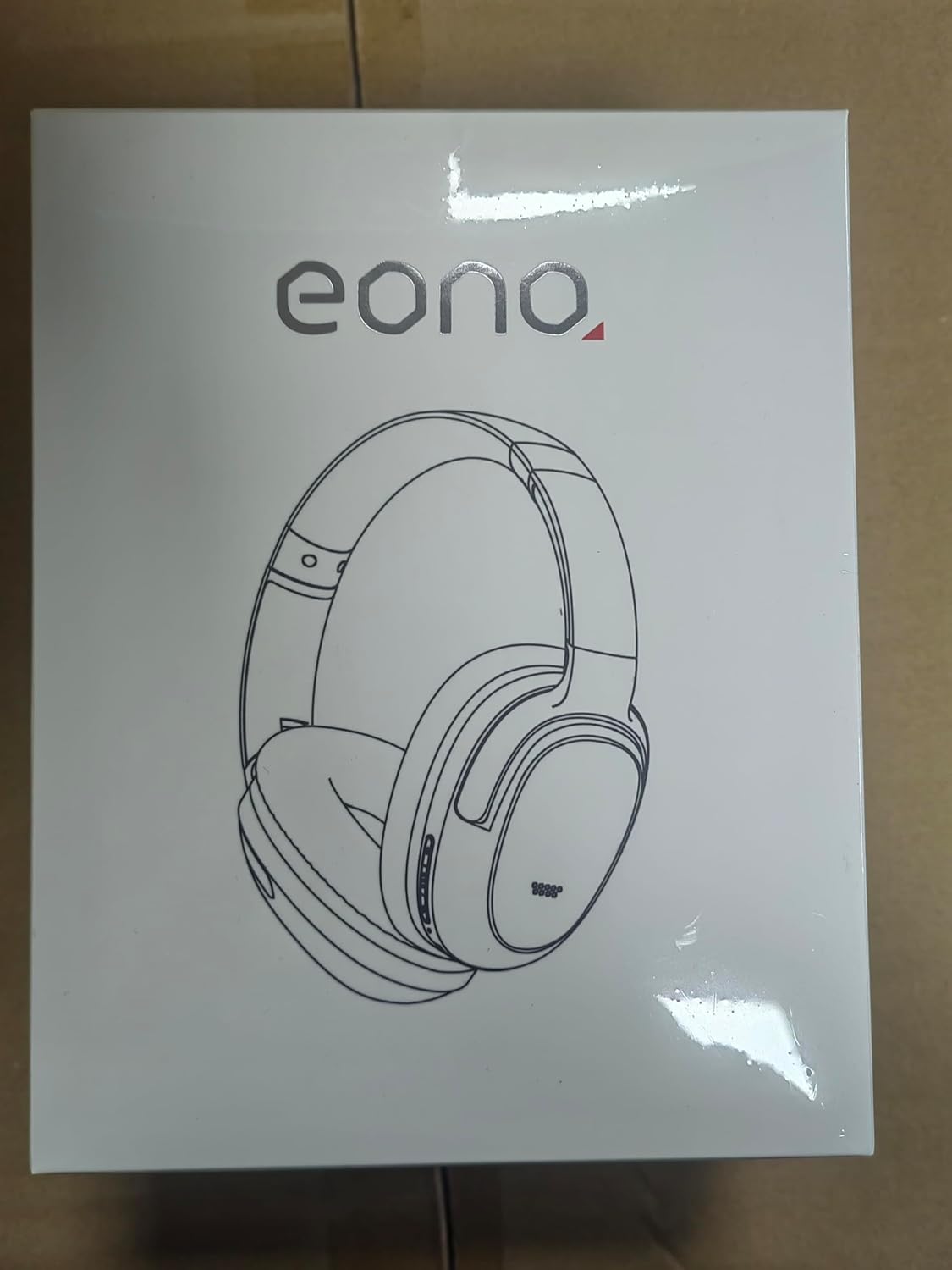
Image: Eono Eonoheadphone 1 headphones and included accessories.
2. Proizvod je gotovview
The Eono Eonoheadphone 1 features a lightweight, comfortable design with advanced audio technology.
Postavljanje mikrofona

Image: Diagram illustrating the placement of ANC microphones (1, 2, 3, 4) and the Call Microphone (5) on the headphones.
- ANC Mics (1, 2, 3, 4): Four microphones are strategically placed to detect and filter out ambient noise for effective Active Noise Cancellation.
- Call Mic (5): Dedicated microphone for clear voice calls.
Udobnost i dizajn

Image: Close-up of the ultra-soft protein leather earcups with memory foam padding.
The Eonoheadphone 1 features ultra-soft protein leather earcups with memory foam padding designed to fit snugly over your ears, providing comfort during extended listening sessions. The lightweight construction further enhances wearability.
Kvaliteta zvuka

Image: Illustration of sound waves from a 40mm driver.
Equipped with 40mm dynamic drivers and highly flexible silk diaphragms, these headphones reproduce rich bass and crisp treble, extending up to 40 kHz for enhanced audio clarity.
3. Postavljanje
Punjenje slušalica
Before first use, fully charge your headphones. Use the provided USB-C cable to connect the headphones to a compatible USB power source.

Image: Quick charge and battery life information.
- Potpuno punjenje traje otprilike 60 minuta.
- A 10-minute quick charge provides up to 5 hours of playback.
- Battery life: Up to 40 sata with Active Noise Cancellation (ANC) enabled, or up to 60 sata u normalnom načinu rada.
Uparivanje Bluetooth veze
The Eonoheadphone 1 uses Bluetooth 5.2 for stable wireless connectivity.

Slika: prample of a Bluetooth pairing request on a mobile device.
- Uključivanje: Pritisnite i držite gumb za uključivanje/isključivanje na slušalicama dok indikatorska lampica ne zatreperi, što označava način uparivanja.
- Omogući Bluetooth: Na svom uređaju (pametnom telefonu, tabletu, računalu) omogućite Bluetooth.
- Odaberite slušalice: In your device's Bluetooth settings, select "Eonoheadphone 1" from the list of available devices.
- Potvrdite vezu: Once connected, the indicator light on the headphones will change, and you may hear an audio prompt.
Višetočkovna veza

Image: Headphones connected to two devices simultaneously.
The Eonoheadphone 1 can connect to two devices simultaneously. This allows you to seamlessly switch between listening to music on one device and taking calls on another without re-pairing.
4. Upute za rad
Uključivanje/isključivanje
- Za uključivanje: Pritisnite i držite gumb za napajanje otprilike 3 sekunde.
- Za isključivanje: Pritisnite i držite gumb za napajanje otprilike 5 sekunde.
Načini aktivnog poništavanja buke (ANC)
The headphones offer multiple noise control modes to adapt to your environment.

Image: Visual representation of different noise cancelling modes in various settings.
- ANC način rada: Activates active noise cancellation, reducing up to 95% of low-frequency ambient noise. Ideal for travel or noisy environments.
- Normalni način rada: Standardna reprodukcija zvuka bez aktivnog poništavanja buke.
- Način transparentnosti: Allows ambient sounds to pass through, enabling you to hear your surroundings while listening to audio. Useful for awareness in urban environments.
To switch between modes, press the dedicated ANC button on the headphones. An audio prompt will indicate the current mode.
Music and Call Controls
The headphones feature intuitive controls for managing your audio and calls. Refer to the physical buttons on the earcups for specific functions:
- Pojačavanje/stišavanje glasnoće: Podesite glasnoću zvuka.
- Reproduciraj/pauziraj: Jednom pritisnite višenamjensku tipku.
- Sljedeća pjesma: Dvaput pritisnite višenamjensku tipku.
- Prethodni zapis: Triput pritisnite višenamjensku tipku.
- Odgovori/prekini poziv: Jednom pritisnite višenamjensku tipku tijekom dolaznog poziva ili aktivnog poziva.
- Odbij poziv: Pritisnite i držite višenamjensku tipku tijekom dolaznog poziva.
5. Održavanje
Čišćenje
Za održavanje stanja vaših slušalica:
- Obrišite slušalice i traku za glavu mekom, suhom krpom.
- Izbjegavajte korištenje abrazivnih sredstava za čišćenje ili otapala.
- Do not immerse the headphones in water. While water-resistant, they are not designed for submersion.
Skladištenje
The Eonoheadphone 1 features a foldable design for convenient storage and portability.

Image: Instructions for folding and storing the headphones in the carrying case.
- Rotate the earcups flat.
- Fold the headphones inward.
- Place them in the provided hard carrying case to protect them from damage.
6. Rješavanje problema
If you encounter issues with your Eono Eonoheadphone 1, refer to the following common solutions:
- Bez napajanja: Provjerite jesu li slušalice napunjene. Spojite ih na izvor napajanja pomoću USB-C kabela.
- Ne može se upariti: Make sure Bluetooth is enabled on your device and the headphones are in pairing mode. Try turning Bluetooth off and on again on your device, or restart both devices.
- Nema zvuka: Check the volume levels on both the headphones and your connected device. Ensure the headphones are correctly paired. If using a wired connection, ensure the 3.5mm audio cable is fully inserted into both the headphones and the audio source.
- Loša kvaliteta zvuka: Ensure there are no obstructions between the headphones and your device. Move closer to your device to improve signal strength. Check if the audio source quality is high.
- ANC ne radi učinkovito: Ensure the earcups form a good seal around your ears. Some high-frequency or sudden noises may not be fully cancelled.
- Problemi s mikrofonom: Ensure the headphones are connected and selected as the input device on your computer or smartphone. Check for any mute functions on your device.
7. Specifikacije
| Broj modela | S3 |
| Marka | Eono |
| Dimenzije (proizvod) | 16 x 7.2 x 14.8 cm |
| Težina (proizvod) | 410 g |
| Boja | Crna |
| Postavljanje uha | Nad uho |
| Impedancija | 16 Ohma |
| Kontrola buke | Aktivno poništavanje buke |
| Frekvencijski odziv | 16 Hz - 40 kHz |
| Tehnologija povezivanja | Bežično (Bluetooth 5.2) |
| Bluetooth domet | 10 metara |
| Audio konektor | USB-C (Charging), 3.5mm (Audio Input) |
| Materijal | Koža, Plastika |
| Vrijeme punjenja (puno) | Cca. 60 minuta |
| Brzo punjenje | 10 Minutes for 5 hours playback |
| Trajanje baterije (ANC uključen) | Do 40 sati |
| Trajanje baterije (normalni način rada) | Do 60 sati |
| Veličina vozača | 40 mm |
| Razina vodootpornosti | Otporan na vodu |
| Značajke | Active Noise Cancellation, Fast Charging, Lightweight, Built-in Microphone, Foldable Design |
8. Jamstvo i podrška
For warranty information or technical support, please contact Eono customer service through your purchase platform. You can find support links on the product packaging or by visiting:
- Amazon.es Customer Service
- Amazon.com Customer Service
- Amazon.co.uk Customer Service
- Amazon.de Customer Service
- Amazon.fr Customer Service
- Amazon.it Customer Service
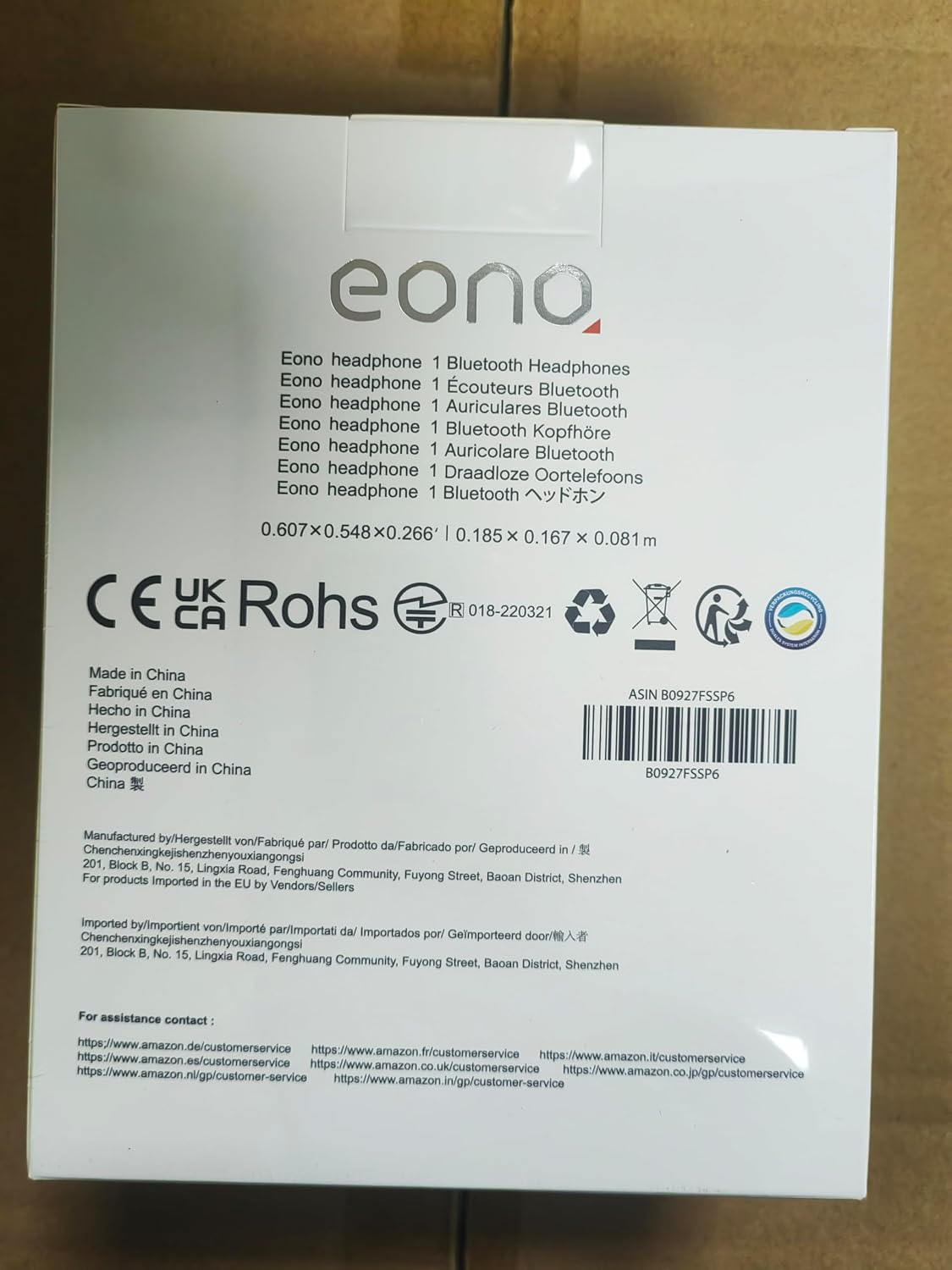
Image: Back of product packaging with customer service information.