
Uvod
The Aduro 40W 6-Port USB Desktop Charging Station is designed to efficiently charge multiple USB-powered devices simultaneously. Featuring Smart Flow technology, it automatically adjusts power output for optimal charging speed for various devices, including smartphones, tablets, wireless speakers, headsets, and cameras. This compact and powerful charging hub provides a convenient solution for managing your charging needs.
Sadržaj paketa
- Aduro 40W 6-Port USB Desktop Charging Station
- Kabel za napajanje
- Korisnički priručnik (ovaj dokument)
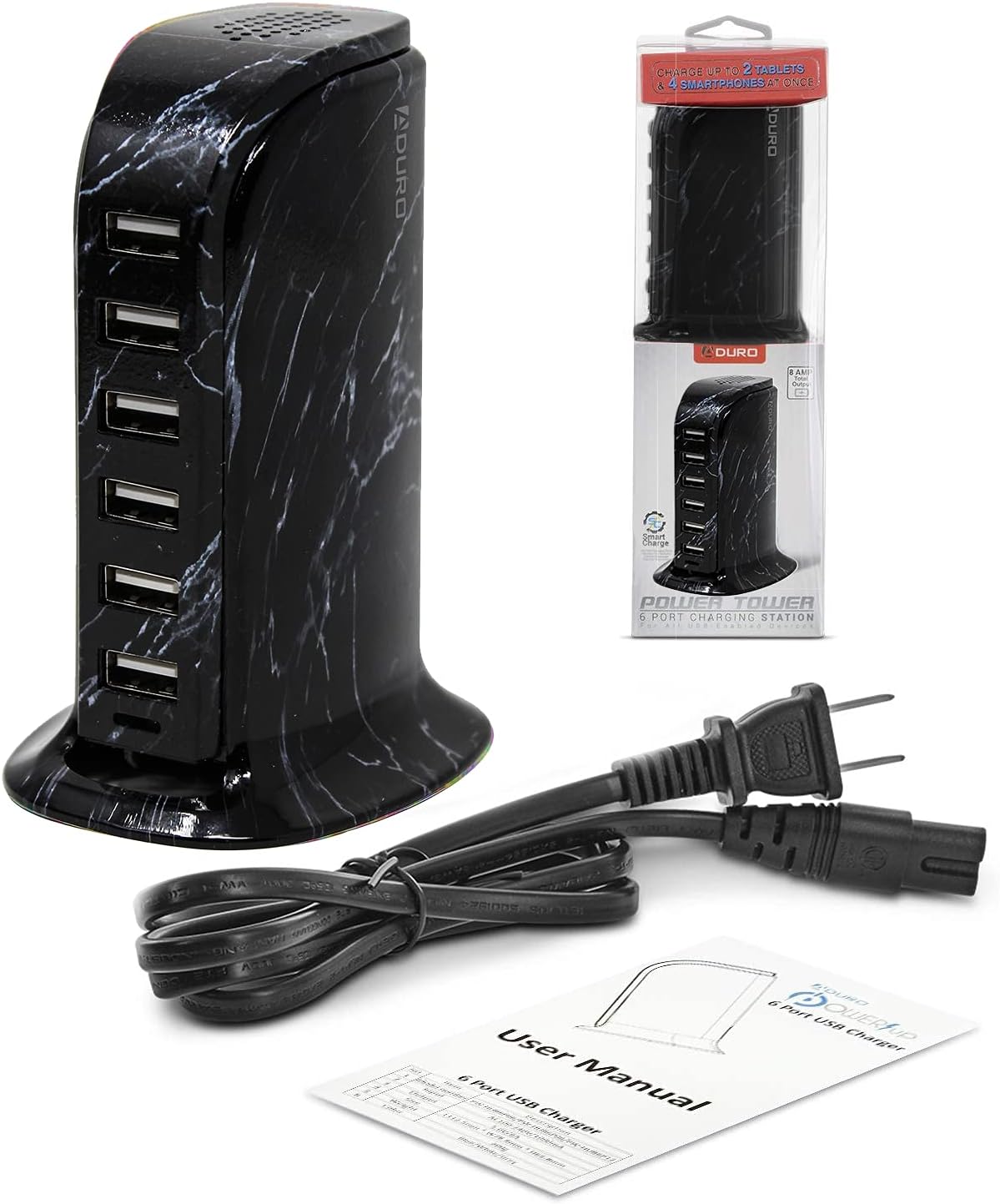
Proizvod gotovview
The Aduro 6-Port USB Desktop Charging Station features six USB-A ports, each equipped with Smart IC technology to detect and deliver the optimal charging current for connected devices. The unit has a total power output of 40 Watts and 8 Amps, ensuring efficient charging even when multiple devices are connected.

Upute za postavljanje
- Unpack the Aduro 6-Port USB Desktop Charging Station and its power cable from the packaging.
- Connect the provided power cable to the power input port located on the back of the charging station.
- Plug the other end of the power cable into a standard wall outlet (100-240V AC).
- The blue LED indicator light on the front of the charging station will illuminate, indicating that the device is powered on and ready for use.
Upute za rad
- Povezivanje uređaja: Use your device's USB charging cable to connect it to any of the six available USB-A ports on the charging station.
- Tehnologija pametnog punjenja: The integrated Smart IC technology will automatically detect the connected device and deliver the most efficient charging rate, optimizing charging speed and protecting your device.
- Istovremeno punjenje: You can charge up to six devices concurrently. The 40W total power output ensures sufficient power distribution for all connected devices.
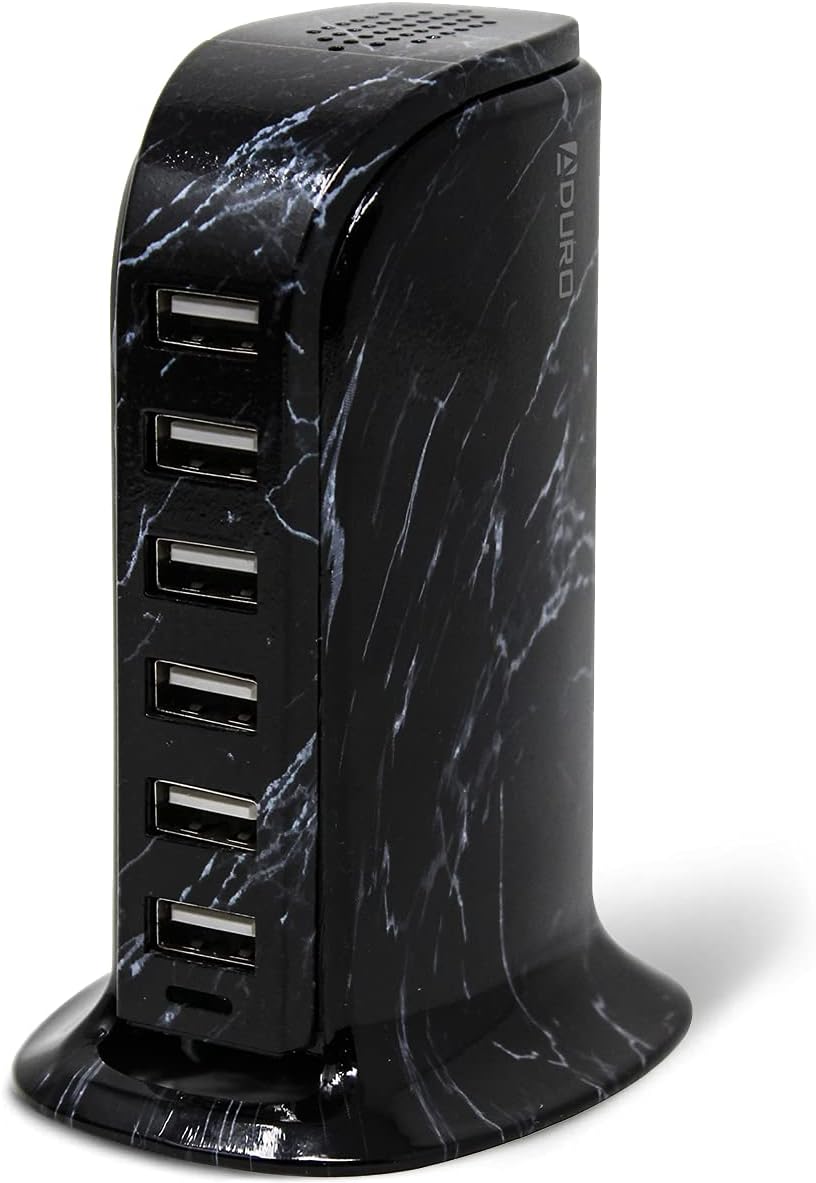
Održavanje
- Čišćenje: Prije čišćenja isključite punjač iz utičnice. Za brisanje površine koristite meku, suhu krpu. Nemojte koristiti tekuća sredstva za čišćenje ili aerosolne sprejeve.
- Skladištenje: When not in use, store the charging station in a cool, dry place away from direct sunlight and moisture.
- Uprava za kabele: Ensure charging cables are not tangled or excessively bent to prevent damage.
Rješavanje problema
- Uređaj se ne puni:
- Ensure the charging station is properly plugged into a live power outlet and the blue LED indicator is on.
- Check if the USB cable is securely connected to both the charging station and your device.
- Try a different USB port on the charging station.
- Test with a different USB cable to rule out cable malfunction.
- Provjerite je li priključak za punjenje vašeg uređaja čist i neoštećen.
- Sporo punjenje:
- The Smart IC technology optimizes charging, but very power-intensive devices might charge slower if many devices are connected simultaneously.
- Ensure your device's original or high-quality charging cable is used.
- Check if the device itself supports faster charging.
- Pregrijavanje:
- If the charging station feels excessively hot, disconnect it immediately from the power source and all devices. Allow it to cool down.
- Ensure adequate ventilation around the unit. Do not cover it.
- Ako se pregrijavanje nastavi, prekinite korištenje i obratite se korisničkoj podršci.
Tehnički podaci
| Značajka | Detalj |
|---|---|
| Marka | Aduro |
| Broj modela | PW-HUB6P-MB1 |
| Ukupno USB priključaka | 6 |
| Wattage | 40 vata |
| Ampdoba | 8 Amps |
| Ulazni voltage | 240 volti |
| Izlazni voltage | 5 volti (DC) |
| Težina artikla | 0.3 kilogram |
| Form Factor | Radna površina |
| Tehnologija povezivanja | USB, bežični |
| Kompatibilni uređaji | Cellular Phones, Speakers |
| Posebna značajka | Bežično punjenje |
Jamstvo i podrška
The Aduro 40W 6-Port USB Desktop Charging Station comes with an Aduro lifetime warranty. For any product inquiries, technical support, or warranty claims, please contact Aduro customer service. Refer to the official Aduro webstranica za kontakt podatke.