
1. Proizvod je gotovview
The REXING HS01 is a 1080p wireless smart home security camera system designed for both indoor and outdoor use. It features a rechargeable battery, solar panel charging capability, two-way intercom, motion activation, infrared night vision, and cloud storage options. The camera connects to your home WiFi network and is managed via a mobile application.
Ključne karakteristike:
- 1080p Full HD video: Records clear video with a 120-degree wide-angle lens.
- Bežično i punjivo: Operates wirelessly with a 6000mAh rechargeable battery.
- Na solarni pogon: Can be continuously charged by the included solar panel.
- Dvosmjerni interkom: Allows for real-time communication via the mobile app.
- Vodootporni dizajn: IP65 rated for outdoor weather resistance.
- Detekcija pokreta: PIR motion sensor with adjustable sensitivity up to 33ft.
- Infracrveni noćni vid: Provides clear visibility up to 33ft in low light conditions.
- Pohrana u oblaku: Offers free 3-day cloud storage with options for extended plans.
- Kontrola mobilne aplikacije: Manage and monitor the camera from your smartphone.
2. Sadržaj paketa
Molimo provjerite paket za sljedeće stavke:
- Sigurnosna kamera REXING HS01
- Solarna ploča
- Montažni nosač i vijci
- USB kabel za punjenje
- korisnički priručnik
3. Vodič za postavljanje
3.1 Početno punjenje
Before first use, fully charge the camera's internal 6000mAh battery using the provided USB cable. Connect the cable to the camera's charging port and a standard USB power adapter (not included). The charging indicator will show the charging status.
3.2 Instalacija aplikacije
Preuzmite Rexing Home application from your smartphone's app store (available on iOS and Android). Tražiti "Rexing Home" and install the application.
3.3 Wi-Fi veza
- Open the Rexing Home app and create an account or log in.
- Slijedite upute u aplikaciji za dodavanje novog uređaja.
- Provjerite je li vaš pametni telefon povezan s Wi-Fi mreža od 2.4 GHz. The HS01 camera does not support 5GHz Wi-Fi.
- Skenirajte QR kôd prikazan na telefonu objektivom kamere kada se to od vas zatraži.
- Wait for the camera to connect to your Wi-Fi network. A voice prompt will confirm successful connection.
3.4 Montiranje kamere i solarne ploče
The REXING HS01 camera and solar panel can be mounted indoors or outdoors. Choose a location that provides the desired viewkut i osigurava da solarni panel prima ampizravnoj sunčevoj svjetlosti tijekom cijelog dana za optimalno punjenje.

Image: The REXING HS01 camera with its solar panel mounted on an exterior wall, highlighting its 100% wireless and solar-powered operation. The camera is designed for outdoor use and is weatherproof.
- Use the provided mounting bracket and screws to securely attach the camera to a wall or desired surface.
- Mount the solar panel in a location that receives maximum direct sunlight. Connect the solar panel cable to the camera's charging port.
- Podesite kut kamere kako biste pokrili željeno područje praćenja.
4. Upute za rad
4.1 Uživo View and Remote Playback
Once connected, open the Rexing Home app to access the live video feed from your camera. You can view foo u stvarnom vremenutage from anywhere with an internet connection. The app also allows you to review snimljen video footage stored in the cloud.

Image: A smartphone screen showing a live view from the REXING HS01 camera, with icons for remote playback and indicating motion alerts. This demonstrates complete control from the Rexing Home App.
4.2 Dvosmjerna audio komunikacija
The HS01 camera features a built-in microphone and speaker, enabling two-way audio communication. From the live view in the Rexing Home app, you can speak to individuals near the camera and hear their responses.
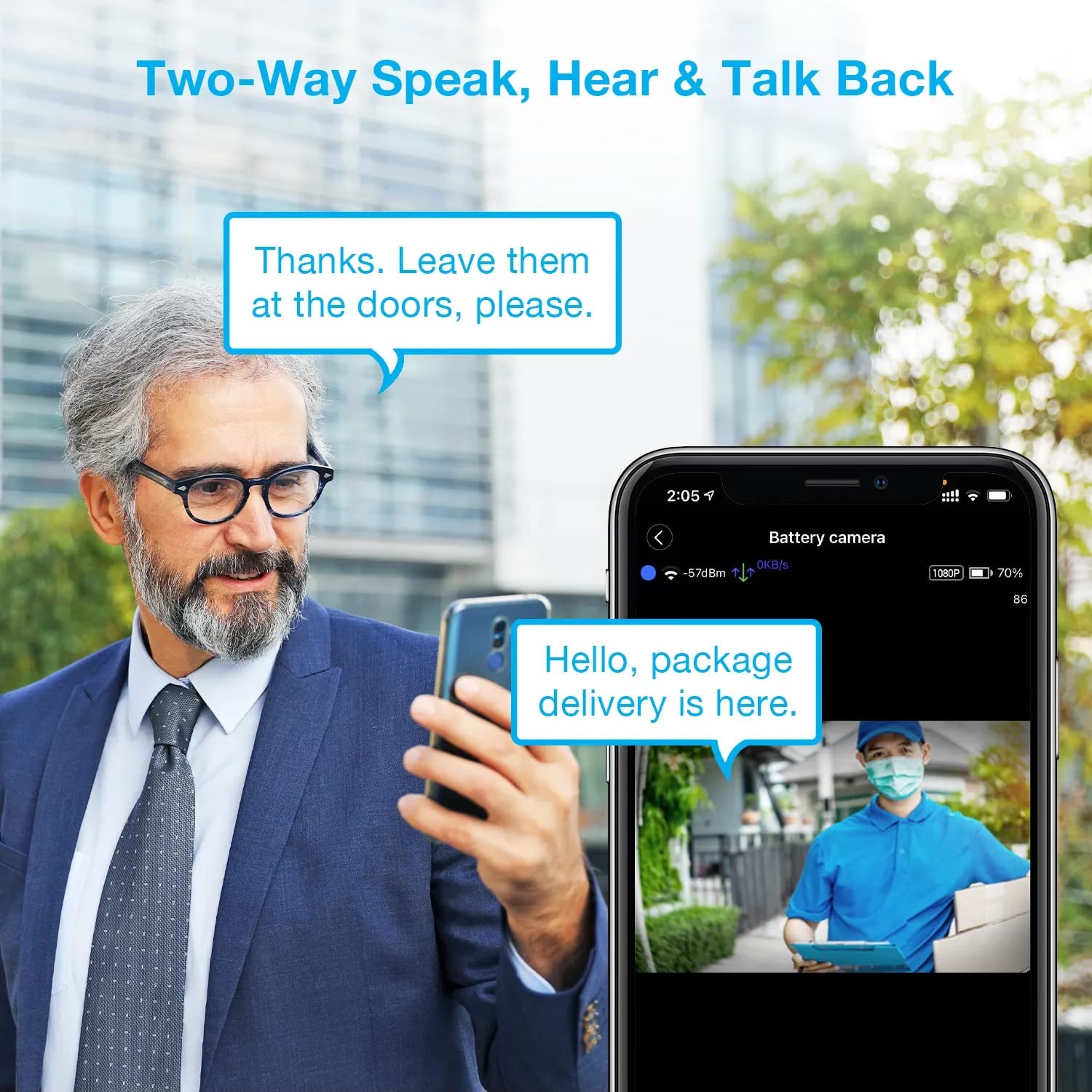
Image: A man using his smartphone to communicate with a delivery person visible on his screen, demonstrating the two-way speak and talk-back functionality of the REXING HS01 camera.
4.3 Detekcija pokreta i upozorenja
The camera utilizes a PIR (Passive Infrared) motion sensor to detect movement. When motion is detected, the camera will begin recording and send instant notifications to your smartphone via the Rexing Home app.
- Podešavanje osjetljivosti: You can adjust the PIR motion sensitivity settings within the app, with options up to 33ft.
- Postavke obavijesti: Customize alert preferences in the app to receive notifications for every detected motion.
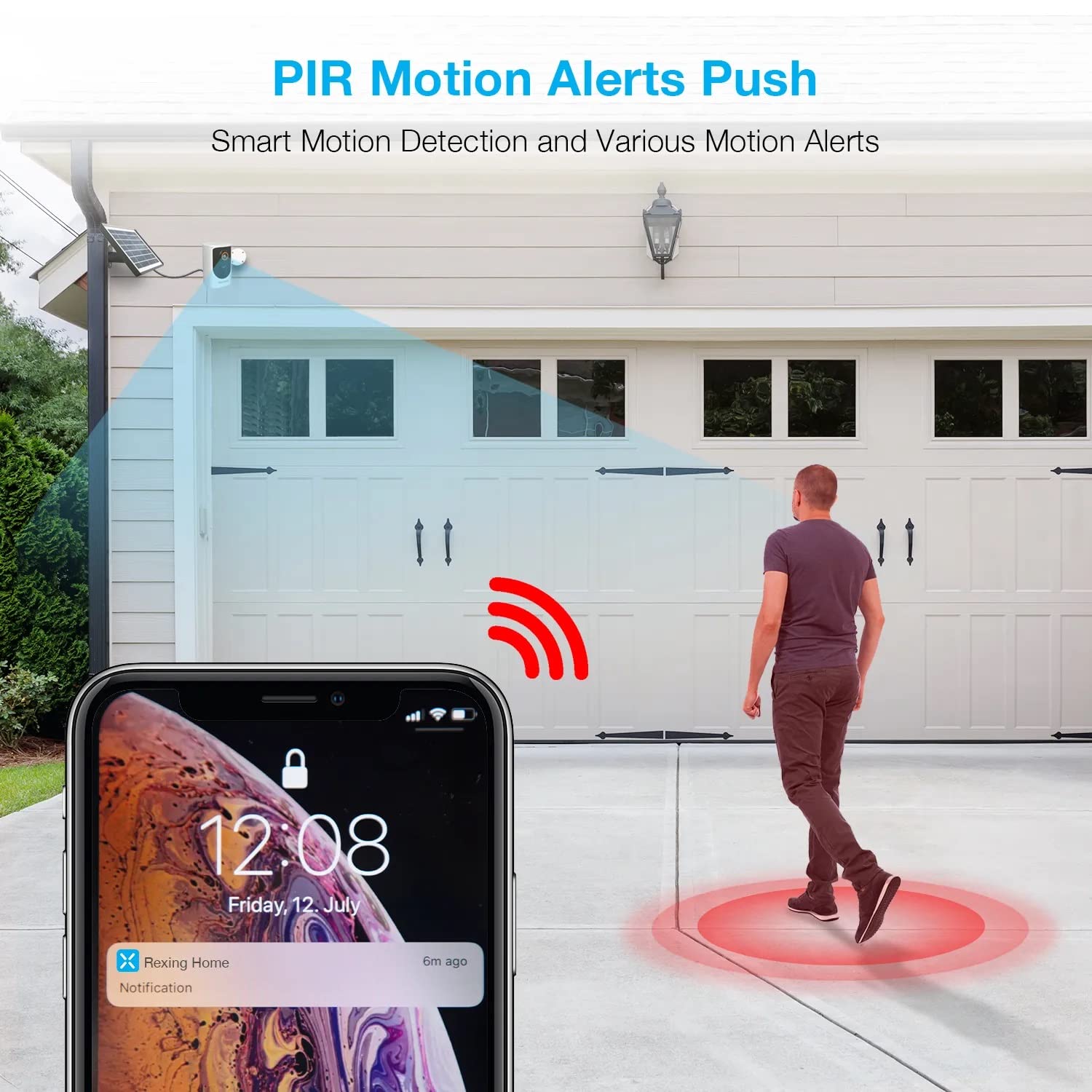
Image: A smartphone screen showing a notification from the Rexing Home app indicating a motion alert, with a visual representation of a person walking into the camera's detection zone.
4.4 Noćni vid
The HS01 camera is equipped with 8 built-in 850nm Infrared LEDs and enhanced CMOS imaging sensors, providing clear night vision up to 33ft. The night vision mode activates automatically in low-light conditions.
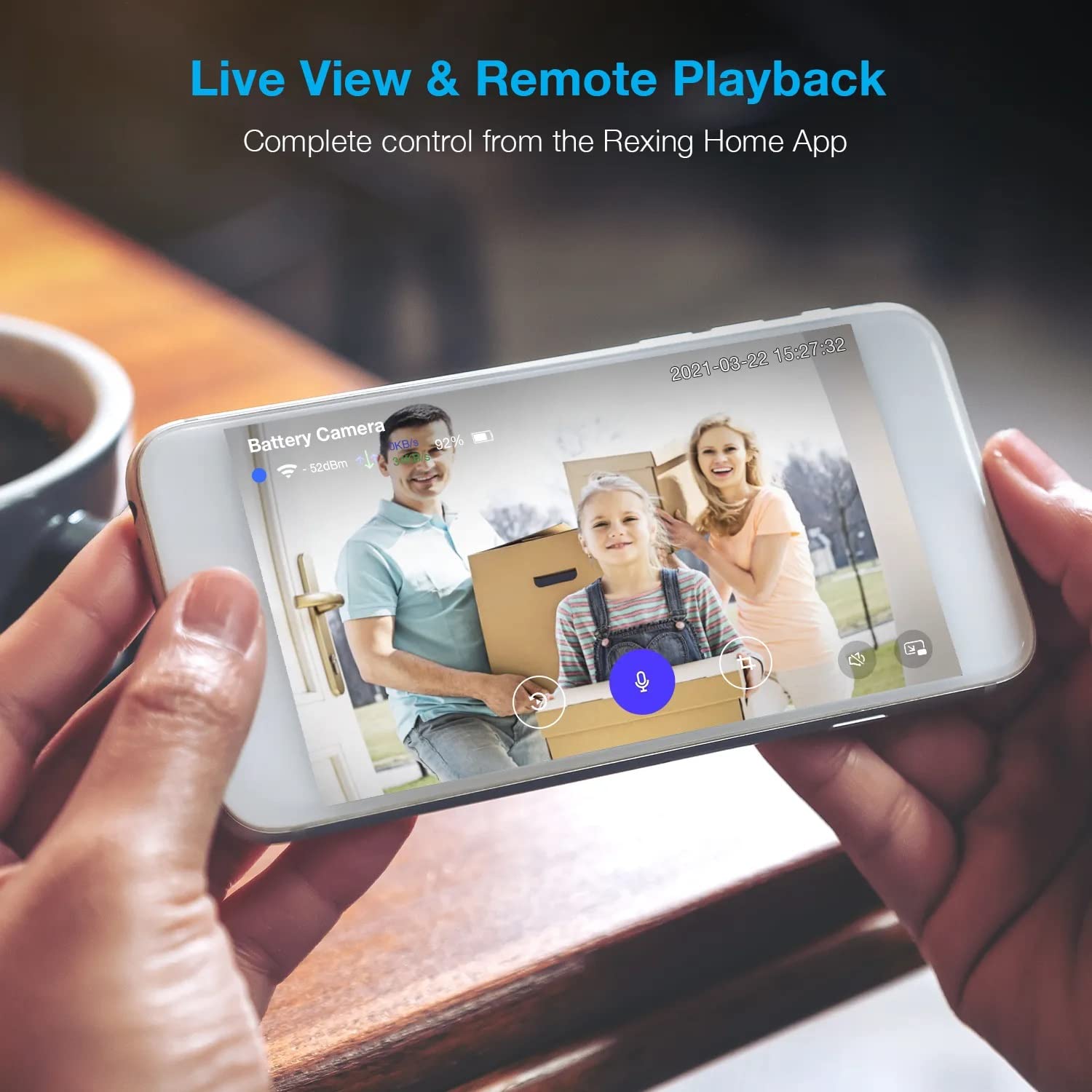
Image: A smartphone displaying a split screen, with one side showing a daytime view of a house in full color and the other side showing the same house in enhanced infrared night vision, demonstrating the camera's 1080p HD and night vision capabilities.
4.5 Pohrana u oblaku
The camera offers secure cloud storage for recorded video footage. You can access the past 3 days of video recordings for free. Extended cloud storage plans are available for purchase through the Rexing Home app.
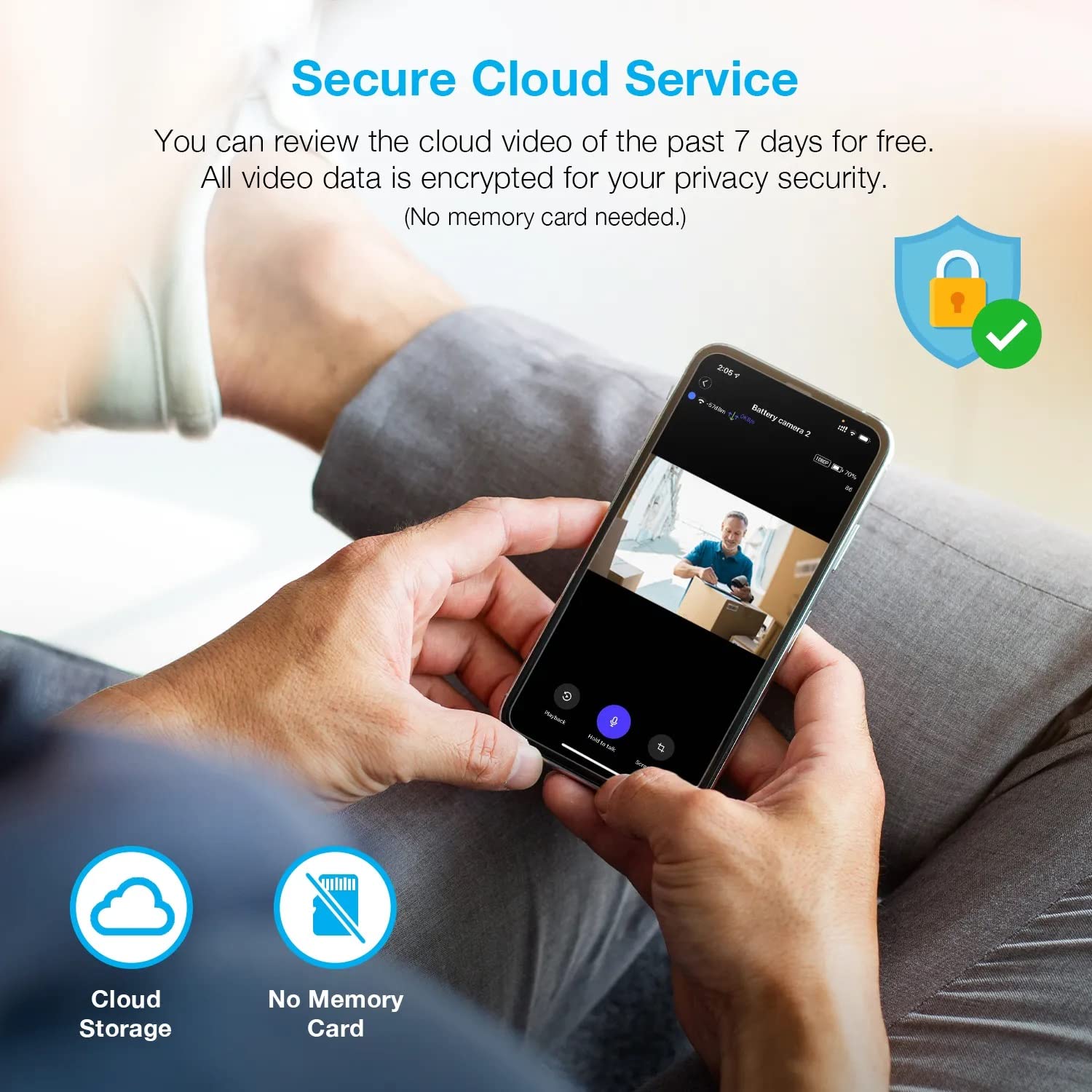
Slika: Osoba viewing recorded camera footage on a smartphone, accompanied by icons for cloud storage and indicating that no memory card is needed, highlighting the secure cloud service feature.
5. Održavanje
5.1 Upravljanje baterijom
The HS01 camera is powered by a 6000mAh rechargeable battery. For continuous operation, ensure the solar panel is positioned to receive adequate direct sunlight. If the camera is used in an area with limited sunlight, periodic manual charging via the USB cable may be required.
5.2 Čišćenje
To maintain optimal performance, periodically clean the camera lens and the solar panel surface with a soft, damp krpom. Izbjegavajte korištenje abrazivnih sredstava za čišćenje ili otapala koja bi mogla oštetiti površine.
6. Rješavanje problema
- Kamera se ne povezuje na Wi-Fi:
- Provjerite je li vaša Wi-Fi mreža 2.4 GHz. Kamera ne podržava mreže od 5 GHz.
- Provjerite jačinu Wi-Fi signala na lokaciji kamere.
- Provjerite je li lozinka za Wi-Fi unesena u aplikaciju ispravna.
- Ponovno pokrenite ruter i kameru.
- Loša kvaliteta videa:
- Ensure a strong Wi-Fi signal. Weak signals can affect streaming quality.
- Očistite objektiv fotoaparata ako je prljav ili zamrljan.
- Detekcija pokreta ne radi ili je preosjetljiva:
- Adjust the PIR motion sensitivity settings in the Rexing Home app.
- Provjerite da nema prepreka koje blokiraju kameru view ili PIR senzor.
- Check the camera's battery level. Low battery can affect sensor performance.
- Battery not holding charge or solar panel not working:
- Ensure the solar panel is positioned to receive direct sunlight for several hours daily.
- Očistite površinu solarnog panela kako biste uklonili svu prljavštinu ili ostatke.
- Provjerite je li kabel solarnog panela sigurno spojen na kameru.
- If issues persist, try charging the camera directly via USB.
- No audio or poor two-way audio:
- Check the volume settings on your smartphone and in the Rexing Home app.
- Ensure your phone's microphone is enabled for the app.
- Verify a stable internet connection for both the camera and your smartphone.
7. Specifikacije
| Značajka | Specifikacija |
|---|---|
| Broj modela | HS01 |
| Video rezolucija | 1080p Full HD |
| Polje od View | 120 stupnja |
| Domet noćnog vida | 33 stopa |
| Kapacitet baterije | 6000 mAh |
| Povezivost | Bežično (Wi-Fi 2.4 GHz) |
| Ocjena vodootpornosti | IP65 |
| Kompatibilni uređaji | Smartphone (Amazon Alexa, Google Assistant) |
| Dimenzije artikla | 8.5 x 7.25 x 3.75 inča |
| Težina artikla | 1 funta |
| Izvor napajanja | Rechargeable Battery, Solar Panel |
8. Jamstvo i podrška
8.1 Informacije o jamstvu
For detailed warranty information regarding your REXING HS01 Smart Home Security Camera System, please refer to the warranty card included with your product or visit the official REXING webstranica. Uvjeti jamstva mogu se razlikovati ovisno o regiji i prodavaču.
8.2 Korisnička podrška
If you encounter any issues or have questions about your REXING HS01 camera, please contact REXING customer support. You can typically find support contact information on the official REXING website or within the Rexing Home mobile application.
For the latest updates, FAQs, and additional resources, please visit the official REXING webstranica: www.rexingusa.com