
1. Uvod
This manual provides essential information for setting up, operating, and maintaining your TECLAST T60Pro 12-inch 2K Tablet. The T60Pro features a 12-inch 2K IPS display, powered by a MediaTek Helio G99 Octa-Core processor, running Android 15. It includes 20GB RAM (8GB physical + 12GB virtual expansion) and 128GB internal storage, expandable up to 1TB via Micro SD. The tablet is equipped with four stereo speakers, a 13MP rear camera, an 8MP front camera, and an 8000mAh battery with 18W fast charging.

The TECLAST T60Pro features a slim 7.9mm metal body, weighing 553g, designed for portability and comfortable handling.
2. Što je u kutiji
Provjerite jesu li svi artikli prisutni u paketu:
- TECLAST T60Pro Tablet (x1)
- Punjač (x1)
- USB-C kabel (x1)
- SIM Ejector Tool (x1)
- Korisnički priručnik (x1)
This video demonstrates the unboxing process of the TECLAST T60Pro tablet and its included accessories.
3. Postavljanje
3.1 Izgled uređaja
The image displays the side profile of the tablet, highlighting the SIM/TF Card slot, speaker grilles, and the Type-C port for charging and data transfer.
3.2 Punjenje tableta
Before first use, fully charge the tablet using the provided USB-C cable and charger. Connect the USB-C cable to the tablet's Type-C port and the charger to a power outlet. The battery indicator on the screen will show charging status.
3.3 Uključivanje/isključivanje
- To power on: Press and hold the Power button until the TECLAST logo appears.
- Za isključivanje: Pritisnite i držite gumb za uključivanje/isključivanje, a zatim odaberite 'Isključi' iz opcija na zaslonu.
- Za ponovno pokretanje: Pritisnite i držite gumb za uključivanje/isključivanje, a zatim odaberite 'Ponovno pokretanje' iz ponuđenih opcija.
3.4 Ugradnja SIM/TF kartice
To install a SIM card for cellular connectivity or a TF (Micro SD) card for expanded storage:
- Pronađite ladicu za SIM/TF karticu sa strane tableta.
- Umetnite priloženi alat za izbacivanje SIM kartice u malu rupu pored ladice i lagano pritisnite dok ladica ne iskoči.
- Place your Nano-SIM card(s) and/or Micro SD card into the designated slots on the tray, ensuring correct orientation.
- Pažljivo gurnite ladicu natrag u tablet dok ne klikne na mjesto.

The tablet supports up to 1TB Micro SD card expansion for additional storage.
3.5 Početno postavljanje Androida
Upon first power-on, follow the on-screen prompts to complete the initial setup, which includes selecting your language, connecting to Wi-Fi, setting up your Google account, and configuring security options.
4. Upute za rad
4.1 Prikaz i vizualni elementi
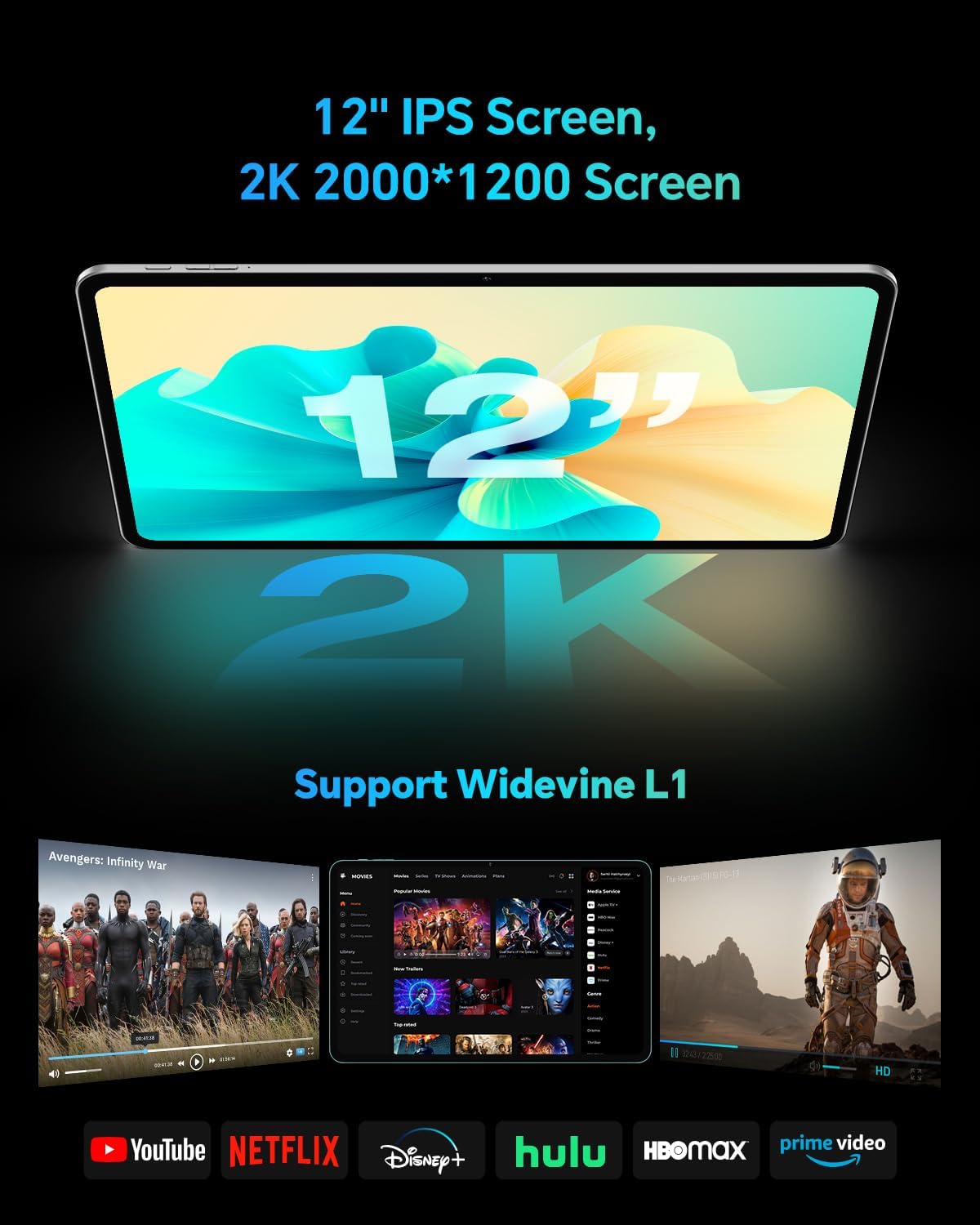
The TECLAST T60Pro features a 12-inch 2K (2000x1200) IPS TDDI full-lamination screen. It includes built-in blue light filtering for eye protection. The display supports Widevine L1 for high-definition streaming content.

Experience crisp visuals and support for HD streaming with the 12-inch 2K IPS display and Widevine L1 certification.
4.2 Audio
The tablet is equipped with four high-fidelity stereo speakers, providing an immersive audio experience for media consumption and video calls.
4.3 Funkcije kamere
The T60Pro includes a 13MP rear camera and an 8MP front camera. The rear camera is designed for clear shooting, even in low-light conditions. Utilize the camera for photos, videos, and video calls.

The tablet features a 13MP rear camera and an 8MP front camera, supporting features like Google Lens and Face Recognition.
4.4 Povezivost
- Wi-Fi: Supports 2.4/5GHz dual-band Wi-Fi (802.11a/b/g/n/ac) for stable internet connection.
- Bluetooth: Ima Bluetooth 5.2 za povezivanje bežične dodatne opreme.
- Mobilna mreža: Supports 4G cellular connectivity with a compatible SIM card.
- GPS: Integrated A-GPS/GPS/BeiDou/GLONASS/Galileo multi-navigation system for accurate location services.

The tablet includes built-in GPS with support for multiple satellite positioning systems for reliable navigation.
4.5 Upravljanje pohranom
The tablet comes with 128GB of internal storage. This can be expanded up to 1TB using a Micro SD card (sold separately).
4.6 Prepoznavanje lica
For convenient and secure unlocking, the tablet supports face recognition. Simply hold your face in front of the front camera. If face recognition fails, use your registered password or adjust ambient lighting for better recognition.

Unlock your tablet quickly and securely using the face recognition feature.
4.7 Bežična projekcija
Mirror your tablet's display to a larger screen, such as a TV, for an enhanced viewing experience. Refer to your TV's manual for specific wireless projection setup instructions.
4.8 Parental Controls and Kids Mode
The Android 15 system includes built-in parental controls to manage screen time and app access for children. Utilize these features to create a safe and controlled environment for younger users.
5. Održavanje
5.1 Čišćenje uređaja
Use a soft, lint-free cloth to clean the tablet's screen and body. Avoid using harsh chemicals or abrasive materials that could damage the surfaces.
5.2 Njega baterija
Kako biste produžili vijek trajanja baterije:
- Izbjegavajte ekstremne temperature.
- Nemojte često dopustiti da se baterija potpuno isprazni.
- Za optimalno punjenje koristite priloženi punjač.
5.3 Ažuriranja softvera
Redovito provjeravajte i instalirajte ažuriranja sustava kako biste osigurali optimalne performanse, sigurnost i pristup najnovijim značajkama. Idite na Postavke > Sustav > Ažuriranje sustava kako biste provjerili dostupna ažuriranja.
5.4 Zaštita zaslona
The tablet comes with a pre-applied tempered glass screen protector. A protective film for shipping is also applied, which should be removed after opening the package.

The tablet includes a pre-applied screen protector for immediate use and protection.
6. Rješavanje problema
6.1 Uređaj se ne uključuje
- Provjerite je li baterija napunjena. Spojite tablet na punjač najmanje 30 minuta prije nego što ga pokušate uključiti.
- Pritisnite i držite gumb za napajanje 10-15 sekundi za prisilno ponovno pokretanje.
6.2 Problemi s povezivanjem (Wi-Fi/Bluetooth)
- Toggle Wi-Fi or Bluetooth off and on in the Settings menu.
- Restart your router or Bluetooth device.
- Zaboravite mrežu/uređaj i ponovno se povežite.
6.3 Low Audio Volume
- Adjust the volume using the physical Volume buttons on the tablet.
- Check media volume settings in Postavke > Zvuk i vibracija.
- Ensure no external audio devices are connected via Bluetooth or Type-C that might be overriding the internal speakers.
6.4 Rušenje ili zamrzavanje aplikacija
- Zatvorite i ponovno otvorite aplikaciju.
- Obrišite predmemoriju i podatke aplikacije u Postavke > Aplikacije > [Naziv aplikacije] > Pohrana > Izbriši predmemoriju/Izbriši podatke.
- Provjerite je li aplikacija ažurirana na najnoviju verziju iz Trgovine Google Play.
7. Specifikacije
| Značajka | Specifikacija |
|---|---|
| Marka | TECLAST |
| Naziv modela | T60pro |
| Operativni sustav | Android 15 |
| Veličina zaslona | 12 inča |
| Razlučivost zaslona | 2000x1200 piksela (2K) |
| Procesor | MediaTek Helio G99 Octa-Core (2.2 GHz) |
| RAM memorija | 20 GB (8 GB fizički + 12 GB virtualno) |
| Kapacitet pohrane | 128 GB |
| Proširiva pohrana | Do 1 TB (Micro SD) |
| Grafički koprocesor | Mali-G57 MC2 |
| Kapacitet baterije | 8000 mAh |
| Punjenje | 18W USB-PD Fast Charging |
| Stražnja kamera | 13 MP |
| Prednja kamera | 8 MP |
| Bežična tehnologija | Wi-Fi (2.4/5GHz), Bluetooth 5.2, 4G Cellular |
| GPS funkcionalnost | GPS/BEIDOU/GLONASS/GALILEO |
| Utičnica za slušalice | Tip-C |
| Dimenzije (D x Š x V) | 10.97 cm x 6.85 cm x 0.31 cm |
| Boja | Tamno siva |
8. Jamstvo i podrška
8.1 Jamstvo proizvođača
The TECLAST T60Pro tablet comes with a 1-godišnje jamstvo proizvođačaOvo jamstvo pokriva nedostatke u materijalu i izradi pri normalnoj uporabi. Molimo sačuvajte dokaz o kupnji za potrebe jamstvenog zahtjeva.
8.2 Korisnička podrška
For technical assistance, troubleshooting, or warranty inquiries, please contact TECLAST customer support. Most questions are answered within 24 hours. Refer to the official TECLAST webweb-mjesto ili vašu platformu za kupnju za određene kontaktne podatke.
Online resources and FAQs may also be available on the TECLAST support page.