
1. Uvod
This manual provides comprehensive instructions for the setup, operation, and maintenance of your VTech CS2001 DECT 2 Handset Cordless Telephone system. Please read this manual thoroughly before using your new telephone to ensure proper functionality and to familiarize yourself with all features.

Image: The VTech CS2001 DECT 2 Handset Cordless Telephone system, showing one handset on its main base unit and a second handset on its auxiliary charging cradle. Both handsets feature a digital display and a standard telephone keypad.
2. Postavljanje
Follow these steps to set up your VTech CS2001 DECT Cordless Telephone system.
2.1 Sadržaj paketa
Provjerite jesu li prisutne sve komponente:
- 1 osnovna jedinica
- 2 AC adaptera
- 2 battery packs (NiMH)
- 2 bežičnih slušalica
- 2 chargers (for auxiliary handset)
- Vodič za brzi početak
- Telefonski kabel
2.2 Ugradnja i punjenje baterije
- Otvorite poklopac odjeljka za baterije na stražnjoj strani svake slušalice.
- Connect the battery pack connector securely into the socket inside the compartment.
- Stavite baterijski paket u odjeljak.
- Zatvorite poklopac odjeljka za baterije.
- Place each handset onto its respective base unit or charger. Ensure the "Charge" indicator on the base/charger illuminates.
- Prije prve upotrebe, ostavite slušalice da se pune najmanje 16 sati kako biste osigurali optimalne performanse baterije.
2.3 Priključak osnovne jedinice
- Spojite jedan kraj telefonskog kabela na TEL LINE priključak na baznoj jedinici.
- Drugi kraj telefonskog kabela spojite na zidnu telefonsku utičnicu.
- Connect the AC adaptor to the POWER jack on the base unit.
- Uključite AC adapter u standardnu električnu utičnicu.
- For the auxiliary charger, connect its AC adaptor to the charger and then to an electrical outlet.
Bilješka: Use only the supplied power adaptors and battery packs. Incorrect adaptors may damage the unit.
3. Upute za rad
3.1 Upućivanje i primanje poziva
- Za upućivanje poziva: Pritisnite RAZGOVOR, a zatim birajte broj. Alternativno, prvo birajte broj, a zatim pritisnite RAZGOVOR.
- Da odgovorite na poziv: Kad zazvoni telefon, pritisnite RAZGOVOR.
- Za prekid poziva: Pritisnite KRAJ ili vratite slušalicu na bazu/punjač.
3.2 Funkcija zvučnika
The handsfree speakerphone allows you to converse without holding the handset.

Image: A VTech CS2001 handset is shown on a kitchen counter, with a person in the background engaged in an activity, illustrating the convenience of the handsfree speakerphone feature.
- Za aktiviranje: Tijekom poziva pritisnite spikerfon button (usually marked with a speaker icon).
- Da biste deaktivirali: Pritisnite tipku spikerfon button again or lift the handset to switch back to normal mode.
3.3 Interfon i prijenos poziva
The two handsets can communicate with each other and transfer calls.
- Interfon: Pritisnite tipku INT button on one handset to call the other.
- Prijenos poziva: Tijekom vanjskog poziva pritisnite INT, select the other handset, and once connected, press PRIJENOS.
4. Ključne značajke
4.1 DECT Technology and Long Range
The VTech CS2001 utilizes DECT (Digital Enhanced Cordless Telecommunications) technology, ensuring clear sound quality and secure communication. It offers a reliable long operating range of up to 300 meters outdoors.

Image: A woman is shown talking on a VTech cordless phone in a spacious, modern home environment, with graphic elements illustrating the phone's reliable long-range capability.
4.2 Nuisance Call Blocker
This feature helps manage unwanted calls. You can block specific numbers or calls from unknown numbers. The system can store up to 30 blacklisted numbers. An option to block all calls during a programmable period is also available.
Bilješka: This feature requires a Caller Display service subscription from your network provider, which may be chargeable.

Image: A man is depicted relaxing on a sofa, reading a book, with a VTech CS2001 handset on a table beside him. A graphic overlay signifies the call blocker feature, promoting peace of mind from unwanted calls.
4.3 Telefonski imenik
Store up to 30 names and numbers in the phonebook directory. Entries added to one handset are automatically shared with the other.

Image: A VTech CS2001 handset is shown on its charging base, accompanied by a graphic representation of a phonebook list, highlighting the 30 name and number storage capacity.
4.4 ID pozivatelja i poziv na čekanju
The system records up to 20 names and numbers for Caller ID. It also supports Call Waiting functionality.
Bilješka: These features require a Caller Display service subscription from your network provider, which may be chargeable.
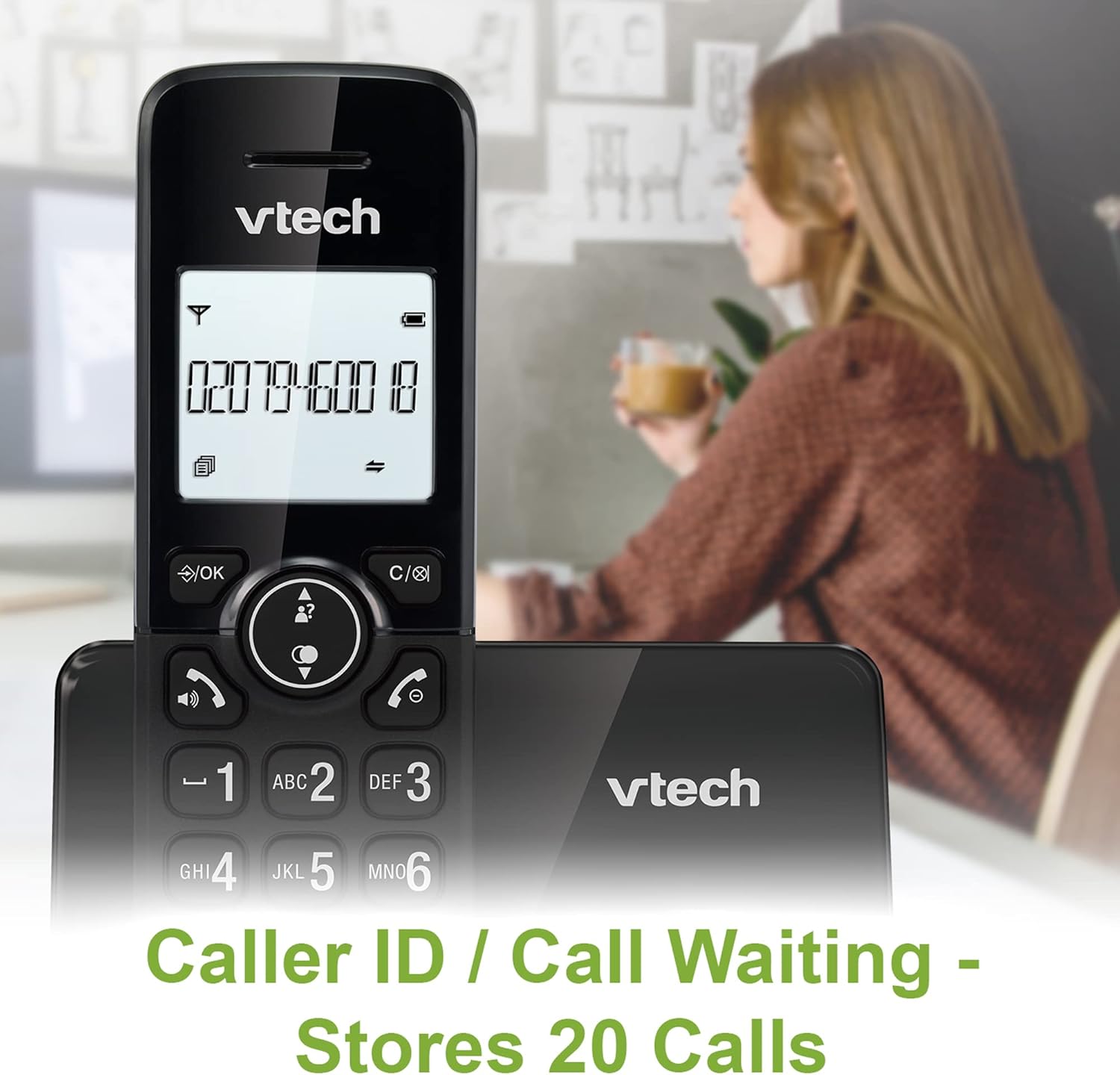
Image: A VTech CS2001 handset is positioned on its base, with its screen clearly displaying a phone number, illustrating the Caller ID feature. A person is visible in the blurred background.
4.5 1.8" Backlit Display
Each handset features a 1.8-inch backlit display, enhancing visibility and readability, especially in low-light conditions.

Slika: Krupni plan view of the VTech CS2001 handset's 1.8-inch backlit display, clearly showing the text "HANDSET 1", demonstrating its enhanced visibility.
4.6 Adjustable Ring Volume and Melody
Customize your phone experience by adjusting the ring volume and selecting from various melodies.

Image: A VTech CS2001 handset rests on a wooden table, with a graphic overlay highlighting the adjustable ring volume and melody features, allowing for personalized sound settings.
4.7 ECO način rada
The handset automatically adjusts the radio frequency strength based on its distance from the base station, optimizing power consumption.
4.8 Funkcija alarma i isključivanja zvuka
The phone includes an alarm function and a mute feature for privacy during calls.

Image: A split image visually represents the alarm and mute functions. One side shows a woman exercising with an alarm clock icon, while the other shows a couple relaxing with a music note icon, symbolizing the phone's versatile features.
5. Održavanje
- Čišćenje: Obrišite slušalice i baznu jedinicu mekom,amp cloth. Do not use cleaning sprays or abrasive cleaners.
- Njega baterije: Replace batteries when their performance significantly degrades. Use only NiMH battery packs specified for this model.
- Okruženje: Keep the telephone away from heat sources, direct sunlight, and moisture.
6. Rješavanje problema
If you experience issues with your VTech CS2001, refer to the following common problems and solutions:
| Problem | Otopina |
|---|---|
| Nema tona za biranje |
|
| Slušalica se ne puni |
|
| Loša kvaliteta zvuka / Statički zvuk |
|
| Ne mogu upućivati/primati pozive |
|
7. Specifikacije
| Značajka | Detalj |
|---|---|
| Marka | VTECH |
| Model | CS2001 |
| Vrsta telefona | Bežični (DECT) |
| Broj slušalica | 2 |
| Prikaz | 1.8" Backlit |
| Kapacitet imenika | 30 imena i brojeva |
| Zapisi o identifikaciji pozivatelja | 20 imena i brojeva |
| Kapacitet blokatora poziva | Do 30 brojeva |
| Ponovno biranje zadnjeg broja | 10 zapisa |
| Izvor napajanja | Battery Powered (AC adaptors for base/chargers) |
| Vrsta baterije | NiMH (2 AAA batteries per handset, included) |
| Podržani radijski bendovi | 1.9 GHz (DECT) |
| Vanjski domet | Do 300m |
| Težina artikla | 680 g |
| Boja | Crna |
8. Jamstvo i podrška
Za informacije o jamstvu i tehničku podršku, molimo pogledajte dokumentaciju priloženu uz vaš proizvod ili posjetite službenu VTech stranicu. webstranicu. Sačuvajte račun kao dokaz o kupnji.