
1. Uvod
Welcome to the Nokia T10 Wi-Fi Tablet user manual. This guide provides essential information to help you set up, operate, maintain, and troubleshoot your new device. The Nokia T10 is an 8-inch HD Android 12 tablet designed for everyday use, offering a balance of performance and portability.
Please read this manual carefully to ensure proper use and to maximize the lifespan of your tablet.
2. Što je u kutiji
Upon unboxing your Nokia T10 tablet, please verify that all the following items are included:
- Nokia T10 Tablet Device
- USB kabel vrste C
- Punjač
- Vodič za brzi početak (QSG)
- Sigurnosna knjižica
- User Guide Band
- Plastic Bag (packaging material)
If any items are missing or damaged, please contact your retailer or Nokia customer support immediately.
3. Postavljanje
3.1 Punjenje tableta
Before first use, fully charge your Nokia T10 tablet. Connect the provided Type-C USB cable to the tablet's charging port and the other end to the charger. Plug the charger into a power outlet. The battery indicator on the screen will show the charging status.
3.2 Uključivanje/isključivanje
- Za uključivanje: Press and hold the Power button until the Nokia logo appears.
- Za isključivanje: Press and hold the Power button until the power options appear on the screen. Select "Power off" and confirm.
- Ponovo pokrenuti: Press and hold the Power button until the power options appear. Select "Restart" and confirm.
3.3 Početno postavljanje
When you power on your tablet for the first time, you will be guided through an initial setup process:
- Odabir jezika: Odaberite željeni jezik.
- Wi-Fi veza: Connect to a Wi-Fi network to access the internet. This is crucial for downloading updates and setting up your Google account.
- Google račun: Sign in with your existing Google account or create a new one. This is necessary for accessing the Google Play Store, Gmail, and other Google services.
- Datum i vrijeme: Postavite točan datum i vrijeme ili dopustite mreži da ih automatski postavi.
- Sigurnost: Set up a screen lock (PIN, pattern, password) and consider enabling AI Face Unlock for convenient access.
3.4 Umetanje MicroSD kartice
The Nokia T10 supports expandable storage via a MicroSD card. Locate the SIM/SD card tray on the side of the tablet. Use the provided SIM ejector tool to open the tray. Carefully place the MicroSD card into the designated slot with the gold contacts facing down, then reinsert the tray firmly.
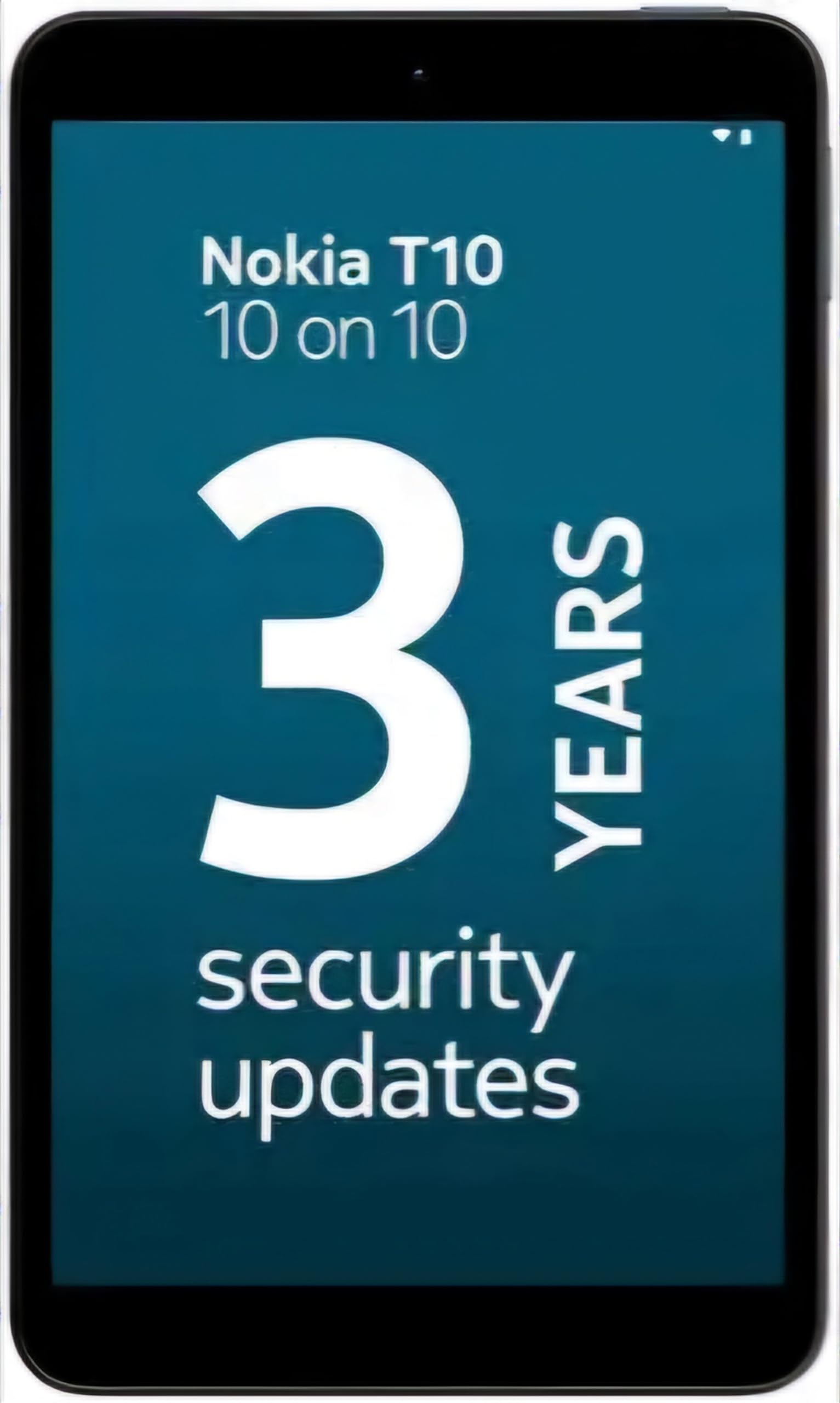
Image: Nokia T10 tablet, showcasinnjegov elegantan dizajn i modul stražnje kamere.
4. Upute za rad
4.1 Prikaz i navigacija
The Nokia T10 features an 8-inch HD display (1280x800 pixels). Navigate the interface using touch gestures:
- Dodirnite: Odaberite stavku ili otvorite aplikaciju.
- Ukrasti: Pomičite se kroz zaslone, popise ili sadržaj.
- Zumiranje štipanjem prstiju: Povećajte ili smanjite fotografije i web stranice.
- Dugi pritisak: Pristupite kontekstualnim izbornicima ili premjestite ikone aplikacija.
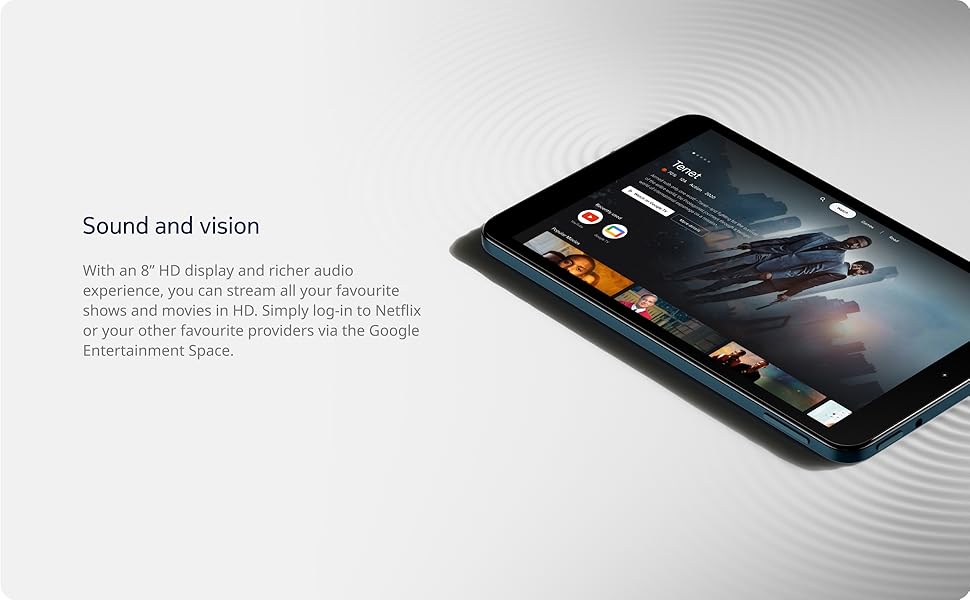
Image: The Nokia T10 tablet showcasing its 8-inch HD display with streaming video content.
4.2 Funkcije kamere
Your tablet is equipped with an 8MP rear camera with autofocus and flash, and a 2MP front camera.
- Fotografiranje: Otvorite aplikaciju Kamera, kadrirajte snimku i dodirnite gumb okidača.
- Snimanje video zapisa: Switch to video mode in the Camera app and tap the record button to start/stop. The tablet supports FHD 1080p video capture.
- Prednja kamera: Tap the camera switch icon to use the front camera for selfies or video calls.

Image: A Nokia T10 tablet displaying a video call, highlighting its front camera functionality.
4.3 Upravljanje baterijom
The Nokia T10 has a 5250 mAh battery designed for all-day use. To optimize battery life:
- Smanjite svjetlinu zaslona.
- Isključite Wi-Fi i Bluetooth kada ih ne koristite.
- Zatvorite aplikacije u pozadini.
- Enable battery saver mode in Settings.
4.4 Povezivost
- Wi-Fi: Connect to wireless networks via Settings > Network & internet > Wi-Fi. The tablet supports 802.11a/b/g/n/ac standards.
- Bluetooth: Pair with Bluetooth devices (headphones, speakers) via Settings > Connected devices > Bluetooth. The tablet features Bluetooth 5.0.
- USB Type-C: Za punjenje i prijenos podataka koristite USB-C priključak.
4.5 AI Face Unlock
For quick and secure access, set up AI Face Unlock:
- Go to Settings > Security > Face unlock.
- Slijedite upute na zaslonu kako biste registrirali svoje lice.
- Ensure you are in a well-lit environment during setup and use.
4.6 Softver i ažuriranja
The Nokia T10 runs on Android 12. Nokia provides 2 years of OS updates and 3 years of monthly security updates to keep your device secure and up-to-date. You will receive notifications when updates are available. It is recommended to install updates over a Wi-Fi connection.
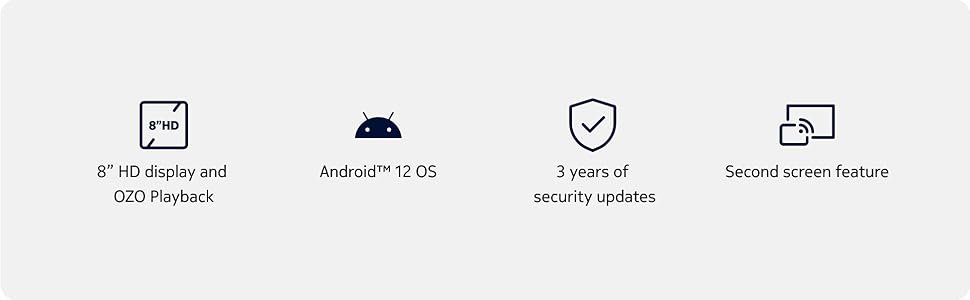
Image: Visual representation of Nokia T10 features including Android 12 OS and 3 years of security updates.
5. Održavanje
5.1 Čišćenje tableta
- Za čišćenje zaslona i kućišta koristite meku krpu koja ne ostavlja dlačice.
- Izbjegavajte korištenje jakih kemikalija, abrazivnih sredstava za čišćenje ili aerosolnih sprejeva.
- Ne izlažite tabletu prekomjernoj vlazi.
5.2 Ažuriranja softvera
Redovito provjeravajte i instalirajte ažuriranja softvera kako biste osigurali optimalne performanse i sigurnost. Idite na Postavke > Sustav > Ažuriranje sustava.
5.3 Upravljanje pohranom
Za održavanje performansi povremeno upravljajte pohranom tableta:
- Izbrišite nepotrebne aplikacije i files.
- Premjesti veliko files (photos, videos) to a MicroSD card or cloud storage.
- Clear app cache regularly via Settings > Apps > [App Name] > Storage & cache.
6. Rješavanje problema
If you encounter issues with your Nokia T10 tablet, try the following solutions:
| Problem | Otopina |
|---|---|
| Tablet se ne uključuje | Provjerite je li baterija napunjena. Spojite punjač i pričekajte nekoliko minuta prije nego što ponovno pokušate uključiti uređaj. |
| Problemi s Wi-Fi vezom | Restart your Wi-Fi router. Go to Settings > Network & internet > Wi-Fi, turn Wi-Fi off and then on again. Forget the network and reconnect. |
| Spora izvedba | Close unused apps. Clear app caches. Restart the tablet. Check for available software updates. |
| Aplikacije se ruše ili zamrzavaju | Force stop the app (Settings > Apps > [App Name] > Force stop). Clear the app's cache and data. Reinstall the app. |
| Baterija se brzo prazni | Reduce screen brightness. Disable unnecessary features like GPS, Bluetooth, and Wi-Fi when not in use. Check battery usage in Settings to identify power-hungry apps. |
If the problem persists after trying these steps, please contact Nokia customer support.
7. Specifikacije
Below are the key technical specifications for the Nokia T10 Wi-Fi Tablet:
- Naziv modela: Nokia T10 TA-1472 WIFI 3/32
- Operativni sustav: Android 12
- Procesor: Unisoc T606 (Octa-core, 1.6 GHz)
- Grafički koprocesor: Mali-G57
- OVAN: 3 GB
- Interna pohrana: 32 GB
- Proširiva pohrana: Yes, via MicroSD card (up to 512GB, sold separately)
- Prikaz: 8-inch HD (1280 x 800 pixels) TFT, 16:10 aspect ratio
- Stražnja kamera: 8 MP with AF and Flash
- Prednja kamera: 2 MP
- Rezolucija video snimanja: FHD 1080p at 30 fps
- Baterija: 5250 mAh litij polimer
- Povezivost: Wi-Fi (802.11a/b/g/n/ac), Bluetooth 5.0, USB Type-C, 3.5mm Audio Jack
- Sigurnosne značajke: AI otključavanje lica
- Audio: Stereo Speakers, OZO Playback
- Dimensions (L x W x Thickness): 20.8L x 12.3W x 0.9Th Centimeters
- Težina: 375 gram
- Boja: Plava
8. Informacije o jamstvu
The Nokia T10 tablet comes with a 1 godine jamstva proizvođača for the device and battery from the date of purchase. In-box accessories are covered by a Jamstvo proizvođača 6 mjeseci from the date of purchase. Please retain your proof of purchase for warranty claims. For detailed terms and conditions, refer to the warranty card included in your product packaging or visit the official Nokia support webmjesto.
9. Podrška
For further assistance, technical support, or to find service centers, please visit the official Nokia support website or contact their customer service. You can typically find support contact information on the Nokia website or in the safety booklet provided with your tablet.
Mrežna podrška: Nokijina podrška Webmjesto


