
1. Uvod
The JZAQ A13 Bluetooth Helmet Speakers and Intercom System provides wireless communication and audio playback for motorcycle riders, skiers, cyclists, and other sports enthusiasts. This system features Bluetooth 5.3 connectivity, two-way intercom functionality, noise cancellation, and a waterproof design for reliable performance in various conditions.

Image 1.1: JZAQ A13 Bluetooth Helmet Headset overview.
2. Sadržaj paketa
Prije instalacije, molimo provjerite da li se u vašem pakiranju nalaze sve dolje navedene stavke:
- JZAQ A13 Headphone Host
- Hard Earbuds
- Soft Earbuds
- Clip Base
- Paste Base
- Horn Velcro
- TYPE-C kabel za punjenje
- Hard and Soft Velcro Pads
- korisnički priručnik

Image 2.1: All components included in the JZAQ A13 package.
3. Proizvod je gotovview
Familiarize yourself with the main unit and its controls:
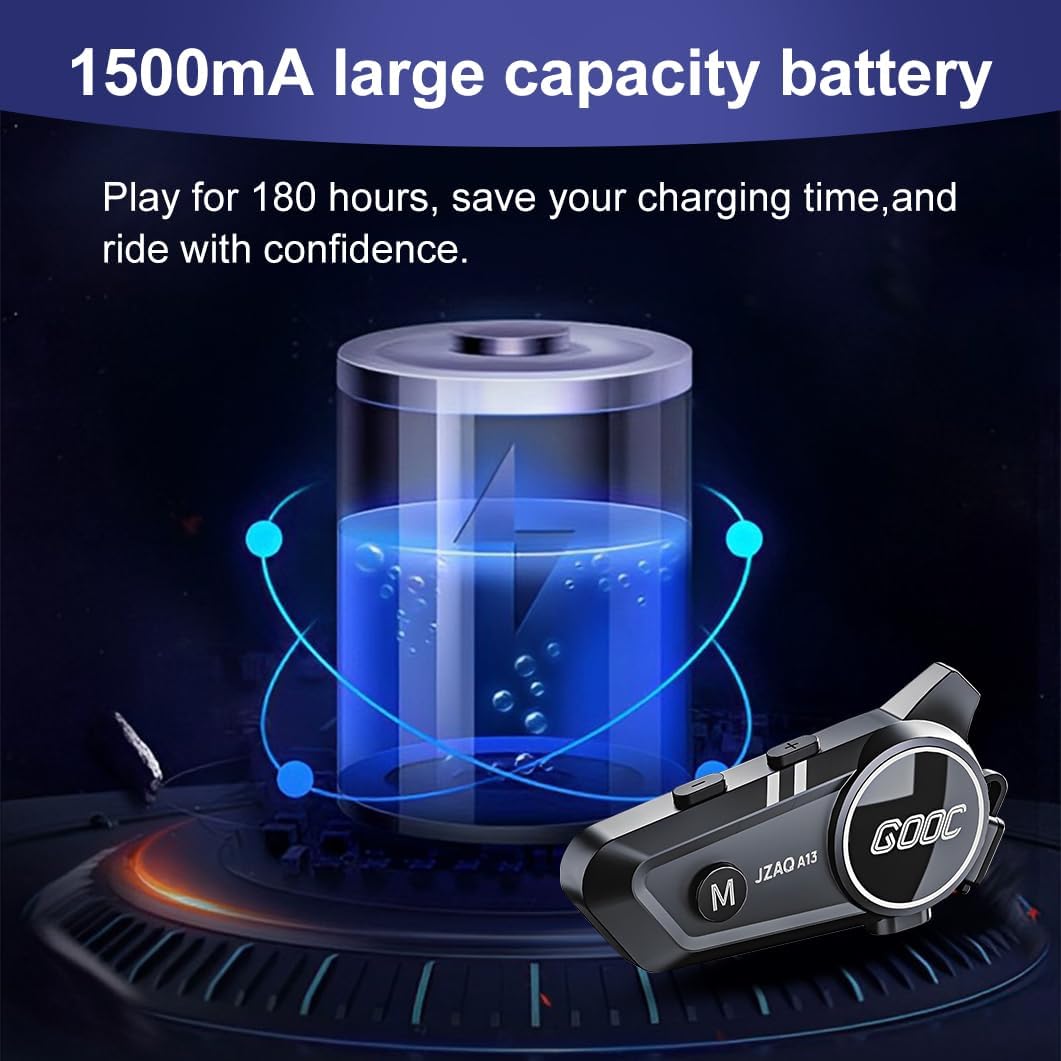
Image 3.1: Diagram illustrating the button functions and ports on the JZAQ A13 unit.
- Power On/Off/Pause/Play/Connect Button: Controls power, music playback, and Bluetooth connection.
- Volume Up/Next Song Button: Increases volume and skips to the next track.
- Volume Down/Previous Song/Voice Assistant Button: Decreases volume, goes to the previous track, and activates the voice assistant.
- Priključak za punjenje: USB Type-C priključak za punjenje uređaja.
- Priključak za slušalice: Povezuje zvučnike i mikrofon.
4. Postavljanje i instalacija
4.1 Punjenje uređaja
Before first use, fully charge the JZAQ A13 unit. Connect the provided TYPE-C charging cable to the charging port on the unit and a USB power source. A full charge typically takes approximately 2 hours. The device features a 1500mAh battery, providing up to 180 hours of continuous play time.

Image 4.1: Illustration of the 1500mAh large capacity battery.
4.2 Instalacija kacige
The JZAQ A13 is designed to be compatible with various helmet types. The speakers are ultra-thin (10mm) to ensure comfort and avoid ear pressure.

Slika 4.2: Primjeramples of various helmet types compatible with the JZAQ A13.
Follow these steps to install the system in your helmet:
- Položaj zvučnika: Identify suitable locations within your helmet for the speakers, typically in the ear recesses. Use the provided Velcro pads to secure the speakers.
- Priključak za mikrofon: Choose between the hard or soft earbuds (microphones) based on your helmet type and preference. Attach the microphone using Velcro in a position that allows clear voice pickup without obstructing your vision or comfort.
- Montaža glavne jedinice: Use either the clip base or the paste base to attach the main JZAQ A13 unit to the side of your helmet. Ensure it is securely fastened and easily accessible for operation.
- Uprava za kabele: Route all cables neatly within the helmet padding to prevent discomfort or interference.

Image 4.3: Step-by-step visual guide for installing the JZAQ A13 system into a helmet.
5. Upute za rad
5.1 Uključivanje/isključivanje
- Uključivanje: Pritisnite i držite gumb za napajanje otprilike 3 sekunde dok se indikatorska lampica ne upali.
- Isključivanje: Pritisnite i držite gumb za napajanje otprilike 3 sekunde dok se indikatorska lampica ne ugasi.
5.2 Bluetooth uparivanje
The JZAQ A13 uses Bluetooth 5.3 for stable wireless connectivity.
- Provjerite je li uređaj isključen.
- Pritisnite i držite gumb za uključivanje/isključivanje otprilike 5-7 sekundi dok indikatorska lampica ne počne naizmjenično bljeskati crveno i plavo, što označava način rada za uparivanje.
- On your mobile phone or Bluetooth-enabled device, search for "JZAQ A13" in the Bluetooth settings.
- Select "JZAQ A13" to connect. Once paired, the indicator light will flash blue slowly.
5.3 Reprodukcija glazbe
After successful Bluetooth pairing, you can play music from your connected device. The system features Hi-Fi stereo sound and DSP noise reduction technology for clear audio.

Image 5.1: The JZAQ A13 provides clear music playback with noise reduction.
- Reproduciraj/pauziraj: Pritisnite gumb za uključivanje jednom.
- Pojačati: Pritisnite tipku za pojačavanje glasnoće (+).
- Smanjivanje glasnoće: Pritisnite tipku za smanjivanje glasnoće (-).
- Sljedeća pjesma: Pritisnite i držite tipku za pojačavanje glasnoće (+).
- prethodna pjesma: Pritisnite i držite tipku za smanjivanje glasnoće (-).
5.4 Dvosmjerna interkom
The JZAQ A13 supports two-way intercom communication between two riders within a range of up to 200 meters. The universal pairing function allows connection with other compatible intercom systems.

Image 5.2: Illustration of two-way intercom communication between riders.
- Pokreni interkom: Consult the specific instructions for initiating intercom with another JZAQ A13 unit or a universally paired device.
- Kraj interkoma: Press the Power button once during an active intercom call.
5.5 Telefonski pozivi
The system supports hands-free calling with automatic answering and DSP noise reduction for clear voice communication.
- Odgovori na poziv: The system will automatically answer incoming calls after a few rings.
- Završi poziv: Pritisnite gumb za uključivanje jednom.
- Odbij poziv: Pritisnite i držite tipku za napajanje 2 sekunde.
5.6 Glasovni asistent
Activate your smartphone's voice assistant (e.g., Siri) directly from the JZAQ A13.
- Aktiviranje glasovnog asistenta: Press the Volume Down (-) button twice quickly.
6. Održavanje
6.1 Hidroizolacija
The JZAQ A13 features IPX67 deep waterproof technology with Nano coating, making it suitable for use in rainy or snowy conditions and capable of operating in temperatures as low as -20°F.
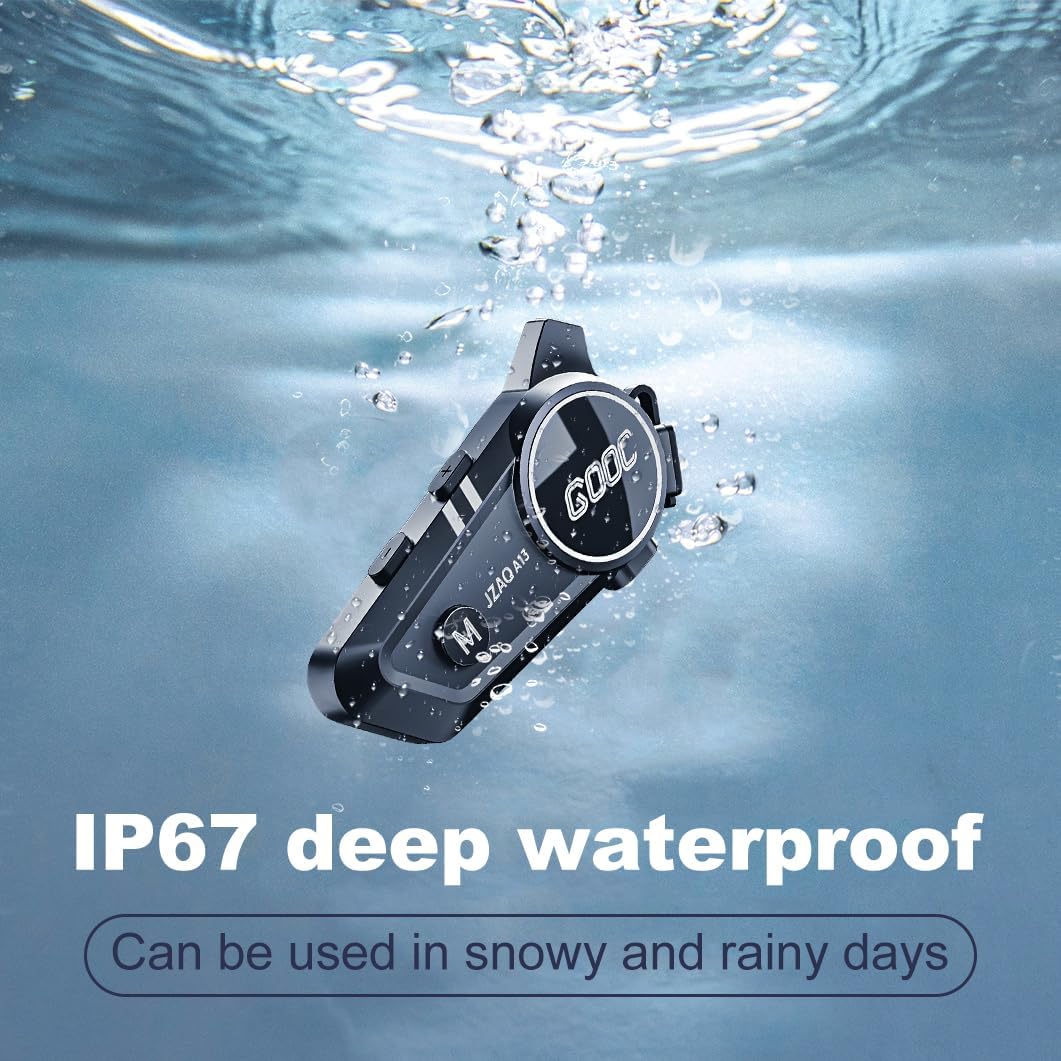
Image 6.1: The JZAQ A13 demonstrating its IP67 deep waterproof capability.
6.2 Čišćenje i skladištenje
- Obrišite uređaj mekom, damp tkanina. Izbjegavajte korištenje jakih kemikalija ili abrazivnih sredstava za čišćenje.
- Provjerite je li poklopac priključka za punjenje čvrsto zatvoren kako biste održali vodootpornost.
- Čuvajte uređaj na hladnom i suhom mjestu kada nije u upotrebi.
7. Rješavanje problema
If you encounter issues with your JZAQ A13, refer to the following common problems and solutions:
| Problem | Mogući uzrok | Otopina |
|---|---|---|
| Uređaj se ne uključuje | Slaba baterija; Uređaj se zamrznuo | Charge the device fully; Perform a hard reset (if applicable, refer to manufacturer for specific steps). |
| Nije moguće upariti s telefonom | Not in pairing mode; Bluetooth off on phone; Device already paired | Ensure device is in pairing mode (flashing red/blue); Turn on phone's Bluetooth; Forget previous connections on phone and re-pair. |
| Nema zvuka iz zvučnika | Volume too low; Speakers disconnected; Faulty connection | Increase volume on device and phone; Check speaker connections; Try re-plugging speakers into the main unit. |
| Interfon se ne povezuje | Out of range; Incorrect pairing procedure | Ensure riders are within 200m range; Repeat intercom pairing steps for both units. |
| Poor voice quality during calls/intercom | Microphone position; Excessive wind noise | Adjust microphone closer to mouth; Ensure microphone is shielded from direct wind. |
8. Specifikacije
Key technical specifications for the JZAQ A13 Bluetooth Helmet Speakers & Intercom System:
| Značajka | Specifikacija |
|---|---|
| Naziv modela | A13 |
| Marka | JZAQ |
| Tehnologija povezivanja | Bežično (Bluetooth) |
| Bluetooth verzija | 5.3 |
| Kapacitet baterije | 1500 mAh |
| Trajanje baterije (vrijeme reprodukcije) | Do 180 sati |
| Vrijeme punjenja | 2 sata |
| Domet interfona | Up to 200 meters (two-way) |
| Razina vodootpornosti | IPX67 (vodootporan) |
| Kontrola buke | Sound Isolation, DSP Noise Reduction |
| Posebne značajke | Built-In Voice Assistant, Fast Charging, Includes microphone, Lightweight |
| Težina artikla | 7.4 unci (0.21 kilograma) |
| Radna temperatura | -20°F to (unspecified upper limit) |
9. Jamstvo i podrška
The JZAQ A13 Bluetooth Helmet Speakers & Intercom System comes with a Jamstvo 2 godine. For any product-related inquiries, technical assistance, or warranty claims, please contact JZAQ customer service through the Amazon Buyer Center. Our customer service team is available to assist you.