
XREAL 6976143800071
XREAL H-C Cable User Manual
Model: 6976143800071
Uvod
This manual provides essential information for the proper use, setup, and maintenance of your XREAL H-C Cable. This high-speed HDMI to USB-C cable is designed to connect various devices, including gaming consoles and PCs, to compatible AR glasses like the XREAL Beam and Air AR glasses, supporting 4K/60Hz video transmission.
Sigurnosne informacije
Please read and follow these safety guidelines to ensure safe operation and prolong the life of your cable:
- Do not expose the cable to extreme temperatures, direct sunlight, or high humidity.
- Izbjegavajte pretjerano savijanje ili uvijanje kabela, posebno u blizini konektora, jer to može oštetiti unutarnje žice.
- Keep the cable away from water and other liquids. If it gets wet, disconnect it immediately and allow it to dry completely before reuse.
- Do not attempt to disassemble or modify the cable. This will void the warranty and may cause damage.
- Čuvati izvan dohvata djece i kućnih ljubimaca.
- Koristite samo s kompatibilnim uređajima kako je navedeno u ovom priručniku.
Sadržaj paketa
Paket sadrži sljedeći artikl:
- 1 x XREAL H-C Cable (HDMI to USB-C)
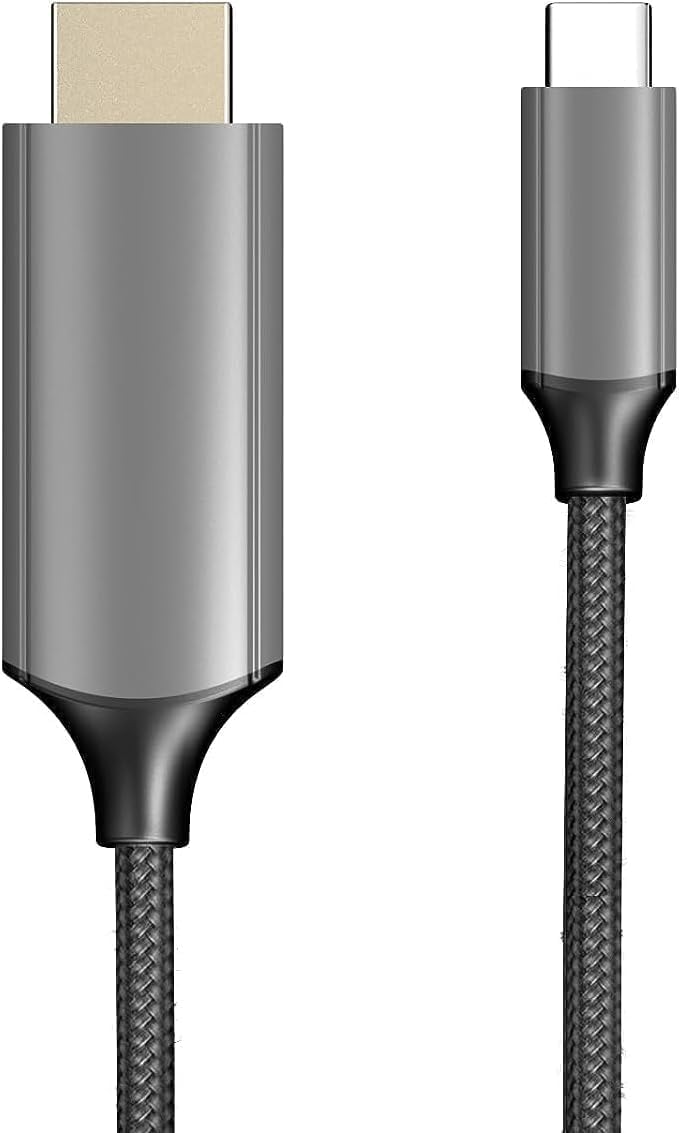
Image: The XREAL H-C Cable showing both the HDMI and USB-C connectors. The cable features a durable, woven design.
Proizvod gotovview
The XREAL H-C Cable is engineered for high-fidelity video and audio transmission. It features a robust, woven design for enhanced durability and tangle-free use. The cable facilitates connection from an HDMI source to a USB-C display, supporting resolutions up to 4K at 60Hz.
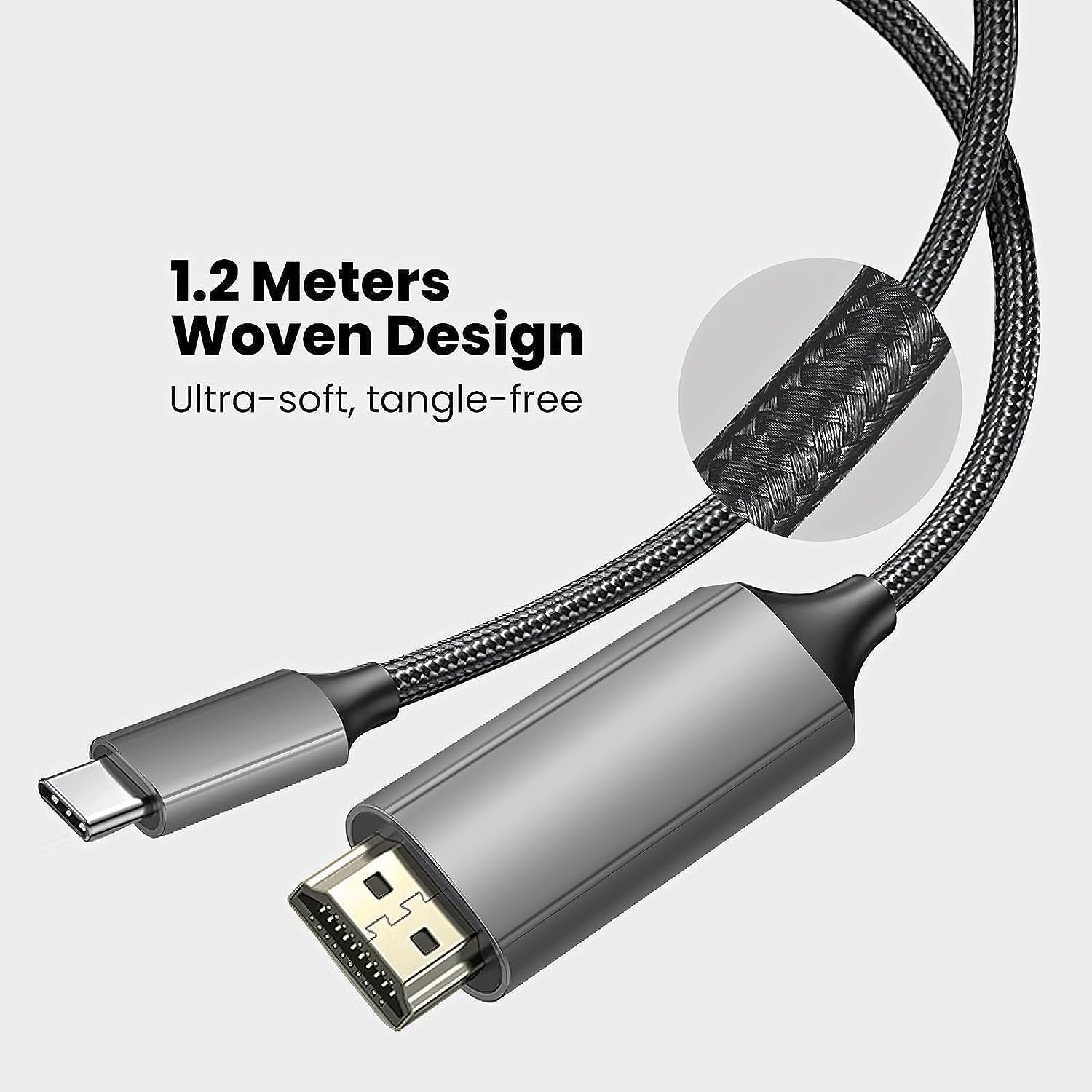
Image: Close-up of the XREAL H-C Cable highlighting its 1.2-meter length and ultra-soft, tangle-free woven design.
Postavljanje
Follow these steps to connect your XREAL H-C Cable:
- Prepoznajte priključke: Locate the HDMI "In" connector and the USB-C "Out" connector on the cable.
- Poveži se s izvorom: Uključite HDMI "In" end of the cable into the HDMI output port of your source device (e.g., PlayStation, Xbox, Nintendo Switch, PC graphics card).
- Poveži se sa zaslonom: Uključite USB-C "Out" end of the cable into the USB-C input port of your compatible display device (e.g., XREAL Beam, XREAL Air AR glasses).
- Uređaji za uključivanje: Provjerite jesu li i izvorni uređaj i uređaj za prikaz uključeni.
- Provjerite vezu: The display should automatically detect the input signal. If not, you may need to manually select the input source on your display device.

Image: The XREAL H-C Cable clearly labeled with "HDMI In" and "USB-C Out" to indicate connection direction.
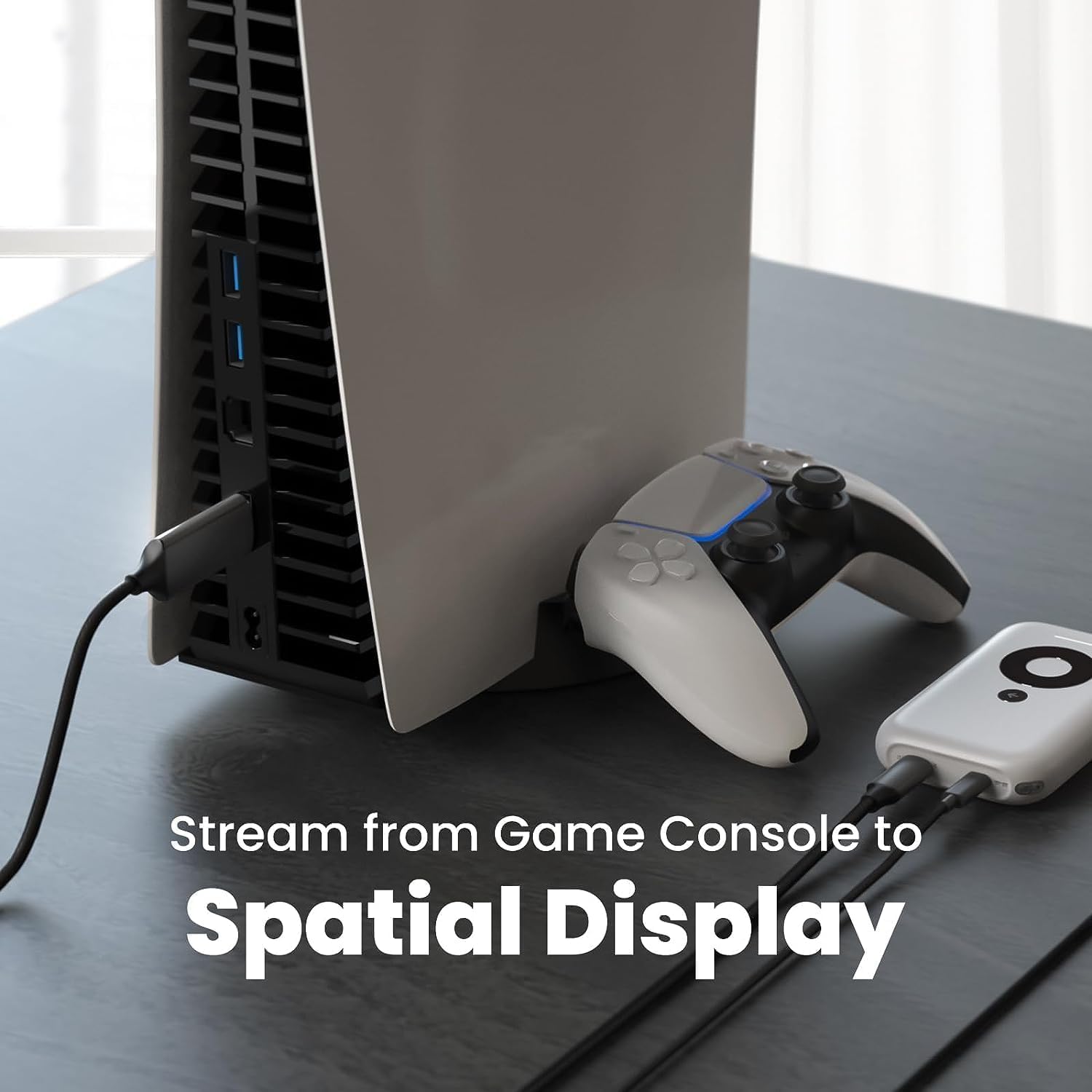
Slika: Bivši/aample setup showing the XREAL H-C Cable connecting a PlayStation 5 console to an XREAL Beam device, enabling streaming to a spatial display.
Operativni
Once connected, the XREAL H-C Cable operates as a plug-and-play device. No additional drivers or software are typically required.
- Rezolucija i brzina osvježavanja: The cable supports up to 4K resolution at 60Hz. Ensure your source device and display device are configured to output and receive these resolutions and refresh rates for optimal performance.
- Audio prijenos: The cable transmits both video and audio signals. Verify audio settings on your source device if no sound is heard.
- Kompatibilnost: This cable is designed for specific applications, primarily connecting HDMI output devices to USB-C input displays, such as XREAL AR glasses. It is not a bidirectional cable and will not function if connected in reverse.
Održavanje
Proper care will extend the life of your XREAL H-C Cable:
- Čišćenje: Use a soft, dry, lint-free cloth to gently wipe the cable and connectors. Do not use liquid cleaners or abrasive materials.
- Skladištenje: When not in use, coil the cable loosely. Avoid tight coiling or sharp bends. Store in a cool, dry place away from direct sunlight.
- Rukovanje: Always grasp the connector housing when plugging or unplugging the cable. Do not pull on the cable itself.
Rješavanje problema
If you encounter issues with your XREAL H-C Cable, try the following solutions:
| Problem | Mogući uzrok | Otopina |
|---|---|---|
| Nema signala na zaslonu |
|
|
| Treperenje ili iskrivljena slika |
|
|
| Nema zvuka |
|
|
Tehnički podaci
| Marka | XREAL |
| Broj modela | 6976143800071 |
| Vrsta konektora | HDMI (Input), USB Type-C (Output) |
| Brzina prijenosa podataka | 5 Gigabits per second (for compatible data streams) |
| Kompatibilni uređaji | Gaming Consoles (PlayStation, Xbox, Switch), Windows Desktop, XREAL Beam, XREAL Air AR Glasses |
| Podrška za maksimalnu rezoluciju | 4K na 60Hz |
| Duljina kabela | 1.2 metara (otprilike 3.9 stope) |
Jamstvo i podrška
XREAL products are manufactured to high quality standards. For information regarding warranty coverage and customer support, please refer to the official XREAL webweb-mjesto ili se izravno obratite njihovoj korisničkoj službi. Sačuvajte račun kao dokaz o kupnji za bilo kakve jamstvene zahtjeve.
Za dodatnu pomoć posjetite: www.xreal.com/support
Ask a question about this manual
Ask about setup, troubleshooting, compatibility, parts, safety, or missing instructions. Manuals+ will review the question and use this page’s manual context to help answer it.