
Andoer 1080P HD Mini Body Camera
Andoer 1080P HD Mini Body Camera User Manual
Model: B0CL9SCVVK
1. Uvod
The Andoer 1080P HD Mini Body Camera is a compact and versatile recording device designed for various applications, including daily recording, service delivery, and personal security. It features high-definition video recording, a 180° rotatable lens, night vision capabilities, and WiFi connectivity for live viewing. This manual provides essential information for setting up, operating, and maintaining your device.

The Andoer 1080P HD Mini Body Camera offers a range of functionalities including high-definition video recording, photo capture, and mobile monitoring via WiFi. It supports various modes such as night vision and features a 180-degree rotatable lens for flexible recording.
2. Sadržaj paketa
Molimo provjerite sadržaj paketa nakon raspakiranja kako biste bili sigurni da su svi artikli prisutni:
- Andoer 1080P HD Mini Body Camera (Host)
- USB kabel za punjenje/podatkovni kabel
- Priručnik s uputama

This image illustrates the contents of the product package, including the main camera unit, a USB charging and data cable, the retail packaging, and the printed instruction manual.
3. Ključne značajke
- Snimanje videa u HD rezoluciji od 1080P: Snima jasan i detaljan video footage.
- Audio zapis: Supports WAV format for audio capture.
- Leća koja se može rotirati za 180°: Allows for flexible adjustment of the camera angle.
- Night Vision Function: Enables clear recording in low-light conditions.
- WiFi veza: Connects to a smartphone app for live viewing i kontrolu.
- Dizajn na kopču: Easily attaches to clothing or bags for portable use.
- Large Memory Capacity: Supports up to 256GB TF (Micro SD) card for ample skladište.
- Dugo trajanje baterije: Equipped with a 1400mAh lithium battery, providing 4-5 hours of recording.

The camera features a convenient clip-on design, allowing it to be easily attached to clothing like a collar or pocket, or to a backpack for hands-free recording.

With its 180-degree rotating lens and wide-angle view, the camera can function as a driving recorder, capturing a broad perspective of the road and surroundings.
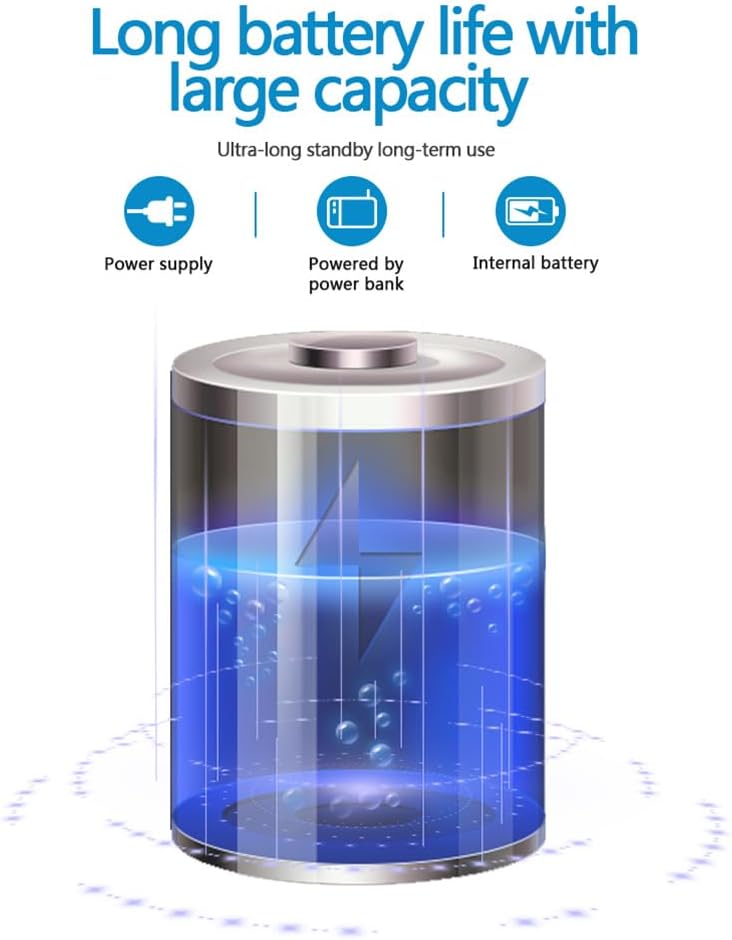
The camera is equipped with a 1400mAh lithium battery, providing extended recording time. It can be powered by an internal battery, an external power bank, or a direct power supply.
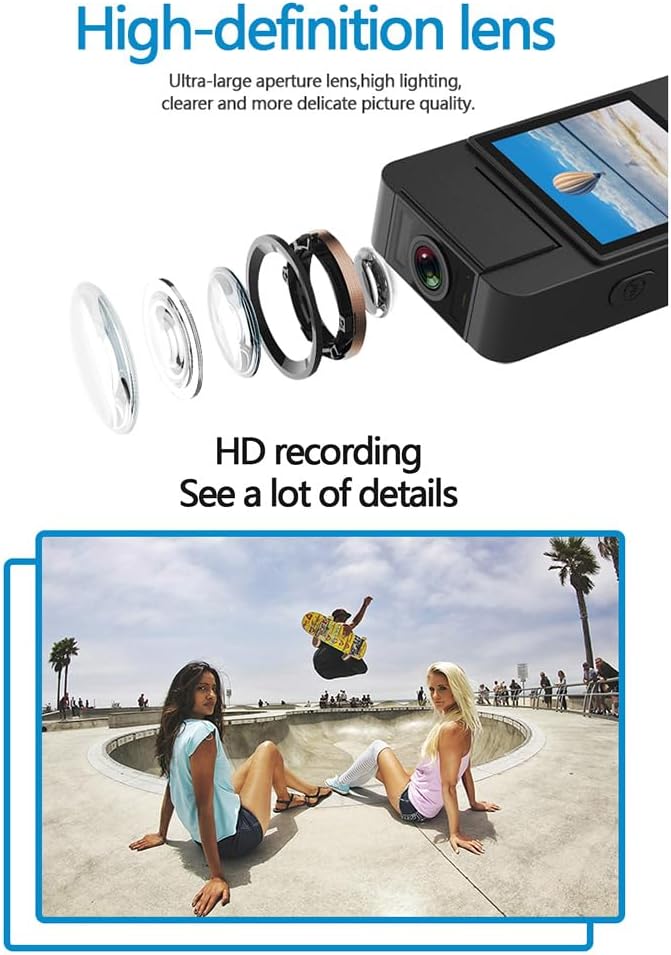
The camera features a high-definition lens with a large aperture, designed to capture clear, bright, and detailed images and videos.
4. Vodič za postavljanje
4.1 Punjenje uređaja
Before first use, fully charge the camera. Connect the provided USB cable to the camera's Type-C port and the other end to a DC 5V power adapter or a computer's USB port. The charging indicator light will show the charging status and turn off when fully charged.
4.2 Umetanje Micro SD kartice
The camera supports Micro SD (TF) cards up to 256GB. Insert the Micro SD card into the designated slot with the gold contacts facing down until it clicks into place. Ensure the camera is powered off before inserting or removing the card.
4.3 Početno uključivanje
Press and hold the Power button for a few seconds until the indicator light turns on, indicating the device is powered on.
5. Upute za rad
5.1 Uključivanje/isključivanje
- Uključivanje: Pritisnite i držite gumb za napajanje dok se ne upali indikatorska lampica.
- Isključivanje: Pritisnite i držite gumb za napajanje dok se indikatorska lampica ne ugasi.
5.2 Video snimanje
In standby mode, press the Video button once to start recording. The indicator light will flash to confirm recording is in progress. Press the Video button again to stop recording and save the file.
5.3 Snimanje zvuka
In standby mode, press the Audio button once to start audio-only recording. The indicator light will flash. Press the Audio button again to stop recording and save the file.
5.4 Photo Function
In standby mode, press the Photo button once to capture a still image. The indicator light will flash briefly.

The camera is designed for simple operation, featuring dedicated buttons for one-click recording, switching between recording modes, and activating video mode.
5.5 Night Vision Activation
The camera features an automatic night vision function. It can be manually toggled on or off depending on the model variant. Refer to the on-screen menu or specific button for night vision control.
5.6 Podešavanje kuta objektiva
The camera lens can be manually rotated 180 degrees to capture different perspectives without repositioning the entire device.
5.7 WiFi Live Viewing
Download the dedicated app on your smartphone. Power on the camera and activate its WiFi function. Connect your smartphone to the camera's WiFi network (SSID and password usually found on the device or in the manual). Open the app to view živi footage, control recording, and access settings.
5.8 Reprodukcija
Snimljeno files can be played back directly on the camera's screen (if available), or by connecting the camera to a computer via USB. Alternatively, remove the Micro SD card and insert it into a card reader to access files na računalu.
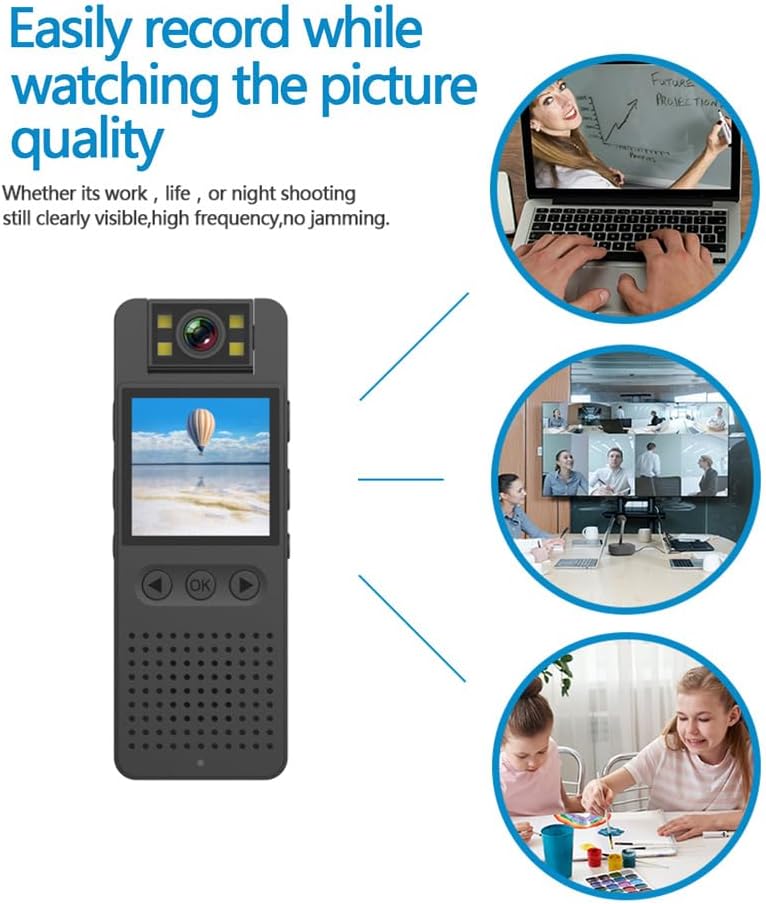
This image illustrates the camera's ability to record clearly in various environments, whether for work, leisure, or night shooting, maintaining high picture quality.
6. Njega i održavanje
- Čišćenje leće: Use a soft, lint-free cloth specifically designed for camera lenses to gently clean the lens. Avoid abrasive materials or harsh chemicals.
- Njega baterije: Kako biste produžili vijek trajanja baterije, izbjegavajte često potpuno pražnjenje baterije. Redovito punite uređaj, čak i ako se ne koristi dulje vrijeme. Čuvajte ga na hladnom i suhom mjestu.
- Skladištenje: Store the camera in a dry environment, away from extreme temperatures, direct sunlight, and dust.
- Sigurnosna kopija podataka: Regularly back up important recordings from the Micro SD card to a computer or external storage device to prevent data loss.
- Izbjegavajte udar: Zaštitite uređaj od padova i udaraca, koji mogu oštetiti unutarnje komponente.
7. Rješavanje problema
7.1 Uređaj se ne uključuje
- Provjerite je li baterija dovoljno napunjena. Spojite kameru na izvor napajanja i pokušajte ponovno.
- Pritisnite i držite gumb za napajanje dulje vrijeme (5-10 sekundi).
7.2 Recording Issues (No Recording/Poor Quality)
- Check if a Micro SD card is properly inserted and has sufficient free space.
- Ensure the Micro SD card is formatted correctly (FAT32 recommended).
- Clean the camera lens if the image quality is blurry.
- Ensure adequate lighting for optimal video quality, or activate night vision in low-light conditions.
7.3 WiFi Connection Problems
- Make sure the camera's WiFi function is enabled.
- Ensure your smartphone is within range of the camera's WiFi signal.
- Verify that you have entered the correct WiFi password.
- Ponovno pokrenite i kameru i pametni telefon, a zatim pokušajte ponovno povezati.
7.4 Uređaj se zamrzava ili prestaje reagirati
- Press and hold the Power button for an extended period (up to 15 seconds) to force a shutdown.
- If possible, use a small pin to press the reset button (if available on your model).
8. Tehničke specifikacije
| Video rezolucija | 1920*1080p |
| Video format | MOV |
| Video Frame Rate | 25 sličica u sekundi |
| Omjer slike | 16:9 |
| Format snimanja | WAV |
| Rezolucija fotografije | 4608*3456p |
| Format fotografije | JPG |
| Kapacitet baterije | 1400 mAh |
| Radno vrijeme | Approx. 290 minutes (4-5 hours) |
| Punjenje Voltage | DC 5V |
| Podrška za pohranu | Up to 256GB TF card (Micro SD) |
| Vrsta sučelja | Tip-C |
| Podržani sustavi | Windows, Mac OS, Linux |
| Tehnologija povezivanja | USB, Wi-Fi |
| Posebne značajke | Low Light, Night Vision |
| Razina vodootpornosti | Nije vodootporan |
| Vrsta objektiva | Zum |
| Vrsta fokusa | Ručni fokus |
9. Informacije o jamstvu
Specific warranty details for the Andoer 1080P HD Mini Body Camera may vary by region and retailer. Please refer to the product packaging, the seller's website, or your purchase receipt for comprehensive warranty terms and conditions. It is recommended to retain your proof of purchase for any warranty claims.
10. Korisnička podrška
For technical assistance, product inquiries, or customer support, please contact the retailer from whom you purchased the device or visit the official Andoer website. When contacting support, please have your product model number (B0CL9SCVVK) and purchase details readily available to facilitate faster service.
Ask a question about this manual
Ask about setup, troubleshooting, compatibility, parts, safety, or missing instructions. Manuals+ will review the question and use this page’s manual context to help answer it.