
1. Uvod
This manual provides detailed instructions for the installation, operation, and maintenance of your Hikvision 2-Wire Video Intercom Kit, Model 38084. This system is designed for single-family homes, offering enhanced security and convenience through its 7-inch touchscreen monitor, FullHD outdoor camera, and seamless integration with the Hik-Connect mobile application. Please read this manual thoroughly before installation and use to ensure proper functioning and safety.
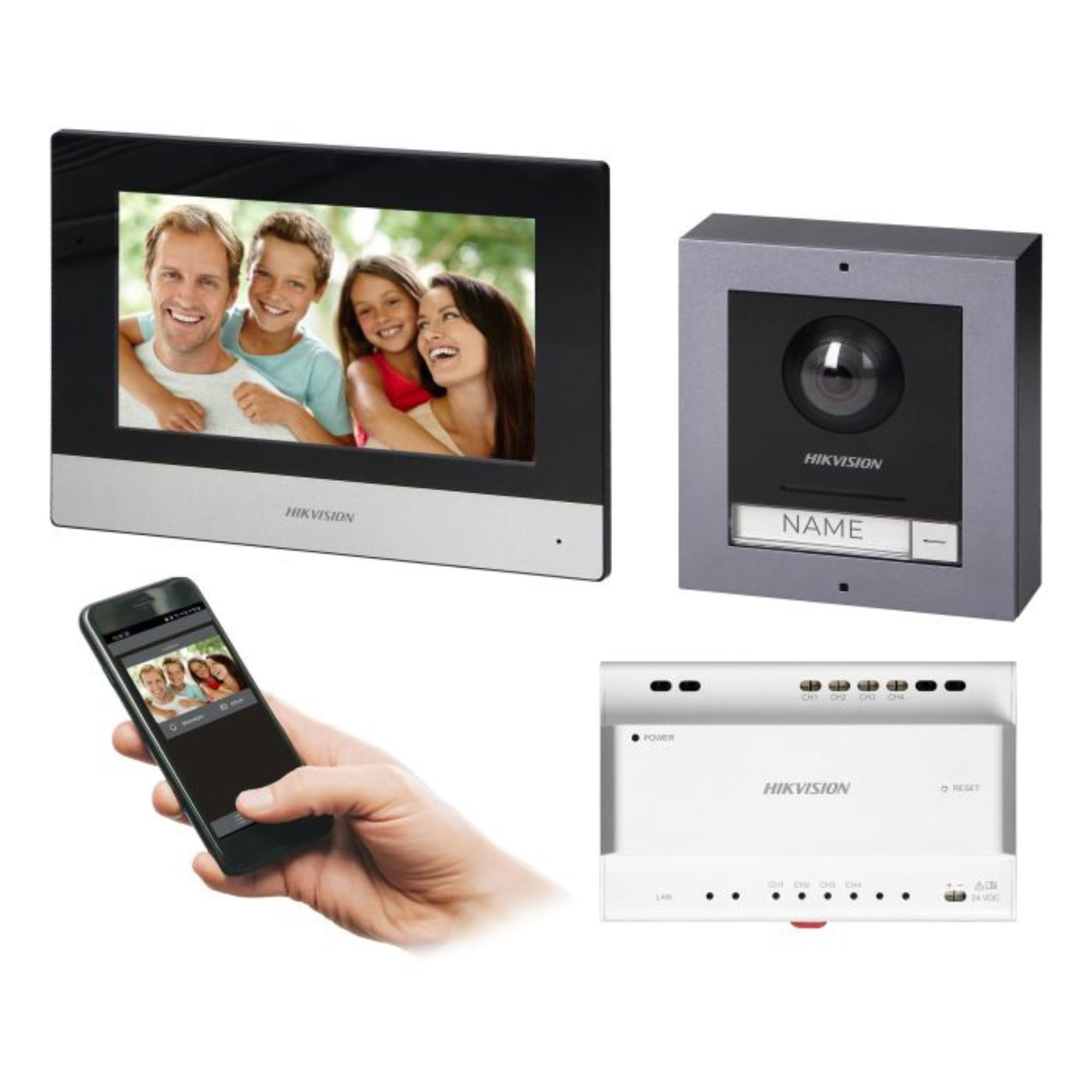
Figure 1: Hikvision 7-inch Video Intercom Monitor (Front View)
The image displays the front view of the Hikvision 7-inch video intercom monitor, featuring a large screen and the Hikvision logo at the bottom.
2. Sigurnosne informacije
Uvijek slijedite osnovne sigurnosne mjere kako biste smanjili rizik od požara, strujnog udara i ozljeda osoba.
- Električna sigurnost: Installation must be performed by qualified personnel in accordance with all local electrical codes. Disconnect power before installation or servicing.
- Voda i vlaga: Do not expose the indoor monitor to rain or moisture. The outdoor panel is IP65 rated for weather resistance but should not be submerged.
- Temperatura: Uređaj koristite unutar navedenog temperaturnog raspona.
- Čišćenje: Za čišćenje koristite meku, suhu krpu. Nemojte koristiti tekuća ili aerosolna sredstva za čišćenje.
- smetnje: Avoid installing near sources of strong electromagnetic interference.
3. Sadržaj paketa
Provjerite jesu li sve komponente prisutne u paketu:
- 7-inčni unutarnji monitor (s WiFi-jem)
- FullHD Outdoor Panel (with Camera and Night Vision)
- 4-Channel Distributor
- Pribor za montažu (vijci, zidni tiplovi)
- Korisnički priručnik (ovaj dokument)
- 16 GB MicroSD Card (pre-installed or included for video storage)

Figure 2: Hikvision Outdoor Panel and Mounting Accessories
This image shows the Hikvision outdoor panel alongside its rain shield and a flush-mount box, illustrating the various mounting options available.
4. Postavljanje i instalacija
The Hikvision video intercom system utilizes a 2-wire installation method, simplifying wiring. Both the indoor monitor and outdoor panel are designed for surface mounting.
4.1 Ugradnja vanjske ploče
- Odaberite lokaciju: Select a suitable location near the entrance, ensuring the camera has a clear view of visitors. The panel is IP65 rated for outdoor use.
- Montaža: Use the provided mounting bracket to mark drill holes on the wall. Drill holes, insert wall plugs, and secure the bracket.
- Ožičenje: Connect the 2-wire cable from the distributor to the outdoor panel terminals. Ensure correct polarity.
- Sigurna ploča: Attach the outdoor panel to the mounting bracket.

Figure 3: Hikvision Outdoor Panel (Front View)
This image shows the front of the Hikvision outdoor panel, featuring the FullHD camera, speaker grille, call button, and nameplate area.
4.2 Ugradnja unutarnjeg monitora
- Odaberite lokaciju: Select an indoor location where the monitor is easily accessible and visible.
- Montaža: Use the provided mounting plate to mark and drill holes. Secure the mounting plate to the wall.
- Ožičenje: Connect the 2-wire cable from the distributor to the indoor monitor terminals.
- Priključak za napajanje: Connect the monitor to a power source (mains electricity).
- Sigurni monitor: Attach the indoor monitor to the mounting plate.

Figure 4: Hikvision Indoor Monitor (Back View) and Mounting Plate
The image displays the rear of the Hikvision indoor monitor, showing its connection ports and the separate mounting plate used for installation.
4.3 System Wiring Diagram (General)
The 2-wire system connects the outdoor panel, indoor monitor, and the 4-channel distributor. The distributor manages power and data communication between the devices.
- Connect the outdoor panel to the distributor using a 2-wire cable.
- Connect the indoor monitor to the distributor using a 2-wire cable.
- Ensure the distributor is powered.
- For electric lock control, additional power may be required for the lock itself, connected via the outdoor panel.
4.4 WiFi veza
After physical installation, power on the monitor. Navigate to the network settings on the 7-inch touchscreen to connect to your 2.4 GHz Wi-Fi network (802.11 b/g/n standard). This enables smartphone communication via the Hik-Connect app.
5. Upute za rad
5.1 Indoor Monitor Functions
- Zaslon osjetljiv na dodir: Navigate menus and control functions using the 7-inch touch screen.
- Interkom funkcija: Communicate with visitors at the outdoor panel or other indoor monitors (if expanded).
- Funkcija memorije: The monitor supports a memory function, likely for capturing images or short video clips of visitors.
- Čitač SD kartica: A 16GB MicroSD card is included for storing recorded video streams.
- Ringtone Management: Choose from 3 available ringtones. Adjust volume or mute the ringtone as needed.
- Kontrola vrata: Use the monitor to remotely open an electric lock connected to the system.
- CCTV Camera Integration: The system can be expanded to integrate up to 16 CCTV cameras.
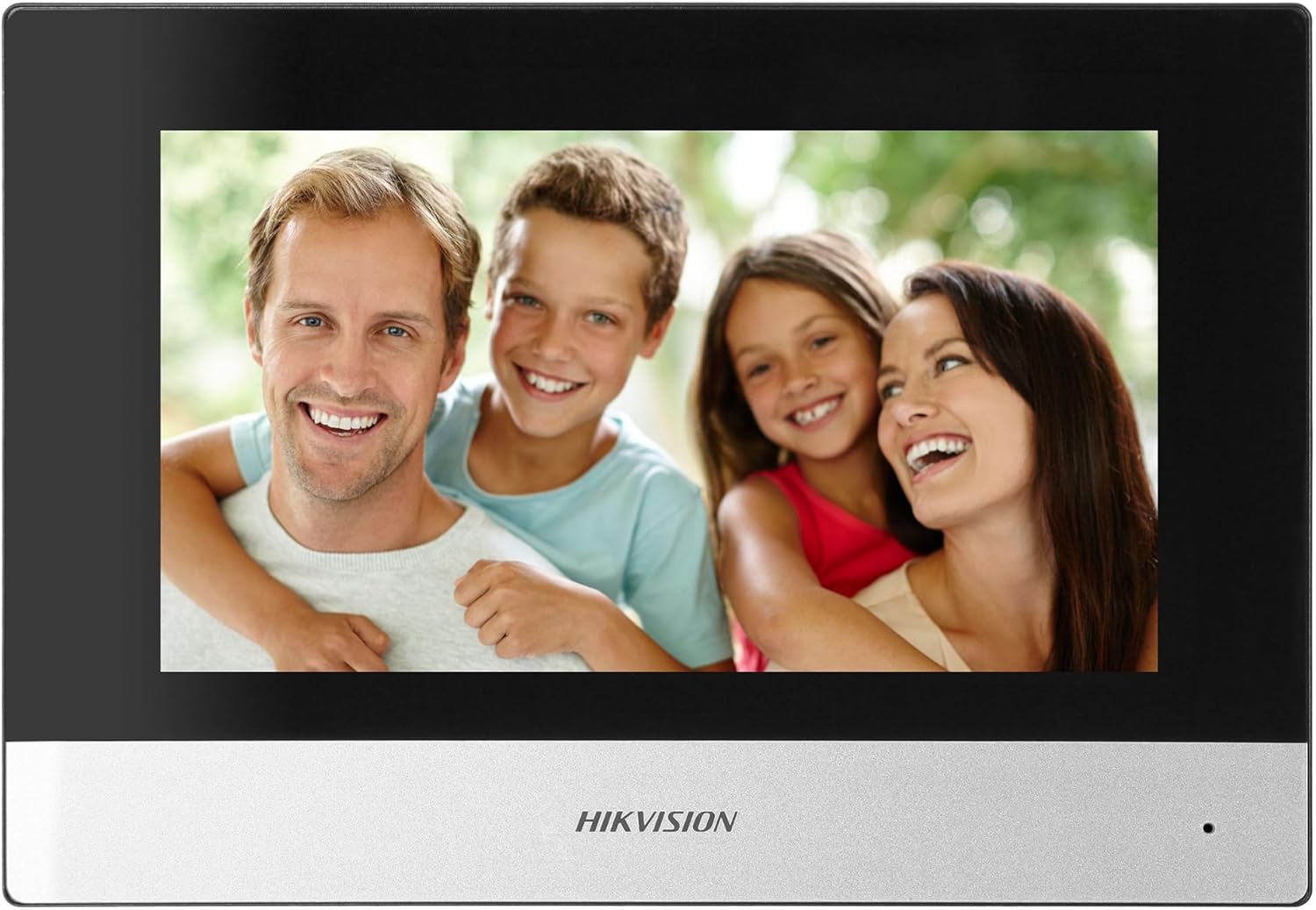
Figure 5: Hikvision Indoor Monitor (Front View)
This image shows the Hikvision 7-inch indoor monitor from the front, highlighting its sleek design and large display area.
5.2 Outdoor Panel Operation
- Gumb za poziv: Visitors press the single call button to initiate a call to the indoor monitor.
- FullHD Camera: Provides a 2MP (1920x1080p) video feed with a wide viewing angle (96°/180°).
- Noćni vid: Integrated IR illumination ensures clear visibility even in low-light conditions.
- Pločica s imenom: A space is provided for a nameplate or label.

Figure 6: Hikvision Outdoor Panel (Angled View)
Kutni view of the Hikvision outdoor panel, showcasing its robust construction and integrated camera and call button.
5.3 Hik-Connect Mobile Application
Download the Hik-Connect app from your smartphone's app store. Once installed and configured with your system, you can:
- Receive calls from the outdoor panel on your smartphone.
- View live video from the outdoor camera.
- Remotely open the door.
- Pristup snimljenom video footage.
6. Održavanje
Redovito održavanje osigurava dugotrajnost i optimalne performanse vašeg interfonskog sustava.
- Čišćenje: Wipe the monitor screen and outdoor panel with a soft, damp tkanina. Izbjegavajte abrazivna sredstva za čišćenje.
- Ažuriranja firmvera: Periodically check for firmware updates via the Hik-Connect app or Hikvision's official webweb-mjesto kako biste osigurali da vaš sustav ima najnovije značajke i sigurnosne zakrpe.
- Pregled kabela: Periodically inspect all wiring for any signs of wear or damage.
- Outdoor Panel Lens: Keep the camera lens on the outdoor panel clean for clear video quality.
7. Rješavanje problema
Ako naiđete na probleme, pogledajte sljedeće uobičajene korake za rješavanje problema:
- Bez napajanja: Check all power connections and ensure the distributor is receiving power.
- Nema videa/zvuka: Verify the 2-wire connections between the outdoor panel, monitor, and distributor. Ensure correct polarity.
- Problemi s WiFi vezom: Ensure your router is operating on 2.4 GHz. Re-enter WiFi credentials on the monitor. Check signal strength.
- Door Lock Not Opening: Confirm the electric lock has its own power supply if required. Check wiring from the outdoor panel to the lock.
- Loš noćni vid: Ensure the outdoor camera lens is clean and free from obstructions.
8. Specifikacije
| Tip | Single-family |
| Video funkcija | Da |
| Napajanje | Mrežna struja |
| Vrsta prijenosa | Žičano (2-žilno) |
| Smartphone Communication | Yes (via Hik-Connect app) |
| Wi-Fi frekvencija | 2.4 GHz |
| Wi-Fi standard | 802.11 b/g/n |
| Metoda instalacije | 2-wire, Surface Mount |
| Max. Monitors | Proširivo do 3 |
| Max. Outdoor Panels | Proširivo do 1 |
| Max. CCTV Cameras | Proširivo do 16 |
| Kontrola električne brave | Yes (requires additional power for lock) |
| Dnevna / noćna funkcija | Da |
| Način montaže | Površinska montaža |
| Hands-free System | Da |
| Dijagonala zaslona | 7 inča |
| Rezolucija | 1024 x 600 |
| Zaslon osjetljiv na dodir | Da |
| Video sustav | PAL, Color |
| Funkcija pamćenja | Da |
| Čitač SD kartica | Yes (16GB card included) |
| Funkcija interfona | Da |
| Melodije zvona | 3 |
| Materijal | Plastični |
| Boja | Crna |
| Dimenzije (Š x V x D) | 140 mm x 200 mm x 15 mm |
| Gumbi za pozive | 1 |
| Način montaže | Površinska montaža |
| Rezolucija kamere | 2MP, 1920x1080 (FullHD) |
| Fotoaparat Viewing kut | 96°/180° |
| Noćno osvjetljenje | IR (infracrveno) |
| PTZ funkcija | Ne |
| Čitač bliskih kartica | Ne |
| Nameplate Space | Da |
| Otporno na vandalizam | Ne |
| Ocjena zaštite | IP65 |
| Materijal | Čelik |
| Boja | Srebro |
| Dimenzije (Š x V x D) | 98 mm x 99.8 mm x 43.9 mm |
| Dimenzije proizvoda | 20 x 15 x 10 cm |
| Težina artikla | 1 kg |
| Broj modela | 38084 |
9. Jamstvo i podrška
For warranty information and technical support, please refer to the official Hikvision webstranicu ili se obratite lokalnom distributeru. Sačuvajte račun za kupnju u slučaju reklamacije.
- Mrežna podrška: Posjetiti www.hikvision.com for product documentation, FAQs, and support resources.
- Služba za korisnike: Contact your retailer or authorized Hikvision service center for assistance.