
Uvod
Thank you for choosing the Verilux Wireless Mouse M103. This manual provides detailed instructions for setting up, operating, and maintaining your new mouse. Please read this manual carefully before use to ensure optimal performance and longevity of your device.
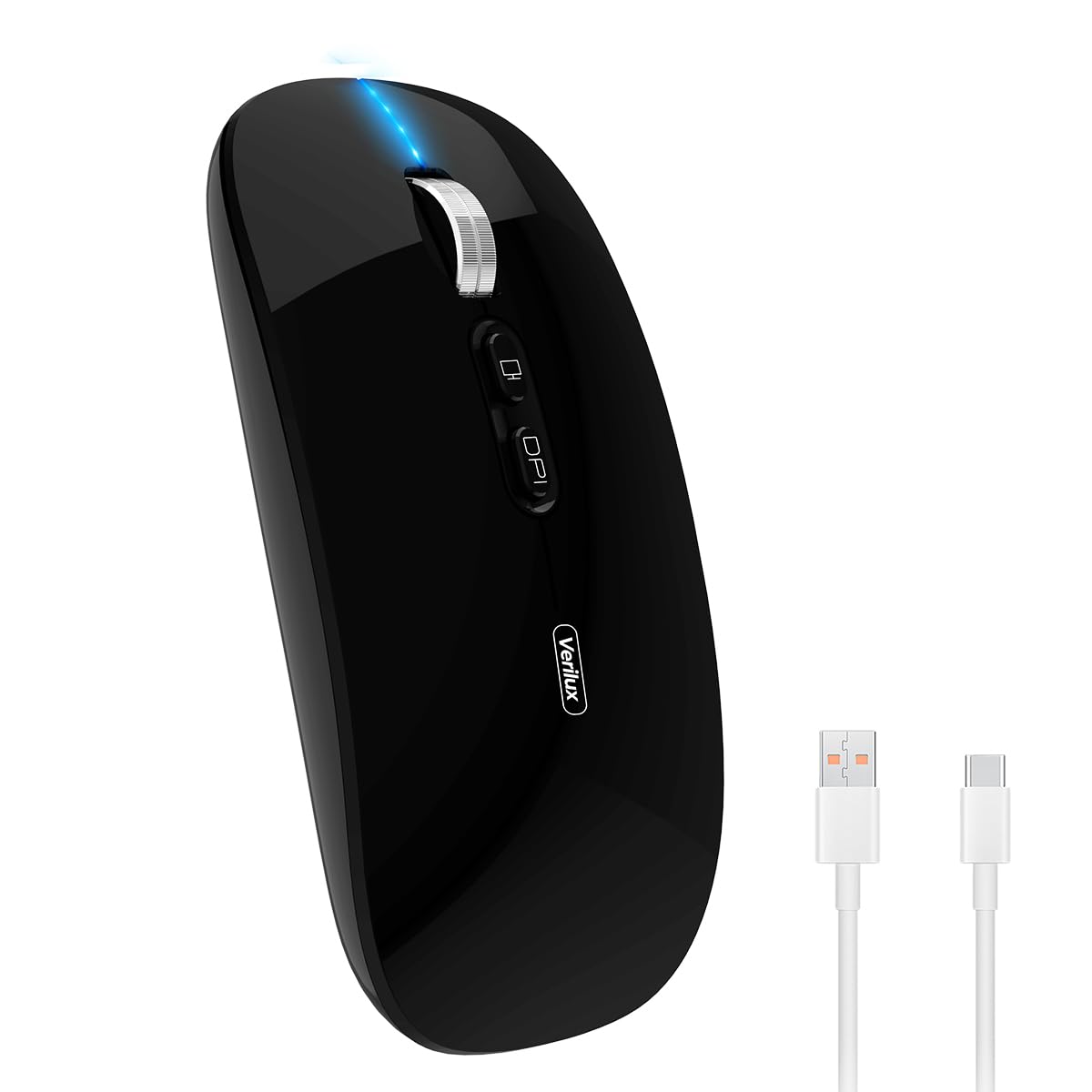
Image: Verilux Wireless Mouse M103 in black.
Proizvod gotovview
The Verilux M103 is a versatile wireless mouse offering dual-mode connectivity (2.4G USB and Bluetooth 5.1), a rechargeable battery, and an ergonomic, silent design. It is compatible with a wide range of devices and operating systems.

Image: The Verilux M103 mouse demonstrating its dual Bluetooth connectivity with a laptop and tablet.
Ključne karakteristike:
- Dvostruka povezivost: Seamlessly switch between 2.4G USB and Bluetooth 5.1.
- Punjiva baterija: Built-in 500mAh battery with 4-level power indicator.
- Ergonomic & Silent Design: Comfortable grip with silent clicks for a quiet working environment.
- Univerzalna kompatibilnost: Supports Android, Windows, MacOS, iOS 12 and above, PC, laptops, and tablets.
- Podesivi DPI: Customize mouse sensitivity for precise control.
Postavljanje
1. 2.4G Mode Setup:
- Pronađite USB prijemnik koji se nalazi u donjem odjeljku miša.
- Plug the USB receiver into an available USB port on your device (laptop, PC).
- Uključite miš pomoću prekidača za uključivanje/isključivanje koji se nalazi na dnu.
- Miš bi se trebao automatski povezati s vašim uređajem.
Video: Demonstrates unboxing, identifying the USB receiver, and connecting the mouse via 2.4G USB to a laptop.
2. Bluetooth Mode Setup:
The mouse supports two Bluetooth channels: Bluetooth 3.0 and Bluetooth 5.1.
- Uključite miš pomoću prekidača za uključivanje/isključivanje na dnu.
- Switch the mode selector on the bottom of the mouse to either BT3.0 (center blue light) or BT5.1 (right blue light).
- Activate Bluetooth on your device (laptop, PC, iPad, phone).
- Tražiti available Bluetooth devices and select 'BT5.1 Mouse' to connect.
- If the indicator light blinks and the connection is unsuccessful, restart both your device and the mouse, then try again.
Upute za rad
Gumbi miša:
- Lijevi klik: Standardni odabir.
- Desni klik: Kontekstni izbornik.
- Scroll Wheel (Middle Button/Roller): Scroll up/down, click for middle-click functions.
- Gumb DPI: Podešava osjetljivost miša (DPI).
- One-Click Desktop Button: Quickly minimizes all open windows to show the desktop.

Image: Close-up of the Verilux M103 mouse, highlighting the scroll wheel, DPI button, and one-click desktop button.
Podešavanje DPI-ja:
Press the DPI button (located behind the scroll wheel) to cycle through different sensitivity levels (e.g., 800, 1200, 1600 DPI). Choose the setting that best suits your preference and task.
Punjenje i baterija
The Verilux M103 mouse features a built-in 500mAh rechargeable battery. It is equipped with 4-level power indicator lights to show the remaining battery life.
Upute za punjenje:
- Connect the mouse to a power source using the provided USB-C charging cable. The charging port is located at the front of the mouse.
- A flashing light on the mouse indicates normal charging.
- Charge the mouse using a 5V 1A, 5V 2A, or an adapter with no more than 10W of power. It can also be charged by connecting it to a computer's USB port.
- Miš se može koristiti tijekom punjenja.
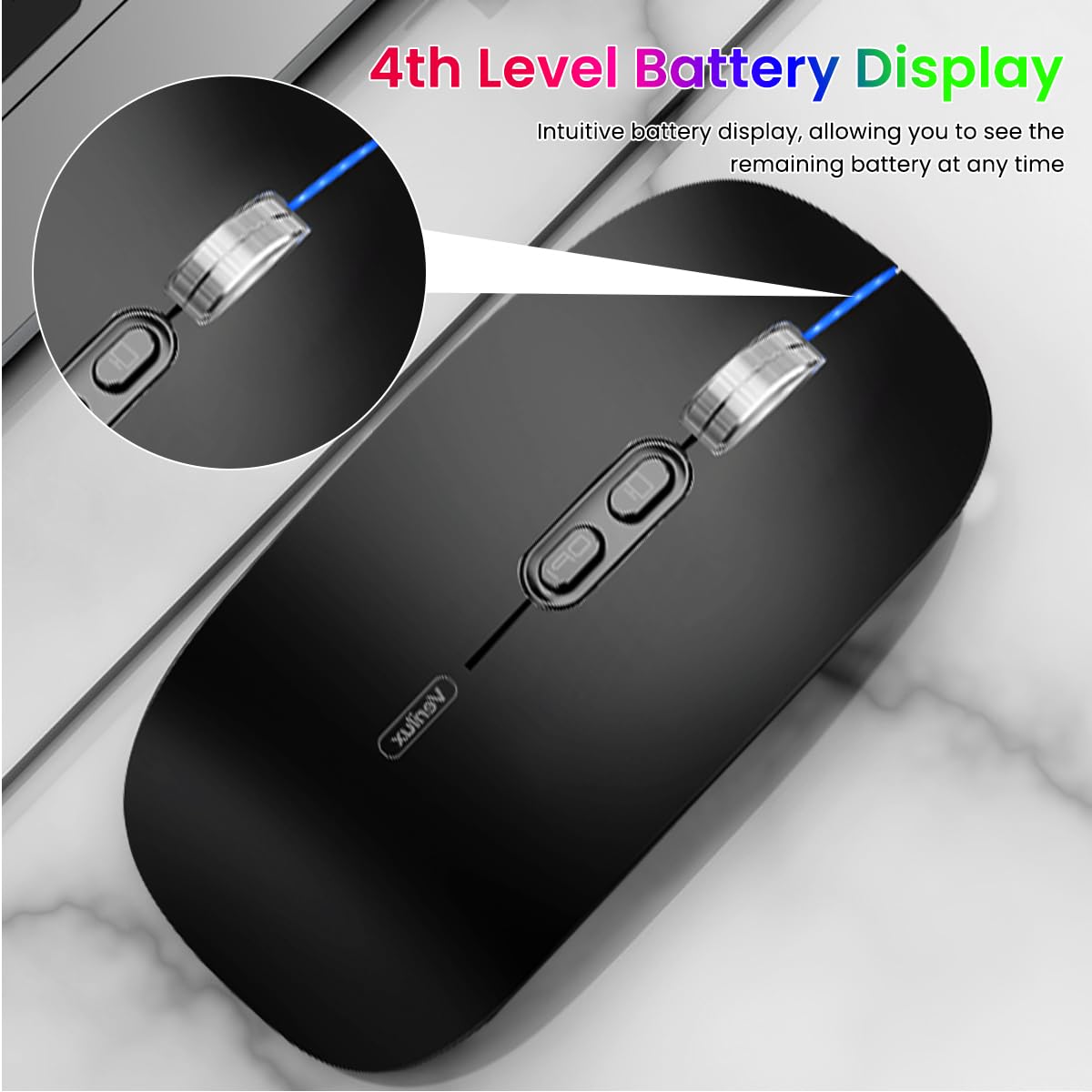
Image: The Verilux M103 mouse displaying its 4-level battery indicator lights.

Image: The Verilux M103 mouse connected to a laptop for charging via its USB-C port.
Kompatibilnost
The Verilux M103 Wireless Mouse offers broad compatibility with various devices and operating systems:
- Operativni sustavi: Android, Windows (7, XP, 8, 10), MacOS, iOS 12 and above, Linux.
- uređaji: Laptops, Personal Computers, Tablets, iPads, MacBooks.

Image: The Verilux M103 mouse shown with a laptop, desktop monitor, iPad, and smartphone, illustrating its wide compatibility.
Održavanje
To ensure the longevity and optimal performance of your Verilux Wireless Mouse M103, follow these maintenance guidelines:
- Čišćenje: Za čišćenje miša koristite meku, suhu krpu. Za tvrdokornu prljavštinu, lagano je očistiteampOperite krpu vodom ili blagom otopinom za čišćenje. Izbjegavajte jake kemikalije ili abrazivne materijale.
- Skladištenje: When not in use, especially during travel, store the USB receiver in its designated compartment at the bottom of the mouse to prevent loss.
- Njega baterije: Avoid fully discharging the battery frequently. Charge the mouse when the power indicator shows low battery. Do not expose the mouse to extreme temperatures.
- Uvjeti okoliša: Keep the mouse away from excessive dust, moisture, and direct sunlight.
Rješavanje problema
If you encounter issues with your Verilux Wireless Mouse M103, please refer to the following common solutions:
| Problem | Otopina |
|---|---|
| Mouse not connecting (2.4G Mode) |
|
| Mouse not connecting (Bluetooth Mode) |
|
| Mouse cursor lagging or erratic movement |
|
| Miš se ne puni |
|
Tehnički podaci
| Značajka | Detalj |
|---|---|
| Marka | Verilux |
| Broj modela | M103 (AZEM4-0K5FZ5C) |
| Tehnologija povezivanja | Bluetooth (3.0 & 5.1), 2.4G Wireless |
| Tehnologija detekcije pokreta | Optički |
| DPI postavke | Do 1600 DPI (podesivo) |
| Baterija | 500 mAh punjiva |
| Izvor napajanja | Napajanje baterijama (punjenje putem USB-C-a) |
| Gumbi | 4 (Left, Right, Scroll Wheel/Middle, DPI, One-Click Desktop) |
| Orijentacija ruke | Dvoličan |
| Težina artikla | 119 gram |
| Dimenzije predmeta (D x Š) | 12D x 7Š centimetara |
| Boja | Black (Standard Black variant) |
Jamstvo i podrška
For warranty information and customer support, please refer to the documentation included with your product packaging or visit the official Verilux webweb-mjesto. Također se možete izravno obratiti prodavatelju za pomoć.
Proizvođač: Verilux, Yiwu Kaiming Industrial Co., Ltd.
Uvoznik/Pakiritelj: Verilux
Za više informacija možete posjetiti Verilux Store on Amazon.