
Uvod
The Majority Naga 80 Sound Bar is designed to enhance your home audio experience with powerful 140W peak output and 2.1 channel sound. Featuring advanced 3D surround sound technology and a built-in subwoofer, it delivers rich, clear audio for movies, gaming, and music. This manual provides detailed instructions for setup, operation, and maintenance of your sound bar.

The Naga 80 TV Soundbar delivers powerful, high-quality sound to elevate your home entertainment.
Što je u kutiji
Please check the contents of your package carefully. If any items are missing or damaged, contact customer support.
- Naga 80 zvučna traka
- korisnički priručnik
- Daljinski upravljač
- Zidni nosači
- HDMI, AUX, and Power cables
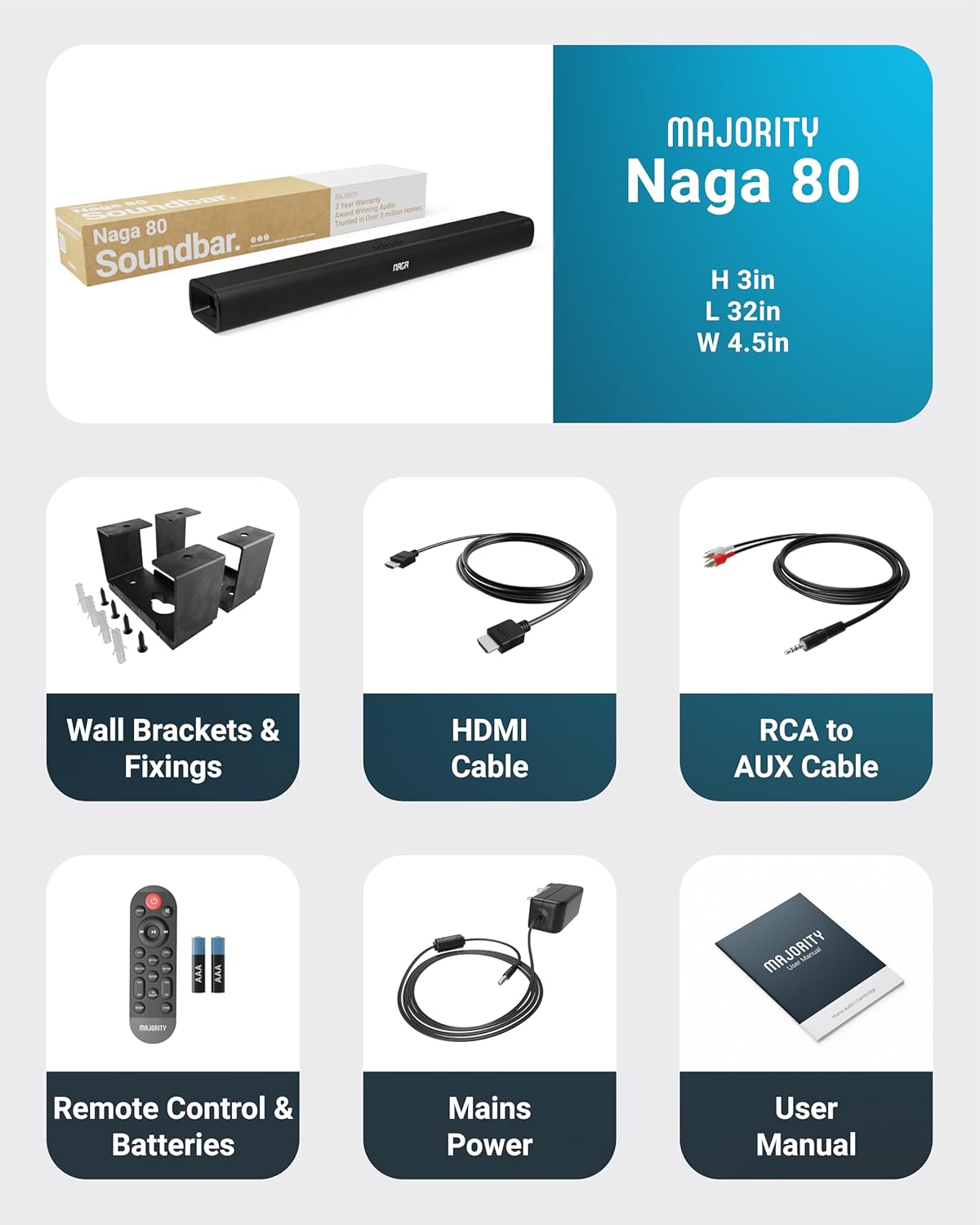
All items included in the Naga 80 Sound Bar package.
Postavljanje
Spajanje na napajanje
- Ensure the sound bar is placed on a stable surface or securely wall-mounted.
- Connect the power adapter to the DC 24V input port on the back of the sound bar.
- Uključite strujni adapter u zidnu utičnicu.
Audio veze
The Naga 80 Sound Bar offers multiple connectivity options for your devices:
- HDMI ARC: Connect an HDMI cable from the sound bar's ARC port to your TV's HDMI ARC port for high-quality audio and TV remote control integration.
- Optički ulaz: Use an optical cable to connect to your TV or other audio source for digital audio transmission.
- AUX ulaz: Connect devices using the 3.5mm AUX cable for analog audio input.
- USB: Umetnite USB pogon za reprodukciju zvuka files directly from the sound bar.
- Bluetooth: Pair your smartphone, tablet, or other Bluetooth-enabled devices wirelessly.
Važno: If you experience buzzing or static sound when using HDMI or Optical connections, adjust your TV's audio output settings to PCM (Pulse Code Modulation).

Rear panel connections of the Naga 80 Sound Bar.
Uparivanje Bluetooth veze
- Press the 'Input' button on the sound bar or remote control until 'BT' appears on the display.
- On your device (smartphone, tablet), enable Bluetooth and search for 'Naga 80'.
- Select 'Naga 80' to pair. A confirmation sound will indicate successful pairing.
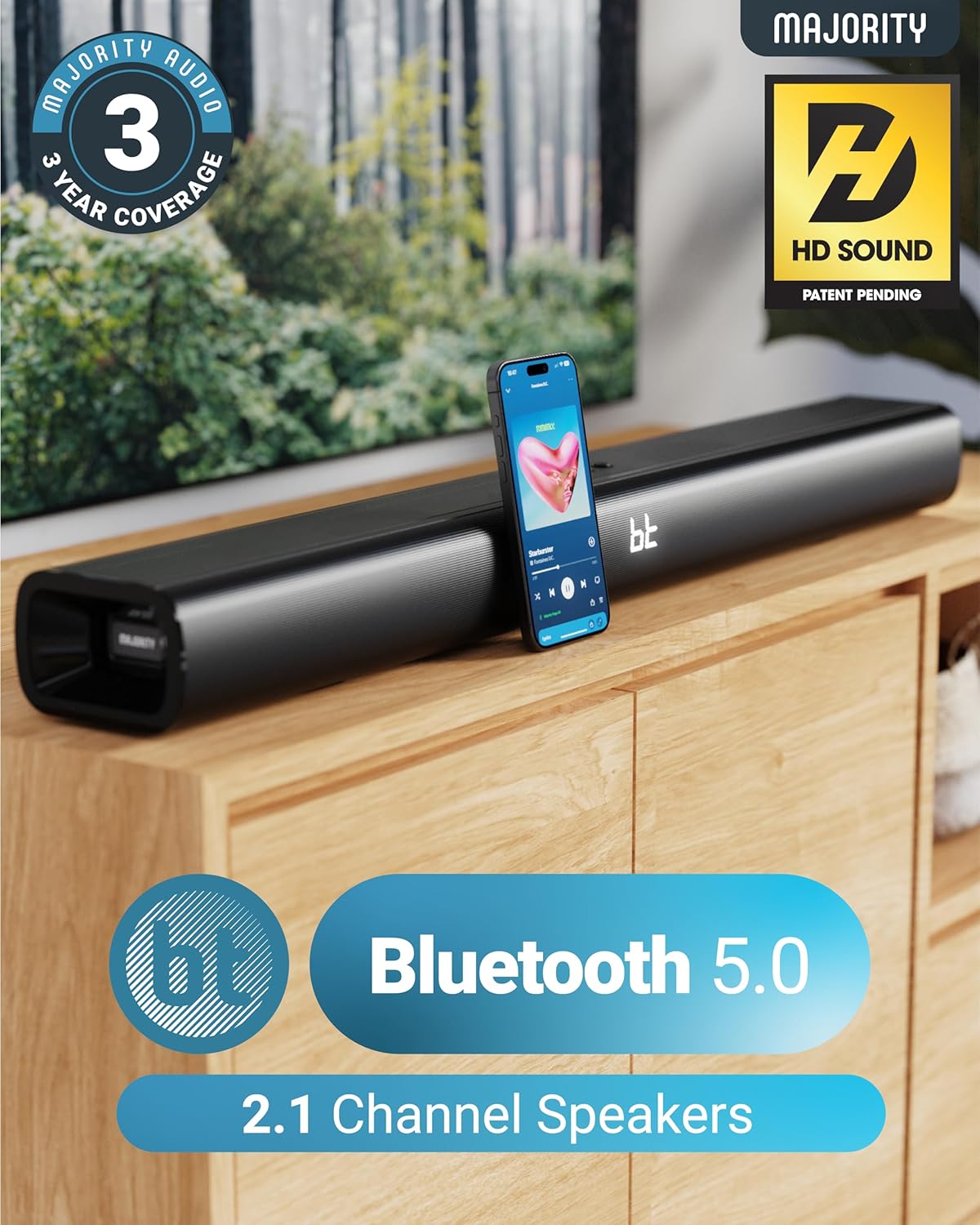
The Naga 80 Sound Bar supports Bluetooth 5.0 for wireless audio streaming.
Upute za rad
Funkcije daljinskog upravljanja
The included remote control allows full command over your sound bar's features:
- Vlast: Uključite ili isključite soundbar.
- Ulazni: Prebacivanje između ulaznih izvora (HDMI ARC, optički, AUX, USB, Bluetooth).
- Glasnoća +/-: Podesite glavnu glasnoću.
- Play/Pause, Skip Tracks: Control media playback in Bluetooth or USB mode.
- Načini zvuka: Select between Movie, Music, and Dialog modes.
- Bass +/- (BA+/-): Podesite razinu basa.
- Treble +/- (TR+/-): Podesite razinu visokih tonova.
- 3D On/Off: Activate or deactivate 3D surround sound.
- Poništi: Reset audio settings to default.
- Par: Pokrenite Bluetooth uparivanje.
The remote control provides comprehensive control over your sound bar.
Načini zvuka
Optimize your audio experience with dedicated sound modes:
- Način filma: Poboljšava kinematografske zvučne efekte i dijalog za impresivno iskustvo gledanja filma.
- Glazbeni način rada: Pruža uravnoteženi profesionalni audiofile pogodno za različite glazbene žanrove.
- Način dijaloga: Prioritizes vocal clarity, making conversations easier to understand, especially in TV shows or news broadcasts.
Podešavanje basa i visokih tonova
You can fine-tune the bass and treble levels to your preference using the remote control. Both settings can be adjusted from -4 to +4, with 0 being the default. Use the 'BA+/-' buttons for bass and 'TR+/-' buttons for treble.
Instalacija i postavljanje
Montaža na zid
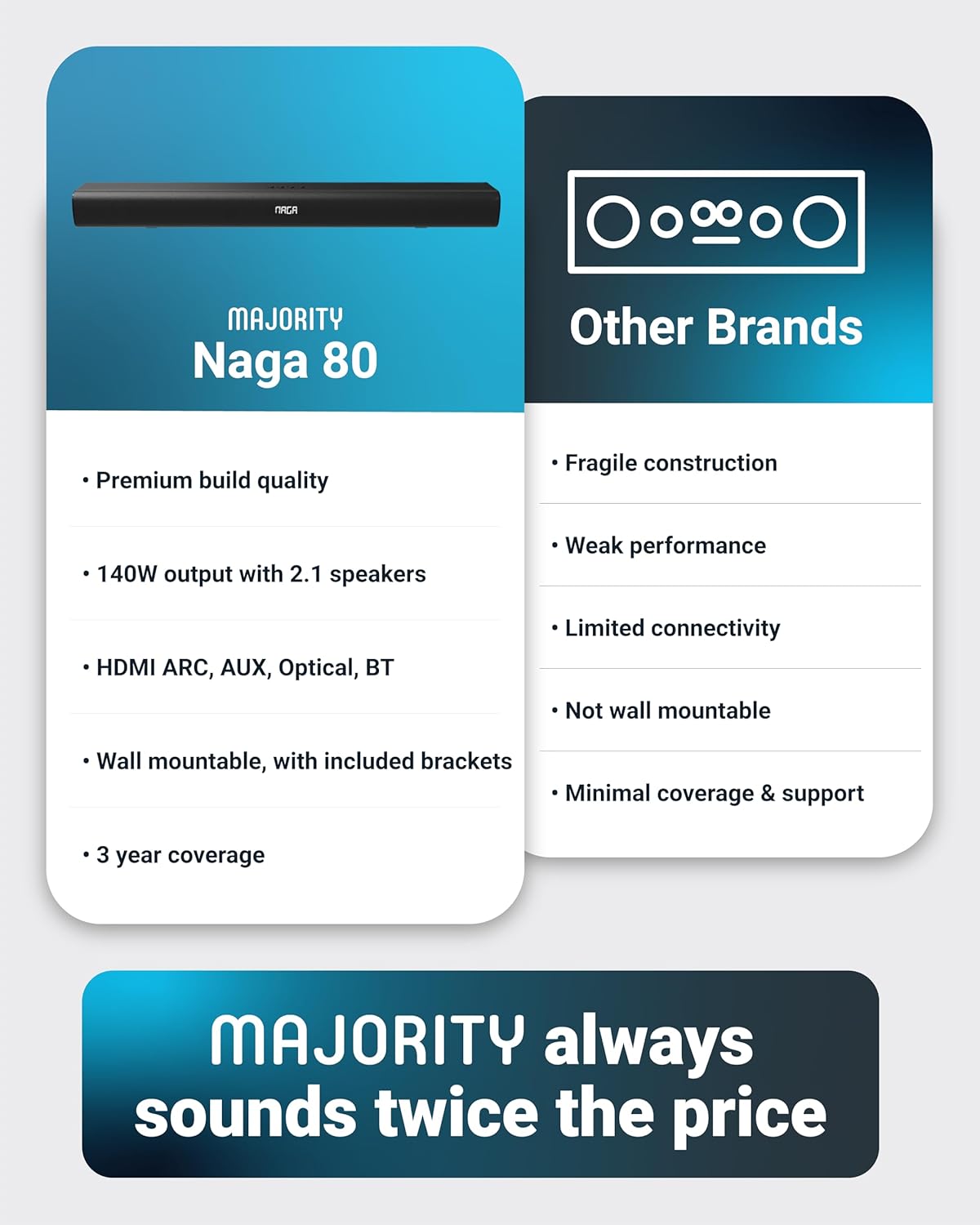
The Naga 80 Sound Bar can be wall-mounted for a clean, space-saving setup. Use the included wall brackets and fixings. Ensure the mounting surface is sturdy enough to support the sound bar's weight (4.3 pounds).
Wall mount brackets for secure installation.
Tehnički podaci
| Značajka | Specifikacija |
|---|---|
| Naziv modela | Naga 80 |
| Vrsta zvučnika | Soundbar |
| Maksimalna izlazna snaga zvučnika | 140 vata |
| Konfiguracija kanala surround zvuka | 2.1 |
| Tehnologija povezivanja | Bluetooth, HDMI, optički, AUX, USB |
| Bežična komunikacijska tehnologija | Bluetooth |
| Bluetooth domet | 10 metara |
| Metoda kontrole | Daljinski |
| Dimenzije proizvoda | 31.8"D x 4.6"Š x 3.06"V |
| Težina artikla | 4.3 funti |
| Materijal | Plastic (Enclosure), Metal (Subwoofer) |
| Uključene komponente | HDMI, AUX and Power cables, Naga 80 Soundbar, Remote, User Manual, Wall Brackets |
| Baterije | Potrebne 2 AAA baterije (uključene) |
| Vrsta montaže | Zidni nosač |
Održavanje
To ensure the longevity and optimal performance of your Majority Naga 80 Sound Bar, follow these maintenance guidelines:
- Čišćenje: Use a soft, dry cloth to wipe the exterior of the sound bar. Avoid using abrasive cleaners, waxes, or solvents.
- Ventilacija: Osigurajte pravilnu ventilaciju oko zvučne trake kako biste spriječili pregrijavanje. Ne blokirajte ventilacijske otvore.
- Skladištenje: Ako skladištite soundbar dulje vrijeme, isključite ga iz napajanja i pohranite na hladnom i suhom mjestu.
Rješavanje problema
If you encounter any issues with your sound bar, refer to the following common problems and solutions:
- Bez napajanja: Ensure the power cable is securely connected to both the sound bar and a working power outlet. Check if the power adapter is functioning correctly.
- Nema zvuka: Verify the correct input source is selected on the sound bar. Check all audio cables for secure connections. Ensure the volume is not muted or set too low on both the sound bar and your connected device.
- Buzzing/Static Sound (HDMI/Optical): Adjust your TV's HDMI/Optical audio output settings to PCM. Some TVs may default to other formats that are not compatible with the sound bar.
- Problemi s Bluetooth uparivanjem: Ensure the sound bar is in Bluetooth pairing mode. Turn off and on Bluetooth on your device, then try pairing again. Move your device closer to the sound bar to ensure it's within range (10 meters).
- Daljinski upravljač ne radi: Check the batteries in the remote control and replace them if necessary (2 AAA batteries). Ensure there are no obstructions between the remote and the sound bar.
Jamstvo i podrška
The Majority Naga 80 Sound Bar comes with a 3-godišnje produljeno jamstvo upon registration. For warranty registration, technical support, or further assistance, please visit the official Majority webstranicu ili se obratite njihovoj službi za korisnike.
For more information and to register your product, visit: www.majority.co.uk