
Uvod
The Vieta Pro Way 3 headphones are designed to provide a versatile audio experience with multiple connectivity options and features. This device supports Bluetooth wireless connection, an Aux-in port for wired use, an integrated microphone for hands-free communication, a dedicated gaming mode, and Dual Pairing functionality. With an impressive battery life of up to 50 hours, these headphones are suitable for extended listening sessions.
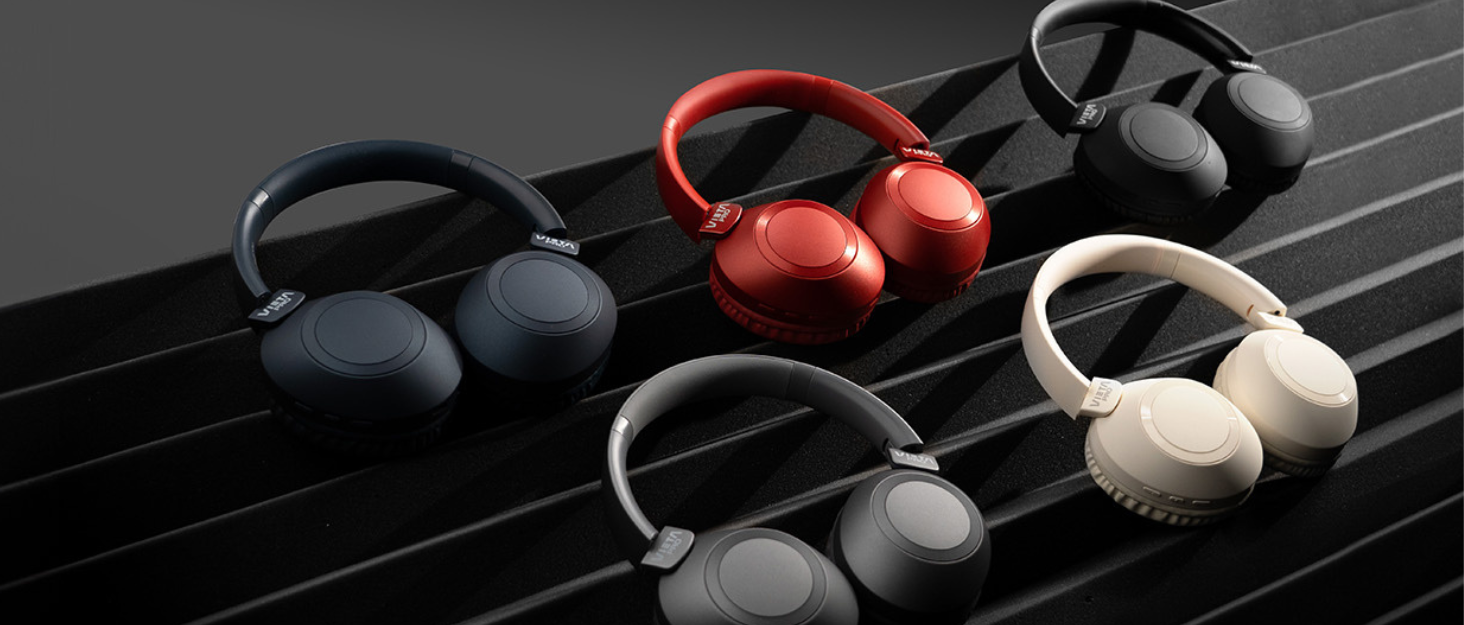
Image: Vieta Pro Way 3 headphones displayed in multiple color options.
Postavljanje
1. Punjenje slušalica
Before initial use, ensure the headphones are fully charged. The Vieta Pro Way 3 headphones support wireless charging. A full charge provides up to 50 hours of continuous playback.
- Connect the provided charging cable to the charging port on the headphones and to a compatible USB power source.
- Alternatively, place the headphones on a compatible wireless charging pad.
- The indicator light will show the charging status and turn off or change color once fully charged.
2. Uključivanje/isključivanje
- Za uključivanje: Pritisnite i držite gumb za napajanje otprilike 3 sekunde dok se indikatorska lampica ne upali.
- Za isključivanje: Pritisnite i držite gumb za napajanje otprilike 3 sekunde dok se indikatorska lampica ne ugasi.
3. Bluetooth uparivanje
Za bežično povezivanje slušalica s uređajem:
- Provjerite jesu li slušalice isključene.
- Pritisnite i držite gumb za uključivanje/isključivanje otprilike 5-7 sekundi dok indikatorska lampica ne počne brzo treptati, što označava način rada za uparivanje.
- Na pametnom telefonu, tabletu ili računalu omogućite Bluetooth i potražite dostupne uređaje.
- Select "Vieta Pro Way 3" from the list of found devices.
- Once connected, the indicator light will stop flashing and remain solid or flash slowly.
4. Priključak za pomoćni ulaz
For a wired connection, use a 3.5mm audio cable:
- Connect one end of the 3.5mm audio cable to the Aux-in port on the headphones.
- Connect the other end to the 3.5mm audio output of your audio source.
- The headphones will automatically switch to Aux-in mode when a cable is detected.
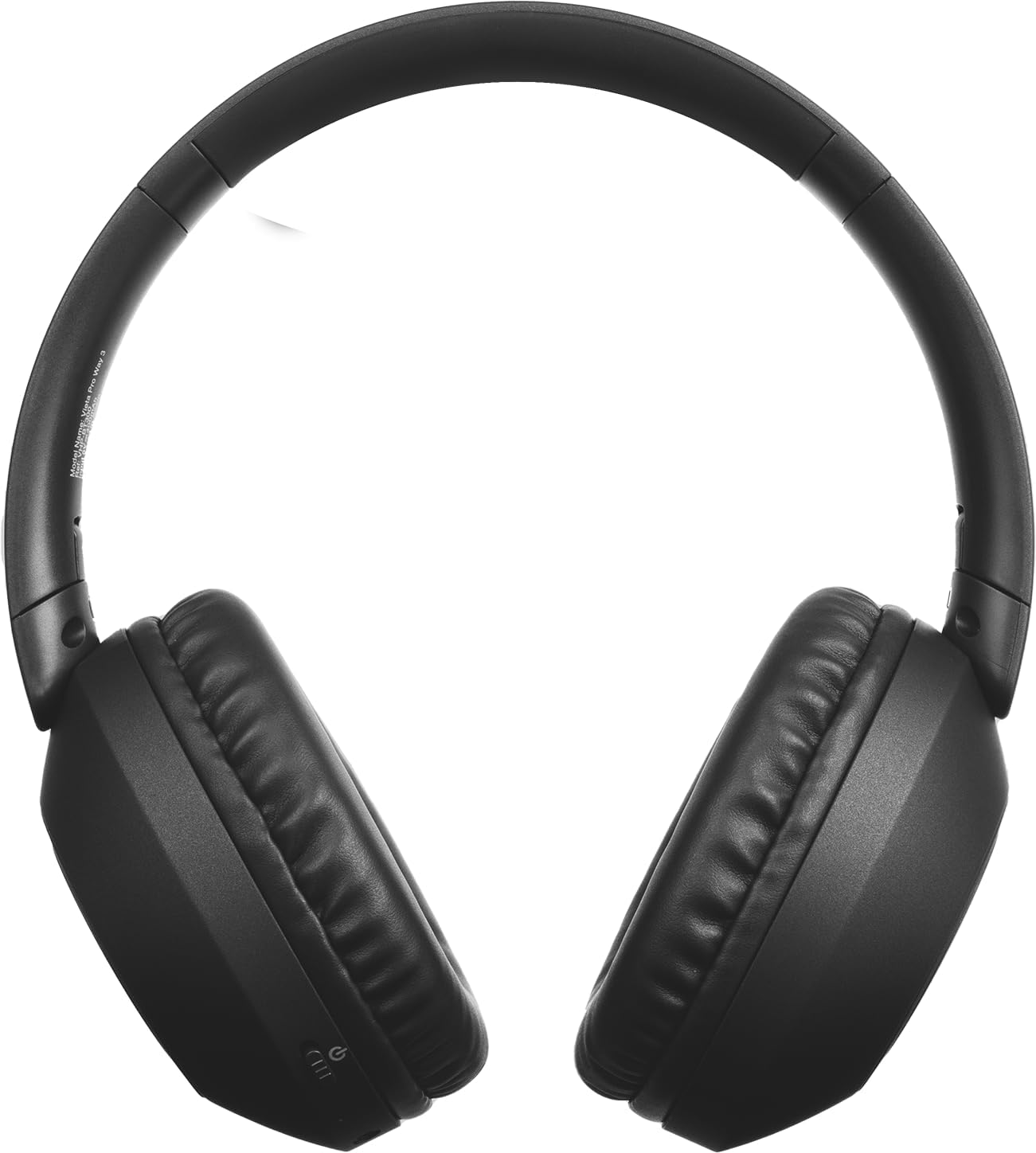
Slika: prednja strana view of the Vieta Pro Way 3 headphones, showing the earcups and headband.
Upute za rad
1. Reprodukcija glazbe
When connected via Bluetooth or Aux-in, you can control your music:
- Reproduciraj/pauziraj: Pritisnite višenamjenski gumb jednom.
- Sljedeća pjesma: Pritisnite i držite tipku za pojačavanje glasnoće.
- Prethodni zapis: Pritisnite i držite tipku za smanjivanje glasnoće.
- Pojačati: Kratko pritisnite tipku za pojačavanje glasnoće.
- Smanjivanje glasnoće: Kratko pritisnite tipku za smanjivanje glasnoće.
2. Upravljanje pozivima
The integrated microphone allows for hands-free calls when connected via Bluetooth:
- Odgovori/prekini poziv: Pritisnite višenamjenski gumb jednom.
- Odbij poziv: Pritisnite i držite višenamjenski gumb 2 sekunde.
- Glasovni asistent: Dvaput pritisnite višenamjensku tipku za aktiviranje glasovnog asistenta na uređaju.
3. Način igre
Activate the dedicated gaming mode for optimized audio performance during gameplay, reducing latency and enhancing sound effects.
- Aktivirajte način rada za igranje: Refer to the specific button or gesture indicated in the quick start guide for your model. (Typically a dedicated button or a long press on a volume button).
4. Dvostruko uparivanje
The Dual Pairing feature allows the Vieta Pro Way 3 headphones to connect to two different Bluetooth devices simultaneously. This enables seamless switching between audio sources without the need to disconnect and re-pair.
- Pair the headphones with your first device following the Bluetooth Pairing instructions.
- Privremeno isključite Bluetooth na prvom uređaju.
- Uparite slušalice s drugim uređajem.
- Ponovno omogućite Bluetooth na prvom uređaju. Slušalice bi sada trebale biti povezane s oba uređaja.
- Audio will play from the active source, and you can switch by pausing one and playing the other.

Image: A person wearing the Vieta Pro Way 3 headphones, demonstrating comfortable use.
Održavanje
1. Čišćenje
- Obrišite slušalice mekom, suhom krpom koja ne ostavlja dlačice.
- Ne koristite abrazivna sredstva za čišćenje, otapala ili jake kemikalije, jer mogu oštetiti površinu ili unutarnje komponente.
- Spriječite ulazak vlage u bilo kakve otvore.
2. Skladištenje
- Slušalice čuvajte na hladnom i suhom mjestu, dalje od izravne sunčeve svjetlosti i ekstremnih temperatura.
- When not in use for extended periods, store them in their protective case (if included) to prevent dust and damage.
3. Briga o bateriji
- To prolong the lifespan of the battery, avoid fully discharging the headphones frequently.
- Redovito punite slušalice, čak i ako ih ne koristite često.
Rješavanje problema
1. Nema zvuka
- Provjerite jesu li slušalice uključene i napunjene.
- Check the volume levels on both the headphones and the connected device.
- Verify that the headphones are properly paired via Bluetooth or securely connected via the Aux-in cable.
- Pokušajte ponovno pokrenuti i slušalice i audio izvor.
2. Problemi s uparivanjem
- Ensure the headphones are in Bluetooth pairing mode (indicator light flashing rapidly).
- Onemogućite i ponovno omogućite Bluetooth na svom uređaju.
- Move the headphones closer to your device to ensure a strong signal.
- Clear previous Bluetooth connections from your device's Bluetooth settings and try pairing again.
3. Problemi s punjenjem
- Verify that the charging cable is securely connected to both the headphones and the power source, or that the headphones are correctly placed on the wireless charging pad.
- Ensure the power source (USB adapter, computer port, wireless charger) is functional.
- Check the charging port on the headphones for any debris that might obstruct the connection.
Tehnički podaci
| Marka | Vieta Pro |
| Model | način 3 |
| Form Factor | Over-ear (Headband) |
| Tehnologija povezivanja | Wireless (Bluetooth), Wired (Aux-in) |
| Bežična komunikacija | Bluetooth |
| Trajanje baterije | Do 50 sati (reprodukcija) |
| Posebne značajke | Wireless Charging, Built-in Microphone, Gaming Mode, Dual Pairing |
| Proizvođač | FRAMASON AUDIO SA |
| ASIN | B0CRL99NBD |
Napomena: Specifikacije se mogu promijeniti bez najave.
Jamstvo i podrška
For detailed warranty information, product registration, or technical assistance, please refer to the official Vieta Pro website or contact their customer support directly. It is recommended to retain your purchase receipt as proof of purchase for any warranty claims.
- Službenik Webstranica: Posjetiti www.vietapro.com (or relevant regional site) for support resources.
- Služba za korisnike: Contact information can typically be found on the official webmjesto.