
GenMachine R5-3550H 16G+512GB White
GenMachine Mini PC AMD Ryzen 5 3550H User Manual
Model: R5-3550H 16G+512GB White
Brand: GenMachine
1. Uvod
This manual provides essential information for the setup, operation, maintenance, and troubleshooting of your GenMachine Mini PC AMD Ryzen 5 3550H. Please read this manual thoroughly before using the product to ensure optimal performance and longevity.
The GenMachine Mini PC is a compact yet powerful computing solution designed for a variety of tasks, including gaming, office work, and design. It features an AMD Ryzen 5 3550H processor, 16GB DDR4 RAM, and a 512GB SSD with M.2 NVMe support, offering high performance in a small form factor.

Slika 1.1: Prednja strana view of the GenMachine Mini PC, showcasing its compact white design with front USB ports and power button.
2. Postavljanje
2.1 Raspakiranje kutije
Carefully unpack all components from the packaging. Ensure all items listed in the packing list are present.

Figure 2.1: The packing list includes the Mini PC unit, user manual, packing box, power adapter, and HD line (HDMI cable).
2.2 Spajanje perifernih uređaja
Connect your monitor(s), keyboard, mouse, and other necessary peripherals to the Mini PC. The device supports multiple display options via HDMI and DisplayPort.
- Spojite monitor(e) na HDMI ili DisplayPort izlaze.
- Connect your keyboard and mouse to the available USB 3.0 ports.
- For wired network access, connect an Ethernet cable to the LAN port.
- Connect the power adapter to the Mini PC and then to a power outlet.
Slika 2.2: Gotovoview of the Mini PC's interfaces, including power supply, network interface (LAN), DisplayPort (DP), HDMI interface, USB interfaces, and audio port.
2.3 Početno uključivanje
Press the power button located on the front of the Mini PC. The system will boot up. Follow the on-screen instructions for initial operating system setup.
3. Operacija
3.1 Opća uporaba
The GenMachine Mini PC is designed for versatile use, from demanding gaming sessions to professional design work and everyday office tasks. Its AMD Ryzen 5 3550H processor ensures smooth performance across various applications.
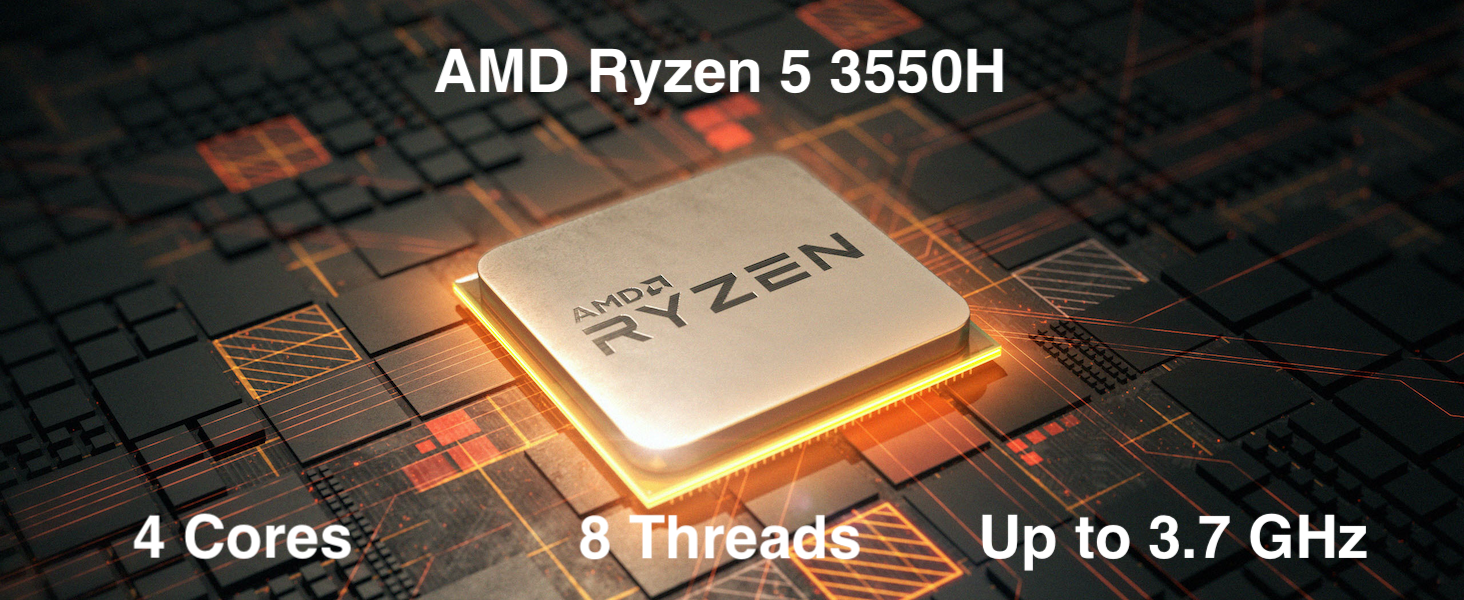
Figure 3.1: The AMD Ryzen 5 3550H processor features 4 cores, 8 threads, and a boost clock up to 3.7GHz, providing powerful performance for various computing needs.
3.2 Postavljanje više zaslona
Utilize the HDMI and DisplayPort outputs to connect up to two 4K displays simultaneously, enhancing productivity and immersive experiences.
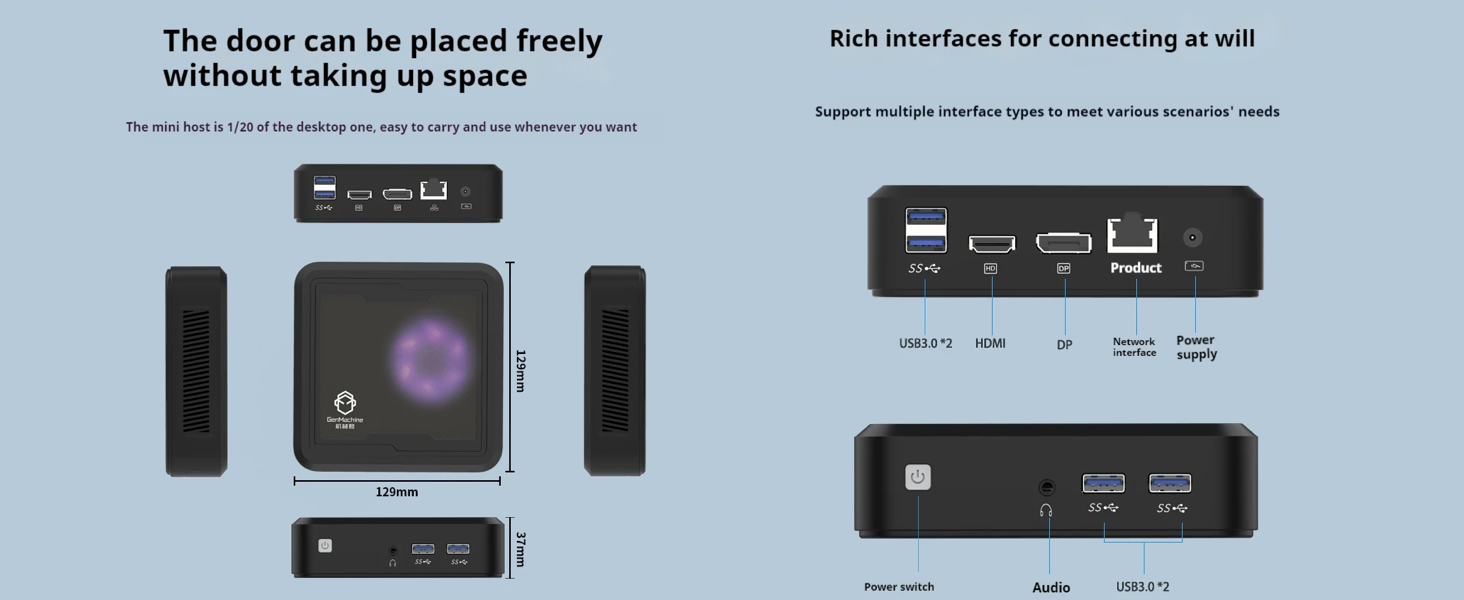
Figure 3.2: The Mini PC supports dual 4K displays via HD (HDMI) and DP (DisplayPort) outputs, allowing for an expanded workspace.
3.3 Pohrana i proširenje memorije
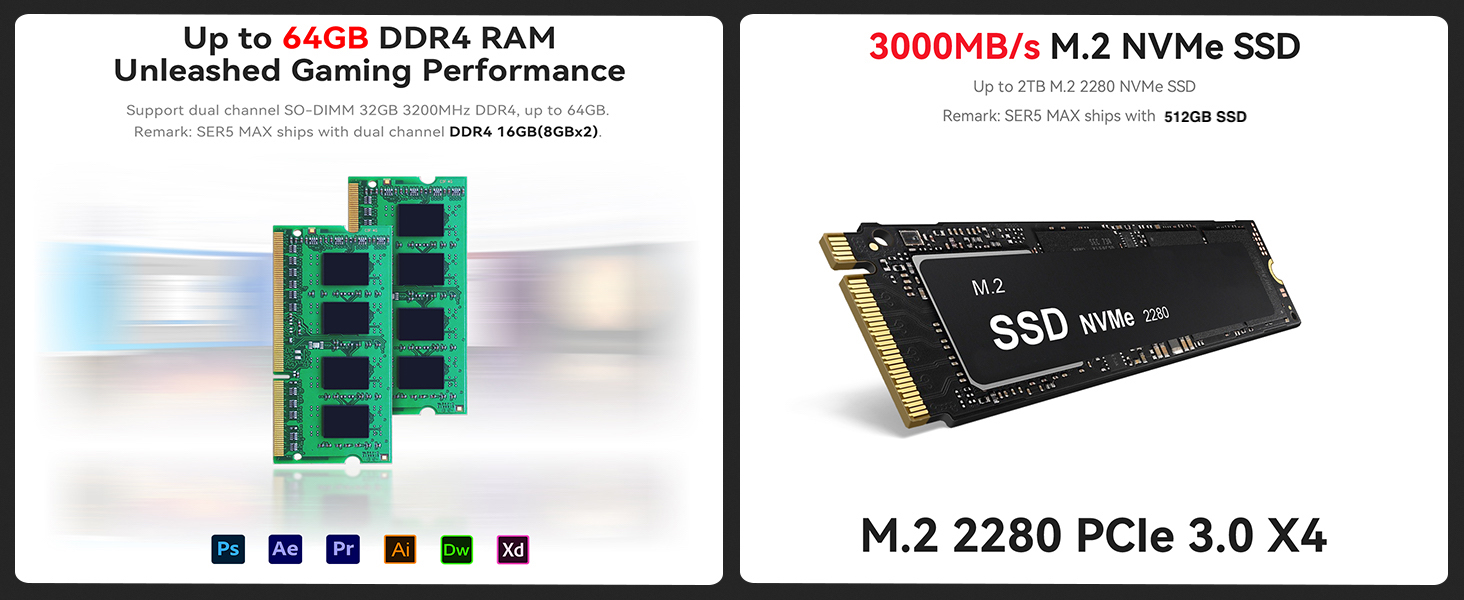
The Mini PC comes with 16GB DDR4 RAM and a 512GB SSD. It supports dual-channel DDR4 memory up to 64GB and M.2 NVMe SSDs up to 2TB for significant storage and performance upgrades.
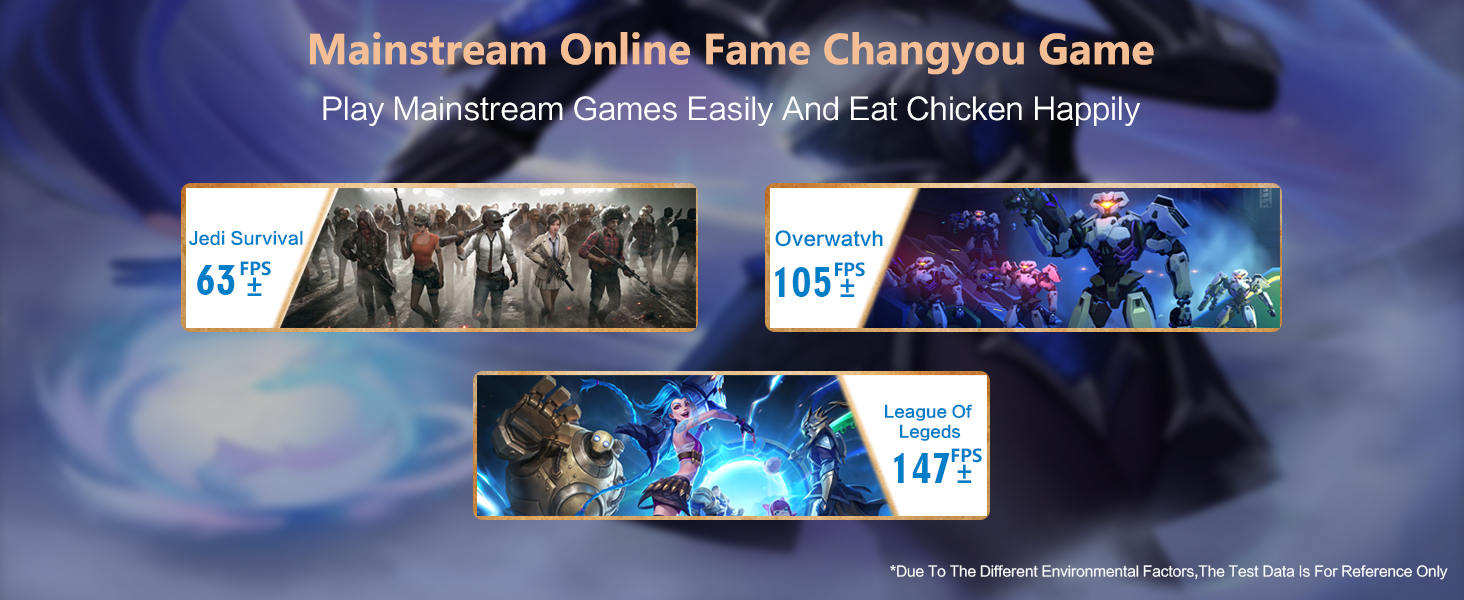
Figure 3.3: Illustration showing support for up to 64GB DDR4 RAM and 3000MB/s M.2 NVMe SSD (PCIe 3.0 X4) for enhanced performance and storage.
3.4 Povezivost
The Mini PC includes WiFi 5 and Bluetooth 4.2 for wireless connectivity, ensuring high-speed internet access and seamless pairing with wireless peripherals.
3.5 Video demonstracija
Watch this official video from GenMachine for a visual overview of the Mini PC's features and capabilities.
Video 3.1: An official video demonstrating the GenMachine Mini Personal Desktop Computer, highlighting its compact size, various interfaces, and suitability for office and media server use.
4. Održavanje
4.1 Čišćenje
Regularly clean the exterior of the Mini PC with a soft, dry cloth. Use compressed air to gently clear dust from the ventilation grilles to ensure proper airflow and prevent overheating.
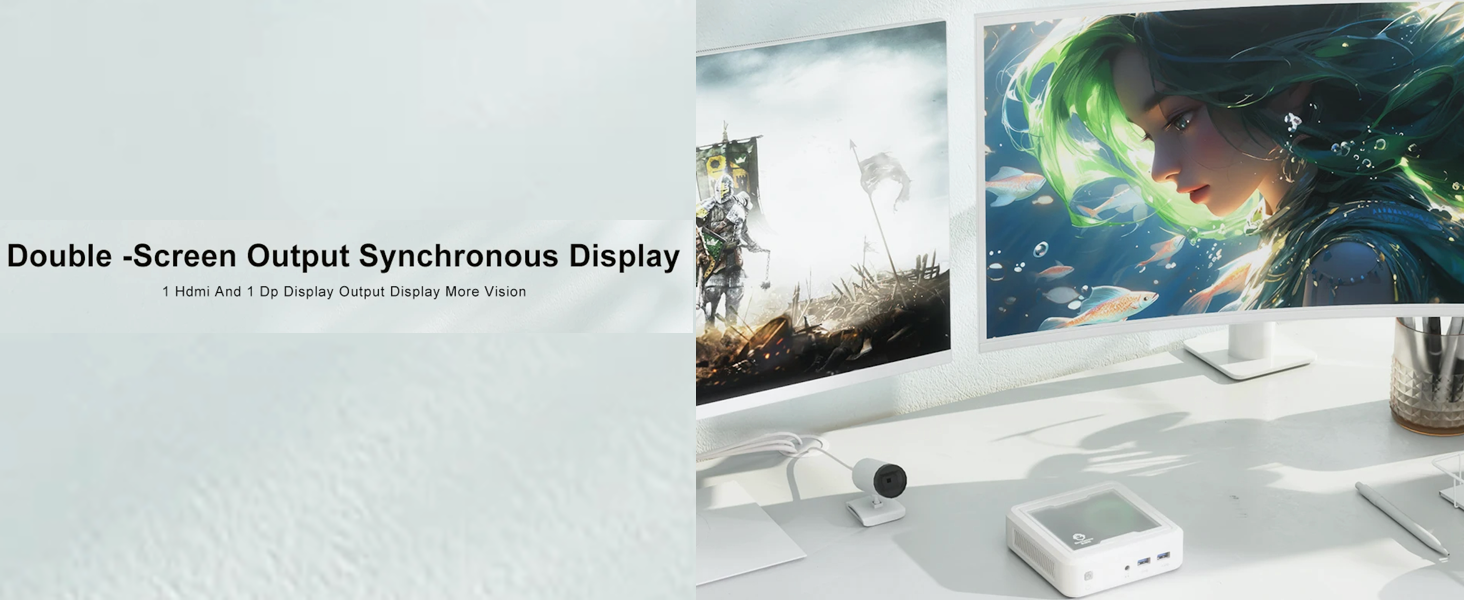
Figure 4.1: The Mini PC undergoes rigorous quality control, including vibration, drop, temperature/humidity, port, and noise tests, ensuring durability and reliability.
4.2 Upravljanje toplinom
Ensure the Mini PC is placed in a well-ventilated area. Avoid blocking the air vents to allow for efficient heat dissipation. The device is designed with mesh ventilated heat dissipation to maintain optimal operating temperatures.
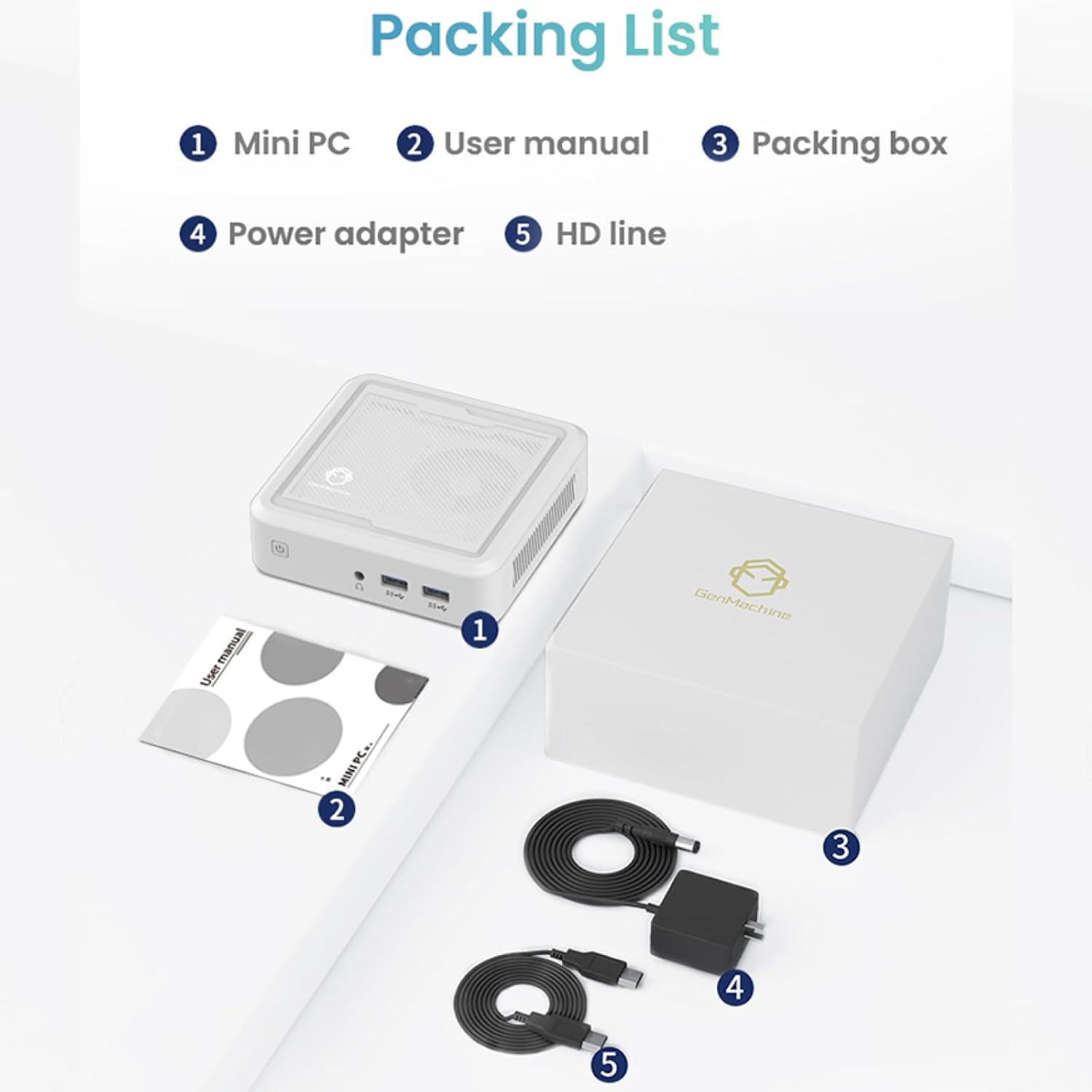
Figure 4.2: The GenMachine Mini PC operates at a low noise level of approximately 35 decibels, comparable to a quiet library environment.
5. Rješavanje problema
5.1 Uobičajeni problemi i rješenja
- Bez napajanja:
- Provjerite je li adapter za napajanje sigurno spojen i na Mini PC i na ispravnu utičnicu.
- Provjerite je li utičnica funkcionalna tako da priključite drugi uređaj.
- Nema zaslona:
- Provjerite je li HDMI ili DisplayPort kabel čvrsto spojen i na Mini PC i na monitor.
- Provjerite je li monitor uključen i postavljen na ispravan ulazni izvor.
- Try a different cable or monitor if possible.
- Spora izvedba:
- Zatvorite nepotrebne aplikacije koje rade u pozadini.
- Provjerite ima li dovoljno slobodnog prostora na SSD-u.
- Ensure the Mini PC is well-ventilated to prevent thermal throttling.
- Consider upgrading RAM or SSD if performance issues persist (refer to Section 3.3).
- Nema Wi-Fi-ja/Bluetootha:
- Check if Wi-Fi and Bluetooth are enabled in the operating system settings.
- Ensure drivers are correctly installed. Visit the manufacturer's webstranica za najnovije upravljačke programe.
- Ponovno pokrenite Mini PC.
6. Specifikacije
Below are the key technical specifications for the GenMachine Mini PC AMD Ryzen 5 3550H:
| Značajka | Detalj |
|---|---|
| Procesor | AMD Ryzen 5 3550H (Up to 3.7GHz, 4 Cores, 8 Threads) |
| OVAN | 16 GB DDR4 (proširivo do 64 GB) |
| Skladištenje | 512GB SSD (M.2 NVMe support up to 2TB) |
| Grafički koprocesor | Integrirana grafika |
| Operativni sustav | OS (Pre-installed or user-installable) |
| Povezivost | WiFi 5, Bluetooth 4.2, LAN (Ethernet) |
| Video izlaz | HDMI, DisplayPort (Supports Dual 4K Displays) |
| USB priključci | 2 x USB 2.0, 2 x USB 3.0 |
| Audio | 3.5mm Audio Jack |
| Dimenzije (DxŠxV) | 5 x 5 x 1.45 inča (12.9 x 12.9 x 3.7 cm) |
| Težina artikla | 1.7 funti |
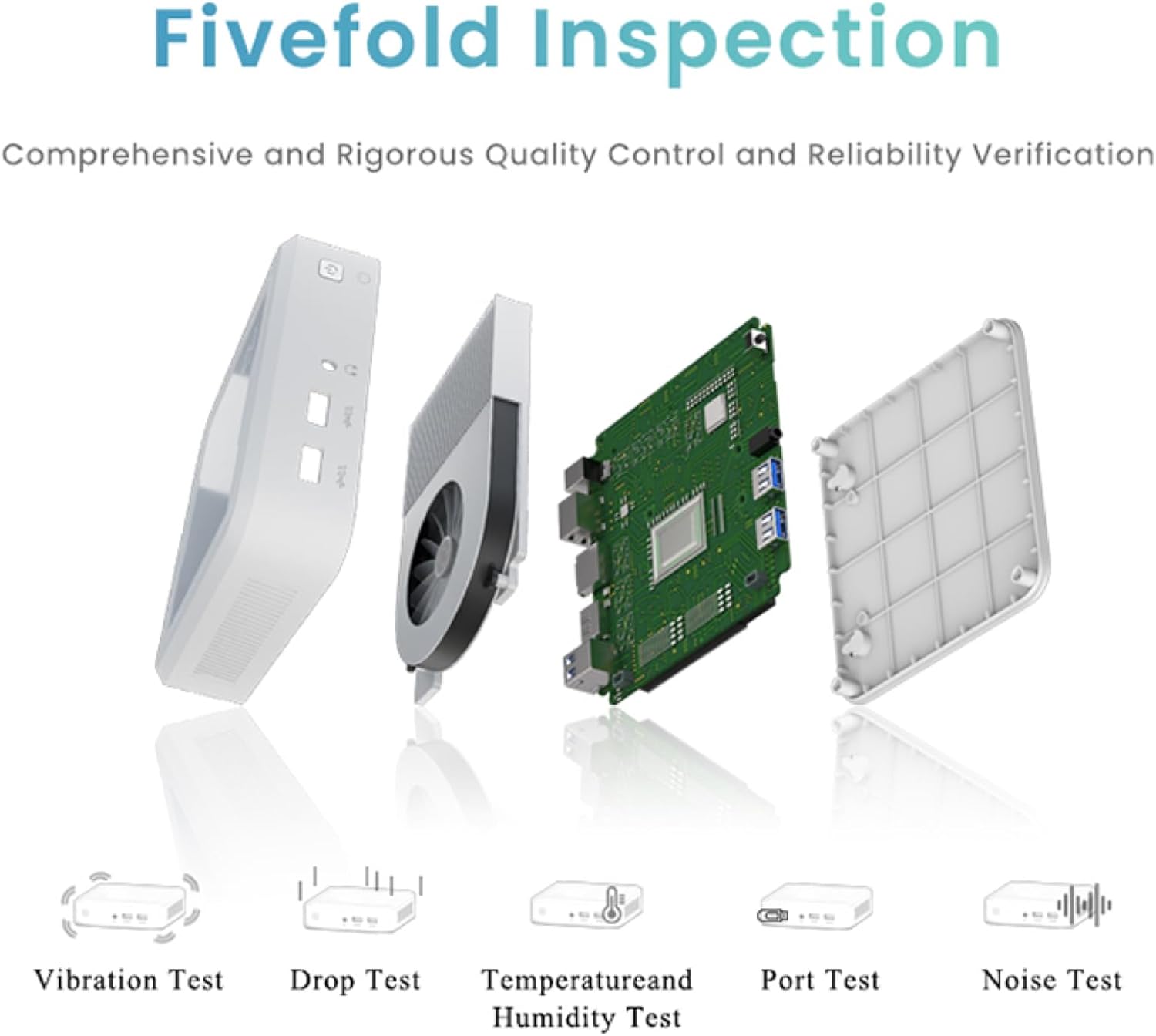
Figure 6.1: The compact dimensions of the GenMachine Mini PC, measuring 12.9 x 12.9 x 3.7 cm, making it suitable for various workspaces.
7. Jamstvo i podrška
For detailed warranty information and technical support, please refer to the official GenMachine webweb-mjesto ili se izravno obratite njihovoj korisničkoj službi. Sačuvajte račun kao dokaz o kupnji za slučaj zahtjeva za jamstvo.
The product typically includes a standard manufacturer's warranty. Additional protection plans may be available from your retailer at the time of purchase.
Podaci za kontakt: Please visit the official GenMachine webstranicu za najnovije kontaktne podatke za podršku i usluge.
Ask a question about this manual
Ask about setup, troubleshooting, compatibility, parts, safety, or missing instructions. Manuals+ will review the question and use this page’s manual context to help answer it.