
1. Uvod
Hvala na kupnjiasing the Sharp GX-BT390 Crystal Clear Series Bluetooth Speaker. This portable speaker is designed to deliver high-quality audio with enhanced bass, featuring IP67 waterproof and dustproof capabilities, LED light modes, and True Wireless Stereo (TWS) pairing. This manual provides essential information for setup, operation, and maintenance to ensure optimal performance and longevity of your device.
2. Sadržaj paketa
Molimo provjerite jesu li svi artikli prisutni:
- Sharp GX-BT390 Bluetooth Speaker
- Kabel za punjenje (USB-C)
- korisnički priručnik
3. Proizvod je gotovview
Familiarize yourself with the various parts of your Sharp GX-BT390 speaker.
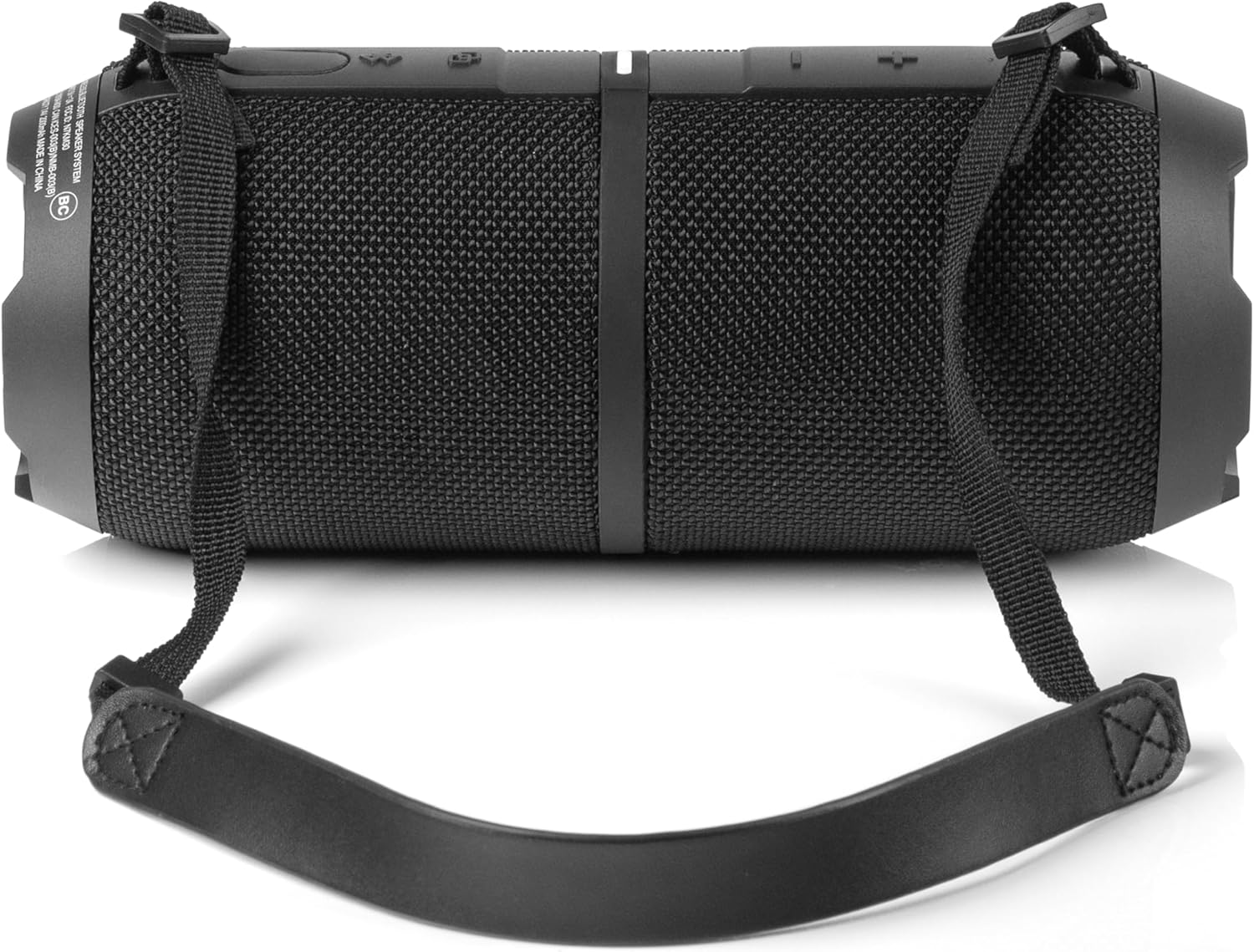
Slika 3.1: Prednja strana view of the Sharp GX-BT390 speaker, highlighting the control panel with volume buttons, play/pause, and power indicator.

Slika 3.2: Natrag view of the Sharp GX-BT390 speaker, illustrating the sealed charging port and attachment points for the carrying strap.

Slika 3.3: Bočna strana view of the Sharp GX-BT390 speaker, showing the textured surface and the adjustable carrying strap.

Figure 3.4: The Sharp GX-BT390 speaker with its end cap illuminated, displaying the Sharp logo and an active LED light mode.
Kontrole i indikatori:
- Gumb za napajanje: Pritisnite i držite za uključivanje/isključivanje.
- Pojačavanje glasnoće (+): Povećajte glasnoću.
- Stišaj glasnoću (-): Smanjenje glasnoće.
- Gumb za reprodukciju/pauzu: Play or pause music, answer/end calls.
- Bluetooth tipka za uparivanje: Pokrenite način uparivanja putem Bluetootha.
- LED indikator: Prikazuje status napajanja, status punjenja i status Bluetooth veze.
- Gumb svjetlosnog načina rada: Cycle through LED light modes.
4. Postavljanje
4.1 Punjenje zvučnika
- Open the protective cover on the back of the speaker to access the USB-C charging port.
- Connect the provided USB-C cable to the speaker's charging port.
- Drugi kraj USB-C kabela spojite na kompatibilni USB adapter za napajanje (nije uključen).
- LED indikator će prikazivati status punjenja. Potpuno punjenje obično traje otprilike 3-4 sata.
- Once fully charged, disconnect the cable and securely close the protective cover to maintain IP67 water and dust resistance.
4.2 Uključivanje/isključivanje
- Za uključivanje: Press and hold the Power button for approximately 2 seconds until you hear an audible tone and the LED indicator illuminates.
- Za isključivanje: Press and hold the Power button for approximately 2 seconds until you hear an audible tone and the LED indicator turns off.
4.3 Bluetooth uparivanje
- Ensure the speaker is powered on and within 1 meter of your Bluetooth device.
- The speaker will automatically enter Bluetooth pairing mode when first powered on, or if no device is connected. The LED indicator will flash rapidly.
- Na svom Bluetooth uređaju (pametnom telefonu, tabletu itd.) omogućite Bluetooth i potražite dostupne uređaje.
- Select "Sharp GX-BT390" from the list of devices.
- Once paired, you will hear a confirmation tone, and the LED indicator will glow solid blue.
- If pairing fails, turn off the speaker and your device, then repeat the steps.
5. Upute za rad
5.1 Reprodukcija glazbe
- Reproduciraj/pauziraj: Jednom pritisnite gumb za reprodukciju/pauzu.
- Pojačati: Pritisnite gumb '+'.
- Smanjivanje glasnoće: Pritisnite gumb '-'.
- Sljedeća pjesma: Pritisnite i držite tipku '+'.
- Prethodni zapis: Pritisnite i držite tipku '-'.
5.2 Pozivi bez upotrebe ruku
The Sharp GX-BT390 features a built-in microphone for hands-free calls when connected to your smartphone.
- Odgovori na poziv: Jednom pritisnite gumb za reprodukciju/pauzu.
- Završi poziv: Pritisnite tipku Reproduciraj/Pauziraj jednom tijekom poziva.
- Odbij poziv: Pritisnite i držite tipku za reprodukciju/pauzu 2 sekunde.
5.3 Uparivanje s pravim bežičnim stereo sustavom (TWS)
You can pair two Sharp GX-BT390 speakers together for a stereo sound experience.
- Ensure both GX-BT390 speakers are powered on and not connected to any Bluetooth device.
- On one speaker (this will be the primary speaker), press and hold the Bluetooth pairing button for 3 seconds. You will hear a tone.
- Dva zvučnika će se automatski tražiti i povezati. Nakon povezivanja, čut ćete ton potvrde.
- Now, connect your Bluetooth device to the primary speaker as described in section 4.3.
5.4 LED svjetlosnih modova
The speaker features two LED mood lighting effects that synchronize with the music.
- Press the Light Mode button to cycle through the available light modes.
- Press the Light Mode button again to select the next mode or turn off the lights.
Slika 5.1: Gotovoview of key features including hands-free calling, LED light effects, IP67 rating, 10-hour playtime, 30W power output, and Bluetooth connectivity.
6. Održavanje
To ensure the longevity and performance of your Sharp GX-BT390 speaker, follow these maintenance guidelines:
- Čišćenje: Obrišite zvučnik mekom, damp tkanina. Nemojte koristiti abrazivna sredstva za čišćenje ili otapala.
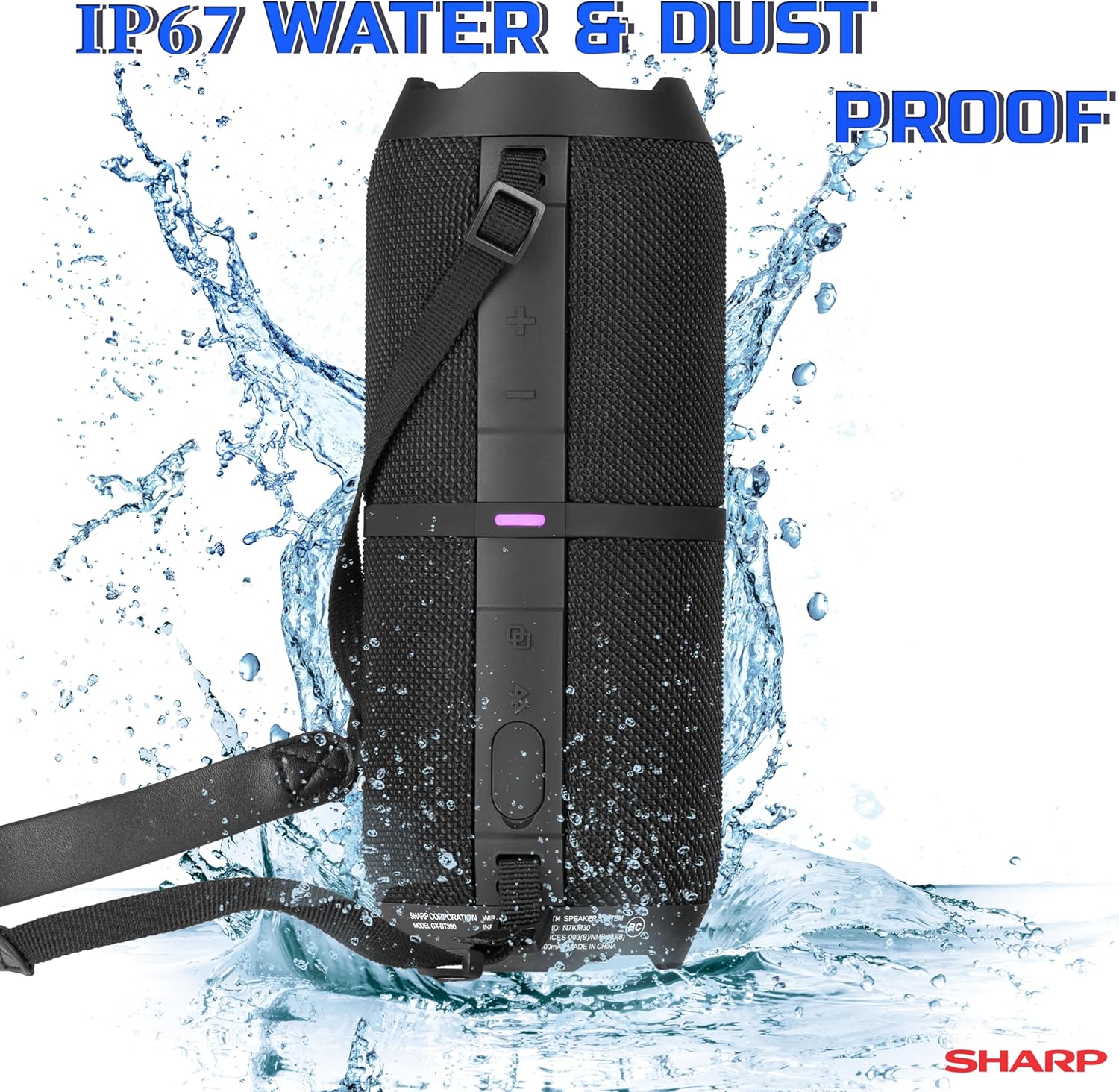
- Otpornost na vodu i prašinu (IP67): The speaker is rated IP67, meaning it is protected from dust ingress and can withstand immersion in water up to 1 meter for 30 minutes. Ensure the charging port cover is securely closed to maintain this rating. Avoid prolonged exposure to water or extreme conditions.
- Skladištenje: Zvučnik čuvajte na hladnom i suhom mjestu, dalje od izravne sunčeve svjetlosti i ekstremnih temperatura.
- Njega baterije: Kako biste produžili vijek trajanja baterije, redovito punite zvučnik, čak i ako ga ne koristite dulje vrijeme. Izbjegavajte često potpuno pražnjenje baterije.

Figure 6.1: Visual representation of the speaker's IP67 waterproof and dustproof capabilities.
7. Rješavanje problema
Ako imate problema sa zvučnikom, pogledajte sljedeće uobičajene probleme i rješenja:
| Problem | Mogući uzrok | Otopina |
|---|---|---|
| Zvučnik se ne uključuje | Slaba baterija; Gumb za napajanje nije dovoljno dugo pritisnut | Napunite zvučnik; Pritisnite i držite gumb za napajanje 2 sekunde |
| Nema zvuka | Volume too low; Device not paired; Speaker muted | Increase volume on speaker and device; Re-pair Bluetooth; Check device mute settings |
| Bluetooth uparivanje nije uspjelo | Speaker too far from device; Device Bluetooth off; Interference | Ensure speaker is within 1 meter; Turn device Bluetooth on/off; Move away from other wireless devices |
| Loša kvaliteta zvuka | Slaba baterija; Uređaj previše udaljen; Prepreke | Charge speaker; Move device closer; Remove obstructions between speaker and device |
| TWS uparivanje ne uspijeva | Speakers not in pairing mode; Already connected to another device | Ensure both speakers are disconnected from other devices; Follow TWS pairing steps carefully |
8. Specifikacije
Detailed technical specifications for the Sharp GX-BT390 Bluetooth Speaker:
| Značajka | Specifikacija |
|---|---|
| Naziv modela | GX-BT390(K) |
| Vrsta zvučnika | Vanjski, prijenosni Bluetooth zvučnik |
| Tehnologija povezivanja | Bluetooth |
| Bežična komunikacijska tehnologija | Bluetooth |
| Maksimalna izlazna snaga zvučnika | 60 Watts (30W RMS) |
| Način audio izlaza | Stereo (s TWS uparivanjem) |
| Posebne značajke | Bass Boost, Built-in Microphone, Dustproof, LED Light, Lightweight |
| Razina vodootpornosti | IP67 (otporan na vodu i prašinu) |
| Izvor napajanja | Baterija (1 litij-ionska baterija uključena) |
| Trajanje baterije | Do 10 sati |
| Maksimalni domet | 33 stopa (10 metara) |
| Metoda kontrole | Dodirnite gumbe |
| Dimenzije proizvoda | 10.16 cm D x 21.59 cm Š x 10.16 cm V |
| Težina artikla | 1.75 funti (28 unci) |

Figure 8.1: Internal component diagram illustrating the speaker drivers responsible for 30-watt rich bass and powerful sound.
9. Jamstvo i podrška
The Sharp GX-BT390 Bluetooth Speaker comes with a Limited Warranty. Please refer to the warranty card included in your package for specific terms and conditions. For technical support or service inquiries, please contact Sharp customer service through their official webweb-mjesto ili kontaktne podatke navedene u dokumentaciji proizvoda.