
SYLVOX 40 Vehicle Smart
SYLVOX 40-inch Smart RV TV User Manual
Model: 40 Vehicle Smart | Brand: SYLVOX
1. Uvod
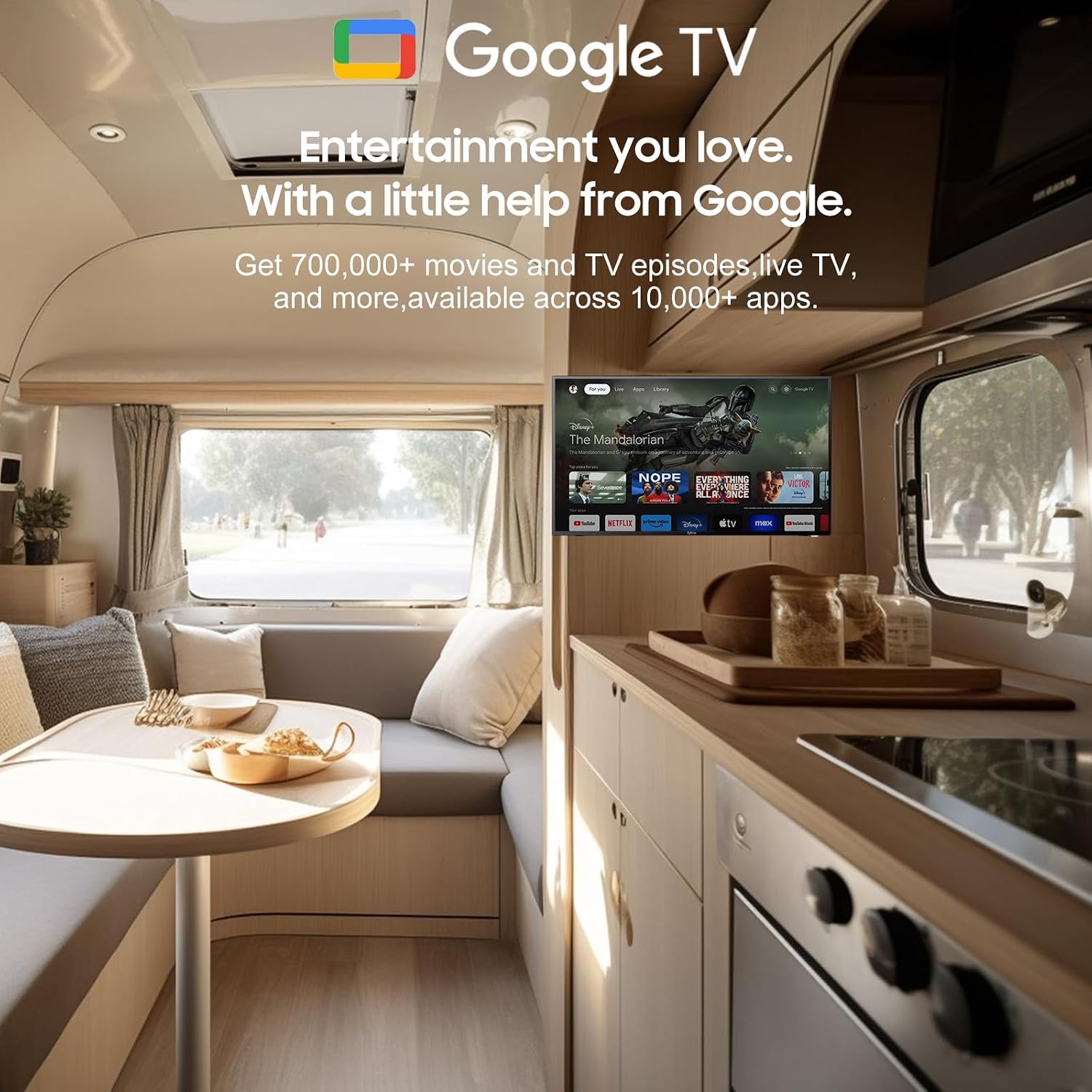
Thank you for choosing the SYLVOX 40-inch Smart RV TV. This television is designed for versatile use, offering both DC and AC power options, making it ideal for RVs, campers, and home environments. Featuring the Android 11.0 system, it provides a smart and intuitive viewing experience with access to a wide range of applications, Google Assistant, and built-in Chromecast.
This manual provides detailed instructions for setting up, operating, and maintaining your SYLVOX Smart RV TV. Please read it thoroughly before use to ensure proper functionality and longevity of your device.
2. Što je u kutiji
Upon opening your SYLVOX Smart RV TV package, please verify that all the following components are included:
- SYLVOX 40-inch Smart RV TV
- Remote Control (2 AAA batteries required, often included)
- Power Cord (for AC power)
- Car Charger Cable (for DC power)
- Adapter napajanja
- Priručnik s uputama
- Base Stands (2 pieces)
- Screws for Base Stands
- Odvijač

Contents of the SYLVOX Smart RV TV package.
3. Postavljanje
3.1 Raspakiranje i početno postavljanje
Pažljivo izvadite televizor iz ambalaže. Postavite televizor na stabilnu, ravnu površinu ili ga pripremite za montažu na zid. Osigurajte odgovarajuću ventilaciju oko televizora.

Ispred view pametnog televizora za kampere SYLVOX.
3.2 Attaching the Base Stands (Optional)
If you are not wall-mounting the TV, attach the included base stands to the bottom of the TV using the provided screws and screwdriver. Ensure they are securely fastened.
3.3 Priključak za napajanje
Your SYLVOX RV TV supports both DC and AC power supply:
- Istosmjerna struja (10.5V-28V): For RVs, campers, or yachts, connect the provided car charger cable directly to your vehicle's 12V/24V power outlet. The TV features wide voltage protection and shock resistance for mobile environments.
- Izmjenična struja (110 V): For home use, connect the power adapter to the TV and then plug the power cord into a standard 110V AC wall outlet.
3.4 Postavljanje daljinskog upravljača
Insert the two AAA batteries into the remote control, observing the correct polarity. The remote is pre-paired and ready for use.
4. Operating Your Smart RV TV
4.1 Smart Android 11.0 System
The TV runs on the Android 11.0 operating system, providing a user-friendly interface and access to a vast ecosystem of apps. Upon first power-on, follow the on-screen prompts to set up your language, Wi-Fi connection, and Google account.
4.2 Google asistent
Your remote control includes a dedicated Google Assistant button. Press this button and speak your commands to easily search for content, control smart home devices, get answers, and more.

Koristite Google Assistant za glasovne naredbe.
4.3 Trgovina Google Play
Access the Google Play Store directly from your TV to browse and download a wide variety of applications, games, and media streaming services, expanding your entertainment options.
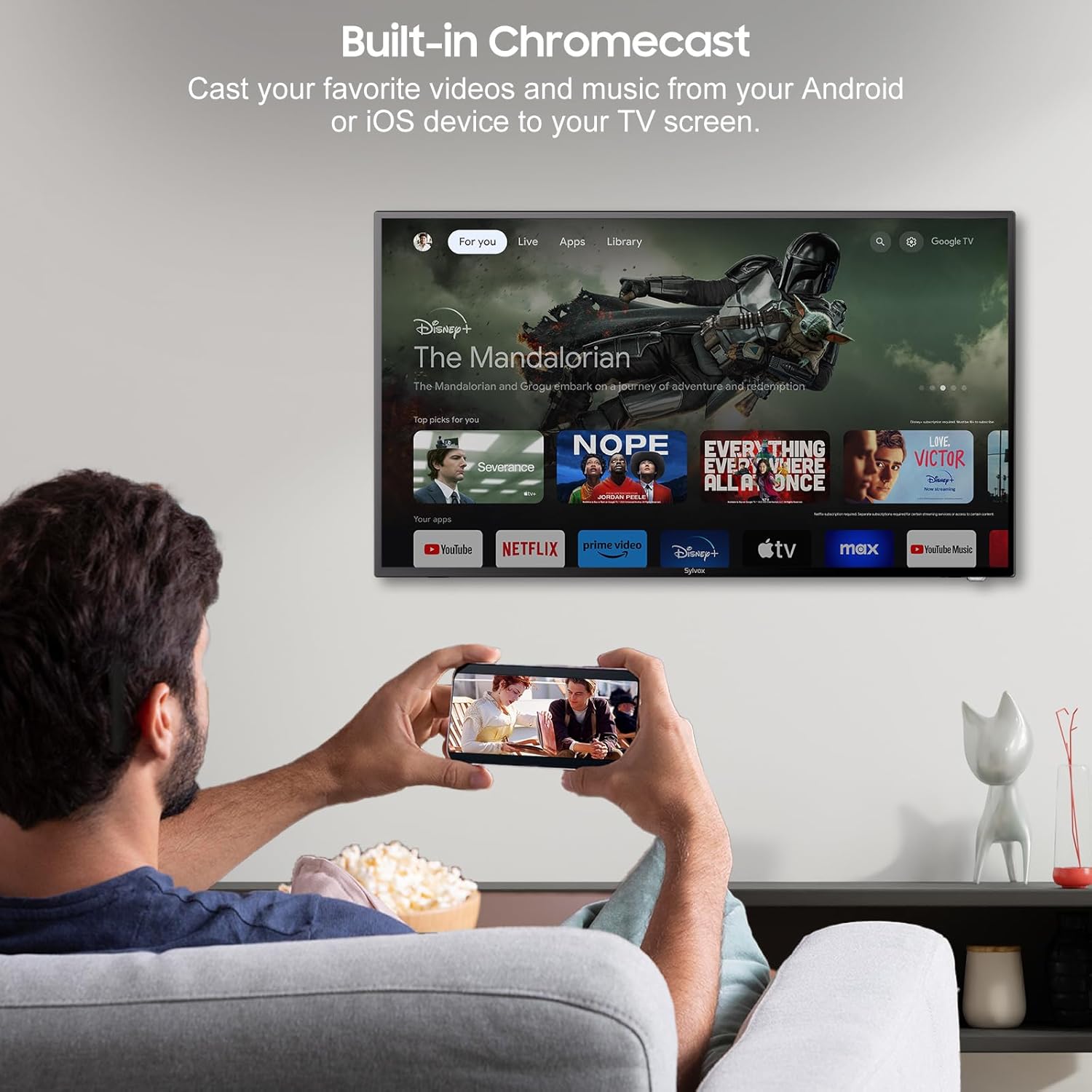
4.4 Built-in Chromecast
With built-in Chromecast, you can effortlessly stream and display content (videos, photos, music) from your compatible mobile devices (Android or iOS) or computers directly onto the TV screen.

Stream content with built-in Chromecast.
5. Povezivost
Your SYLVOX Smart RV TV offers a comprehensive range of connectivity options for various devices:
- HDMI priključci: Connect external devices such as gaming consoles, Blu-ray players, or set-top boxes.
- USB priključci: Reprodukujte medije files directly from USB drives or connect USB peripherals.
- RJ45 (Ethernet) priključak: Za stabilnu žičanu internetsku vezu.
- Optički audio izlaz: Connect to soundbars or home theater systems for enhanced audio.
- RF ulaz: For connecting an antenna to receive over-the-air broadcasts.
- AV Input (Mini AV): Za spajanje starijih uređaja s kompozitnim video i stereo audio izlazima.
- Utičnica za slušalice: Za privatno slušanje.
5.1 Bežično povezivanje
- Wi-Fi: Povežite se s bežičnom mrežom za pristup internetu i značajke pametnog televizora.
- Bluetooth: Pair with Bluetooth-enabled devices such as headphones, speakers, or game controllers.
Wireless and wired connectivity options.

Rear panel connectivity ports.
6. Kvaliteta slike i zvuka
6.1 1080P Full HD Display
Experience stunning visuals with the 1080P Full HD resolution, providing crisp, clear, and immersive picture quality for all your content.
1080P Full HD picture quality comparison.
6.2 Built-in HiFi Speakers
The TV is equipped with two built-in HiFi speakers, delivering rich and immersive audio to complement your viewing experience. For enhanced sound, external audio systems can be connected via the available audio output ports or Bluetooth.
7. Održavanje
7.1 Čišćenje
- Zaslon: Nježno obrišite zaslon mekom krpom koja ne ostavlja dlačice. Za tvrdokorne mrlje upotrijebite otopinu za čišćenje zaslona nanesenu na krpu, a ne izravno na zaslon.
- Kabinet: Obrišite kućište televizora mekom, suhom krpom. Izbjegavajte korištenje abrazivnih sredstava za čišćenje ili otapala.
7.2 Skladištenje
If storing the TV for an extended period, disconnect it from power, clean it, and store it in a cool, dry place, preferably in its original packaging to protect it from dust and physical damage.
8. Rješavanje problema
If you encounter issues with your SYLVOX Smart RV TV, please refer to the following common problems and solutions:
| Problem | Mogući uzrok | Otopina |
|---|---|---|
| Nema snage | Power cable not connected; outlet malfunction; vehicle battery low (for DC) | Ensure power cable is securely connected. Test outlet with another device. Check vehicle battery charge. |
| Nema slike, ali je zvuk prisutan | Odabran pogrešan ulazni izvor; problem s vanjskim uređajem | Press the 'Input' or 'Source' button on the remote to select the correct input. Check connections to external devices. |
| Nema zvuka, ali je slika prisutna | Glasnoća je prigušena ili preniska; problem s vanjskim audio sustavom | Unmute volume or increase level. Check connections to external speakers/soundbar. |
| Daljinski upravljač ne reagira | Dead batteries; obstruction between remote and TV | Replace batteries. Remove any obstructions. Ensure you are within range. |
| Ne mogu se povezati s Wi-Fi mrežom | Netočna lozinka; problem s usmjerivačem; TV predaleko od usmjerivača | Double-check Wi-Fi password. Restart router. Move TV closer to router or use Ethernet. |
| Aplikacije se ne učitavaju ili se ruše | Insufficient memory; app specific issue; outdated app version | Clear app cache/data. Update the app. Restart the TV. |
If the problem persists after trying these solutions, please contact SYLVOX customer support for further assistance.
9. Specifikacije
Detailed technical specifications for the SYLVOX 40-inch Smart RV TV:
| Značajka | Specifikacija |
|---|---|
| Marka | SYLVOX |
| Broj modela | 40 Vehicle Smart |
| Veličina zaslona | 40 inča (102 cm dijagonalno) |
| Tehnologija zaslona | LED |
| Rezolucija | 1080p (puni HD) |
| Brzina osvježavanja | 60 Hz |
| Operativni sustav | Android 11.0 |
| Napajanje | DC 10.5V-28V, AC 110V |
| Wattage | 84 vata |
| Povezivost | Bluetooth, WiFi, Ethernet (RJ45), HDMI, USB, Wireless |
| luke | HDMI, USB, RJ45, Optical, RF, AV, Earphone |
| Vrsta zvučnika | Built-In HiFi Speakers |
| Težina artikla | 14.33 funti |
| Dimenzije proizvoda (DxŠxV) | 8.32 x 35.7 x 22.11 inča |
| Omjer slike | 16:9 |
| Posebne značajke | DC/AC, 12V, Wide voltage protection, Vibration protection, Google Assistant, Chromecast |
10. Jamstvo i podrška
SYLVOX je posvećen pružanju visokokvalitetnih proizvoda i izvrsne korisničke usluge. Vaš SYLVOX Smart RV TV dolazi sa sljedećim:
- 12-mjesečna besplatna zaštita od nedostataka: Pokriva proizvodne nedostatke godinu dana od datuma kupnje.
- Besplatan povrat za probleme s kvalitetom: If you experience quality-related problems, returns are free of charge.
- 30-dnevni povrat bez problema: Enjoy a 30-day return period for your convenience.
Please note that original packaging may be required for returns. For any technical assistance, warranty claims, or product inquiries, please contact SYLVOX customer support through the official SYLVOX webweb-mjesto ili vašu platformu za kupnju.
Ask a question about this manual
Ask about setup, troubleshooting, compatibility, parts, safety, or missing instructions. Manuals+ will review the question and use this page’s manual context to help answer it.