
1. Uvod
The PAKITE Wireless HDMI Transmitter and Receiver system provides a seamless solution for extending HDMI signals wirelessly. This system allows you to transmit high-definition video and audio from various sources such as set-top boxes, laptops, PCs, and gaming consoles to TVs or projectors up to 200 meters (657 feet) in open areas, or 50 meters (165 feet) through walls. It features an HDMI loop-out function, IR remote extension, and supports connecting one transmitter to up to four receivers simultaneously, offering flexible multi-screen solutions for your home or office.
2. Sadržaj paketa
Molimo provjerite jesu li svi dolje navedeni artikli uključeni u vaš paket:
- 1 x Bežični HDMI odašiljač (TX)
- 1 x Bežični HDMI prijemnik (RX)
- 2 x HDMI kabela
- 2 x adapter za napajanje
- 2 x IR Cables (1 for transmission, 1 for reception)
- 1 x korisnički priručnik

Image: The main components of the PAKITE Wireless HDMI system, including the transmitter and receiver units.

Image: A visual representation of all items included in the product package, such as the transmitter, receiver, cables, and power adapters.
3. Proizvod je gotovview
3.1. Transmitter (TX) and Receiver (RX) Interfaces
Familiarize yourself with the ports and indicators on both the Transmitter (TX) and Receiver (RX) units:
| komponenta | Opis |
|---|---|
| IR Signal Transmission/Reception | Connects the IR cable for remote control signal extension. TX unit transmits, RX unit receives. |
| HDMI Input (TX) | Connects to your source device (e.g., laptop, STB). |
| HDMI Output (TX) / Loop-Out | Allows connection to a local display for simultaneous viewing at the source location. |
| HDMI Output (RX) | Connects to your remote display (e.g., TV, projector). |
| Napajanje | Spaja se na priloženi adapter za napajanje. |
| Reset Button (5 Seconds) | Used to reset the unit or for pairing. |
| Prekidač napajanja | Uključuje ili isključuje jedinicu. |
| IR Frequency Switch (RX only) | Used to switch IR frequencies (30KHz, 38KHz, 47KHz, 56KHz) for compatibility with various remote controls. |
3.2. Indikatorska svjetla
- Power Indicator (P): Always on when the product is powered.
- Signal Indicator (S): Always on when the HDMI signal is output/input.
- WiFi Indicator (W): Flashing indicates that the product communicates normally.
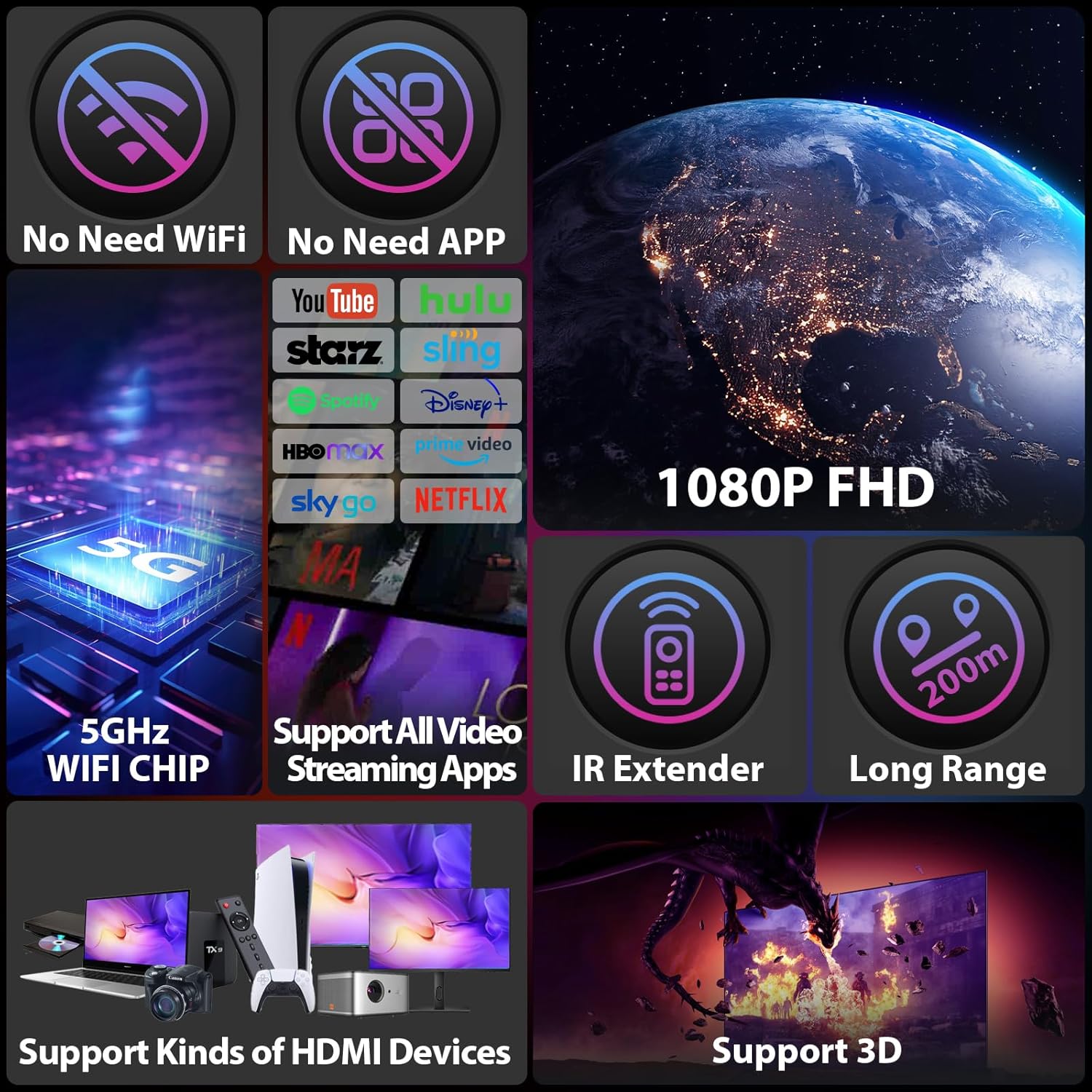
Slika: Prekoview of key features such as 5GHz WiFi chip for stable transmission, IR extender functionality, and long-range capabilities.
Video: An official product video demonstrating the features and functionality of the Wireless HDMI Transmitter and Receiver Model 850.
4. Vodič za postavljanje
Follow these steps for a successful setup:
- Spojite odašiljač (TX):
- Connect one end of an HDMI cable to the HDMI output of your source device (e.g., laptop, STB, PC).
- Spojite drugi kraj HDMI kabela na HDMI ulaz priključak na odašiljačkoj (TX) jedinici.
- If you wish to use the HDMI loop-out function, connect another HDMI cable from the HDMI Output (Loop-Out) port on the TX unit to a local display.
- Connect the IR transmission cable to the IR Signal Transmission port on the TX unit. Position the IR emitter head near the IR receiver window of your source device.
- Spojite adapter za napajanje na Napajanje port of the TX unit and plug it into a power outlet.
- Spojite prijemnik (RX):
- Spojite jedan kraj HDMI kabela na HDMI izlaz priključak na prijemnoj (RX) jedinici.
- Connect the other end of the HDMI cable to the HDMI input port of your remote display (e.g., TV, projector).
- Connect the IR receiving cable to the IR Signal Reception port on the RX unit. Position the IR receiver head in a location where it can easily receive signals from your remote control.
- Spojite adapter za napajanje na Napajanje port of the RX unit and plug it into a power outlet.
- Uključivanje i uparivanje:
- Turn on both the Transmitter (TX) and Receiver (RX) units using their respective power switches.
- The units will automatically attempt to pair. This process typically takes about 18-22 seconds. The WiFi Indicator (W) will flash during communication.
- Once successfully paired, the video and audio from your source device will be displayed on the remote screen.

Image: This image highlights the advantages of the PAKITE 850 model over smaller U-disk type wireless HDMI devices, emphasizing its superior range, IR extend support, HDMI loop-out, and strong signal penetration through walls.
5. Upute za rad
5.1. HDMI Loop-Out Function
The Transmitter (TX) unit is equipped with an HDMI loop-out port, allowing you to connect an additional display at the source location. This means you can view the content on two screens simultaneously: one connected directly to the TX unit via loop-out, and another wirelessly connected to the RX unit.

Image: Illustration of the HDMI loop-out feature, showing how an additional screen can be connected to the transmitter unit.
5.2. IR Remote Extender Function
The IR remote extender allows you to control your source device (e.g., STB) from the remote location where the Receiver (RX) unit is located. This eliminates the need to be in the same room as your source device to change channels or navigate menus.
- Ensure both IR cables are properly connected to their respective units (TX for transmission, RX for reception).
- Point your remote control at the IR receiving cable connected to the RX unit. The signal will be transmitted wirelessly back to the TX unit, which then relays it to your source device.
- Note: This function is not compatible with Bluetooth remotes.
- If the IR remote control function does not work, you can try pressing the IR-Switch button on the Receiver (RX) unit to cycle through different IR frequencies (30KHz, 38KHz, 47KHz, 56KHz) to find one compatible with your remote control.

Image: Demonstrates how the IR extend function allows controlling a set-top box in the living room from a bedroom using the wireless system.
Video: An official product video illustrating how the 850 transmitter can be connected to four receivers, showcasing multi-screen functionality.
5.3. One Transmitter to Four Receivers (1 TX to 4 RXs)
The PAKITE Wireless HDMI system supports connecting one Transmitter (TX) unit to up to four Receiver (RX) units simultaneously. This allows you to duplicate or extend your screen to multiple displays in different rooms, sharing content from a single source.
- To add additional receivers, simply power them on and ensure they are within the signal range of the transmitter. They will automatically connect.
- Important: The system does not support the use of multiple transmitters in the same environment to avoid signal interference.

Image: Depicts a scenario where one transmitter wirelessly connects to four separate receiver units, extending the display to multiple screens.
6. Rješavanje problema
Ako naiđete na probleme, pogledajte sljedeće uobičajene probleme i rješenja:
- Nema signala / Crni ekran:
- Ensure both TX and RX units are powered on and their power indicators are lit.
- Check all HDMI cable connections. Ensure they are securely plugged into the correct ports.
- Verify that your source device is outputting a signal and is set to a progressive scan resolution (e.g., 1080P). Interlaced resolutions (e.g., 1080i) are not supported.
- Confirm that the input source on your display (TV/projector) is set to the correct HDMI port connected to the RX unit.
- Try resetting both the TX and RX units by pressing and holding the Reset Button for 5 seconds.
- Intermittent Signal / Poor Quality:
- Ensure the TX and RX units are within the recommended transmission range (up to 200m in open areas, 50m through walls).
- Minimize obstacles between the TX and RX units, especially thick walls or metal objects, which can interfere with the wireless signal.
- Check for potential interference from other wireless devices operating on 2.4GHz or 5.8GHz frequencies.
- IR daljinski upravljač ne radi:
- Ensure the IR transmission and reception cables are correctly connected and positioned. The IR emitter should be directly facing the source device's IR receiver.
- Pritisnite tipku IR-Switch button on the Receiver (RX) unit to cycle through different IR frequencies (30KHz, 38KHz, 47KHz, 56KHz) to find one compatible with your remote control.
- Confirm your remote control is not a Bluetooth remote, as these are not supported.
7. Specifikacije
| Značajka | Detalj |
|---|---|
| Broj modela | BIN-850-Global |
| Udaljenost prijenosa | Up to 200m (657ft) in open areas; up to 50m (165ft) through one wall. |
| Podržana razlučivost | 1080P 60HZ (Progressive Scan only, 1080i not supported) |
| Bežična frekvencija | 2.4GHz / 5.8GHz Dual-Band |
| Antene | 2 External Antennas per unit |
| HDMI Loop Out | Yes, on Transmitter (TX) unit |
| IR daljinski ekstender | Yes (Not for Bluetooth Remote) |
| Podrška za više prijemnika | 1 Transmitter (TX) to up to 4 Receivers (RX) |
| Dimenzije (po jedinici) | 3.19 x 4.72 x 3.94 inča |
| Težina artikla (po jedinici) | 7 unci |
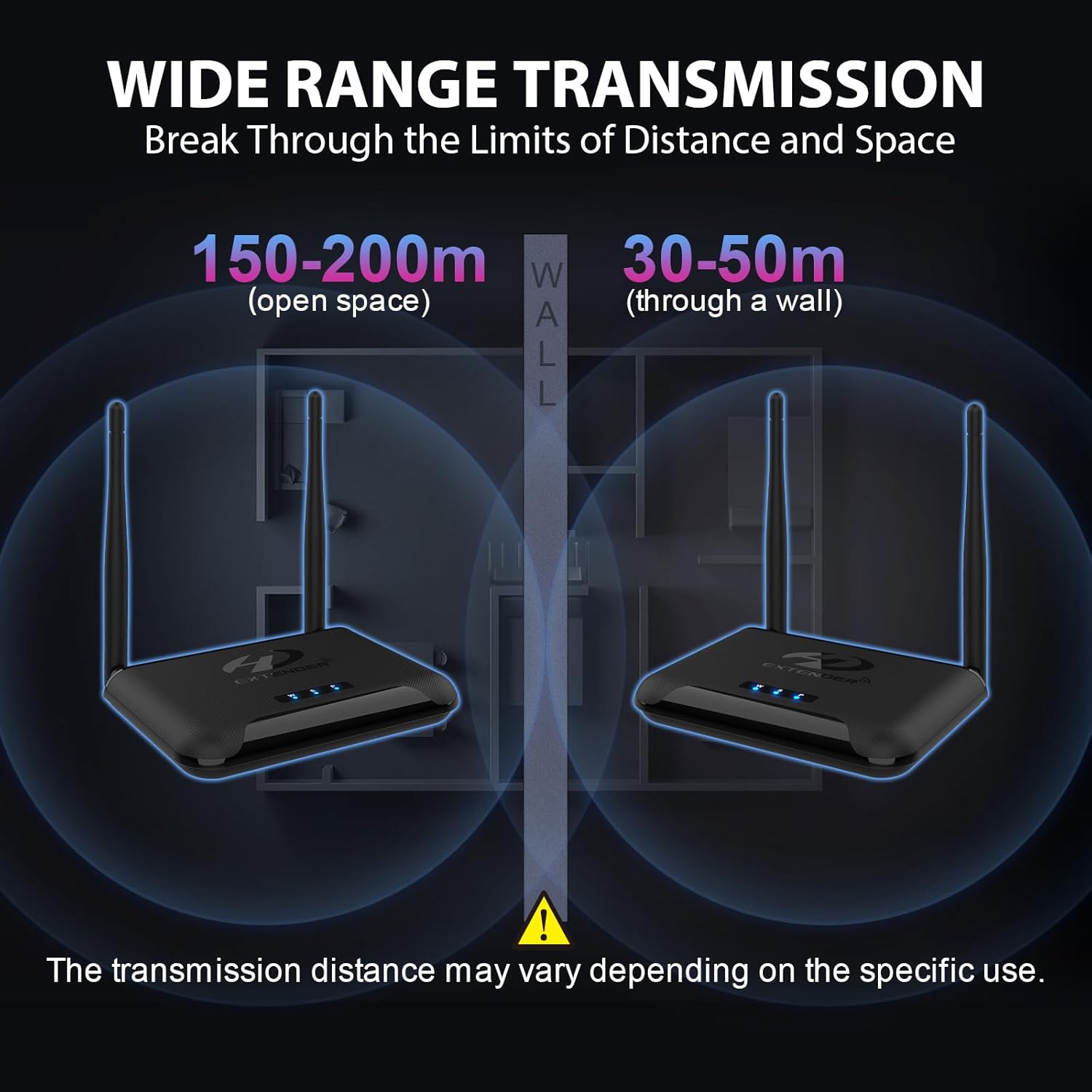
Image: Illustrates the effective transmission distances in open spaces (150-200m) and through walls (30-50m), highlighting the robust signal strength.
8. Jamstvo i podrška
PAKITE offers comprehensive support for its products:
- 365 dana besplatne zamjene: We provide a 365-day free replacement service for non-artificial damage.
- 30-dnevna politika povrata: Iskoristite 30-dnevnu politiku povrata bez ikakvih pitanja.
- For technical assistance or warranty claims, please contact PAKITE customer support through the retailer's platform or visit the official PAKITE webmjesto.