
1. Uvod
This manual provides essential information for the safe and effective operation of your HAVIT Smart Life Series PJ211 PRO projector. Please read this manual thoroughly before using the device and retain it for future reference.
The HAVIT PJ211 PRO is a compact smart projector designed for home entertainment, gaming, and presentations. It features a native HD resolution of 1280x720, supporting up to 4K input, and integrates Android TV 9.0 for direct access to streaming services.
2. Sadržaj paketa
Prilikom raspakiranja, molimo provjerite jesu li svi predmeti prisutni i u dobrom stanju:
- HAVIT Smart Life Series PJ211 PRO Projector
- Kabel za napajanje
- Daljinski upravljač
- Korisnički priručnik (ovaj dokument)
3. Proizvod je gotovview
Familiarize yourself with the projector's physical components and connection ports.
Slika: Stražnja i bočna strana view of the HAVIT PJ211 PRO projector, highlighting the power input, HDMI, USB, and audio ports.

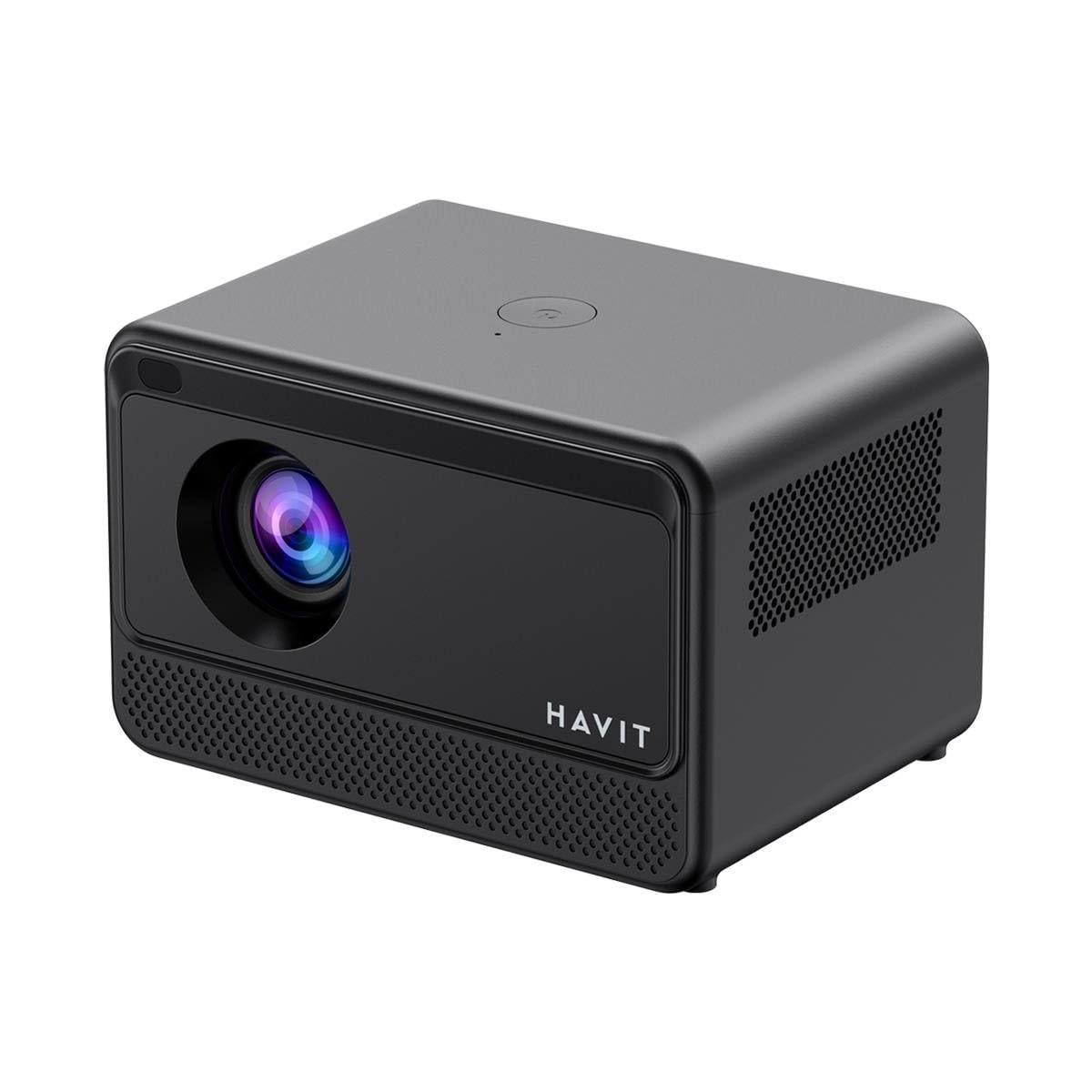
Slika: prednja strana view of the HAVIT PJ211 PRO projector, showing the projection lens and front grille.
Portovi i kontrole:
- Ulazna snaga: Spaja se na strujni adapter.
- HDMI priključak: For connecting external video sources such as laptops, gaming consoles, or Blu-ray players.
- USB priključci: Za spajanje USB uređaja za pohranu podataka za reprodukciju medija files or connect peripherals.
- AV ulaz: Za spajanje starijih uređaja pomoću AV kabela.
- 3.5 mm audio utičnica: Za spajanje vanjskih zvučnika ili slušalica.
- Gumb za napajanje: Located on the top panel for turning the projector on/off.
4. Postavljanje
4.1 Postavljanje
Position the projector on a stable, flat surface. Ensure there is adequate ventilation around the device. The optimal projection distance ranges from 1 to 4 meters, yielding a screen size between 32 and 150 inches.
4.2 Priključak za napajanje
- Spojite kabel za napajanje na ulazni priključak za napajanje projektora.
- Drugi kraj kabela za napajanje uključite u odgovarajuću električnu utičnicu.
4.3 Početno uključivanje
Press the power button on the projector or the remote control to turn on the device. The projector will boot up and display the Android TV interface.
4.4 Fokus i korekcija trapezoidnog izobličenja
The PJ211 PRO features semi-auto focus and semi-auto keystone correction. The projector will attempt to adjust these settings automatically upon startup or movement. Fine-tuning can be done via the on-screen menu if needed.
4.5 Mrežna veza
To access online content, connect the projector to a Wi-Fi network.

Image: Illustration showing the projector's support for both 2.4G and 5G dual-band Wi-Fi connections, indicating improved transmission rates and smoother online viewing with 5G.
- Navigate to the 'Settings' menu on the Android TV interface.
- Odaberite 'Mreža i internet'.
- Odaberite željenu Wi-Fi mrežu s popisa.
- Enter the password if prompted and confirm the connection. The projector supports 2.4G and 5G dual-band Wi-Fi for stable connectivity.
5. Upute za rad
5.1 Sučelje Android TV-a 9.0
The projector runs on Android TV 9.0, providing access to various applications and streaming services. Use the remote control to navigate the interface, select apps, and adjust settings.
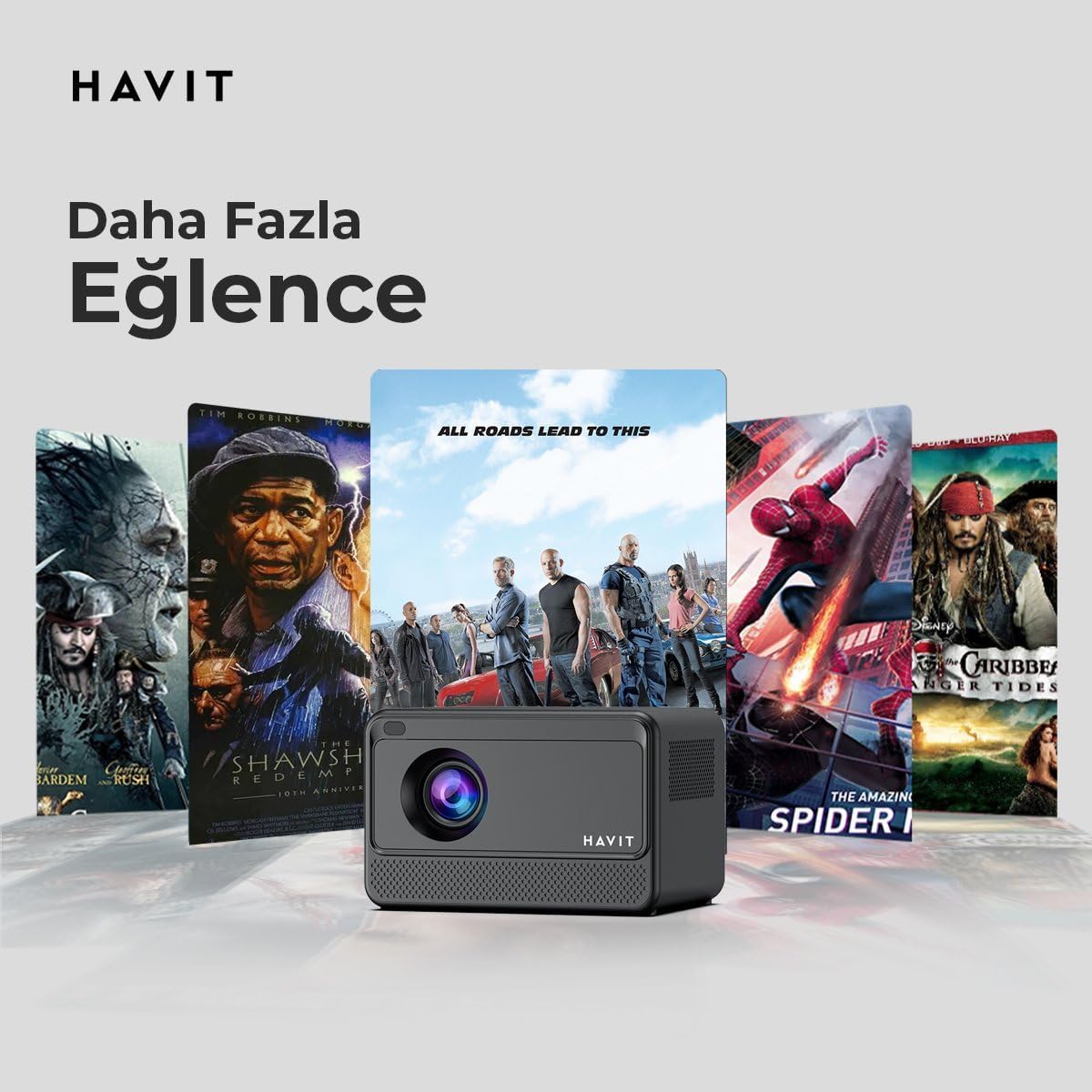
Image: The HAVIT PJ211 PRO projector displaying a selection of popular streaming service icons, illustrating its 'More Entertainment' capability through Android TV.
5.2 Spajanje vanjskih uređaja
You can connect various external devices to the projector:
- HDMI: Connect a device (e.g., laptop, game console) using an HDMI cable. Select the HDMI input source from the projector's input menu.
- USB: Insert a USB drive into a USB port. The projector's media player will typically detect the drive, allowing you to browse and play supported media files.
- OD: Use an AV cable to connect compatible devices. Select the AV input source.
- Audio izlaz (3.5 mm priključak): Connect external speakers or headphones for enhanced audio. The projector has a built-in 3W speaker for standard audio output.
6. Održavanje
6.1 Čišćenje
- Objektiv: Koristite meku krpu koja ne ostavlja dlačice, posebno namijenjenu za optičke leće. Nemojte koristiti abrazivna sredstva za čišćenje ili krpe.
- Vanjski: Obrišite vanjski dio projektora mekom, suhom krpom. Izbjegavajte korištenje tekućih sredstava za čišćenje izravno na uređaju.
- Ventilacija: Provjerite jesu li ventilacijski otvori čisti od prašine i prepreka kako biste spriječili pregrijavanje.
6.2 Lamp Život
LED lamp in your PJ211 PRO projector has an estimated life of 30,000 hours, providing long-term reliability under normal usage conditions.
7. Rješavanje problema
Ako naiđete na probleme s projektorom, pogledajte sljedeće uobičajene probleme i rješenja:
| Problem | Mogući uzrok | Otopina |
|---|---|---|
| Nema prikazane slike | Kabel za napajanje isključen, pogrešan ulazni izvor, poklopac objektiva na mjestu. | Check power connection, select correct input source (HDMI, USB, AV), remove lens cap. |
| Slika je mutna | Izvan fokusa, netočna udaljenost projekcije. | Adjust focus manually via settings, ensure projector is within 1-4 meters of screen. |
| Nema zvuka | Volume too low, external speakers not connected properly, audio settings. | Povećajte glasnoću, provjerite priključak vanjskog zvučnika, provjerite postavke audio izlaza. |
| Problemi s Wi-Fi vezom | Netočna lozinka, problemi s ruterom, smetnje signala. | Re-enter Wi-Fi password, restart router, ensure projector is within Wi-Fi range. |
8. Specifikacije
Detailed technical specifications for the HAVIT Smart Life Series PJ211 PRO projector:

Image: A visual representation of the HAVIT PJ211 PRO projector's specifications, including system, resolution, projection distance, brightness, and connectivity.
- Tehnologija zaslona: LCD
- Izvorna razlučivost: 1280 x 720 (HD)
- Podržana razlučivost: Do 3840 x 2160 (4K)
- Svjetlina: Over 5000 lumens (180+ ANSI lumens)
- Omjer kontrasta: 1500:1
- Omjer slike: 16:9 / 4:3
- Udaljenost projekcije: 1 – 4 metara
- Raspon veličine zaslona: 32 – 150 inča
- Podešavanje fokusa: Semi-Auto Focus
- Korekcija trapezoida: Semi-Auto Keystone
- Ugrađeni zvučnik: 3W
- Operativni sustav: Android TV 9.0
- Bežična povezanost: Wi-Fi (2.4G/5G dvopojasni)
- Ulazni portovi: HDMI, USB, AV, 3.5mm audio jack
- Lamp Tip: LED
- Lamp Život: 30,000 sata
- Potrošnja energije: 65 W
- Težina artikla: 2.3 kilogram
- Boja: Crna
9. Jamstvo i podrška
9.1 Informacije o jamstvu
The HAVIT Smart Life Series PJ211 PRO projector comes with a 1-godišnje jamstvo od datuma kupnje. Ovo jamstvo pokriva proizvodne nedostatke i kvarove pri normalnoj uporabi. Molimo sačuvajte dokaz o kupnji za reklamacije.
9.2 Korisnička podrška
For technical assistance, troubleshooting beyond this manual, or warranty inquiries, please contact HAVIT customer support through their official website or the retailer where the product was purchased. Please have your model number (PJ211 PRO) and purchase details ready when contacting support.