
1. Uvod
This manual provides detailed instructions for the T-Wolf TF800 Gaming Combo, a 4-in-1 package designed for an enhanced gaming experience. The combo includes a backlit keyboard, a gaming mouse, a stereo headset with microphone, and a mouse pad. Please read this manual carefully before using the product to ensure proper setup and operation.

Image: T-Wolf TF800 Gaming Combo retail box. The box displays the included keyboard, mouse, headset, and mouse pad, highlighting features like floating keycaps, highlight light, multimedia keys, and ergonomic design.
2. Sadržaj paketa
Provjerite jesu li u vašem paketu prisutni svi sljedeći artikli:
- 1 x T-Wolf Gaming Keyboard
- 1 x T-Wolf Gaming Mouse
- 1 x T-Wolf Gaming Headset
- 1 x T-Wolf Gaming Mouse Pad
3. Upute za postavljanje
Follow these steps to set up your T-Wolf TF800 Gaming Combo:
3.1 Postavljanje tipkovnice
- Pronađite slobodan USB 2.0 priključak na računalu.
- Uključite USB konektor tipkovnice u USB priključak.
- Operativni sustav će automatski prepoznati i instalirati potrebne upravljačke programe.
- The keyboard backlight will illuminate upon successful connection.
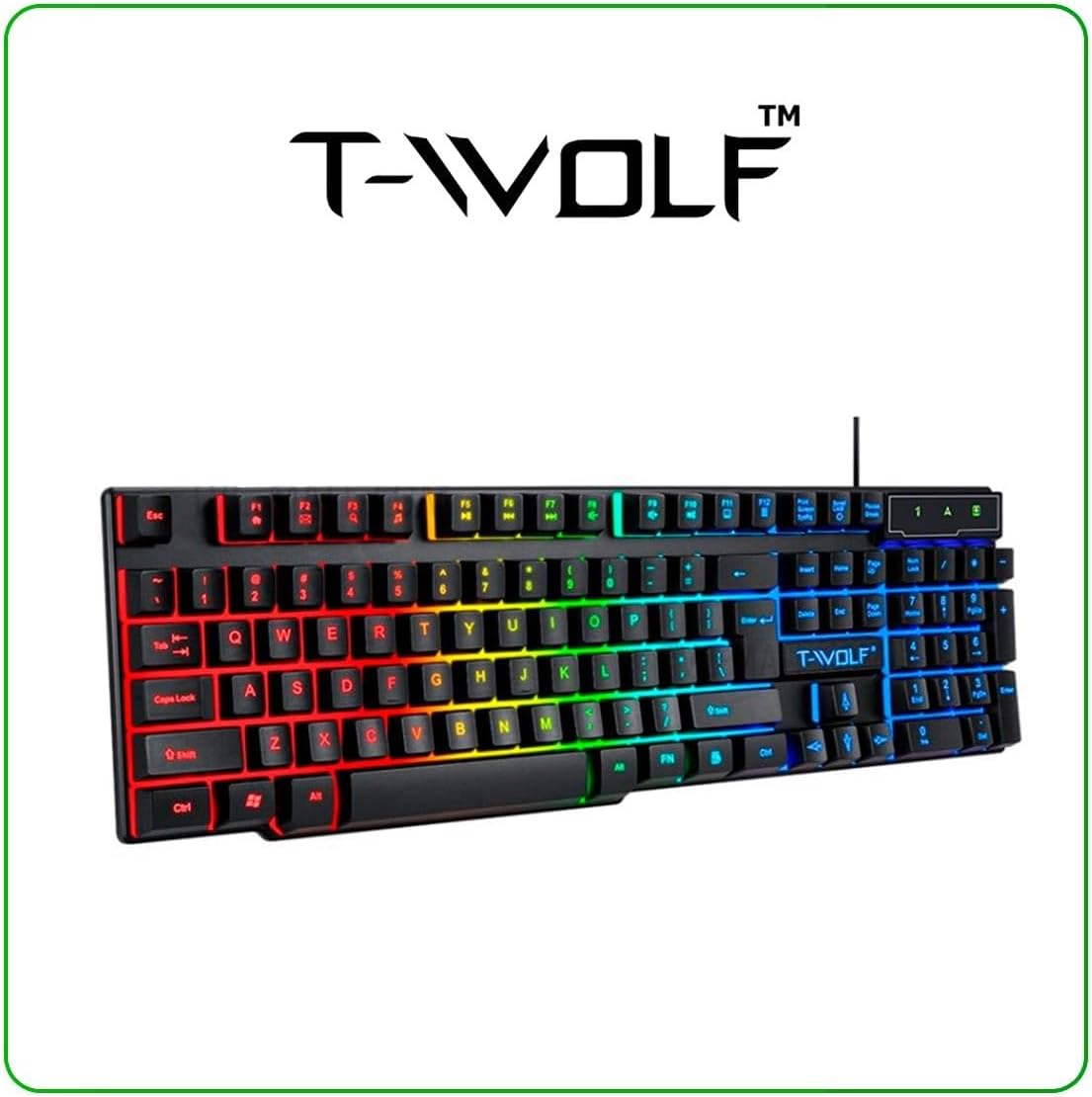
Image: T-Wolf Gaming Keyboard. This image shows the full 104-key layout with vibrant RGB backlighting, including the 'Ñ' key.
3.2 Postavljanje miša
- Locate another available USB 2.0 port on your computer.
- Uključite USB konektor miša u USB priključak.
- Operativni sustav će automatski prepoznati i instalirati potrebne upravljačke programe.
- The mouse LED lighting will activate upon successful connection.

Image: T-Wolf Gaming Mouse. This image displays the ergonomic design of the mouse with multi-color RGB lighting accents.
3.3 Headset Setup
- Locate the 3.5mm audio jack on your computer (usually marked with a headphone icon).
- Plug the 3.5mm connector of the headset into the audio jack.
- If your computer has separate microphone and headphone jacks, you may need a Y-splitter (not included) or connect to a combined audio jack.
- Adjust the volume using the in-line control on the headset cable.
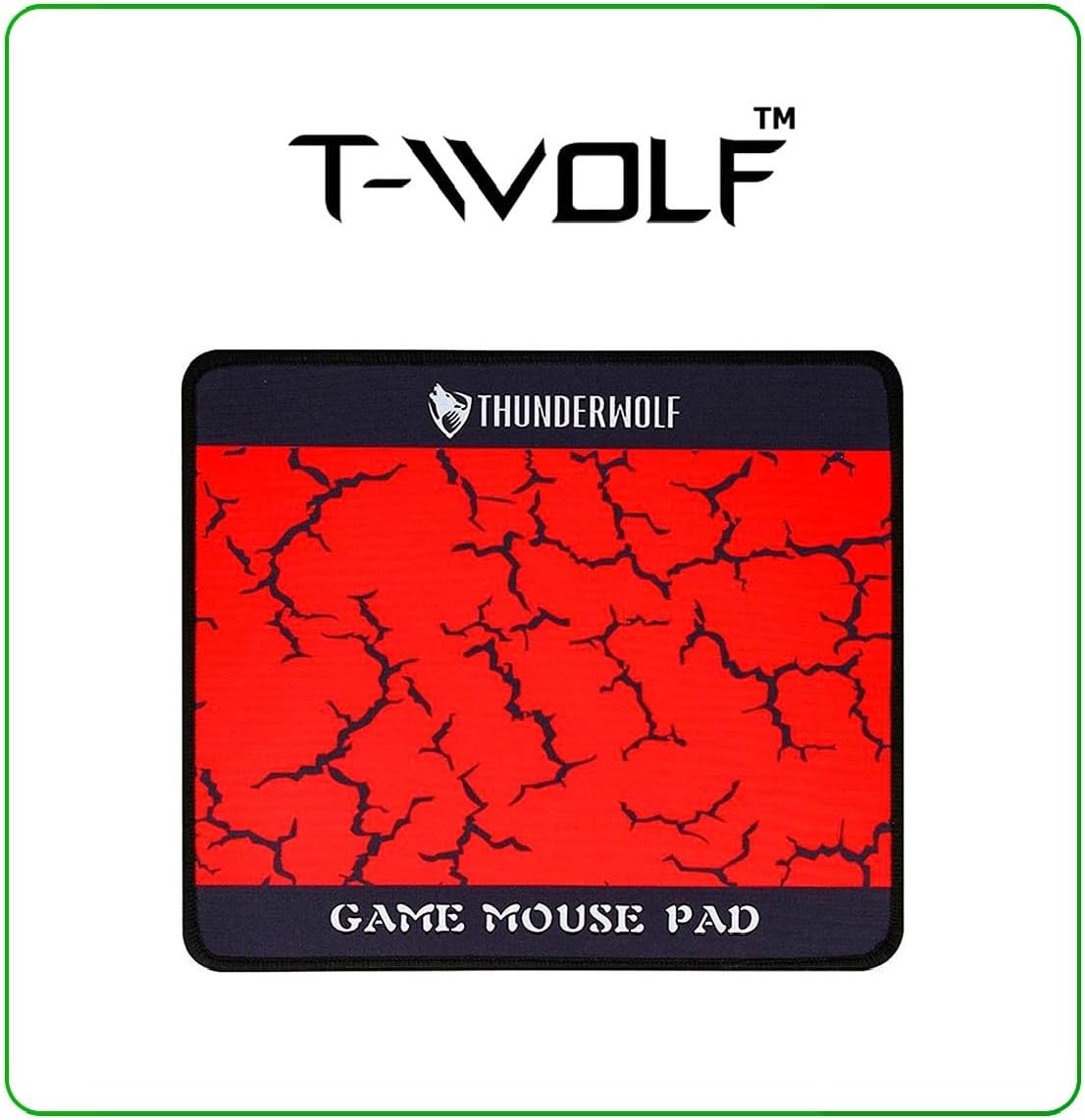
Image: T-Wolf Gaming Headset. This image shows the over-ear headset with a flexible microphone and red accents.
3.4 Mouse Pad Placement
- Postavite podlogu za miša na ravnu, čistu površinu.
- Ensure the non-slip rubber base is in full contact with the desk to prevent movement during use.
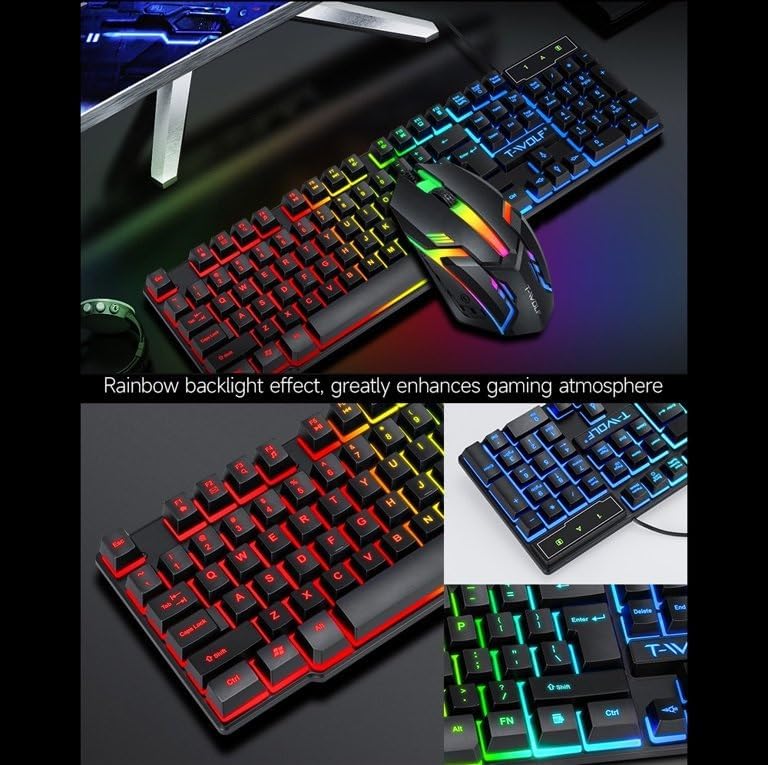
Image: T-Wolf Gaming Mouse Pad. This image features the mouse pad with a red cracked pattern and a black border, designed for optimal mouse precision.
4. Upute za rad
4.1 Rad s tipkovnicom
- Kontrola pozadinskog osvjetljenja: The keyboard features a 3-color LED backlight (Red, Blue, Green). Press the Scroll Lock key to toggle the backlight ON/OFF.
- Multimedijske tipke: Utilize the dedicated multimedia keys (usually F-keys combined with Fn) for quick access to volume control, media playback, and other functions. Refer to the keyboard layout for specific key assignments.
- Ergonomski dizajn: The keyboard is designed for comfortable typing during extended use.

Image: T-Wolf Keyboard and Mouse. This image illustrates the rainbow backlight effect on both the keyboard and mouse, enhancing the gaming atmosphere.
4.2 Rad miša
- Podešavanje DPI-ja: The mouse supports adjustable DPI settings (up to 1200 DPI). Use the DPI button (typically located near the scroll wheel) to cycle through different sensitivity levels.
- LED rasvjeta: The mouse features 4-color circular breathing LED lighting, which activates automatically when connected.
- Gumbi: The mouse has 3 buttons for standard operation.
4.3 Rad slušalica
- Kontrola glasnoće: Adjust the audio volume using the in-line control wheel located on the headset cable.
- Upotreba mikrofona: The microphone is foldable. Position it appropriately for clear voice communication. Ensure your computer's audio settings recognize the headset microphone as the input device.
- Stereo zvuk: The headset provides stereo sound for deep bass and crisp treble.

Image: T-Wolf Gaming Headset in use and with dimensions. This image shows a user wearing the headset and provides detailed dimensions (200x130x100mm) for the headset.
5. Održavanje
Proper maintenance ensures the longevity and optimal performance of your gaming combo.
- Čišćenje:
- Za brisanje tipkovnice, miša i slušalica koristite meku, suhu krpu.
- Za tvrdokornu prljavštinu, lagano dampkrpu obrišite vodom ili blagom otopinom za čišćenje. Izbjegavajte jake kemikalije.
- Do not immerse any component in water.
- The mouse pad can be gently hand-washed with mild soap and water, then air-dried.
- Skladištenje:
- Kombinaciju čuvajte na hladnom i suhom mjestu, zaštićeno od izravne sunčeve svjetlosti i ekstremnih temperatura.
- Avoid placing heavy objects on the keyboard or headset to prevent damage.
- Uprava za kabele: Izbjegavajte oštre zavoje ili presavijanje kabela kako biste spriječili unutarnja oštećenja žica.
6. Rješavanje problema
If you encounter any issues with your T-Wolf TF800 Gaming Combo, refer to the following common problems and solutions:
- Tipkovnica/miš ne reagira:
- Ensure the USB connectors are securely plugged into the computer's USB ports.
- Pokušajte spojiti uređaje na različite USB priključke.
- Ponovno pokrenite računalo.
- Check if the Scroll Lock key is pressed (for keyboard backlight).
- Headset No Sound/Microphone Not Working:
- Provjerite je li 3.5 mm audio priključak potpuno umetnut u ispravan priključak.
- Check the in-line volume control on the headset cable and ensure it is not muted or set to minimum.
- Verify your computer's audio settings:
- For output, ensure the headset is selected as the default playback device.
- For input, ensure the headset microphone is selected as the default recording device.
- Test the headset on another device if possible to rule out a device-specific issue.
- LED svjetla ne rade:
- For the keyboard, press the Scroll Lock key to toggle the backlight.
- Ensure the devices are properly connected via USB.
- Some systems may require specific drivers or software for advanced lighting control, though basic functionality should be plug-and-play.
7. Specifikacije
Detailed specifications for each component of the T-Wolf TF800 Gaming Combo:
7.1 Keyboard Specifications
| Backlight System | 3-color LED (Red, Blue, Green) |
| Raspored tipki | 104 keys, includes 'Ñ' |
| Sučelje za povezivanje | USB 2.0 |
| Duljina kabela | 1.45 metara (4.8 stope) |
| Životni vijek ključnog udarca | 1 milijuna puta |
| Dimenzije | 430 x 130 x 30 mm |
| Težina | 650g |
7.2 Mouse Specifications
| DPI | 1200 |
| Gumbi | 3 |
| Pozadinsko osvjetljenje | 4-color circular breathing LED |
| Sučelje za povezivanje | USB 2.0 |
| Duljina kabela | 1.35 metara (4.4 stope) |
| Život s moždanim udarom | 2 milijuna puta |
| Težina | 95g |
7.3 Headset Specifications
| Promjer zvučnika | 50 mm |
| Impedancija | 32Ω ±15% |
| Frekvencijski odziv | 20Hz-20kHz |
| Duljina kabela | 1.8 metara |
| Nazivna snaga | 25 mW |
| Maksimalna ulazna snaga | 100 mW |
| Vrsta utikača | 3.5 mm |
| Osjetljivost mikrofona | -58dB ± 3dB |
| Dimenzije | 200 x 130 x 100 mm |
| Težina | Not specified in detail, but generally lightweight |
7.4 Mouse Pad Specifications
| Veličina | 300 x 250 x 2 mm |
| Materijal | Cloth surface, Rubber base |
| Značajke | Ultra-smooth weave surface, Anti-slip bottom |
| Težina | 122g |
8. Informacije o jamstvu
This T-Wolf TF800 Gaming Combo comes with a standard manufacturer's warranty against defects in materials and workmanship. The specific duration and terms of the warranty may vary by region and retailer. Please retain your proof of purchase for warranty claims. For detailed warranty information, refer to the documentation provided at the point of purchase or contact your retailer.
9. Korisnička podrška
If you require further assistance or have questions not covered in this manual, please contact your retailer or the product manufacturer's customer support.
- Podrška za trgovce: Refer to the contact information provided by your purchase retailer.
- Podrška proizvođača: For general inquiries, please visit the official T-Wolf website (if available) or search for T-Wolf customer service online.