
Thomson TDF-1001P
THOMSON 10.1-inčni digitalni okvir za fotografije - korisnički priručnik
Model: TDF-1001P
1. Uvod
This user manual provides comprehensive instructions for setting up, operating, and maintaining your THOMSON 10.1-inch WiFi Digital Photo Frame. Please read this manual carefully before using the device to ensure proper functionality and longevity.
2. Proizvod je gotovview
The THOMSON Digital Photo Frame is designed to display your cherished memories with ease. It features a high-definition IPS touchscreen and WiFi connectivity for convenient photo sharing.
Ključne karakteristike:
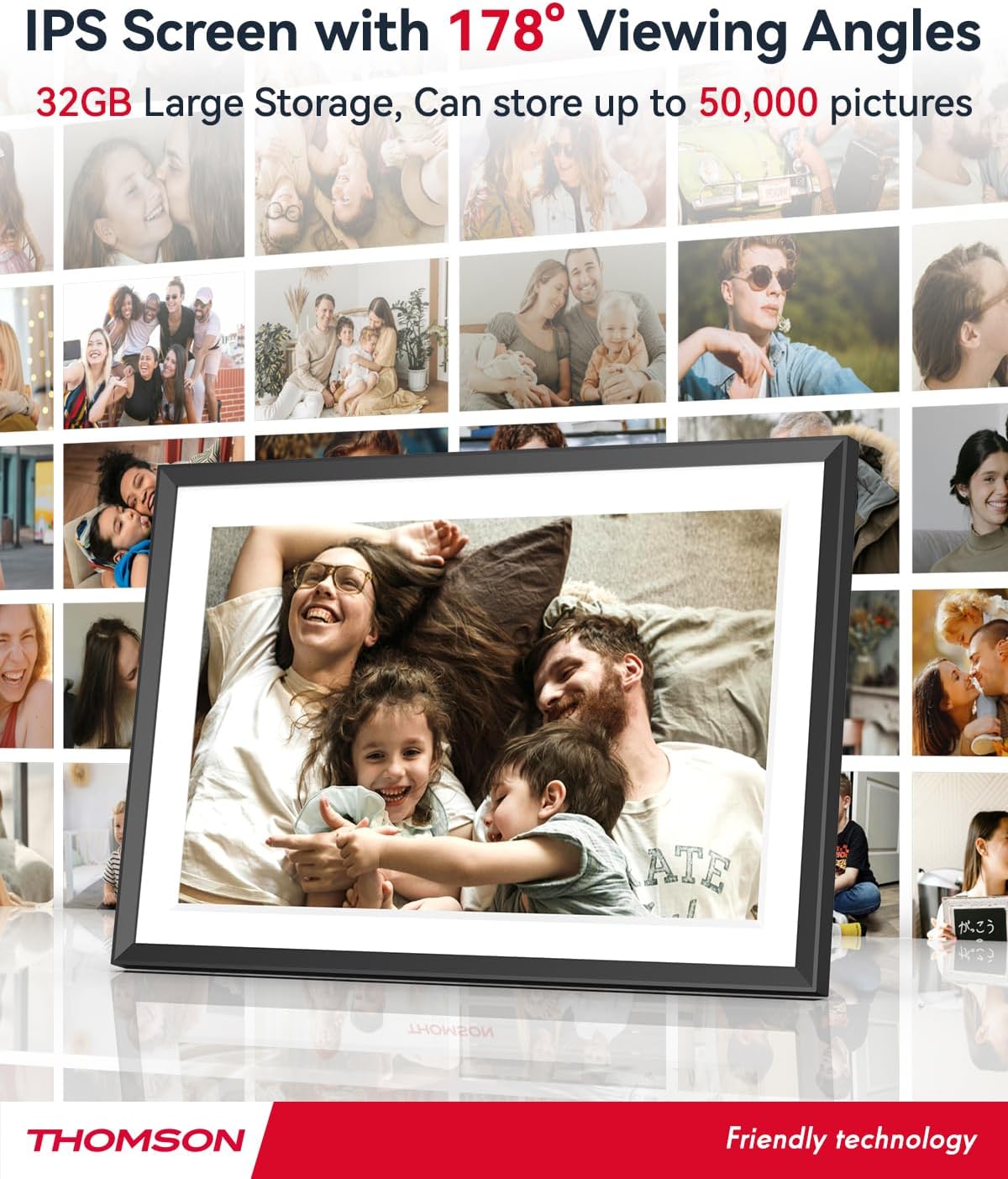
- 32 GB interne memorije: Stores approximately 50,000 photos. Supports SD Card/SDHC Card/MMC Card/USB Drive expansion up to 256GB.
- Jednostavno postavljanje: Connects to WiFi, automatically sets local date and time.
- 10.1-inch 1280x800 HD IPS Screen: Provides clear image viewing with a 180° viewing kut.
- Više sučelja: Supports DC-4.0, Type-C, SD, 3.5mm Jack, and USB.
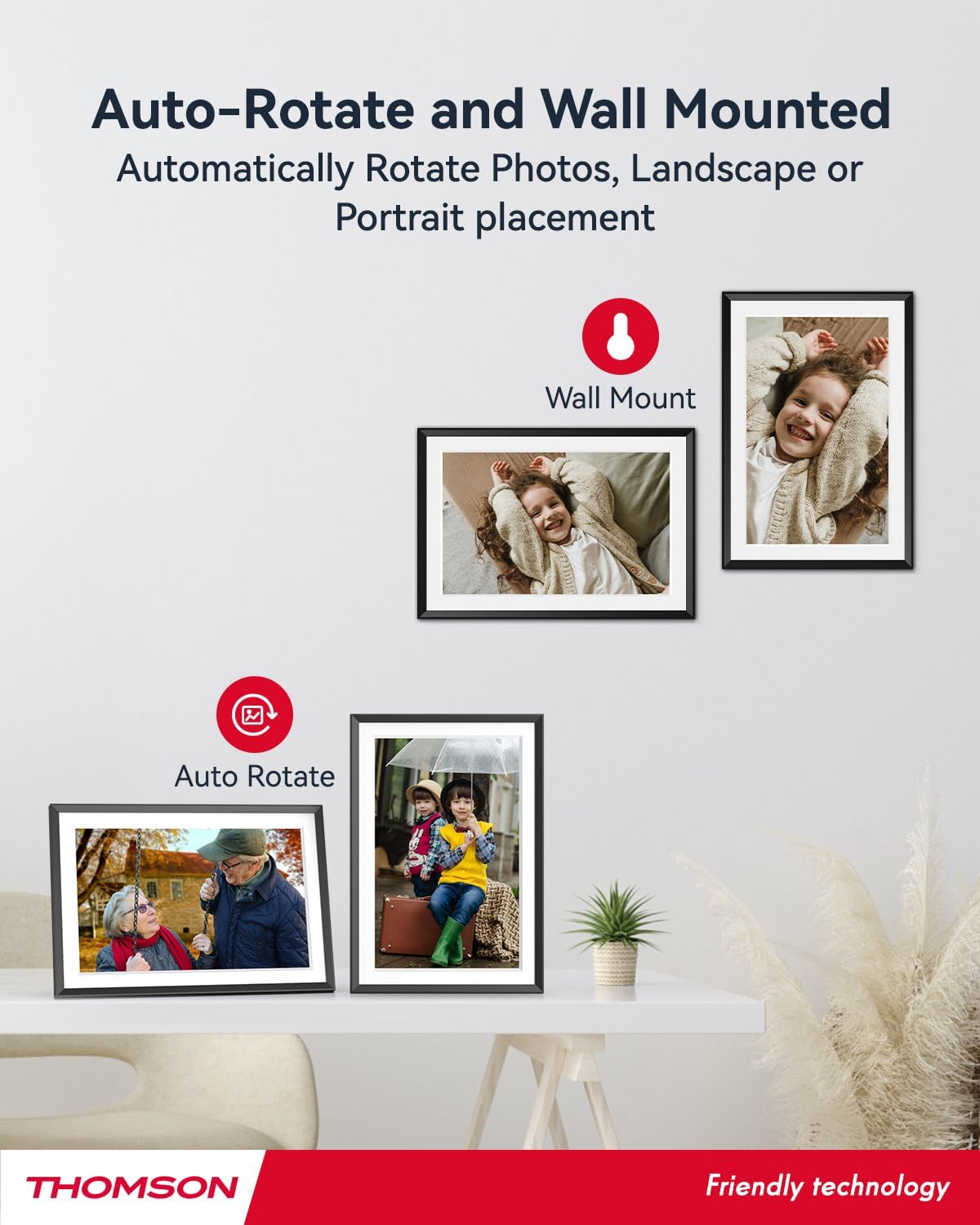
- Automatska rotacija: Displays photos correctly in any orientation.
- Pozadinska glazba: Play music during slideshows.
- Google Photo Support: Send photos directly from Google Photos.




3. Postavljanje
3.1 Raspakiranje i početni pregled
- Pažljivo izvadite sve komponente iz pakiranja.
- Verify that all items listed in the 'Product Overview' section are present.
- Inspect the frame for any signs of damage. If damaged, do not proceed and contact customer support.
3.2 Priključak za napajanje
- Connect the power adapter to the DC-4.0 port on the back of the photo frame.
- Priključite strujni adapter u standardnu električnu utičnicu.
- Okvir će se automatski uključiti.
3.3 Mrežna veza (Wi-Fi)
- On the frame's touchscreen, navigate to 'Settings' or 'Wi-Fi Settings'.
- Odaberite željenu Wi-Fi mrežu s popisa dostupnih mreža.
- Unesite lozinku za Wi-Fi pomoću tipkovnice na zaslonu.
- Confirm the connection. Once connected, the frame will automatically synchronize the date and time.
3.4 App Installation (Thomson Smart Frame)
To share photos wirelessly from your smartphone, download the 'Thomson Smart Frame' app:
- For Android devices, search for 'Thomson Smart Frame' on the Trgovina Google Play.
- For iOS devices, search for 'Thomson Smart Frame' on the Apple App Store.
- Follow the on-screen instructions within the app to pair it with your digital photo frame.
4. Upute za rad
4.1 Dodavanje fotografija i videozapisa
- Via Thomson Smart Frame App: Use the paired smartphone app to wirelessly send photos and videos to the frame.
- Putem SD kartice/USB pogona: Insert a compatible SD card or USB drive into the respective slot. The frame will detect the media, and you can import files to the internal memory or play directly.
- Via Google Photos: The frame supports integration with Google Photos for direct photo sharing. Refer to the frame's on-screen instructions for linking your Google Photos account.
4.2 Navigacija putem zaslona osjetljivog na dodir
The frame features an intuitive touchscreen interface. Tap to select, swipe to scroll, and pinch to zoom (if supported by the specific function).
4.3 Postavke slajdova
Customize your photo slideshow experience:
- Slideshow Speed: Prilagodite trajanje prikaza svake fotografije.
- Prijelazni efekti: Choose from various transition styles between photos.
- Pozadinska glazba: Odaberite audio files to play during the slideshow.
4.4 Automatska rotacija
The frame automatically detects its orientation (landscape or portrait) and adjusts the displayed photos accordingly. Ensure the auto-rotate function is enabled in the settings if you wish to utilize this feature.
4.5 Veza za više korisnika
Multiple users can connect to the same frame via the Thomson Smart Frame app, allowing family and friends to share their photos to your frame from different locations.
5. Održavanje
5.1 Čišćenje zaslona
- Turn off the photo frame and unplug it from the power source.
- Zaslon nježno obrišite mekom krpom koja ne ostavlja dlačice (npr. krpom od mikrovlakana).
- Za tvrdokorne mrlje, lagano dampen the cloth with water or a screen-cleaning solution specifically designed for electronic displays. Do not spray liquid directly onto the screen.
5.2 Opća briga
- Avoid exposing the frame to extreme temperatures, direct sunlight, or high humidity.
- Keep the frame away from water and other liquids.
- Do not block the ventilation openings on the frame.
- Handle the frame with care to prevent drops or impacts.
6. Rješavanje problema
| Problem | Mogući uzrok | Otopina |
|---|---|---|
| Okvir se ne uključuje. | Adapter za napajanje nije spojen ili je utičnica neispravna. | Provjerite je li adapter za napajanje sigurno spojen na okvir i ispravnu električnu utičnicu. Pokušajte s drugom utičnicom. |
| Ne mogu se spojiti na Wi-Fi. | Netočna lozinka, slab signal ili problem s mrežom. | Double-check Wi-Fi password. Move frame closer to router. Restart router and frame. |
| Photos not displaying. | Nepodržano file format, no photos loaded, or storage issue. | Ensure photos are in supported formats (e.g., JPEG, PNG). Verify photos are loaded onto the frame's internal memory or connected storage. Check storage space. |
| Zaslon osjetljiv na dodir ne reagira. | Privremeni softverski kvar. | Restart the frame by unplugging and re-plugging the power adapter. |
7. Specifikacije
| Značajka | Detalj |
|---|---|
| Marka | Thomson |
| Broj modela | TDF-1001P |
| Veličina zaslona | 10.1 inča |
| Razlučivost zaslona | 1280 x 800 HD |
| Vrsta zaslona | IPS zaslon osjetljiv na dodir |
| Interna memorija | 32 GB |
| Proširiva memorija | SD Card/SDHC Card/MMC Card/USB Drive (up to 256GB) |
| Tehnologija povezivanja | Wi-Fi |
| Kompatibilni uređaji | Android i iOS pametni telefoni |
| Izvor napajanja | Električni na kabel |
| Omjer slike | 16:10 |
| Materijal okvira | Plastični |
| Dimenzije proizvoda (D x Š x V) | 26.5 x 18.4 x 2.51 cm |
| Težina proizvoda | 530 grama |
8. Jamstvo i podrška
For warranty information or technical support, please refer to the documentation included with your purchase or visit the official Thomson website. You may also contact Thomson customer service directly for assistance with product issues or inquiries.
Ask a question about this manual
Ask about setup, troubleshooting, compatibility, parts, safety, or missing instructions. Manuals+ will review the question and use this page’s manual context to help answer it.