
1. Uvod
The Optex ORT8915-UHD is a state-of-the-art 4K DVB-T2 terrestrial digital television receiver. This device allows you to receive terrestrial digital television programs in stunning 4K quality, providing a high-quality visual and audio experience. It supports HEVC encoding for efficient broadcasting and offers various features to enhance your viewiskustvo.
2. Sadržaj paketa
Prije nego što nastavite s instalacijom, provjerite jesu li sve stavke prisutne u paketu:
- Optex ORT8915-UHD 4K DVB-T2 Receiver x1
- Adapter za napajanje x1
- 1.5V Batteries x2
- Korisnički priručnik x1
- Daljinski upravljač x1
- HDMI kabel x1

Image 2.1: The Optex ORT8915-UHD receiver along with its included accessories: power adapter, batteries, user manual, remote control, and HDMI cable.
3. Proizvod je gotovview
3.1 Prednja ploča
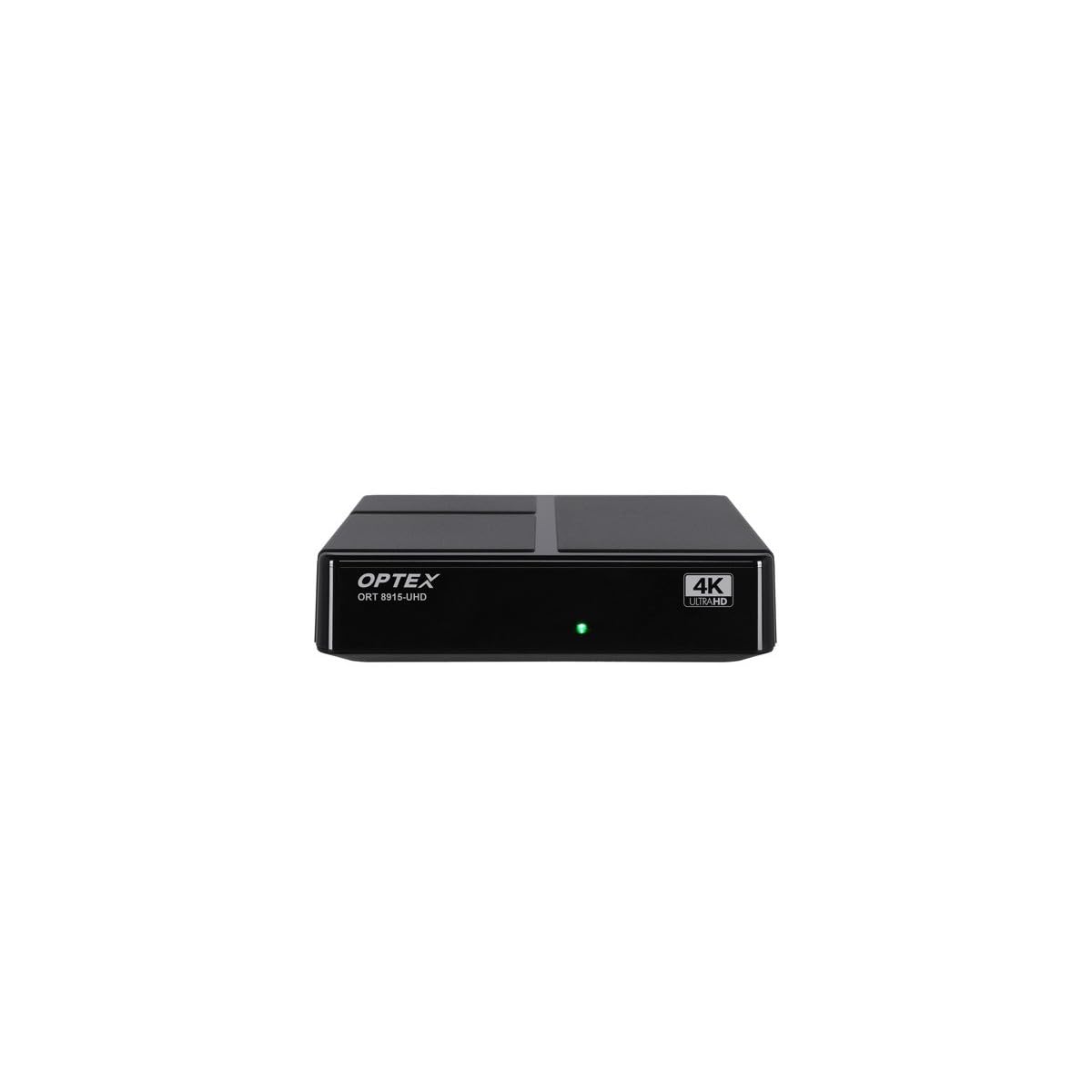
Slika 3.1: Prednja strana view of the Optex ORT8915-UHD receiver, showing the USB port and control buttons.
The front panel features a USB port for connecting external storage devices, along with basic control buttons for power, menu navigation, channel selection (CH+/CH-), and volume adjustment (V+/V-).
3.2 Stražnja ploča

Slika 3.2: straga view of the Optex ORT8915-UHD receiver, displaying various input/output ports.
Stražnja ploča uključuje sljedeće priključke:
- MRAV U: For connecting your terrestrial antenna.
- OPTIC: Optički digitalni audio izlaz.
- OD: Analog video/audio output.
- HDMI: High-Definition Multimedia Interface output for connecting to a TV.
- DC IN: Power input for the adapter.
3.3 Daljinski upravljač

Image 3.3: The remote control for the Optex ORT8915-UHD receiver, featuring various function buttons.
The remote control provides full functionality for navigating menus, changing channels, adjusting volume, accessing program guides, and utilizing special features like Timeshift and USB recording.
4. Postavljanje
- Spojite antenu: Connect your terrestrial antenna cable to the "ANT IN" port on the rear panel of the receiver.
- Spoji se na TV:
- For High-Definition (HD) connection: Use the provided HDMI cable to connect the "HDMI" port on the receiver to an HDMI input on your television.
- For Standard-Definition (SD) connection: Use an AV cable (not included) to connect the "AV" ports on the receiver to the corresponding AV inputs on your television.
- Priključite napajanje: Plug the power adapter into the "DC IN" port on the receiver, then plug the adapter into a power outlet.
- Umetnite baterije u daljinski upravljač: Open the battery compartment on the back of the remote control and insert the two 1.5V batteries, ensuring correct polarity.
- Uključivanje: Press the power button on the receiver or the remote control to turn on the device.
- Odaberite TV ulaz: On your television, select the correct HDMI or AV input source that corresponds to the connection you made in step 2.
5. Upute za rad
5.1 Initial Channel Scan
Upon first use or after a factory reset, the receiver will guide you through an initial setup process, including a channel scan. Follow the on-screen prompts to automatically search for available DVB-T2 channels in your region. Ensure your antenna is properly connected for optimal results.
5.2 Osnovne funkcije
- Navigacija kanalom: Koristite CH+ i CH- buttons on the remote or front panel to change channels.
- Kontrola glasnoće: Koristite V+ i V- tipke za podešavanje glasnoće.
- Pristup izborniku: Pritisnite tipku JELOVNIK gumb za pristup glavnom izborniku za postavke i značajke.
- Programski vodič (EPG): Pritisnite tipku EPG gumb za view the Electronic Program Guide, which displays broadcast schedules.
- teletekst: Access teletext services by pressing the TTX dugme.
5.3 Napredne značajke
- Timeshift (Live Control): Connect a USB storage device to the receiver. Press the Timeshift button (often a pause/play icon) to pause live TV, allowing you to resume viewkasnije.
- USB Recording (PVR): With a USB storage device connected, you can record live TV programs. Use the REC button on the remote to start recording.
- Reprodukcija multimedije: The USB port also supports playback of various multimedia files (audio, video, images) from a connected USB storage device. Navigate to the multimedia section in the main menu to access this feature.
- Roditeljska kontrola: Set up parental control features through the menu to restrict access to certain channels or programs based on age ratings.
- Favorite Lists: Create customized lists of your favorite channels for quick access.
6. Održavanje
- Čišćenje: Za čišćenje vanjske strane prijemnika koristite meku, suhu krpu. Nemojte koristiti tekuća sredstva za čišćenje ili abrazivne materijale.
- Ventilacija: Ensure the receiver is placed in a well-ventilated area to prevent overheating. Do not block the ventilation holes.
- Ažuriranja softvera: Periodically check for software updates via USB to ensure optimal performance and access to new features. Refer to the main menu settings for update options.
7. Rješavanje problema
| Problem | Mogući uzrok | Otopina |
|---|---|---|
| Nema slike ni zvuka | Incorrect TV input selected, loose cable connections, power issue. |
|
| Nisu pronađeni kanali | Antenna not connected or positioned correctly, no channel scan performed. |
|
| Daljinski upravljač ne radi | Dead batteries, obstructed signal, remote not paired (if applicable). |
|
| Loša kvaliteta slike | Weak antenna signal, incorrect resolution settings. |
|
8. Specifikacije
| Značajka | Detalj |
|---|---|
| Model | ORT8915-UHD |
| Marka | Optex |
| Vrsta proizvoda | 4K DVB-T2 Terrestrial Receiver |
| Video kodiranje | HEVC |
| Kompatibilni uređaji | Television, Game Console, Tablet, Personal Computer, Amplifier, zvučnik, pametni telefon |
| Tehnologija povezivanja | USB |
| Način audio izlaza | Stereo |
| Vrsta audio izlaza | HDMI, optički |
| Konfiguracija kanala surround zvuka | 5.1, 7.1, 9.2 |
| Posebna značajka | Detektor pokreta |
| Ukupno HDMI priključaka | 1 |
| Potrošnja energije (pripravnost) | <0.5 W |
| Dimenzije (duljina x širina) | 126.0 mm x 125.0 mm |
| Težina proizvoda | 470 g |
9. Jamstvo i podrška
For warranty information and technical support, please refer to the official Optex webweb-mjesto ili se obratite lokalnom prodavaču. Sačuvajte račun kao dokaz o kupnji za bilo kakve jamstvene zahtjeve.
Software updates are guaranteed until an unknown date, as per product information. For the latest information, please visit the manufacturer's support page.