
1. Važne sigurnosne informacije
Molimo pažljivo pročitajte sve sigurnosne upute prije upotrebe ovog proizvoda. Nepoštivanje ovih uputa može uzrokovati strujni udar, požar ili druge opasnosti.
- Ne blokirajte ventilacijske otvore. Osigurajte odgovarajući protok zraka oko projektora kako biste spriječili pregrijavanje.
- Ne gledajte izravno u objektiv projektora kada je lamp je upaljeno. Jaka svjetlost može uzrokovati oštećenje oka.
- Keep the projector away from water or other liquids. Do not operate in wet environments.
- Koristite samo adapter za napajanje koji dolazi s projektorom.
- Do not attempt to repair this product yourself. Refer all servicing to qualified personnel.
- Čuvati izvan dohvata djece.
2. Sadržaj paketa
Provjerite jesu li svi artikli prisutni u vašem paketu:
- Mentech HY300PRO Mini Projector
- Daljinski upravljač (baterije nisu uključene)
- korisnički priručnik
- Kabel za napajanje
- HD kabel
3. Proizvod je gotovview
The Mentech HY300PRO Mini Projector is a versatile and portable device designed for various entertainment and presentation needs. It features a 180° rotatable design, allowing for flexible projection angles, including ceilings. With native 720P resolution and support for 4K decoding, it delivers clear and vibrant images on screens up to 150 inches.

Figure 3.1: Mentech HY300PRO Mini Projector with key features highlighted.
Equipped with Android 11, dual-band 2.4G/5G/6G WiFi 6, and Bluetooth 5.2, the projector offers seamless streaming and connectivity options. Its compact size and low noise operation make it ideal for both home and outdoor use.

Figure 3.2: Projector ports and built-in Android 11 interface.
4. Postavljanje
4.1 Početno smještaj
Postavite projektor na stabilnu, ravnu površinu. Za optimalno viewing, position the projector directly in front of the projection surface (wall or screen). The 180° rotatable design allows for projection onto ceilings or other angled surfaces.

Figure 4.1: Projecting to the ceiling using 180° rotation.
4.2 Priključak za napajanje
- Connect the power cord to the projector's DC input port.
- Uključite drugi kraj kabela za napajanje u utičnicu.
- Pritisnite gumb za napajanje na projektoru ili daljinskom upravljaču da biste ga uključili.
4.3 Spajanje vanjskih uređaja
Projektor podržava različite ulazne izvore:
- HDMI: Connect laptops, TV sticks, gaming consoles (e.g., Switch, PS5) using the provided HD cable.
- USB: Insert USB flash drives to play media files izravno.
- Audio izlaz: Spojite vanjske zvučnike ili slušalice putem 3.5 mm audio priključka.
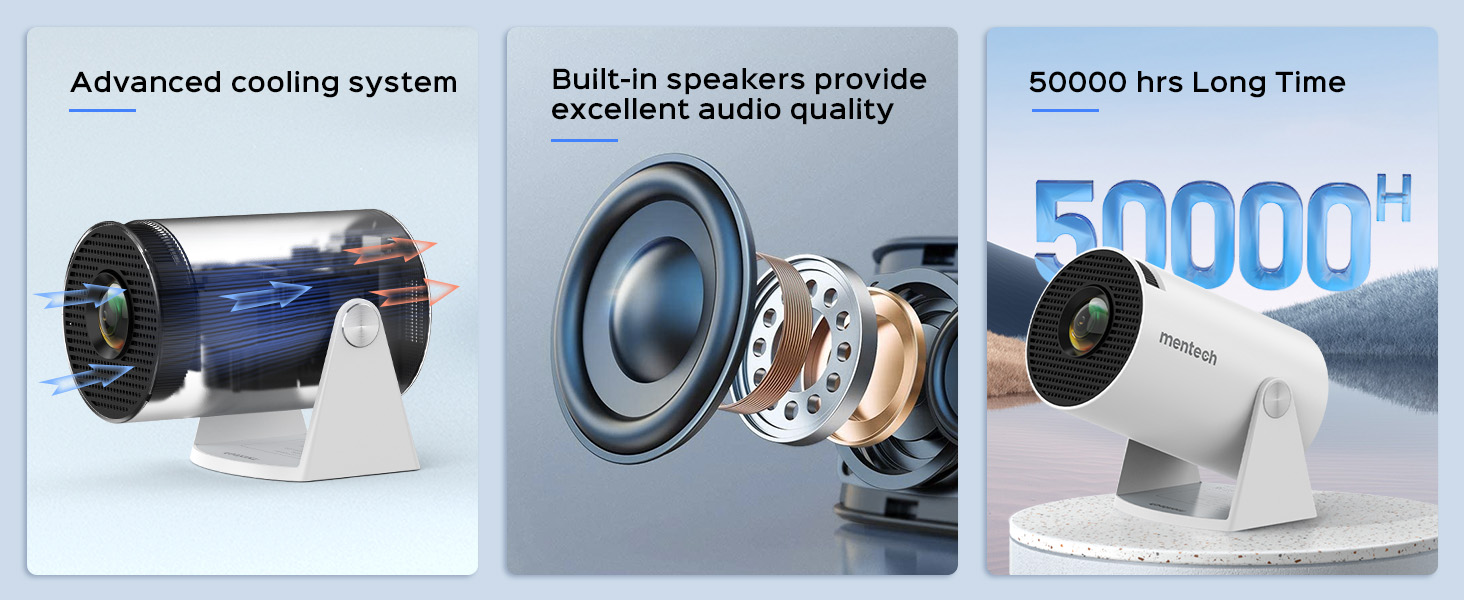
Figure 4.2: Multi-device compatibility and port layout.
5. Upute za rad
5.1 Podešavanje fokusa
Rotate the focus wheel located on the side of the projector until the image appears clear and sharp.
5.2 Korekcija trapezoidnog iskrivljenja
The projector features automatic keystone correction. If the image appears trapezoidal, the projector will automatically adjust it to a rectangular shape. For more precise adjustments, manual 4P/4D keystone correction is available through the settings menu.

Figure 5.1: Auto and manual keystone correction options.
5.3 Screen Zoom Function
Adjust the screen size from 50% to 100% using the zoom function in the settings menu. This allows you to fit the image perfectly to your projection surface without moving the projector.
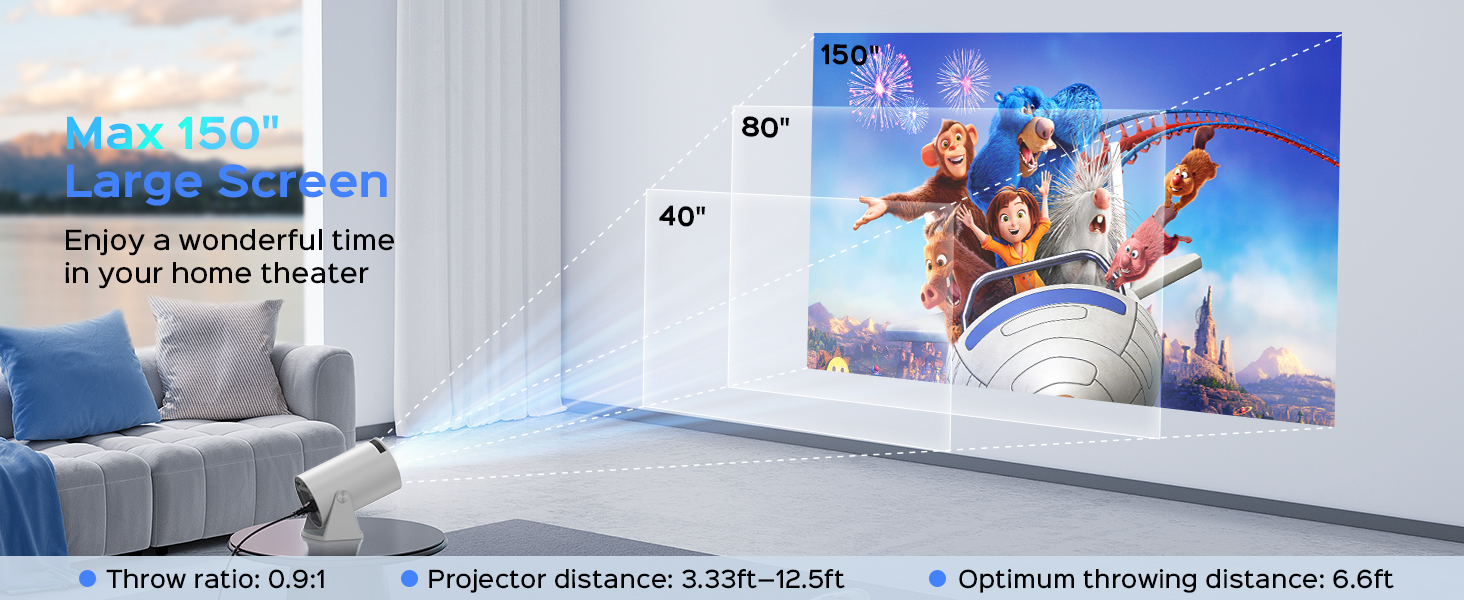
Figure 5.2: Screen zoom functionality.
5.4 Mreža i povezivost
- Wi-Fi veza: Navigate to the network settings to connect to your 2.4G, 5G, or 6G Wi-Fi network. This enables access to online streaming services and updates.
- Bluetooth uparivanje: Go to Bluetooth settings to pair with external Bluetooth speakers or headphones for enhanced audio.
- Zrcaljenje zaslona: The projector supports Miracast, Airplay, and DLNA for mirroring content from your smartphone or tablet.

Figure 5.3: Dual-band Wi-Fi 6 connectivity.
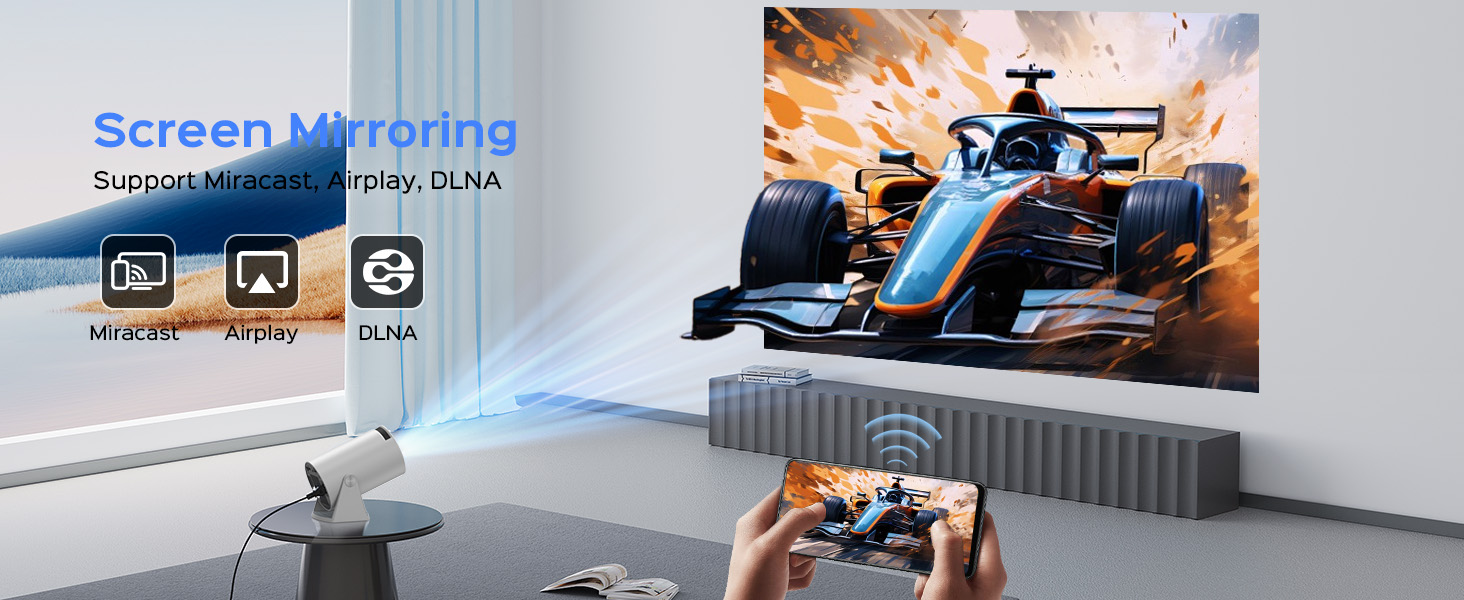
Figure 5.4: Bluetooth 5.2 connectivity for external audio.
5.5 Android TV 11 Features
The built-in Android 11 operating system provides access to a wide range of applications. Navigate the interface using the remote control to browse and install apps from the app store, including popular streaming services like YouTube, Prime Video, and Plex.
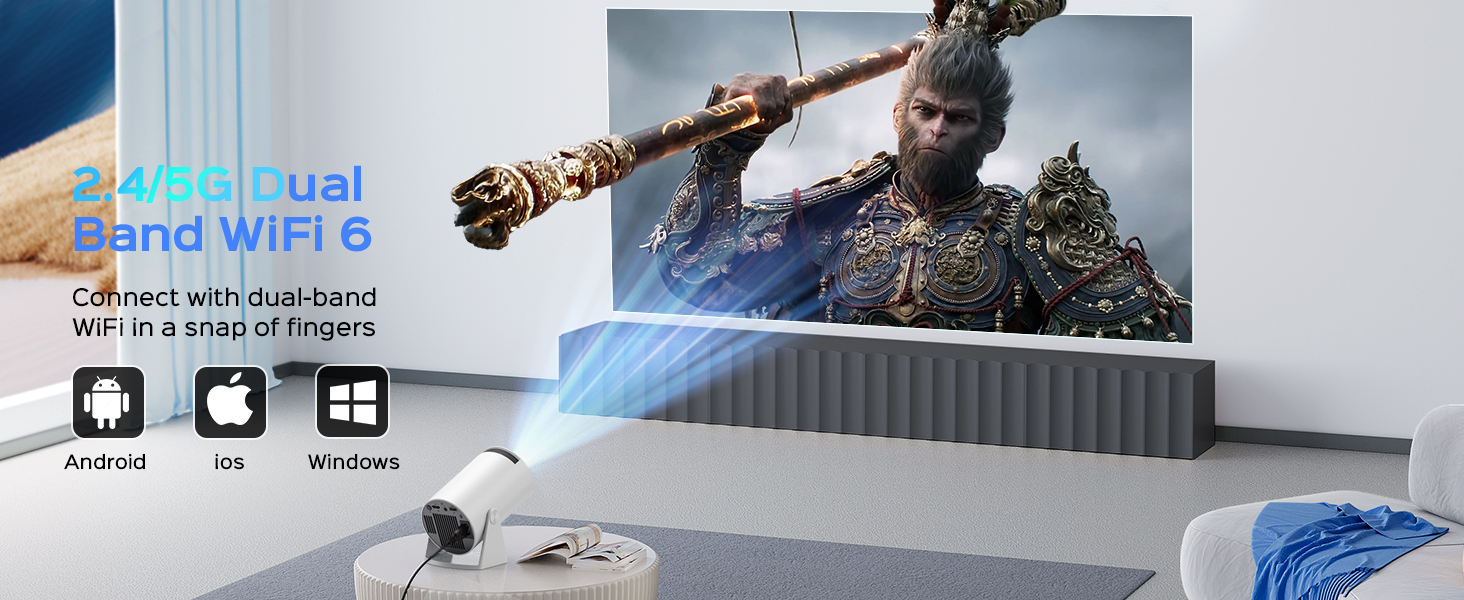
Figure 5.5: Android 11.0 interface with pre-installed and downloadable apps.
6. Održavanje
- Čišćenje leća: Za nježno brisanje leće projektora koristite meku krpu bez dlačica, posebno namijenjenu za optičke leće. Nemojte koristiti abrazivna sredstva za čišćenje ili pretjeranu silu.
- Uklanjanje prašine: Regularly clean the projector's exterior with a soft, dry cloth. Use a small brush or compressed air to clear dust from ventilation openings.
- Skladištenje: Kada se projektor ne koristi dulje vrijeme, pohranite ga na hladnom i suhom mjestu, zaštićenom od prašine i izravne sunčeve svjetlosti.
7. Rješavanje problema
If you encounter issues with your Mentech HY300PRO projector, refer to the following common problems and solutions:
| Problem | Mogući uzrok | Otopina |
|---|---|---|
| Nema slike ili je slika mutna | Incorrect focus, keystone not adjusted, input source issue. | Adjust the focus wheel. Check auto/manual keystone correction. Ensure the correct input source is selected (HDMI, USB). |
| Nema zvuka | Volume too low, external audio device not connected/paired, incorrect audio output setting. | Increase volume. Check Bluetooth connection to external speakers. Ensure internal speakers are selected if no external device is used. |
| Problemi s Wi-Fi vezom | Incorrect password, out of range, network interference. | Re-enter Wi-Fi password. Move projector closer to router. Try connecting to a different Wi-Fi band (2.4G or 5G). |
| Apps not loading or performing slowly | Poor internet connection, app compatibility, insufficient memory. | Ensure stable internet connection. Some apps may not be fully optimized for the projector's Android TV version; try alternative apps or use an external streaming device via HDMI. Clear app cache. |
| HDMI signal cutting in/out | Faulty HDMI cable, loose connection, source device issue. | Try a different HDMI cable. Ensure the cable is securely connected to both the projector and the source device. Test with a different source device. |
8. Specifikacije
| Značajka | Detalj |
|---|---|
| Marka | Mentech |
| Broj modela | HY300PRO |
| Izvorna razlučivost | 1280 x 720 (720P) |
| Podržana razlučivost | Up to 4K decoding |
| Svjetlina | 280 ANSI lumena (8500 lumena) |
| Omjer kontrasta | 10000:1 |
| Veličina projekcije | Do 150 inča |
| Povezivost | HDMI, USB, Audio Out, Wi-Fi (2.4G/5G/6G), Bluetooth 5.2 |
| Operativni sustav | Android 11 |
| Život izvora svjetlosti | Do 50,000 sati |
| Razina buke | Ispod 25 dB |
| Dimenzije | 7.8 x 5.28 x 4.69 inča |
| Težina | 1.63 funti |
9. Jamstvo i podrška
Mentech is committed to providing excellent customer service. Your Mentech HY300PRO Mini Projector comes with comprehensive support:
- 30-dnevno bezuvjetno jamstvo povrata: For peace of mind.
- 2 Years Service: Covering manufacturing defects and issues.
- Doživotna tehnička podrška: Assistance with setup, operation, and troubleshooting for the life of the product.
- Ažuriranja softvera: Updates are automatically pushed via OTA when connected to the internet. Contact customer support if you haven't received an update.
For any inquiries or assistance, please contact Mentech Customer Support. Our US-local customer service is available via online email and phone (Mon-Fri 9am-5pm PST).
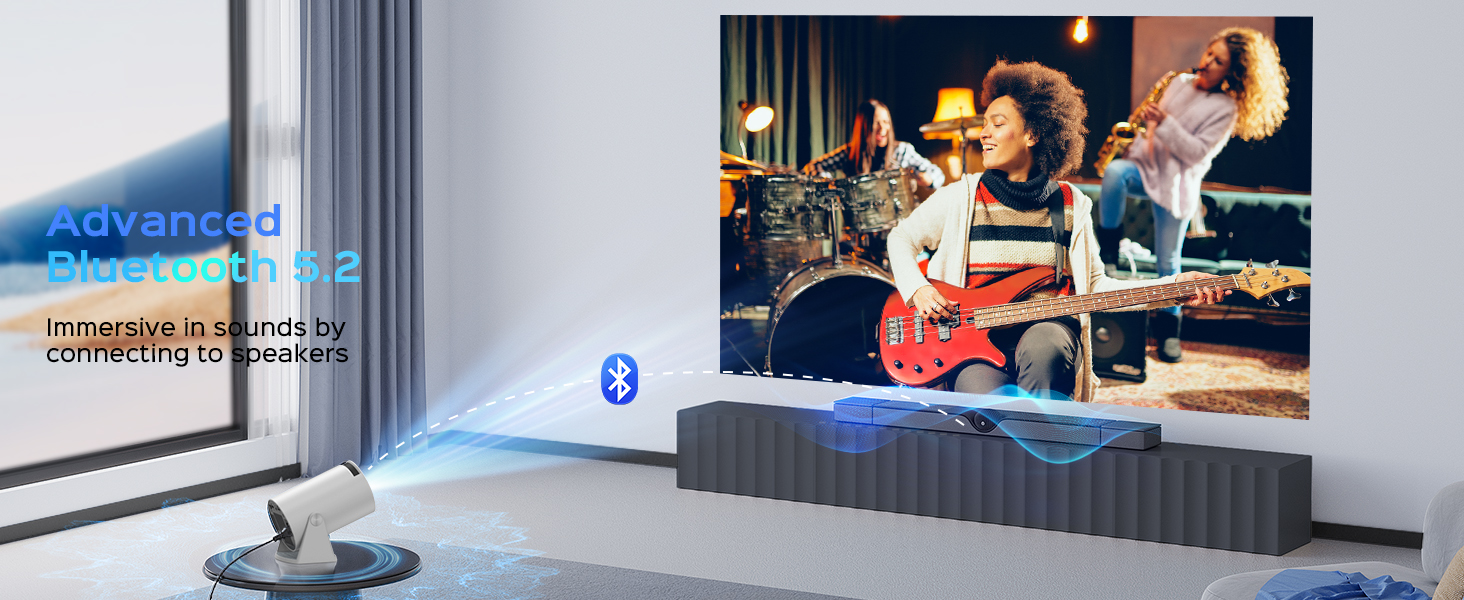
Figure 9.1: Mentech Customer Support Information.