
amazon basics AB-IBT-82ANC
Amazon Basics Pro Series Wireless Noise Cancelling ANC Over Ear Headphone
Model: AB-IBT-82ANC
Uvod
This manual provides detailed instructions for the setup, operation, maintenance, and troubleshooting of your Amazon Basics Pro Series Wireless Noise Cancelling ANC Over Ear Headphones. Please read this manual thoroughly before using the product to ensure proper function and longevity.

Image: The Amazon Basics Pro Series Wireless Noise Cancelling ANC Over Ear Headphone in black, showcasing svojim elegantnim dizajnom.
Sadržaj paketa
Provjerite jesu li svi artikli prisutni u paketu:
- Amazon Basics Pro Series Wireless Noise Cancelling ANC Over Ear Headphone
- USB kabel za punjenje tipa C
- 3.5 mm AUX kabel
- Korisnički priručnik (ovaj dokument)
Postavljanje
1. Početno punjenje
Before first use, fully charge the headphones. Connect the supplied USB Type-C charging cable to the headphone's charging port and the other end to a USB power source (e.g., computer USB port or wall adapter). The LED indicator will show charging status and turn off or change color when fully charged.
A full charge provides up to 74 hours of playback at 50% volume with ANC off, or 34 hours with ANC on.
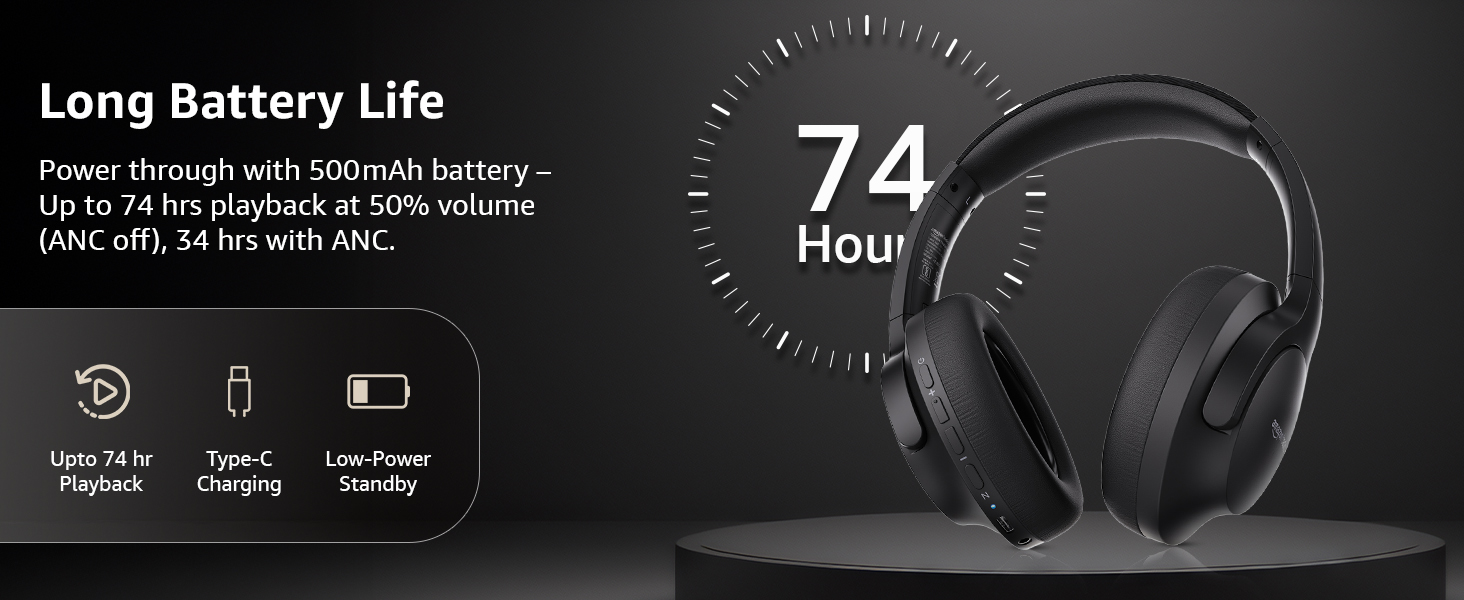
Image: An illustration highlighting the long battery life of the headphones, indicating up to 74 hours of playback.
2. Bluetooth uparivanje
- Provjerite jesu li slušalice napunjene i isključene.
- Pritisnite i držite gumb za uključivanje/isključivanje dok LED indikator ne zatreperi plavo i crveno, što označava način uparivanja.
- Na svom uređaju (pametnom telefonu, tabletu, prijenosnom računalu) omogućite Bluetooth i potražite dostupne uređaje.
- Select "AB-IBT-82ANC" from the list of found devices.
- Once connected, the LED indicator will turn solid blue or flash slowly.
The headphones support dual pairing, allowing connection to two devices simultaneously for seamless switching.

Image: The headphones shown connected to both a smartphone and a laptop, illustrating the multi-pairing capability.
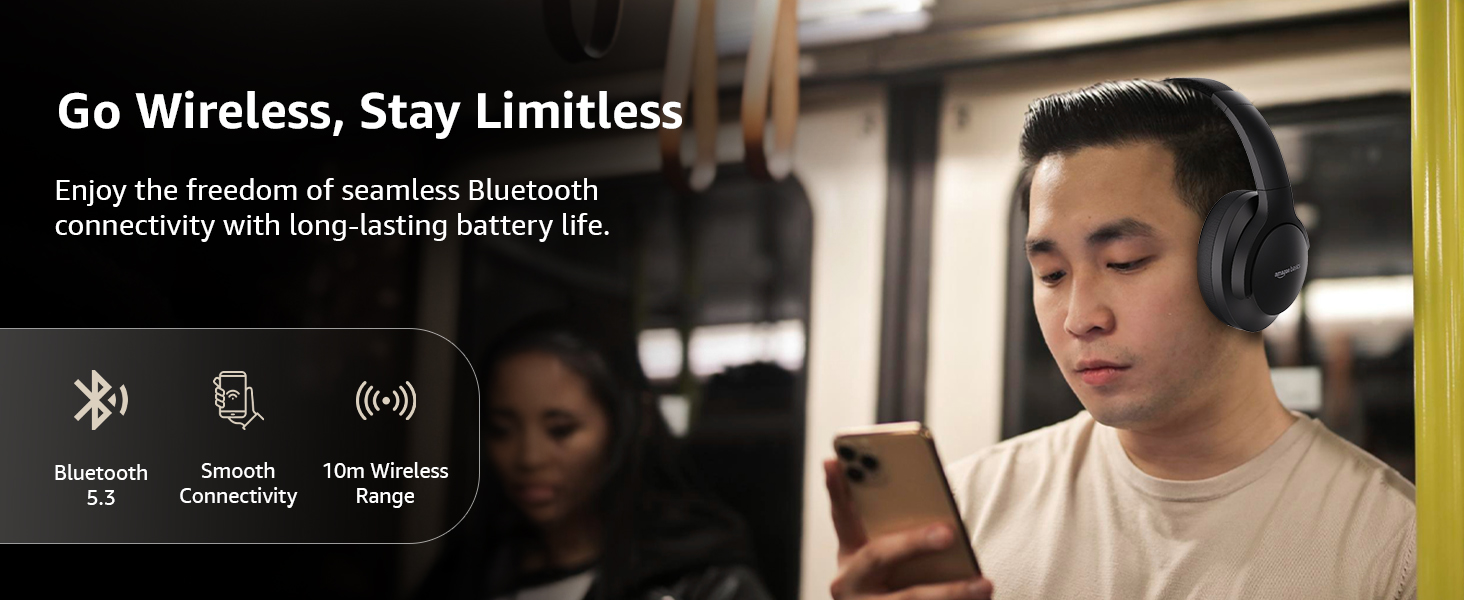
Image: A visual representation of the wireless capabilities, including Bluetooth 5.3 and a 10-meter wireless range.
3. Žičana veza (AUX način)
For a wired connection, plug the 3.5mm AUX cable into the headphone's AUX port and the other end into your audio device's 3.5mm jack. This mode does not require battery power.
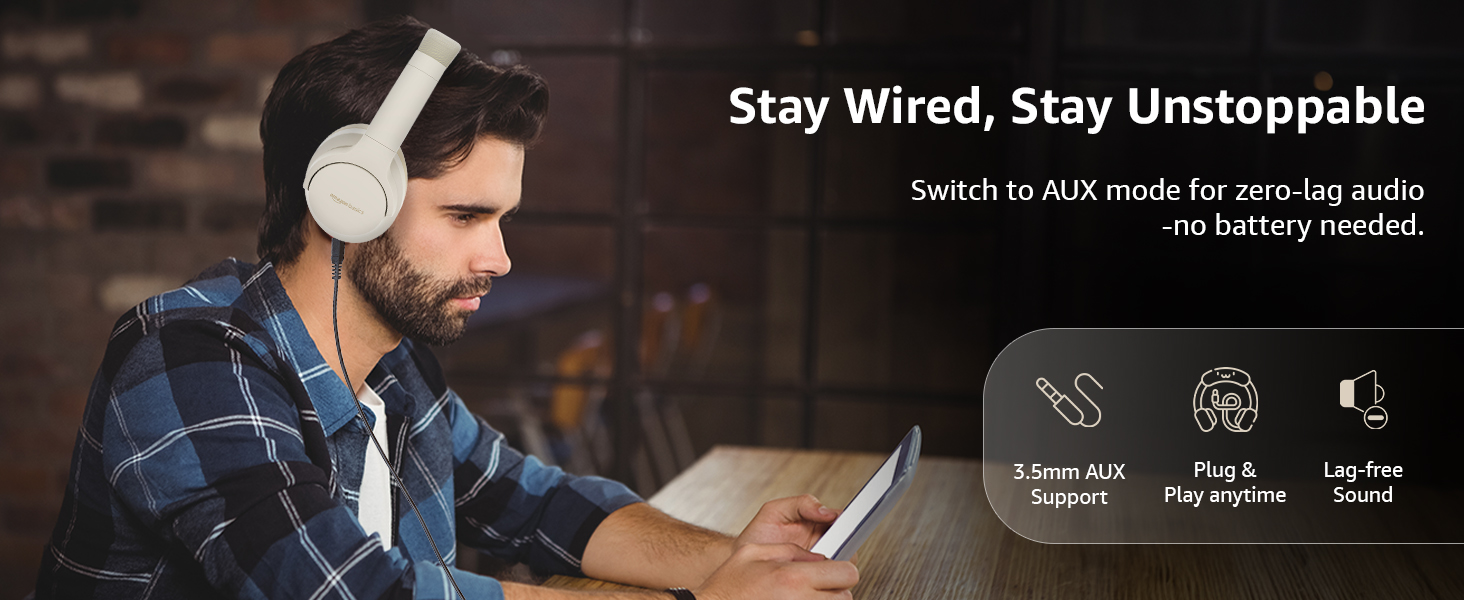
Image: A user demonstrating the wired AUX connection, emphasizing lag-free audio without needing battery power.
Upute za rad
1. Uključivanje/isključivanje
- Uključivanje: Pritisnite i držite tipku za napajanje otprilike 3 sekunde.
- Isključivanje: Pritisnite i držite tipku za napajanje otprilike 5 sekunde.
2. Accessible Controls
Slušalice imaju intuitivne kontrole smještene na ušnim školjkama:
- Pojačavanje/sljedeći zapis: Kratki pritisak za povećanje glasnoće, dugi pritisak za sljedeću pjesmu.
- Smanjivanje glasnoće/prethodna pjesma: Kratki pritisak za smanjenje glasnoće, dugi pritisak za prethodnu pjesmu.
- Reproduciraj/pauziraj/odgovori na poziv: Jednom pritisnite višenamjensku tipku.
- Završi poziv: Single press the multi-function button during a call.
- Odbij poziv: Dugo pritisnite višenamjensku tipku tijekom dolaznog poziva.
- Aktivirajte glasovnog asistenta (Siri/Google Assistant): Dvaput pritisnite višenamjensku tipku.
- ANC uključen/isključen: Dedicated ANC button to toggle Active Noise Cancellation.
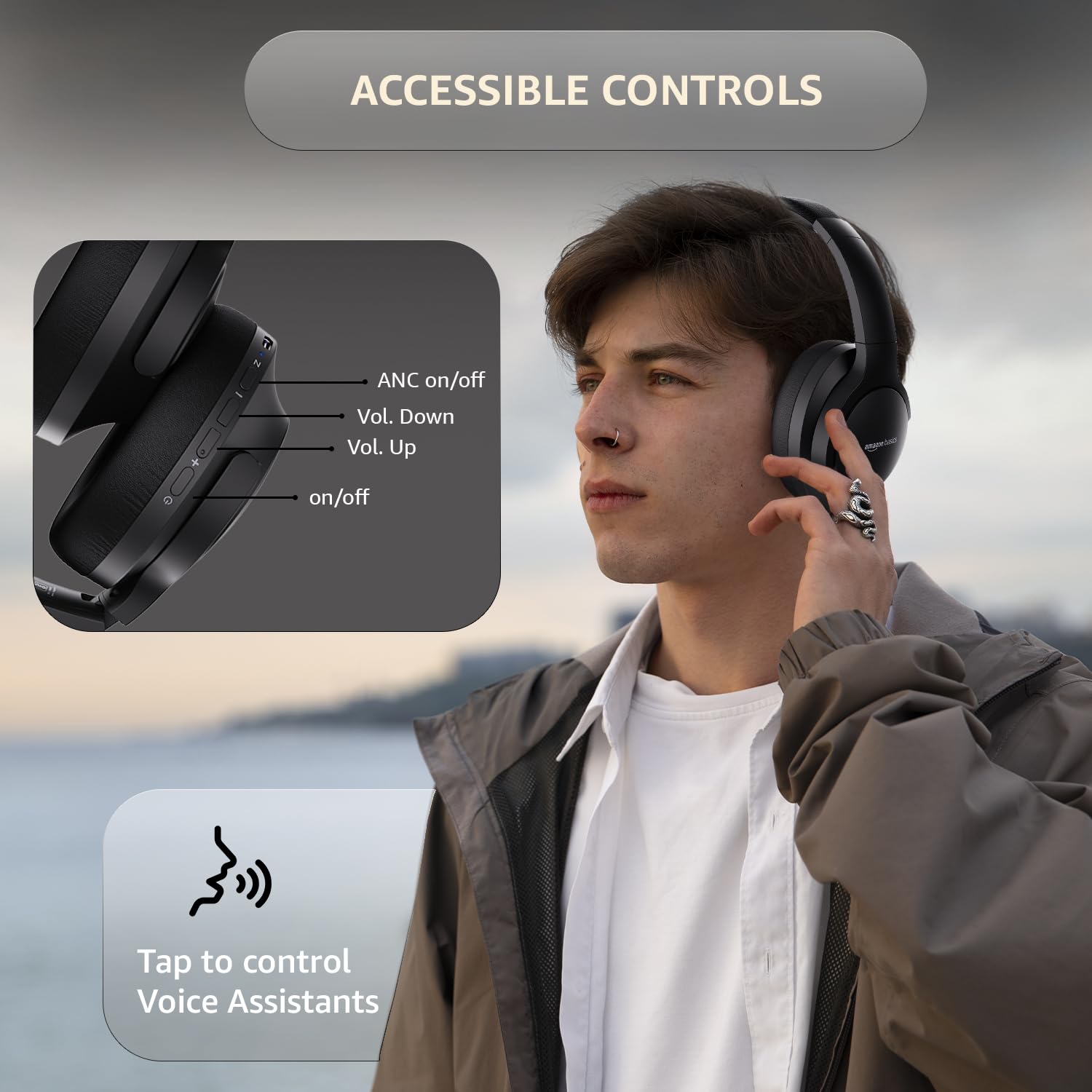
Image: A detailed diagram illustrating the location and function of the accessible controls on the headphone earcup.
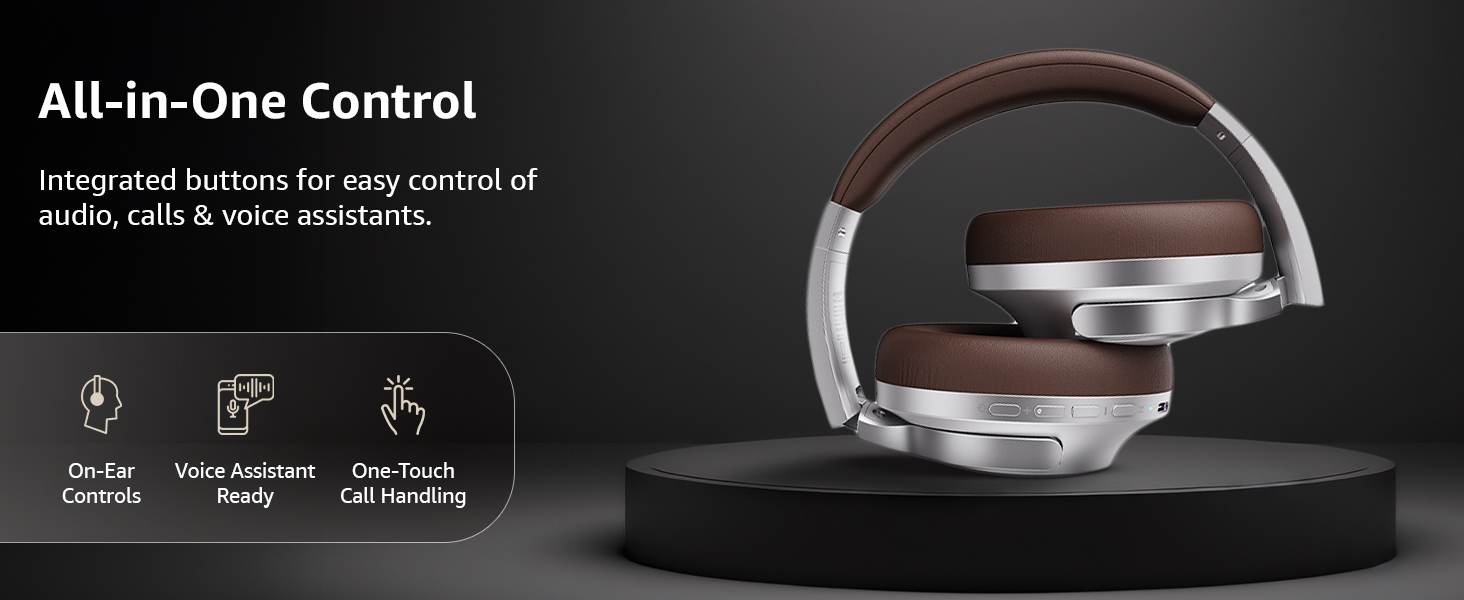
Slika: Prekoview of the integrated controls, highlighting ease of use for audio, calls, and voice assistants.
3. Aktivno poništavanje buke (ANC)
The Active Noise Cancellation feature reduces ambient noise, providing a more immersive listening experience. Press the dedicated ANC button to activate or deactivate this feature. Note that ANC functionality may slightly reduce overall battery life.

Image: A person wearing the headphones in a public setting, illustrating the effectiveness of Active Noise Cancellation in reducing distractions.
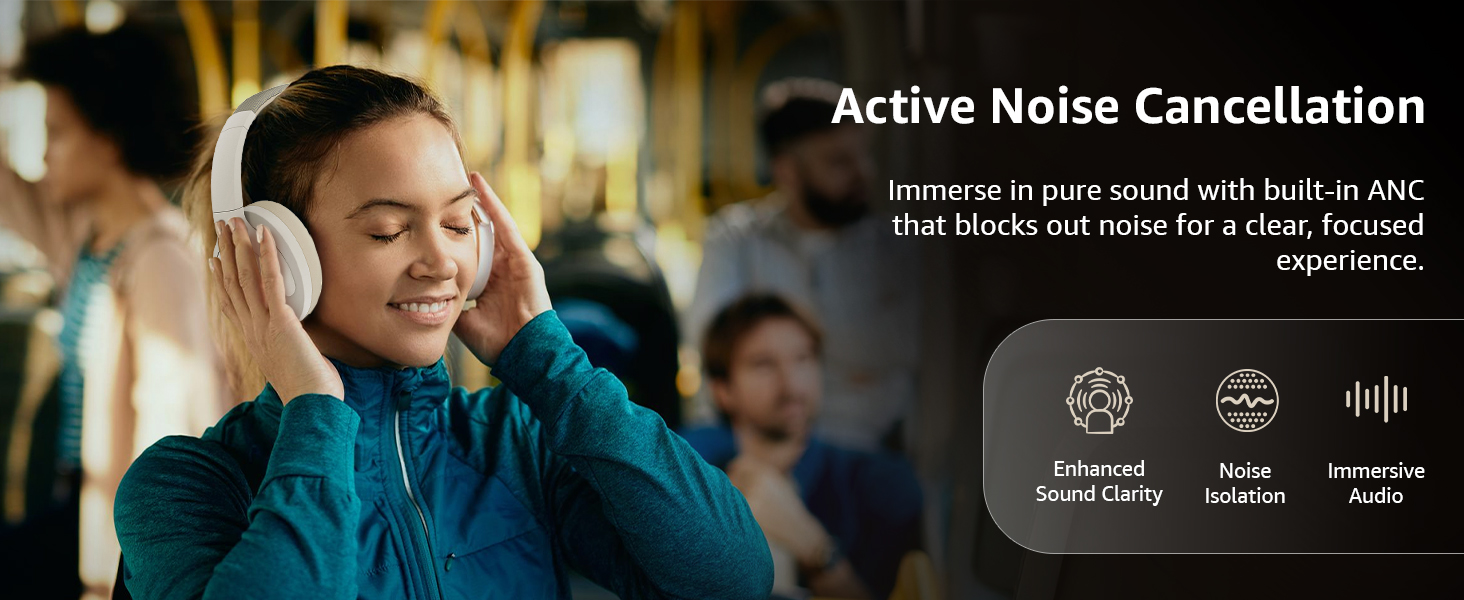
Image: A graphic emphasizing the benefits of Active Noise Cancellation, including enhanced sound clarity and immersive audio.
4. Kvaliteta zvuka i upravljački programi
The headphones are equipped with 40mm drivers, designed to deliver rich bass, clear mids, and precise highs for a balanced audio experience.
Slika: Eksplodirala view diagram illustrating the 40mm drivers, which are responsible for the headphone's sound output.
Održavanje
1. Čišćenje
- Obrišite slušalice mekom, suhom krpom koja ne ostavlja dlačice.
- Do not use abrasive cleaners, solvents, or spray cleaners directly on the headphones.
- Clean the ear cushions gently with a damp krpom ako je potrebno i ostavite ih da se potpuno osuše na zraku prije upotrebe.
2. Skladištenje
When not in use, store the headphones in a cool, dry place, away from direct sunlight and extreme temperatures. The headphones feature a sleek and foldable design for convenient storage and portability.
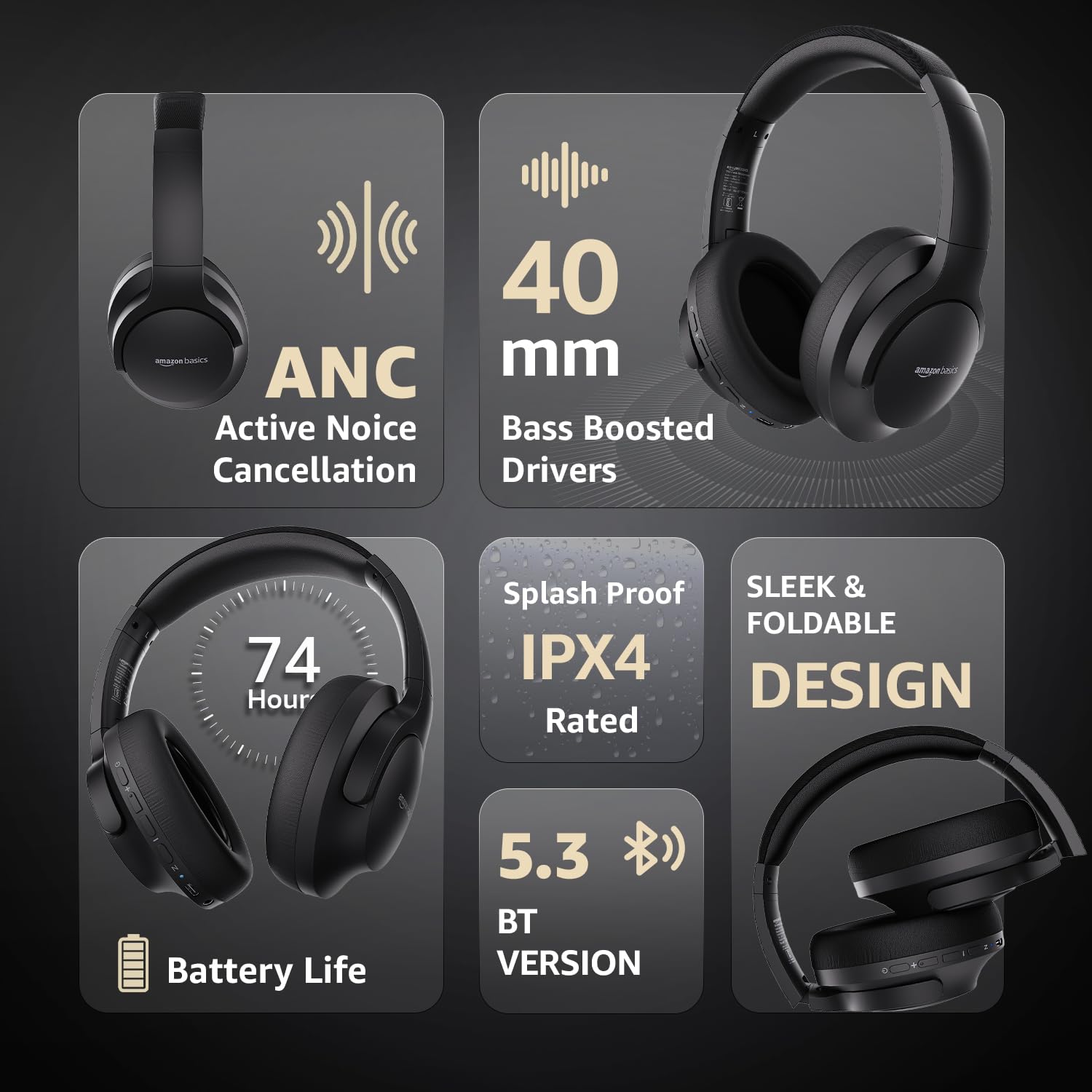
Image: An infographic highlighting key features, including the sleek and foldable design of the headphones for easy storage.
3. Briga o bateriji
- Izbjegavajte često potpuno pražnjenje baterije.
- Redovito punite slušalice, čak i ako se ne koriste dulje vrijeme, kako biste održali stanje baterije.
- Ne izlažite bateriju visokim temperaturama.
Rješavanje problema
| Problem | Mogući uzrok | Otopina |
|---|---|---|
| Slušalice se ne uključuju. | Prazna baterija. | Charge the headphones fully using the supplied USB Type-C cable. |
| Nije moguće uparivanje putem Bluetootha. | Slušalice nisu u načinu uparivanja; Bluetooth uređaja isključen; previše udaljeno od uređaja. | Ensure headphones are in pairing mode (flashing blue/red). Turn Bluetooth on your device. Move headphones closer to the device (within 10m). |
| Nema zvuka. | Glasnoća je preniska; pogrešan izvor zvuka; slušalice nisu spojene. | Increase volume on headphones and device. Verify correct audio output on device. Re-pair Bluetooth or check AUX cable connection. |
| ANC ne funkcionira učinkovito. | ANC nije aktiviran; buka iz okoline previsoka. | Pritisnite gumb ANC za aktivaciju. ANC je najučinkovitiji protiv niskofrekventne, konstantne buke. |
Tehnički podaci
| Značajka | Detalj |
|---|---|
| Broj modela | AB-IBT-82ANC |
| Tehnologija povezivanja | Bežično (Bluetooth 5.3), Žično (3.5 mm AUX) |
| Veličina vozača | 40 mm |
| Kapacitet baterije | 500 mAh litij polimer |
| Trajanje baterije (ANC isključen) | Do 74 sati (pri 50% glasnoće) |
| Trajanje baterije (ANC uključen) | Up to 34 hours (at 100% volume), 62 hours (at 50% volume) |
| Priključak za punjenje | USB Type-C |
| Bežični raspon | Do 10 metara |
| Ocjena vodootpornosti | IPX4 (otporan na prskanje) |
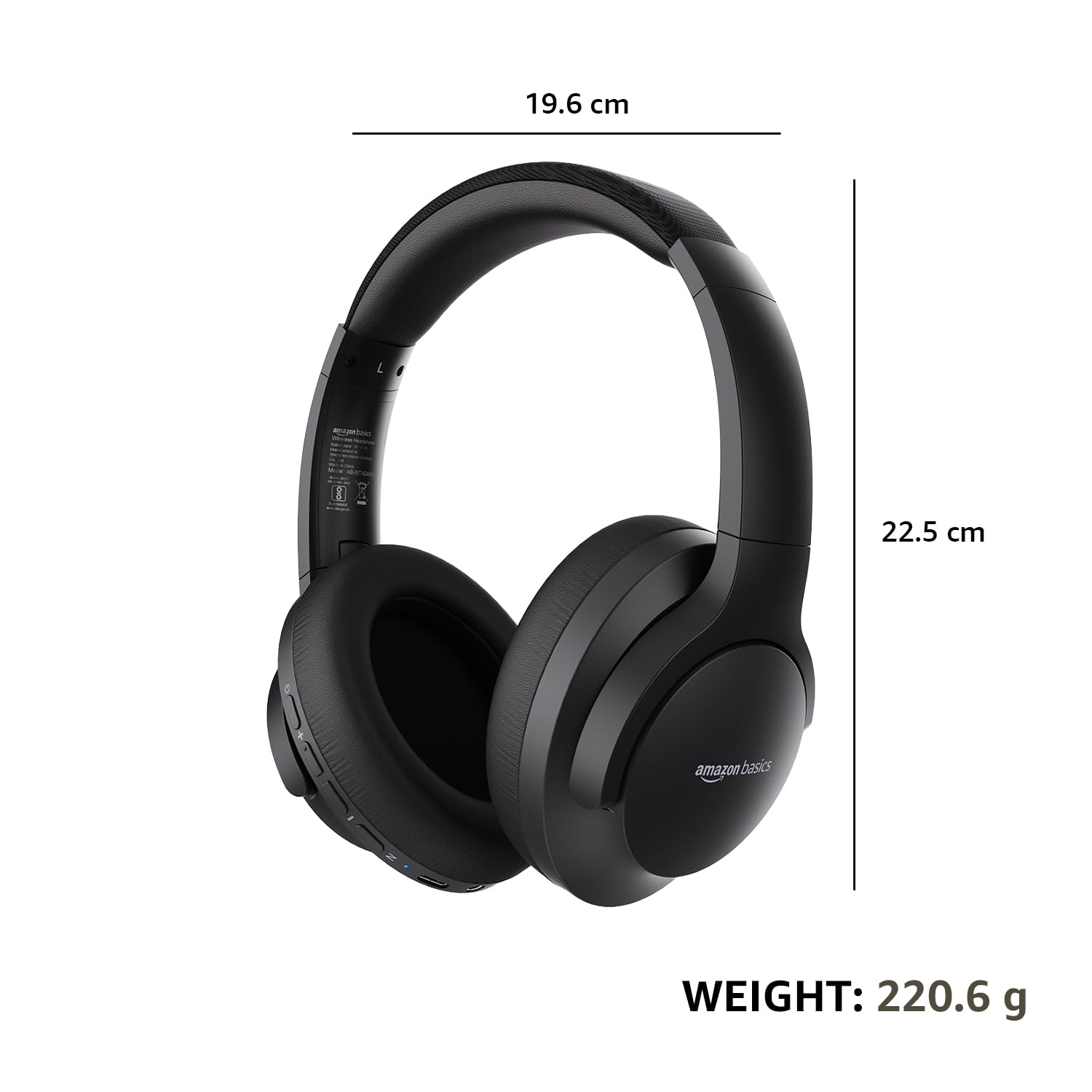
| Dimenzije (slušalice) | 19.61 x 22.5 x 8.72 cm |
| Težina (slušalice) | 220.6 g |
| Materijal | Plastika, Poliuretan (PU) |
| Kompatibilni uređaji | Cellphones, Gaming Consoles, Laptops, Tablets |

Image: A visual representation of the headphone's dimensions and weight for reference.
Udobnost i dizajn
The headphones are designed for extended wear with an over-ear fit, soft ear cushions, and an adjustable headband, ensuring comfort during long listening sessions.

Image: A person wearing the headphones, demonstrating the comfortable over-ear fit.
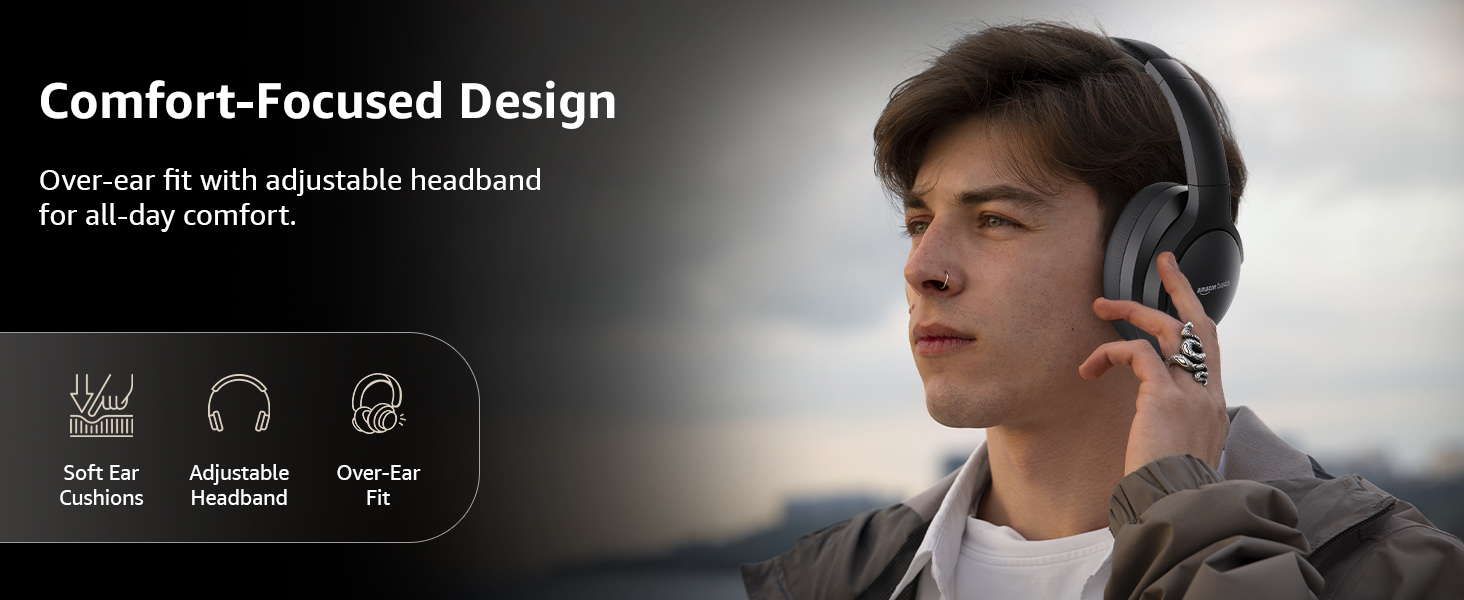
Image: A graphic detailing the comfort-focused design elements, including soft ear cushions and an adjustable headband.
Jamstvo i podrška
Warranty information for your Amazon Basics Pro Series Wireless Noise Cancelling ANC Over Ear Headphones is typically provided with the product packaging or can be found on the Amazon Basics official website. For technical support or warranty claims, please refer to the contact information provided with your purchase or visit the Amazon Basics support page.
Molimo sačuvajte dokaz o kupnji za bilo kakve upite vezane uz jamstvo.
Ask a question about this manual
Ask about setup, troubleshooting, compatibility, parts, safety, or missing instructions. Manuals+ will review the question and use this page’s manual context to help answer it.