
Uvod
Thank you for choosing the HISHELL Language Translator Earbuds. These open-ear headphones are designed to provide seamless real-time language translation across 144 online languages, powered by 6 top translation engines. Beyond translation, they also function as versatile devices for music streaming and phone calls. This manual will guide you through the setup, operation, and maintenance of your new device to ensure an optimal user experience.

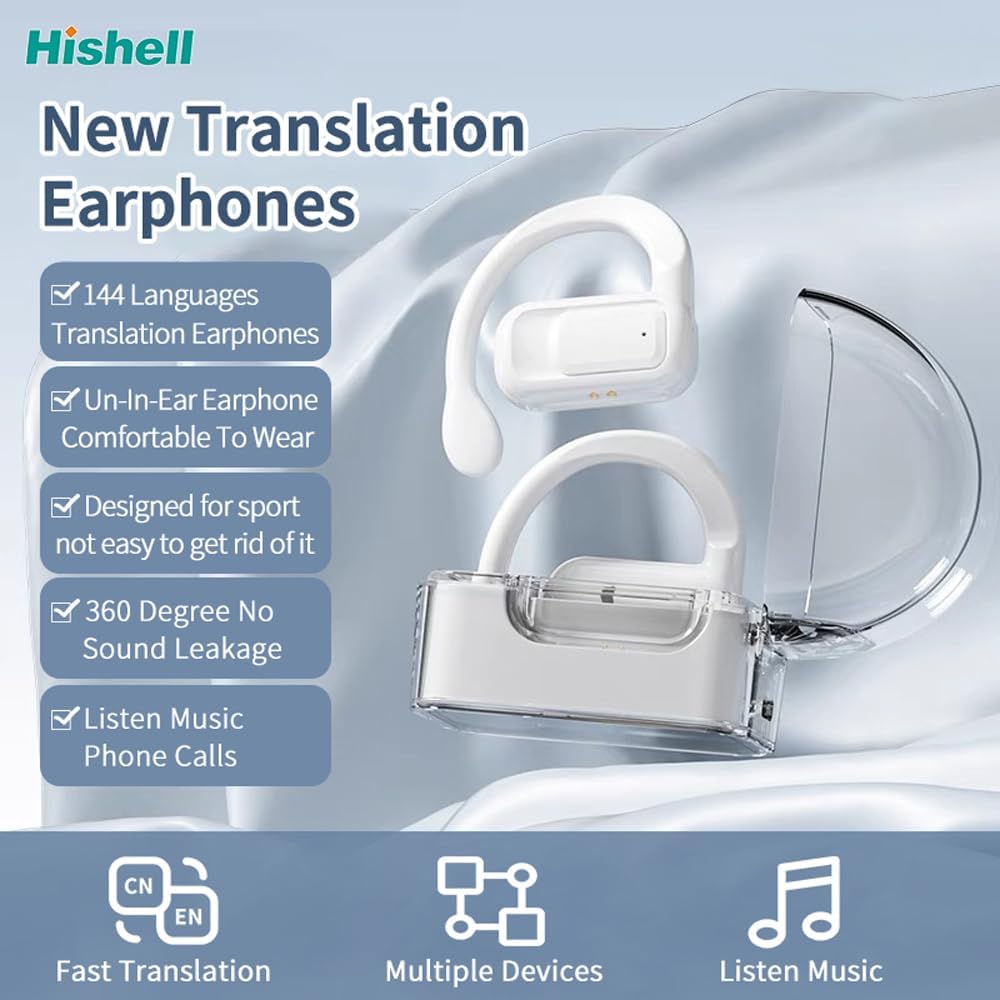
Image: The HISHELL Language Translator Earbuds, showing both earbuds and their transparent charging case.
Što je u kutiji
- 2 x Language Translator Earphones
- 1 x Odjeljak za punjenje
- 1 x Podatkovni kabel (USB-C)
- 1 x Headset User Manual
- 1 x APP Translation User Manual

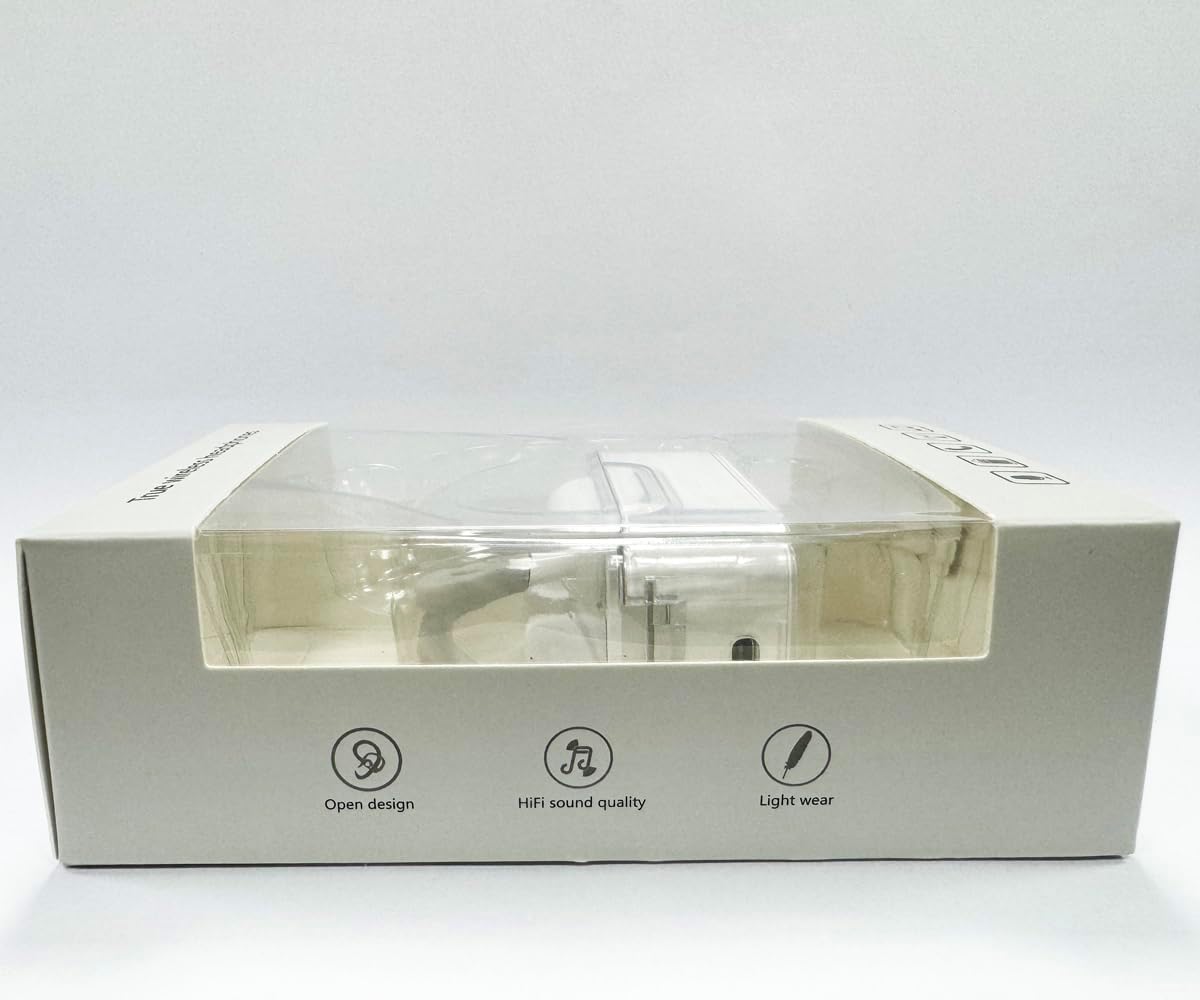
Slika: prednja strana view of the product packaging, displaying the earbuds inside.
Postavljanje
1. Punjenje slušalica i kutijice
Before first use, fully charge the earbuds and the charging case. Connect the provided USB-C data cable to the charging port on the case and plug the other end into a USB power source (e.g., computer, wall adapter). The indicator lights on the case will show charging status.
Slika: Donji dio view of the charging case, highlighting the USB-C charging port.
2. Instalacija aplikacije
To utilize the translation features, you must download the dedicated HISHELL translation app on your smartphone (iOS or Android). Scan the QR code provided in the APP Translation User Manual or search for "HISHELL Translator" in your device's app store.
3. Bluetooth uparivanje
- Provjerite jesu li slušalice napunjene i izvađene iz kućišta za punjenje. Automatski će ući u način uparivanja.
- On your smartphone, go to Bluetooth settings and turn Bluetooth on.
- Select "HISHELL BL02" (or similar name) from the list of available devices.
- Nakon povezivanja, začut će se zvuk potvrde i slušalice će biti spremne za upotrebu.
Upute za rad
The HISHELL Language Translator Earbuds offer three primary translation modes, along with standard audio functions.
Načini prevođenja

Image: Visual representation of the three distinct translation modes available with the earbuds.
- Način dodira:
Two people each wear one earphone. Click or double-click the earphone to translate in real-time. This mode is suitable for acquaintances who are willing to wear your earphone.

Image: Two individuals using the translator earbuds in a conversational setting.
- Način zvučnika:
One person wears the earphones, and the other person holds the mobile phone. The phone's speaker will output the translation. This mode is suitable for strangers or situations where it's inconvenient for the other person to wear an earphone.
- Način slobodnog razgovora:
Both users wear an earphone. The device translates in real-time, allowing for natural, continuous conversation without needing to press buttons. This mode facilitates smooth and uninterrupted communication.
Music and Call Functions
In addition to translation, the earbuds function as standard Bluetooth headphones:
- Reprodukcija glazbe: Once connected via Bluetooth, you can stream audio from your device. Use your phone's media controls for play/pause, skip tracks, and volume adjustment.
- Telefonski pozivi: The earbuds support hands-free calling. Answer/end calls directly through the earbuds (refer to the APP Translation User Manual for specific touch controls). The binaural HD microphone ensures clear communication.

Slika: pramples of individuals comfortably wearing the open-ear translator earbuds.
Održavanje
Čišćenje
- Obrišite slušalice i kutijicu za punjenje mekom, suhom krpom koja ne ostavlja dlačice.
- Ne koristite abrazivna sredstva za čišćenje, alkohol ili kemijska otapala.
- Spriječite ulazak vlage u bilo kakve otvore.
Skladištenje
Kada se ne koriste, slušalice spremite u kutijicu za punjenje kako biste ih zaštitili i održali napunjenima. Čuvajte na hladnom i suhom mjestu, dalje od izravne sunčeve svjetlosti i ekstremnih temperatura.
Rješavanje problema
| Problem | Mogući uzrok | Otopina |
|---|---|---|
| Slušalice se ne uparuju | Low battery; out of range; not in pairing mode; previous connection issue. | Ensure earbuds are charged. Place them closer to your device. Re-insert into case and remove to re-enter pairing mode. Forget device in Bluetooth settings and re-pair. |
| Translation not accurate or delayed | Poor internet connection; background noise; speaking too fast/unclearly; incorrect language selection. | Ensure stable internet connection. Speak clearly and at a moderate pace. Reduce background noise. Verify correct source and target languages in the app. |
| Nema zvuka iz slušalica | Volume too low; not connected; media paused. | Povećajte glasnoću na uređaju. Provjerite Bluetooth vezu. Provjerite reproducira li se medij. |
| Kutija za punjenje se ne puni | Neispravan kabel/adapter; prljav priključak za punjenje. | Try a different USB-C cable and power adapter. Clean the charging port gently with a dry cotton swab. |
For further assistance, please refer to the APP Translation User Manual or contact customer support.
Tehnički podaci
| Značajka | Detalj |
|---|---|
| Broj modela | BL02 |
| Dimenzije paketa | 5.16 x 3.15 x 1.69 inča |
| Težina artikla | 2.12 unci |
| Baterije | 1 litij-polimerska baterija (uključena) |
| Jezici prijevoda | 144 online languages |
| Translation Engines | Powered by 6 top translation engines |
| Mikrofon | Binaural HD microphone |
| Trajanje baterije (slušanje) | cca. 3 sati |
| Vrijeme pripravnosti | cca. 240 sati |
| Priključak za punjenje | USB-C |


Slika: Razno views of the HISHELL charging case, showing its dimensions and design.
Jamstvo i podrška
Informacije o jamstvu
HISHELL products typically come with a standard manufacturer's warranty. Please refer to the warranty card included in your product packaging or visit the official HISHELL webza detaljne uvjete jamstva specifične za vašu regiju i datum kupnje.
Korisnička podrška
If you encounter any issues or have questions not covered in this manual, please contact HISHELL customer support. You can usually find contact information (email, phone, or support portal) on the official HISHELL webweb-mjestu ili putem prodavača gdje ste kupili proizvod.