
1. Uvod
This manual provides essential information for setting up, operating, maintaining, and troubleshooting your Alienware AW Pro Wireless Gaming Headset. Please read this manual thoroughly before using the product to ensure optimal performance and longevity.

Figure 1: Alienware Pro Wireless Gaming Headset and accessories.
2. Sadržaj paketa
Provjerite jesu li svi artikli prisutni u vašem paketu:
- Alienware Pro Wireless Headset
- USB-C bežični ključ
- USB-A na USB-C adapter
- USB-A na USB-C kabel
- Odvojivi držač mikrofona
- Mic Shield
- Dokumentacija (ovaj priručnik)
3. Postavljanje
3.1 Početno punjenje
Before first use, fully charge your headset. Connect the provided USB-A to USB-C cable to the headset's USB-C port and a power source. A full charge provides up to 75 hours of battery life via Bluetooth (ANC off) or 70 hours via 2.4GHz (ANC off). A 15-minute rapid charge can provide up to 8 hours of playback (ANC off).
3.2 Spajanje mikrofona
Insert the detachable boom mic into the designated port on the left earcup. Ensure it is securely connected. The mic shield can be placed over the microphone for reduced plosive sounds.
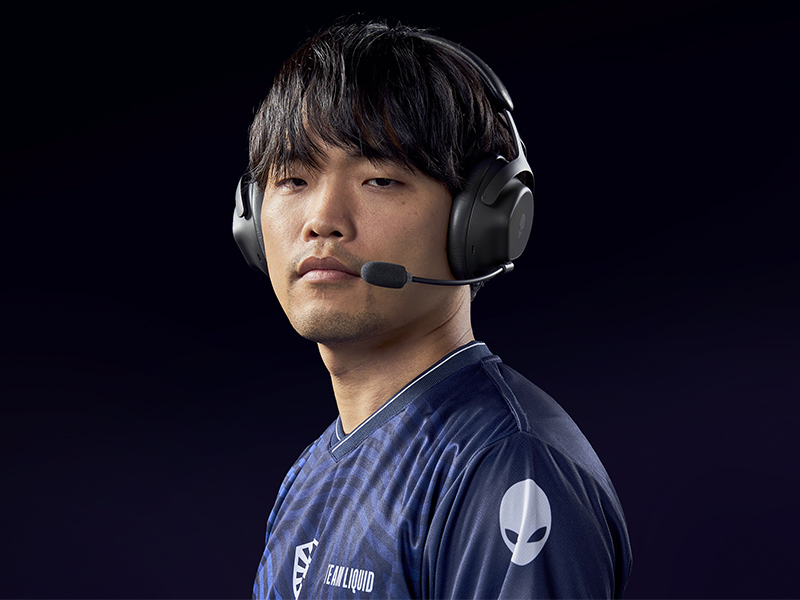
Figure 2: Attaching the detachable boom microphone.
3.3 Mogućnosti povezivanja
The headset supports tri-mode connectivity: 2.4GHz wireless, Bluetooth 5.3, and USB wired connection.
3.3.1 Bežična veza od 2.4 GHz
- Insert the USB-C Wireless Dongle into a compatible USB-C port on your device (PC, gaming console). Use the USB-A to USB-C adapter if your device only has USB-A ports.
- Power on the headset. It should automatically connect to the dongle. The LED indicator on the headset will confirm connection.
3.3.2 Bluetooth veza
- Uključite slušalice.
- Activate Bluetooth pairing mode on the headset (refer to the operating controls section for specific button presses).
- On your device (PC, mobile, etc.), go to Bluetooth settings and select "Alienware Pro Headset" from the list of available devices.
- The headset supports Bluetooth 5.3 with a range of up to 30 meters.
3.3.3 Žičana USB veza
Connect the headset directly to your device using the USB-A to USB-C cable for a wired audio and charging connection.
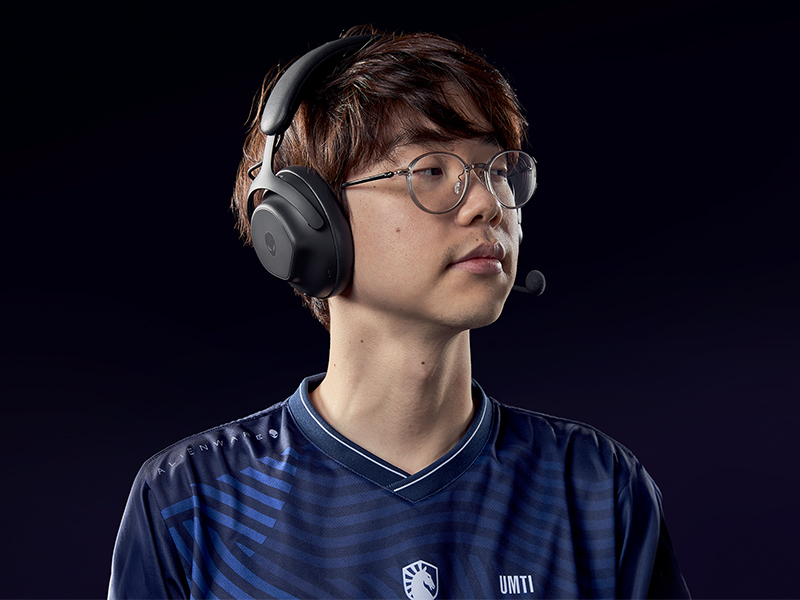
Figure 3: Connectivity options with dongle and adapter.
3.4 Instalacija softvera
For full customization and advanced features, install the Alienware Command Center software on your PC. This software allows you to tailor your sound experience, including Dolby Atmos integration, and manage headset settings.
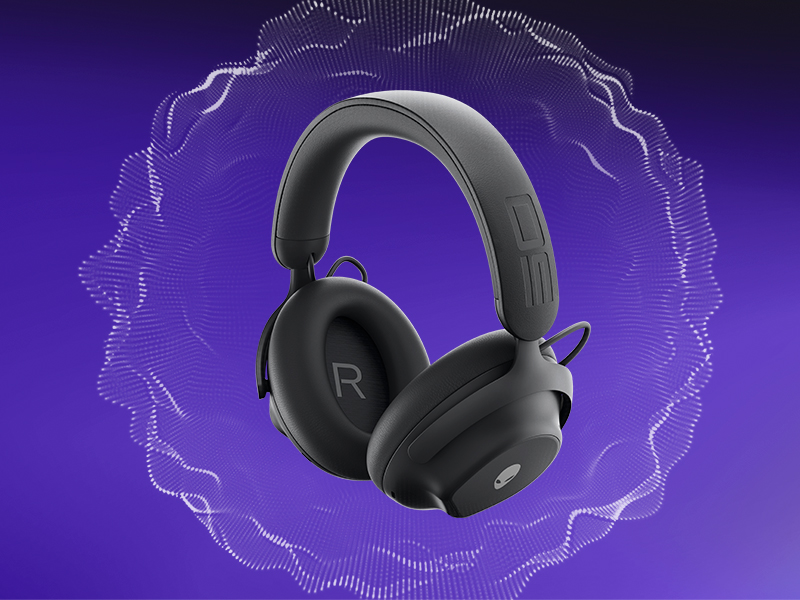
Figure 4: Customizing audio settings via Alienware Command Center.
4. Upravljanje slušalicama
4.1 Kontrole prekoview
The headset features intuitive controls for power, volume, microphone, and ANC modes. Refer to the product diagram for exact button locations.
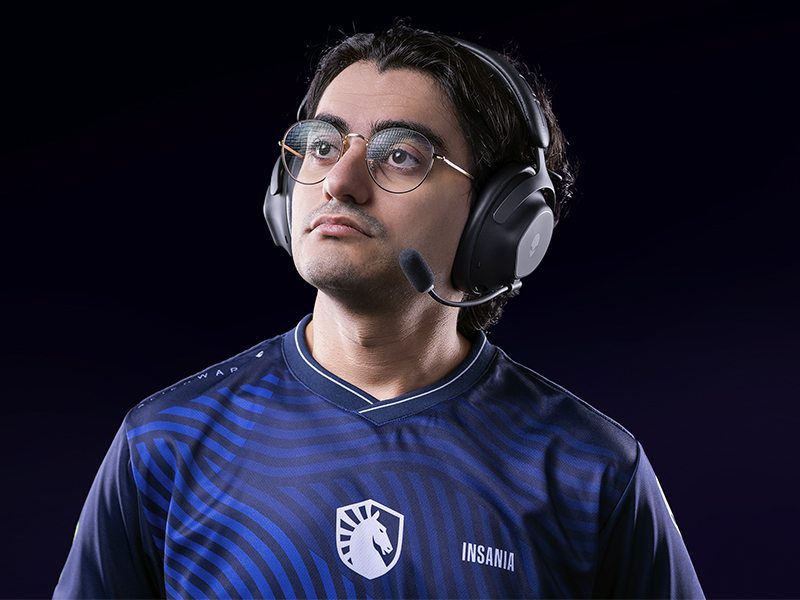
Figure 5: Built-in controls on the headset.
4.2 Audio značajke
4.2.1 50mm Graphene-Coated Drivers
The headset is equipped with 50mm graphene-coated dynamic drivers, providing high-fidelity audio with a frequency response up to 40 KHz for an immersive sound experience.
Video 1: Demonstration of Alienware 50mm Graphene-Coated Drivers technology.
4.2.2 Aktivno uklanjanje buke (ANC)
Engage Active Noise Cancellation to minimize external distractions and maintain focus during gameplay or other activities. The headset features Hybrid Noise Cancellation technology.
Video 2: Explanation of Alienware Active Noise Cancellation feature.
4.2.3 Transparentni način rada
Transparency Mode allows you to hear your surroundings without removing the headset, useful for situational awareness.
4.3 Korištenje mikrofona
The two-mic AI Noise Cancellation system focuses on your voice, ensuring clear communication by filtering out background noise. Adjust microphone volume and settings via the Alienware Command Center software.
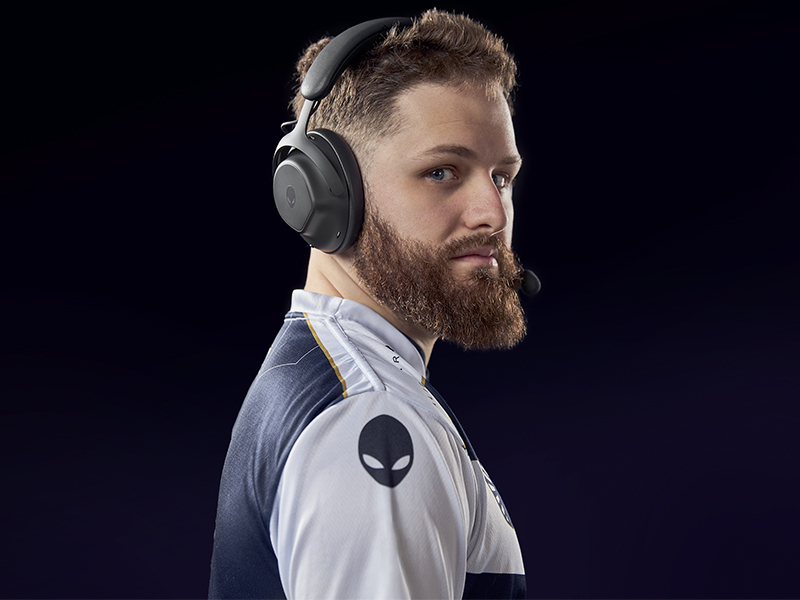
Figure 6: Two-Mic AI Noise Cancellation in action.
5. Održavanje
5.1 Čišćenje
To clean your headset, use a soft, dry cloth. Avoid abrasive cleaners, solvents, or harsh chemicals. For earcups, gently wipe with a slightly damp krpom i ostavite da se potpuno osuši na zraku prije upotrebe.
5.2 Skladištenje
Store the headset in a cool, dry place away from direct sunlight and extreme temperatures. When not in use, it is recommended to store it in a protective case to prevent damage.
6. Rješavanje problema
If you encounter issues with your Alienware Pro Wireless Gaming Headset, refer to the following common solutions:
6.1 No Audio or Intermittent Sound
- Provjerite vezu: Ensure the 2.4GHz dongle is properly inserted, or Bluetooth is correctly paired. For wired connection, verify the USB cable is secure.
- Napajanje i baterija: Confirm the headset is powered on and has sufficient battery charge.
- Razine glasnoće: Check both the headset's volume control and your device's audio output settings.
- Izvor zvuka: Ensure the correct audio output device is selected on your computer or console.
- Drivers/Software: Update your audio drivers and Alienware Command Center software to the latest version.
6.2 Problemi s mikrofonom
- Spajanje mikrofona: Ensure the detachable boom mic is fully inserted into its port.
- Status isključivanja zvuka: Provjerite je li mikrofon isključen na slušalicama ili u postavkama uređaja.
- Ulazni uređaj: Verify that the Alienware Pro Headset microphone is selected as the default input device in your system's sound settings.
- Postavke softvera: Adjust microphone sensitivity and AI Noise Cancellation settings within Alienware Command Center.
6.3 Problemi s povezivanjem
- Ponovno uparivanje Bluetootha: If Bluetooth connection is unstable, unpair and re-pair the headset with your device.
- Dongle Re-connection: For 2.4GHz, try unplugging and re-inserting the USB dongle.
- smetnje: Udaljite se od drugih bežičnih uređaja koji mogu uzrokovati smetnje.
- Ažuriranje firmvera: Check for and install any available firmware updates for the headset via Alienware Command Center.
7. Specifikacije
| Značajka | Detalj |
|---|---|
| Naziv modela | AW Pro Headset |
| Tehnologija povezivanja | Bluetooth / 2.4 GHz radio frequency / USB |
| Bežična komunikacijska tehnologija | 2.4 GHz, Bluetooth 5.3 |
| Bluetooth domet | 30 metara |
| Kontrola buke | Hibridno poništavanje buke |
| Vrsta audio upravljačkog programa | Dynamic Driver (50mm Graphene-Coated) |
| Frekvencijski odziv | 40 KHz |
| Trajanje baterije | Up to 75 Hours (Bluetooth, ANC off) |
| Vrijeme punjenja | 15 minutes for up to 8 hours playback (ANC off) |
| Mikrofon | Detachable Boom Mic with 2-Mic AI Noise Cancellation, Beamforming |
| Posebne značajke | Hearing Protection, Transparency Mode |
| Kompatibilni uređaji | Gaming Consoles, Computers, Mobile Devices |
| Težina artikla | 11 unci (312 g) |
| Dimenzije proizvoda | 3.55 x 5.91 x 8.07 inča (9.02 x 15.01 x 20.50 cm) |
| UPC | 884116469728 |
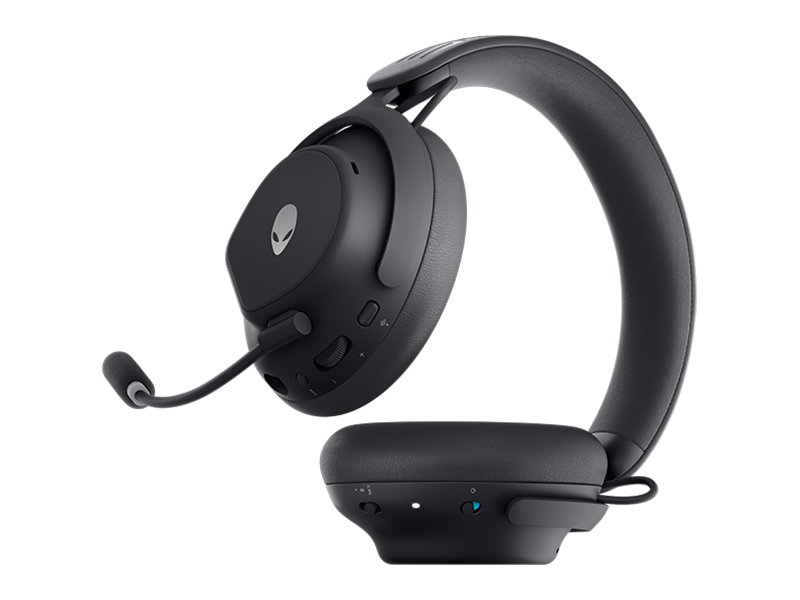
Figure 7: Headset dimensions.
8. Jamstvo i podrška
For warranty information, technical support, or further assistance, please visit the official Alienware or Dell support website. You can find drivers, firmware updates, and detailed troubleshooting guides there.
Proizvođač: Dell