
NIMO NIMO N177
NIMO N177 17.3-inch Laptop User Manual
Model: NIMO N177
Brand: NIMO
Uvod
This manual provides essential information for setting up, operating, maintaining, and troubleshooting your NIMO N177 17.3-inch laptop. Please read this manual thoroughly to ensure proper usage and to maximize the performance and longevity of your device.
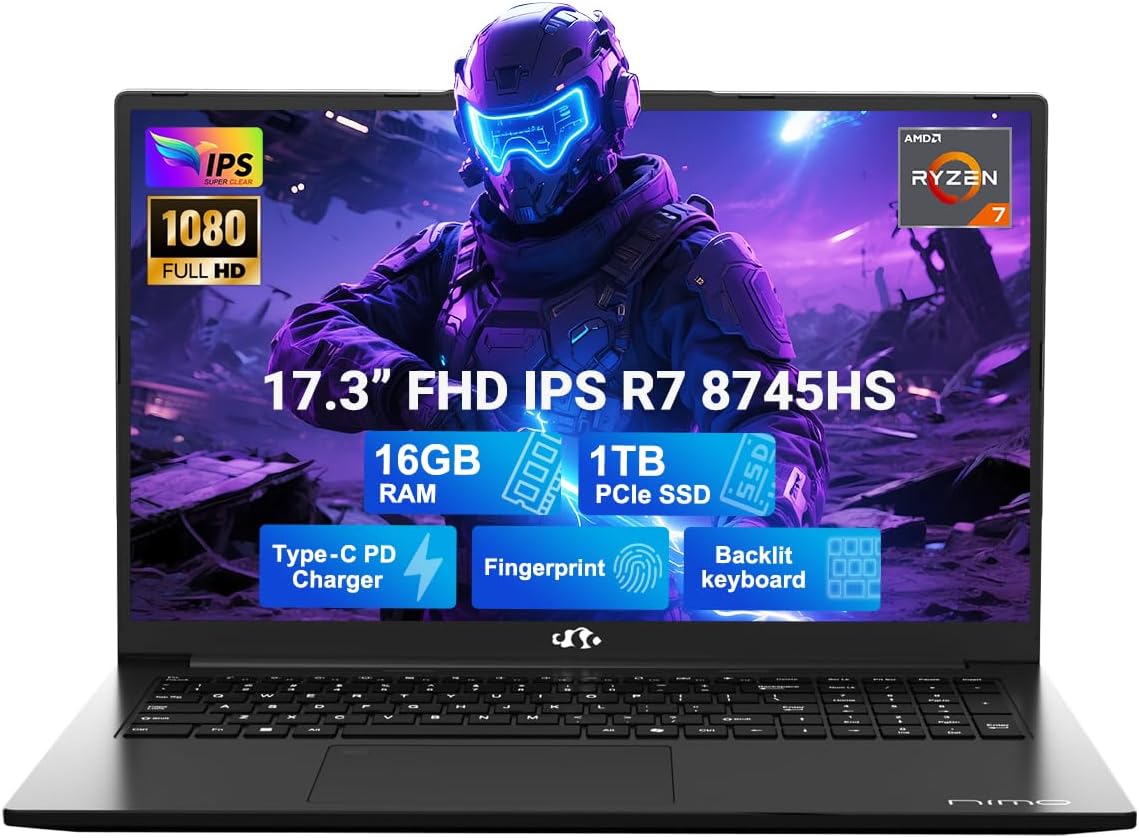
Image: The NIMO N177 laptop, showcasing its 17.3-inch FHD IPS display, AMD Ryzen 7 8745HS processor, 16GB DDR5 RAM, 1TB PCIe SSD, Type-C PD charger, fingerprint reader, and backlit keyboard.
Sigurnosne informacije
Use original chargers and check cables for damage. Hold the laptop by its base, use a protective case, and don’t put heavy items on it. Place it on a hard surface to avoid overheating; keep away from extreme temps and moisture. Don’t overcharge the battery or use counterfeits—stop using if it swells. Set strong passwords, update software, use antivirus, and back up data. If liquid spills, unplug and dry it. For issues, consult professionals, not disassemble it yourself.
Pravno odricanje od odgovornosti
This laptop is provided "as is," with no express or implied warranties except the manufacturer’s limited warranty (if applicable); implied warranties of merchantability or fitness for a specific purpose are disclaimed. We are not liable for damages from misuse (e.g., non-approved chargers, unauthorized repairs), physical damage, or failure to follow safety rules—including data loss or business interruption. Users must back up data regularly. This disclaimer does not exclude liability for manufacturing defects or violations of mandatory local laws. Using the laptop means you accept these terms, governed by applicable jurisdiction laws.
Postavljanje
1. Raspakiranje i početno uključivanje
Your NIMO N177 laptop comes with the following items:
- 1 x NIMO N177 Laptop
- 1 x Type-C 100W PD Fast Charger
- 1 x korisnički priručnik
- Windows 11 Home (unaprijed instaliran)
To power on your laptop for the first time, open the lid and press the power button located on the top right of the keyboard. Follow the on-screen instructions to complete the initial Windows 11 setup.
2. Punjenje baterije
Connect the included 100W Type-C PD Fast Charger to the USB-C port on your laptop and to a power outlet. The charging indicator light will illuminate. A 15-minute charge can provide approximately 2 hours of use, making it convenient for on-the-go professionals.

Image: The NIMO laptop being charged with its 100W USB-C fast charger, highlighting the 75Wh smart battery and efficient power delivery.
3. Fingerprint Login Setup
For secure and instant access, set up the fingerprint login. The fingerprint reader is integrated into the touchpad. Navigate to Windows Settings > Accounts > Sign-in options to configure your fingerprint for quick and secure unlocking.

Slika: Detaljna view of the NIMO laptop's backlit keyboard and the integrated fingerprint sensor on the touchpad, emphasizing secure login.
4. Povezivost i portovi
The NIMO N177 laptop offers a range of ports for versatile connectivity:
- Čitač SD kartica
- USB 2.0 priključak (x1)
- USB 3.0 priključci (x3)
- Utičnica za slušalice
- Utor za zaključavanje Kensington
- HDMI priključak
- USB 4.0 Type-C Port (with power delivery)
Connect your peripherals, external displays, and storage devices as needed. The USB-C port supports high-speed data transfer and charging.
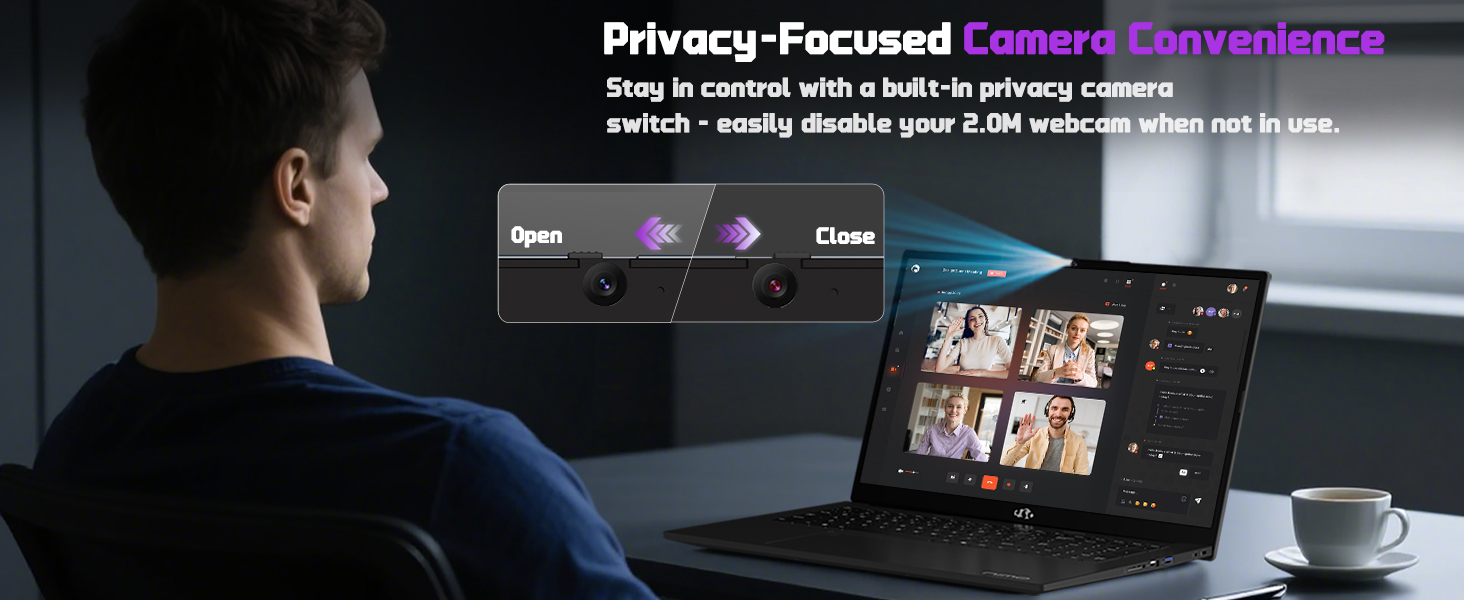
Image: A detailed diagram illustrating the various high-speed interfaces and ports available on the NIMO laptop for comprehensive connectivity.
Video: A comprehensive introduction to the NIMO laptop, showcasing its design, features, and various connectivity options.
Upute za rad
1. Prikaz i vizualni elementi
The NIMO N177 features a 17.3-inch FHD IPS anti-glare display with a 1920x1080 resolution and an 85% screen-to-body ratio. This provides immersive visuals and sharp details for both work and entertainment. Adjust display settings through Windows Display Settings.

Image: The NIMO laptop showcasing its 17.3-inch FHD IPS display, highlighting the visual experience with bright colors and sharp details.
2. Tipkovnica i dodirna podloga
The laptop is equipped with an ergonomic backlit keyboard, allowing comfortable typing in low-light conditions. Adjust the backlight brightness using the dedicated function keys (Fn + F keys). The precision gesture-supporting touchpad enables effortless navigation.
Slika: Detaljna view of the NIMO laptop's backlit keyboard and the integrated fingerprint sensor on the touchpad, emphasizing secure login.
3. Webcam Upotreba
Integrirana 2MP webcam is suitable for video calls and online meetings. For privacy, the laptop includes a built-in privacy camera switch, allowing you to easily disable the webcam kada nije u upotrebi.
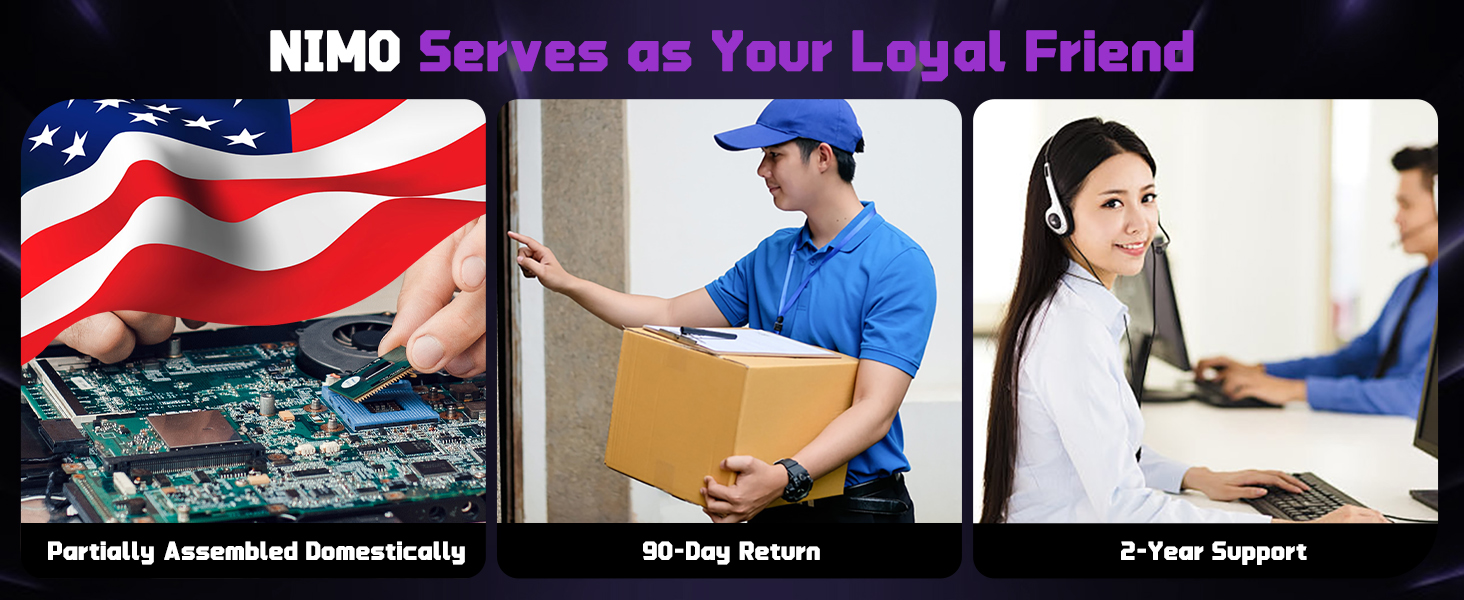
Image: A visual representation of the NIMO laptop's webcam with its privacy switch, showing how to open and close it for enhanced privacy.
Održavanje
1. Opća njega
- Keep the laptop on a hard, flat surface to ensure proper ventilation and prevent overheating.
- Izbjegavajte stavljanje teških predmeta na prijenosno računalo.
- Clean the screen and keyboard with a soft, lint-free cloth. Do not use harsh chemicals.
- Protect the laptop from extreme temperatures and moisture.
2. Trajanje baterije
To prolong battery life, avoid overcharging and use only the provided 100W USB-C fast charger. If the battery shows signs of swelling, discontinue use immediately and contact support.
3. Upgrading Memory and Storage
The NIMO N177 features an upgradable design, allowing you to expand memory and storage. It supports up to 16GB DDR5 RAM and a 1TB PCIe 4.0 SSD. Consult a professional for upgrades to avoid damaging the device and to maintain warranty validity.
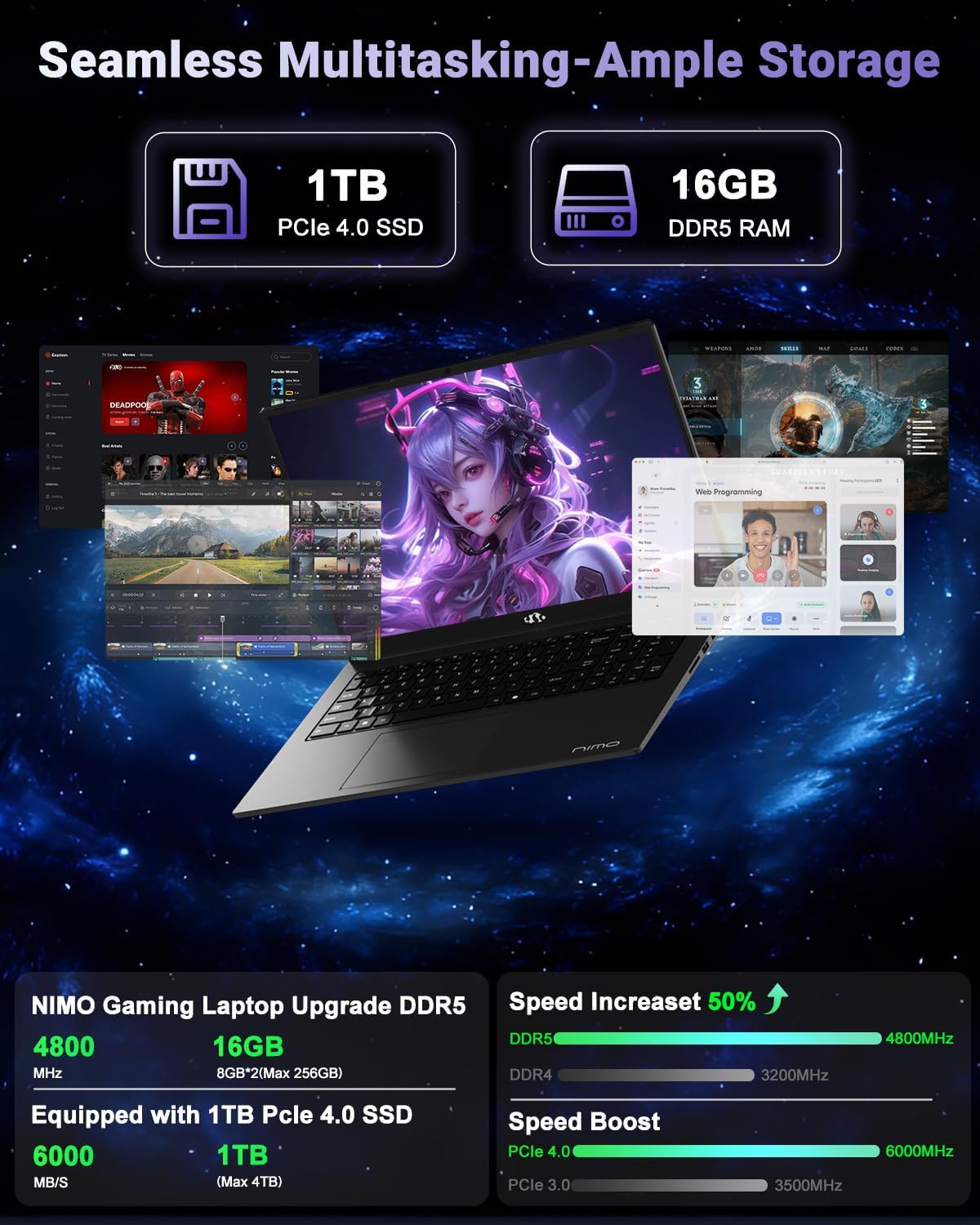
Image: A visual breakdown of the NIMO laptop's internal components, highlighting the 1TB PCIe 4.0 SSD and 16GB DDR5 RAM, and their performance benefits.
Rješavanje problema
- Laptop se ne uključuje: Ensure the charger is properly connected and the battery has sufficient charge. Try a different power outlet.
- Pregrijavanje: Ensure the laptop is on a hard, flat surface and vents are not obstructed. Reduce heavy workload if persistent.
- Spore performanse: Close unnecessary applications, check for background updates, or consider upgrading RAM/SSD if performance issues persist.
- Liquid spill: Immediately unplug the laptop, turn it off, and dry it thoroughly. Do not attempt to power it on until completely dry. Seek professional assistance.
- Problemi sa softverom: Ensure Windows 11 is updated. Run antivirus scans regularly.
Za dodatnu pomoć pogledajte odjeljak Jamstvo i podrška.
Tehnički podaci
| Značajka | Detalj |
|---|---|
| Veličina prikaza stajaćeg zaslona | 17.3 inča |
| Razlučivost zaslona | 1920 x 1080 piksela (FHD) |
| Procesor | AMD Ryzen 7 8745HS (up to 4.9 GHz) |
| OVAN | 16 GB DDR5 (4800 MHz) |
| Tvrdi disk | 1024 GB SSD (PCIe 4.0) |
| Grafički koprocesor | AMD Radeon 780M (integrirana) |
| Bežična vrsta | 802.11a/b/g/n/ac |
| Broj USB 2.0 priključaka | 1 |
| Broj USB 3.0 priključaka | 3 |
| Prosječno trajanje baterije | 15.5 sata |
| Operativni sustav | Windows 11 |
| Težina artikla | 4.6 funti |
| Dimenzije proizvoda | 15.66 x 9.99 x 0.74 inča |
| Boja | Crna |
| Stražnji Webrezolucija kamere | 2 MP |
| Posebne značajke | Backlit Keyboard, Fingerprint Reader, HD Audio, Numeric Keypad |
Jamstvo i podrška
Your NIMO N177 laptop is backed by a Jamstvo 2 godine from the manufacturer. Additionally, NIMO offers a 90-day hassle-free return policy. For any product-related inquiries, technical support, or warranty claims, please contact NIMO Direct Inc. Our dedicated support team is ready to provide quick and worry-free solutions.
Za više informacija posjetite Official NIMO Store on Amazon.
Ask a question about this manual
Ask about setup, troubleshooting, compatibility, parts, safety, or missing instructions. Manuals+ will review the question and use this page’s manual context to help answer it.