
Uvod
Thank you for choosing the CRUA 27-inch 4K UHD 144Hz IPS Gaming Monitor. This monitor is designed to deliver an immersive visual experience with its high resolution, fast refresh rate, and vibrant color reproduction. This manual provides essential information for the proper installation, operation, and maintenance of your new monitor. Please read it thoroughly before use and retain it for future reference.
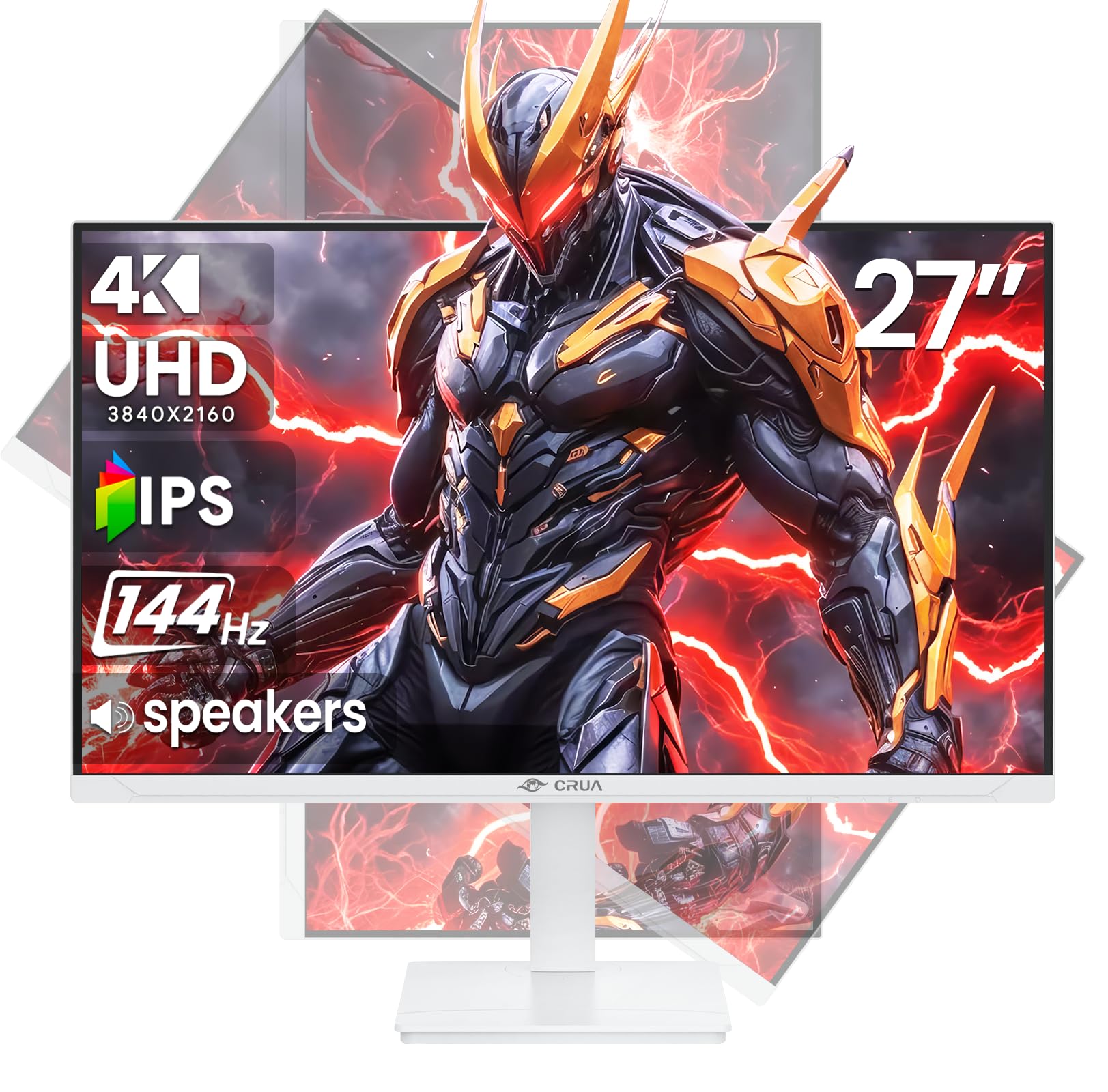
Slika: prednja strana view of the CRUA 27-inch 4K UHD 144Hz IPS Gaming Monitor.
Što je u kutiji
Molimo provjerite sadržaj paketa. Ako bilo koji artikl nedostaje ili je oštećen, obratite se prodavaču.
- Monitor od 27 inča
- DP kabel
- Base and Support
- korisnički priručnik
- Napajanje
Značajke proizvoda
- 27" 4K Display with IPS Panel: Experience ultra-clear visuals with a 3840x2160P resolution.
- Brzina osvježavanja od 144 Hz: Enjoy fluid and sharp motion, ideal for competitive gaming and fast-paced content.
- 120% sRGB Color Accuracy: Delivers rich and accurate tones with 350cd/m² brightness and 1000:1 high-contrast.
- Ugrađeni zvučnici: Provides clear audio for daily use.
- Full Ergonomic Adjustment: Features height, pivot, tilt, and rotation adjustments for optimal viewing kutova.
- Više opcija povezivanja: Equipped with 2x HDMI 2.1 and 2x DP 1.4 ports.
- Podrška za AMD FreeSync: Sinkronizira brzinu osvježavanja monitora s grafičkom karticom za igranje bez trganja slike.
- Može se montirati na zid: Supports VESA 75mm x 75mm wall mounts for flexible installation.
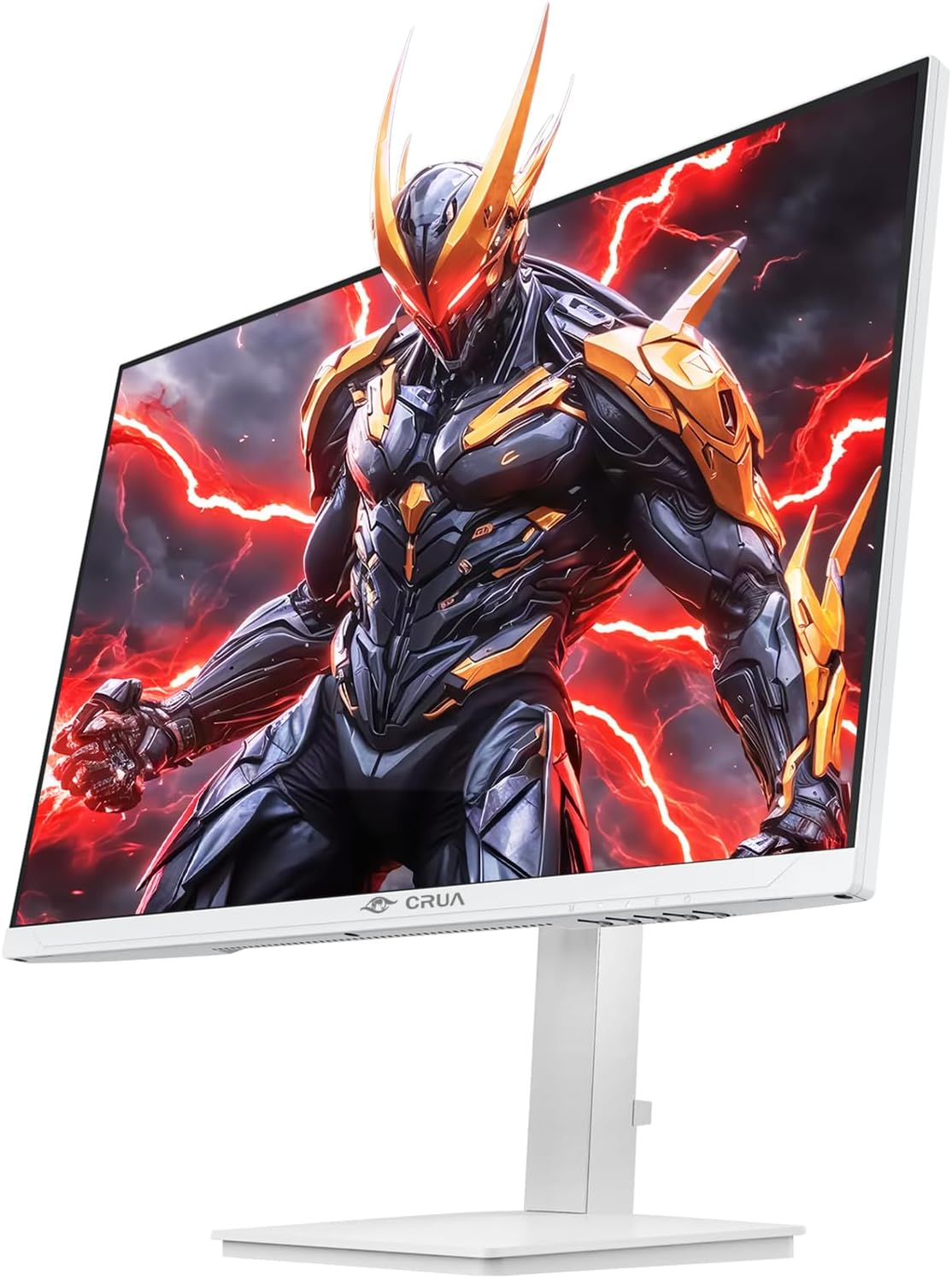
Slika: prednja strana view of the CRUA 27-inch 4K UHD 144Hz IPS Gaming Monitor displaying a game scene.

Slika: Stražnja strana view of the CRUA 27-inch 4K UHD 144Hz IPS Gaming Monitor showing the stand and RGB lighting.

Slika: Stražnja strana view of the CRUA 27-inch 4K UHD 144Hz IPS Gaming Monitor highlighting the input ports (2x DP 1.4, 2x HDMI 2.1, and 3.5mm Audio Port).

Image: Diagram illustrating the adjustable height (110mm), tilt (-5° to +15°), swivel (±30°), and pivot (90°) features of the CRUA 27-inch 4K UHD 144Hz IPS Gaming Monitor.
Upute za postavljanje
1. Sastavljanje stalka
- Pažljivo izvadite komponente monitora i postolja iz pakiranja.
- Pričvrstite vrat postolja na ploču monitora. Provjerite je li sigurno uglavljen na svoje mjesto ili je pričvršćen vijcima ako su isporučeni.
- Attach the base to the stand neck, securing it with the thumb screw or other fasteners.
- Sastavljeni monitor postavite na stabilnu, ravnu površinu.
2. Montaža na zid (opcionalno)
The monitor supports VESA 75mm x 75mm wall mounts. Remove the stand before attaching a compatible wall mount bracket (not included). Follow the instructions provided with your wall mount.
3. Kabeli za spajanje
- Vlast: Connect the power supply to the monitor's power input and then to a power outlet.
- Video ulaz: Connect one end of the provided DP cable (or an HDMI cable) to the corresponding port on your computer's graphics card and the other end to a DP 1.4 or HDMI 2.1 port on the monitor.
- Audio izlaz (opcionalno): If using external speakers or headphones, connect them to the 3.5mm audio jack on the monitor.
4. Početno uključivanje
Press the power button on the monitor. The monitor should automatically detect the input signal. If not, you may need to manually select the input source using the OSD menu.
Upute za rad
1. Uključivanje/isključivanje
Pritisnite gumb za napajanje koji se nalazi na monitoru da biste ga uključili ili isključili.
2. Navigacija OSD izbornikom
The On-Screen Display (OSD) menu allows you to adjust various monitor settings. Navigate the menu using the joystick or buttons typically located on the back or bottom of the monitor.
- Pritisnite joystick/gumb za otvaranje OSD izbornika.
- Move the joystick up/down or use corresponding buttons to navigate through menu options.
- Pomaknite joystick lijevo/desno ili koristite odgovarajuće tipke za podešavanje vrijednosti ili ulazak u podizbornike.
- Ponovno pritisnite joystick/gumb za potvrdu odabira ili izlaz iz podizbornika.
3. Odabir izvora unosa
If the monitor does not automatically detect the correct input, open the OSD menu, navigate to "Input Source," and select the active input (e.g., HDMI1, HDMI2, DP1, DP2).
4. Podešavanje postavki zaslona
Unutar OSD izbornika možete prilagoditi postavke kao što su:
- Svjetlina/kontrast: Podesite ukupnu razinu svjetline i kontrasta.
- Postavke boja: Fino podešavanje temperature boje, game i pojedinačnih RGB vrijednosti.
- Kvaliteta slike: Select preset modes (e.g., Standard, Game, Movie) or customize sharpness and dynamic contrast.
- Razlučivost i stopa osvježavanja: Ensure your computer's display settings match the monitor's native 4K UHD (3840x2160P) resolution and 144Hz refresh rate for optimal performance.
- AMD FreeSync: Enable FreeSync in the OSD menu and your graphics card control panel for adaptive synchronization.
5. Audio postavke
Adjust the volume of the built-in speakers or connected external audio devices through the OSD menu's audio section. You can also mute the audio if desired.
6. Ergonomske prilagodbe
Podesite monitor prema svojim željama viewpozicija:
- Visina: Gently push or pull the monitor up or down along the stand.
- Nagib: Nagnite zaslon naprijed ili natrag.
- Zakretanje: Okrenite monitor lijevo ili desno na njegovom podnožju.
- Stožer: Rotate the screen 90 degrees for vertical orientation.
Održavanje
Čišćenje zaslona
- Prije čišćenja uvijek isključite monitor i iskopčajte kabel za napajanje.
- Lagano koristite meku krpu koja ne ostavlja dlačice dampvodom ili specijaliziranim sredstvom za čišćenje ekrana.
- Ne prskajte sredstvo za čišćenje direktno na ekran.
- Avoid using abrasive cleaners, alcohol, or ammonia-based solutions, as they can damage the screen surface.
Opća njega
- Držite monitor dalje od izravne sunčeve svjetlosti, izvora topline i prekomjerne prašine.
- Osigurajte odgovarajuću ventilaciju oko monitora kako biste spriječili pregrijavanje.
- Ne stavljajte teške predmete na monitor ili njegove kablove.
- Izbjegavajte dodirivanje zaslona oštrim predmetima.
Rješavanje problema
| Problem | Moguće rješenje |
|---|---|
| Nema slike na ekranu |
|
| Nema zvuka iz zvučnika |
|
| Treperenje ili izobličenje slike |
|
| Gumbi ne reagiraju |
|
For further assistance, please refer to the CRUA support webstranicu ili se obratite službi za korisnike.
Tehnički podaci
| Značajka | Detalj |
|---|---|
| Broj modela | CR270E |
| Veličina zaslona | 27 inča |
| Rezolucija | 4K UHD (3840 x 2160 piksela) |
| Brzina osvježavanja | 144 Hz |
| Vrsta ploče | IPS |
| Omjer slike | 16:9 |
| Raspon boja | 120% sRGB |
| Svjetlina | 350 Candela (cd/m²) |
| Omjer kontrasta | 1000:1 |
| Povezivost | 2x DP 1.4, 2x HDMI 2.1, 1x 3.5mm Audio Jack |
| Adaptivna sinkronizacija | AMD FreeSync |
| Ergonomija | Height, Pivot, Tilt, Rotate Adjustable |
| Zidni nosač | VESA 75 mm x 75 mm |
| Ugrađeni zvučnici | Da |
| Dimenzije proizvoda | 2.5 x 24 x 14 inča |
| Težina artikla | 11.38 funti |
Jamstvo i podrška
CRUA provides high-quality computer monitors and premium services. For warranty information, technical support, or any questions regarding your monitor, please visit the official CRUA website or contact their customer service team. Details can typically be found on the product packaging or the CRUA brand store on Amazon.
Podaci za kontakt: Refer to your purchase documentation or the CRUA official webstranicu za najnovije podatke za kontakt podršku.