
1. Uvod
Welcome to the user manual for your new TECNO POVA Curve 5G smartphone. This guide provides essential information on setting up, operating, maintaining, and troubleshooting your device. Please read this manual carefully to ensure optimal performance and longevity of your smartphone.

Figure 1: TECNO POVA Curve 5G smartphone, front and back.
2. Što je u kutiji
Upon unboxing your TECNO POVA Curve 5G, please verify that all the following items are included:
- TECNO POVA Curve 5G Smartphone
- Adapter za napajanje (brzi punjač od 45 W)
- USB kabel
- Izbacivač SIM ladice
- Slušalice
- Vodič za brzi početak (ovaj dokument)

Figure 2: Key features of the TECNO POVA Curve 5G.
3. Postavljanje
3.1 Umetanje SIM kartice i SD kartice
- Pronađite ladicu za SIM karticu sa strane uređaja.
- Umetnite alat za izbacivanje SIM kartice u malu rupu pored ladice i lagano pritisnite dok ladic ne iskoči.
- Umetnite Nano-SIM karticu(e) i/ili microSD karticu u predviđene utore na ladici. Pazite da zlatni kontakti budu okrenuti prema dolje.
- Pažljivo vratite ladicu u uređaj dok ne klikne na mjesto.
3.2 Početno uključivanje i osnovno postavljanje
- Press and hold the Power button until the TECNO logo appears.
- Slijedite upute na zaslonu za odabir jezika, povezivanje s Wi-Fi mrežom i postavljanje Google računa.
- You will be guided through setting up security features such as fingerprint unlock or facial recognition.

Slika 3: Donji dio view of the device, illustrating port and SIM tray location.
4. Upravljanje vašim uređajem
4.1 Prikaz i navigacija
The TECNO POVA Curve 5G features a 144Hz Curved AMOLED display for smooth visuals and vibrant colors. Navigate the interface using touch gestures:
- Dodirnite: Odaberite stavku ili otvorite aplikaciju.
- Ukrasti: Pomicanje kroz zaslone ili popise.
- Prstohvat: Povećajte ili smanjite slike i web stranice.
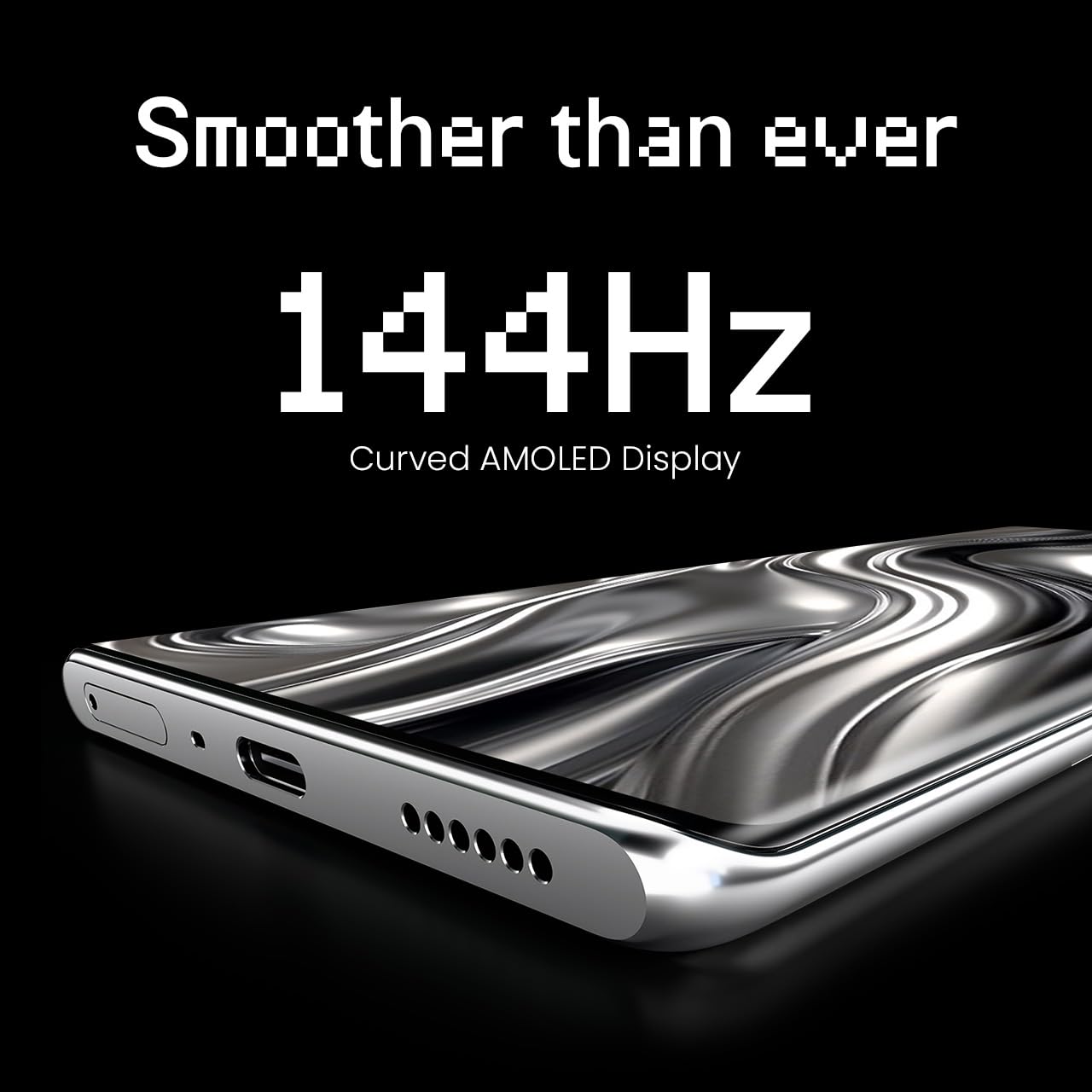
Figure 4: The 144Hz Curved AMOLED Display.
4.2 Funkcije kamere
Your device is equipped with a 64MP IMX682 Rear Camera. To access the camera, tap the Camera icon on your home screen or lock screen. Key features include:
- Foto način: Standardna fotografija.
- Video način rada: Snimajte visokokvalitetne videozapise.
- Portretni način: Izradite profesionalne fotografije sa zamućenim pozadinama.
- Noćni način rada: Poboljšajte fotografije snimljene u uvjetima slabog osvjetljenja.
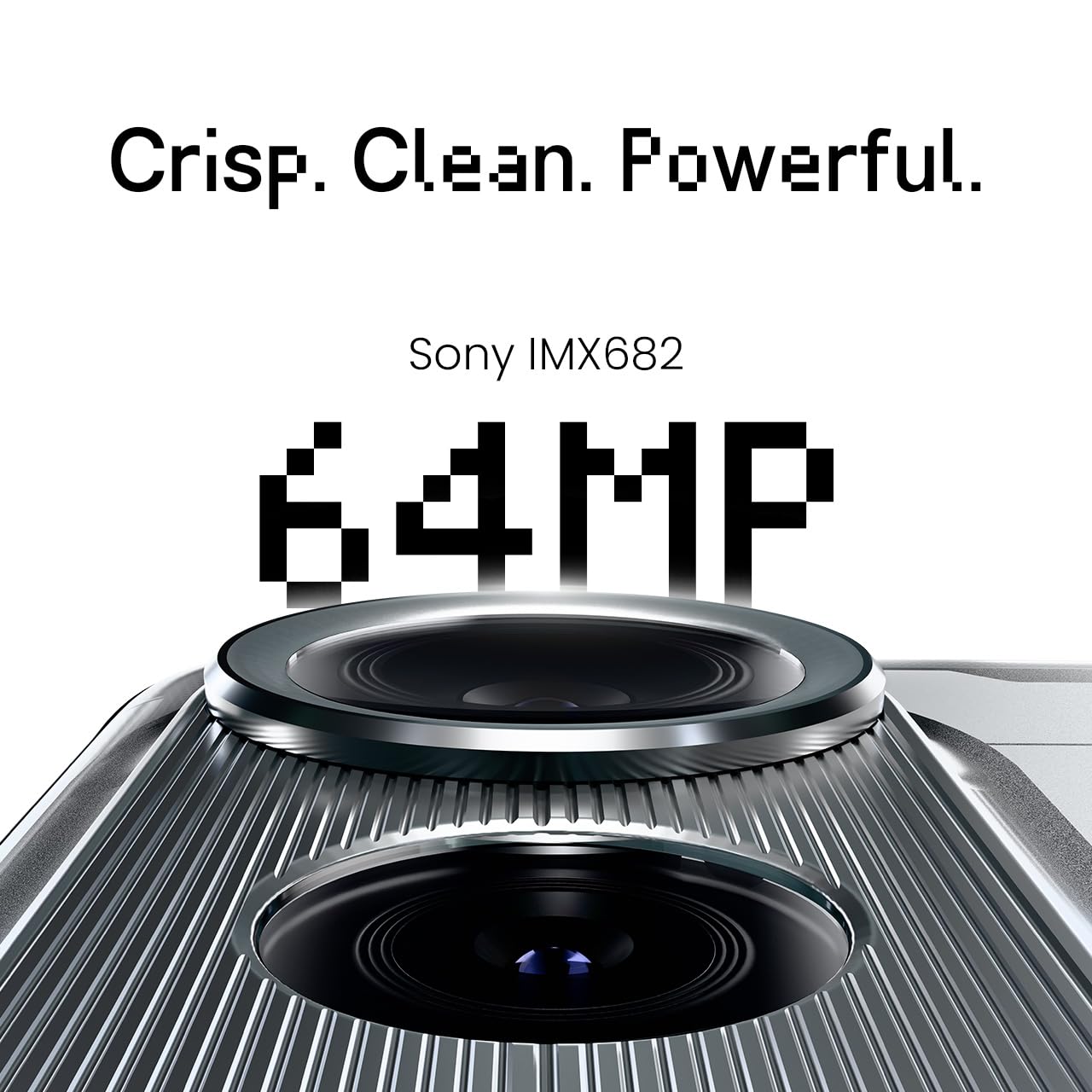
Figure 5: The 64MP IMX682 Rear Camera.
4.3 Značajke umjetne inteligencije
The TECNO POVA Curve 5G integrates advanced AI capabilities, including support for Indian languages and an AI Call Assistant. These features are designed to enhance user experience and productivity.
- AI with Indian Language Support: Access various functions and communicate in multiple Indian languages.
- AI pomoćnik za pozive: Manage calls intelligently, including features like AI Auto Call Answering and AI Voiceprint Suppression.

Figure 6: AI with Indian Language Support.

Slika 7: Gotovoview of AI features.
4.4 Battery Management and Charging
The device is powered by a 5500mAh battery and supports 45W fast charging. Use the provided power adapter and USB cable for optimal charging speed.
- To charge, connect the USB cable to the phone's USB-C port and the power adapter, then plug into a wall outlet.
- Avoid using non-certified chargers or cables to prevent damage.
4.5 Povezivost
Your TECNO POVA Curve 5G supports 5G cellular networks, Wi-Fi, and Bluetooth. It also features an Intelligent Signal Hub System for improved network reception.
- Wi-Fi: Idite na Postavke > Mreža i internet > Wi-Fi za povezivanje s dostupnim mrežama.
- Bluetooth: Idite u Postavke > Povezani uređaji > Bluetooth za uparivanje s drugim Bluetooth uređajima.
- Mobilni podaci: Provjerite je li vaša SIM kartica aktivna i jesu li mobilni podaci omogućeni u Postavke > Mreža i internet > Mobilna mreža.

Figure 8: Intelligent Signal Hub System for enhanced network communication.
5. Održavanje
5.1 Čišćenje uređaja
Kako bi vaš pametni telefon bio čist i funkcionalan:
- Za brisanje zaslona i kućišta koristite meku krpu koja ne ostavlja dlačice.
- Izbjegavajte korištenje jakih kemikalija, abrazivnih materijala ili aerosolnih sprejeva.
- Ne izlažite uređaj prekomjernoj vlazi.
5.2 Ažuriranja softvera
Redovito provjeravajte i instalirajte ažuriranja softvera kako biste osigurali da vaš uređaj ima najnovije značajke, sigurnosne zakrpe i poboljšanja performansi. Idite na Postavke > Sustav > Ažuriranje sustava.
5.3 Njega baterija
Kako biste produžili vijek trajanja baterije:
- Izbjegavajte ekstremne temperature.
- Nemojte često dopustiti da se baterija potpuno isprazni.
- Isključite punjač kada je baterija potpuno napunjena.
6. Rješavanje problema
This section addresses common issues you might encounter with your TECNO POVA Curve 5G.
| Izdati | Moguće rješenje |
|---|---|
| Uređaj se ne uključuje | Provjerite je li baterija napunjena. Pritisnite i držite gumb za uključivanje/isključivanje najmanje 10 sekundi kako biste prisilno ponovno pokrenuli uređaj. |
| Aplikacije se ruše ili zamrzavaju | Izbrišite predmemoriju problematične aplikacije (Postavke > Aplikacije > [Naziv aplikacije] > Pohrana > Izbriši predmemoriju). Ponovno pokrenite uređaj. |
| Loš mrežni signal | Check if your SIM card is properly inserted. Move to an area with better network coverage. Restart the device. |
| Baterija se brzo prazni | Reduce screen brightness, close unused apps, disable unnecessary background processes, and check for power-intensive apps in battery settings. |
| Zaslon osjetljiv na dodir ne reagira | Ponovno pokrenite uređaj. Ako se problem nastavi, obratite se korisničkoj podršci. |
7. Specifikacije
Key technical specifications for the TECNO POVA Curve 5G (Model: LJ8K):
- Operativni sustav: Android 15
- OVAN: 8 GB (expandable with memory fusion)
- Skladištenje: 128 GB / 256 GB ROM
- Procesor: MediaTek Dimensity 7300 Ultimate 5G
- Prikaz: 144Hz Curved AMOLED
- Stražnja kamera: 64MP IMX682
- Baterija: 5500 mAh s brzim punjenjem od 45 W
- Dimenzije: 16.4 x 7.5 x 0.7 cm
- Težina: 177 g
- Povezivost: Bluetooth, Infrared, USB, Wi-Fi, 5G

Figure 9: Processor and Memory details.
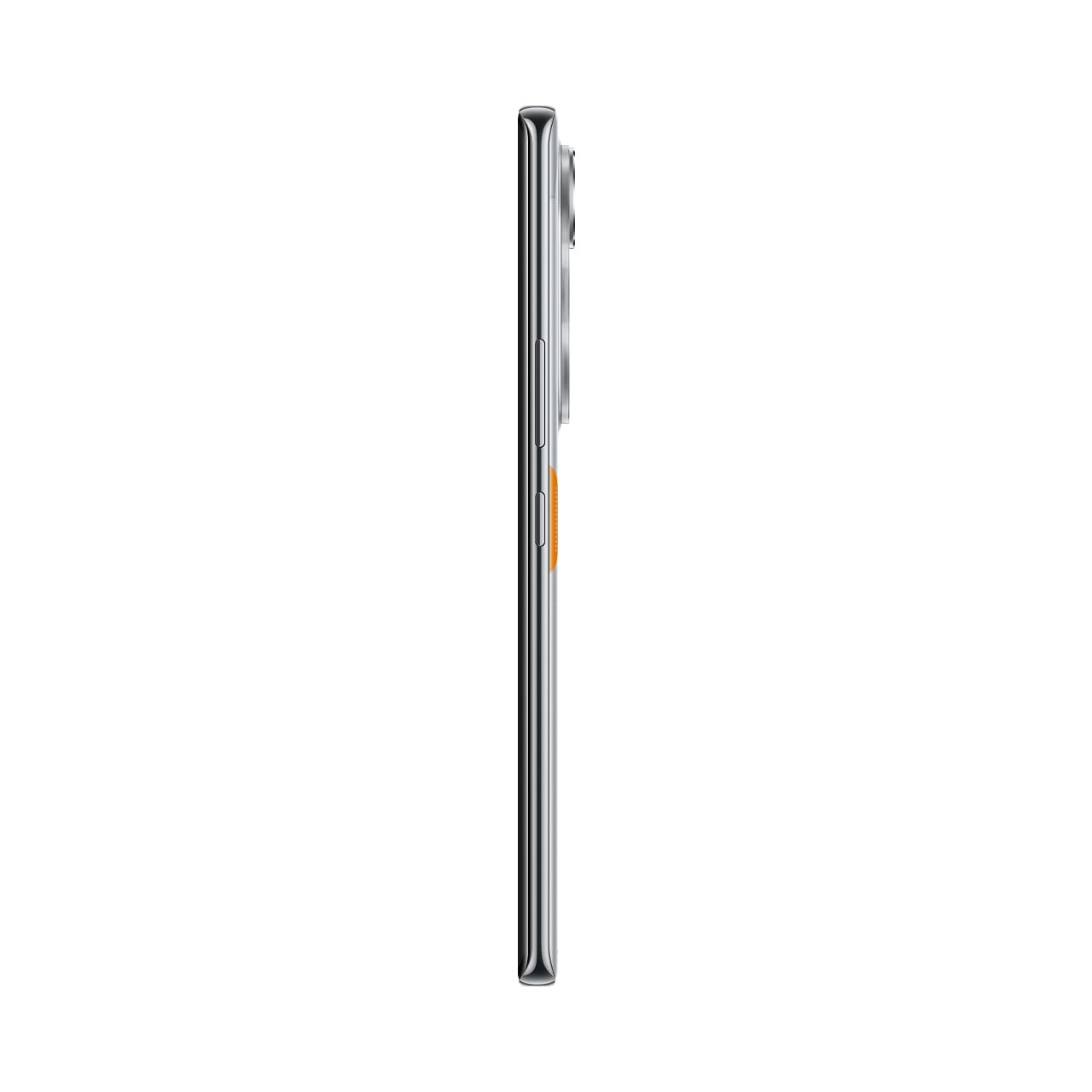
Figure 10: Slim design of the TECNO POVA Curve 5G.
8. Jamstvo i podrška
8.1 Informacije o jamstvu
Your TECNO POVA Curve 5G smartphone comes with a limited manufacturer's warranty. Please refer to the warranty card included in your product packaging for specific terms, conditions, and duration. Keep your proof of purchase for warranty claims.
8.2 Korisnička podrška
For technical assistance, service, or further inquiries, please visit the official TECNO website or contact their customer support. Details can typically be found on the manufacturer's webweb-mjestu ili u jamstvenoj dokumentaciji.