
Uvod
This manual provides essential information for the assembly, operation, maintenance, and troubleshooting of your Deli Gaming Table E91511. Please read these instructions carefully before assembly and use to ensure proper function and longevity of your product.
Sigurnosna upozorenja
- Uvijek sastavite stol prema priloženim uputama.
- Ensure the desk is properly anchored to the floor to prevent tipping, especially when using heavy setups.
- Be cautious when moving the desk, as it may require two people due to its size and weight.
- Do not overload the desk beyond its specified weight capacity.
- Držite male dijelove podalje od djece tijekom sastavljanja.
Sadržaj paketa
Before beginning assembly, verify that all components are present and undamaged. Refer to the included assembly instructions for a detailed list of parts and hardware. Typically, the package includes:
- Desktop surface (Metal and Composite)
- Desk legs (K-type carbon steel frame)
- Crossbars and support beams
- Assembly hardware (screws, bolts, washers)
- Assembly tools (if included, otherwise standard tools like a screwdriver may be required)
- Priručnik s uputama
Postavljanje i montaža
The Deli Gaming Table E91511 is designed for quick assembly with minimal tools. Follow the step-by-step instructions provided in the separate assembly guide included with your product. Ensure you have adequate space for assembly and consider having a second person assist with lifting and positioning larger components.
Koraci opće skupštine:
- Raspakirajte sve komponente i položite ih na čistu, meku površinu kako biste spriječili ogrebotine.
- Attach the K-shaped table legs to the main support frame using the provided hardware. Ensure all connections are secure.
- Carefully place the desktop surface onto the assembled leg frame. Align the pre-drilled holes.
- Secure the desktop to the frame using the remaining hardware. Do not overtighten.
- Verify all screws and bolts are tightened and the desk is stable before placing any equipment on it.

Image: Close-up of the K-shaped table legs, demonstrating the stable structure.
Upute za rad
The Deli Gaming Table E91511 offers a spacious and stable surface for various uses, including gaming, streaming, home office work, and student workstations.
- Wider Gaming Surface: The 120 cm width accommodates dual monitors or extra peripherals, providing ampslobodnog prostora za vaše postavke.
- Ergonomski dizajn: The desk is designed for comfortable use, allowing for extended periods of activity without discomfort.
- Uprava za kabele: Utilize the integrated 3D cable management box (if applicable) to keep your cables organized and your workspace tidy.
- Nosivost: The desk is engineered for heavy setups and consistent use. Ensure weight is distributed evenly.
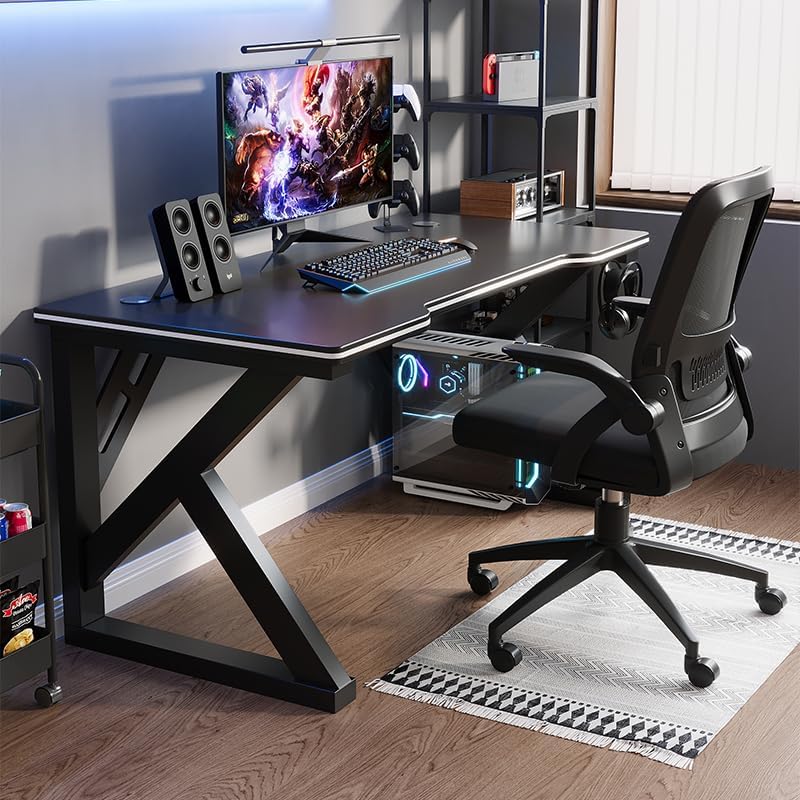
Image: A gaming setup on the Deli Gaming Table, illustrating its spacious surface.

Slika: Od vrha prema dolje view of a user at the Deli Gaming Table, highlighting ergonomic design.
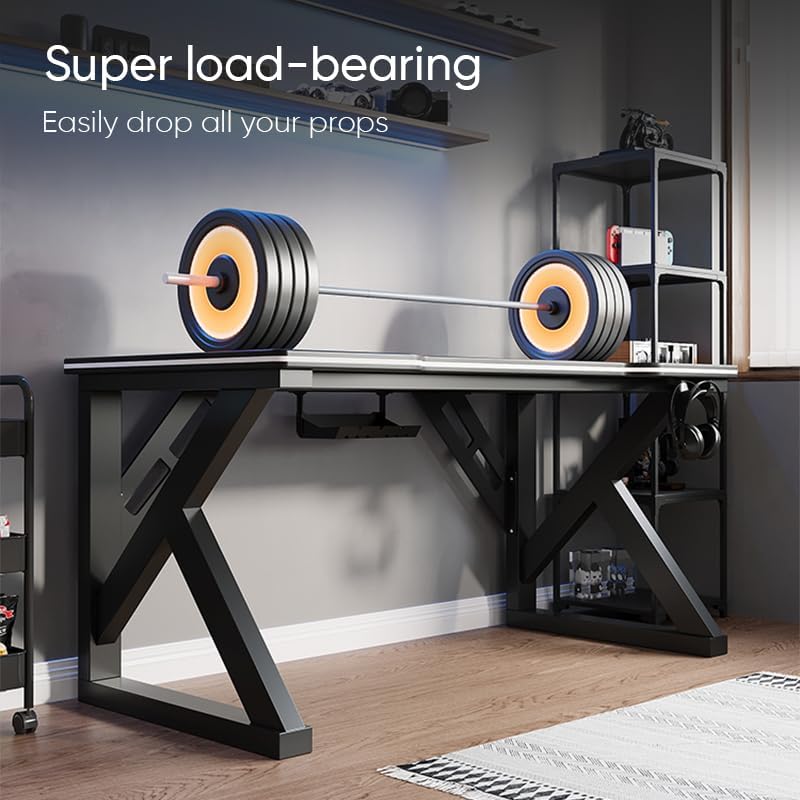
Image: The Deli Gaming Table demonstrating its load-bearing capability.
Održavanje
Regular maintenance will help preserve the appearance and functionality of your Deli Gaming Table.
- Čišćenje: Wipe the desktop surface and legs with a soft, damp cloth. Avoid abrasive cleaners or harsh chemicals that could damage the painted finish or material.
- Izlijevanje: Clean up spills immediately to prevent staining or damage to the surface.
- Provjera hardvera: Povremeno provjeravajte sve vijke i matice kako biste bili sigurni da su čvrsto zategnuti. Po potrebi ih ponovno zategnite kako biste održali stabilnost.
- Prevencija hrđe: While the desk is made of metal, prolonged exposure to moisture can lead to rust. Keep the desk in a dry environment and wipe away any moisture promptly.
Rješavanje problema
Desk is unstable or wobbly:
- Ensure all assembly screws and bolts are fully tightened.
- Provjerite je li stol na ravnoj površini. Podesite podloge ako ih ima.
- Verify that all parts are correctly assembled according to the instruction manual.
Parts are missing or damaged:
- Review the package contents list in your assembly manual.
- Contact customer support with your model number and a description of the missing or damaged part.
Poteškoće s montažom:
- Ponovno pažljivo pročitajte upute za sastavljanje, obraćajući pozornost na dijagrame.
- Provjerite koristite li ispravan hardver za svaki korak.
- If issues persist, consider seeking assistance from another person.
Tehnički podaci

Image: Dimensions of the Deli Gaming Table.
| Značajka | Detalj |
|---|---|
| Broj modela | E91511 |
| Dimenzije (Š x D x V) | 120 cm x 60 cm x 75 cm |
| Boja | Crna |
| Vrsta materijala | Metal and Composite (E1 grade material) |
| Materijal okvira | K-type Carbon Steel Frame |
| Vrsta završetka | Slikano |
| Težina artikla | 13000 gram |
| Potrebna montaža | Da |
| Preporučena upotreba | Gaming, Streaming, Home Office, Student Workstation |
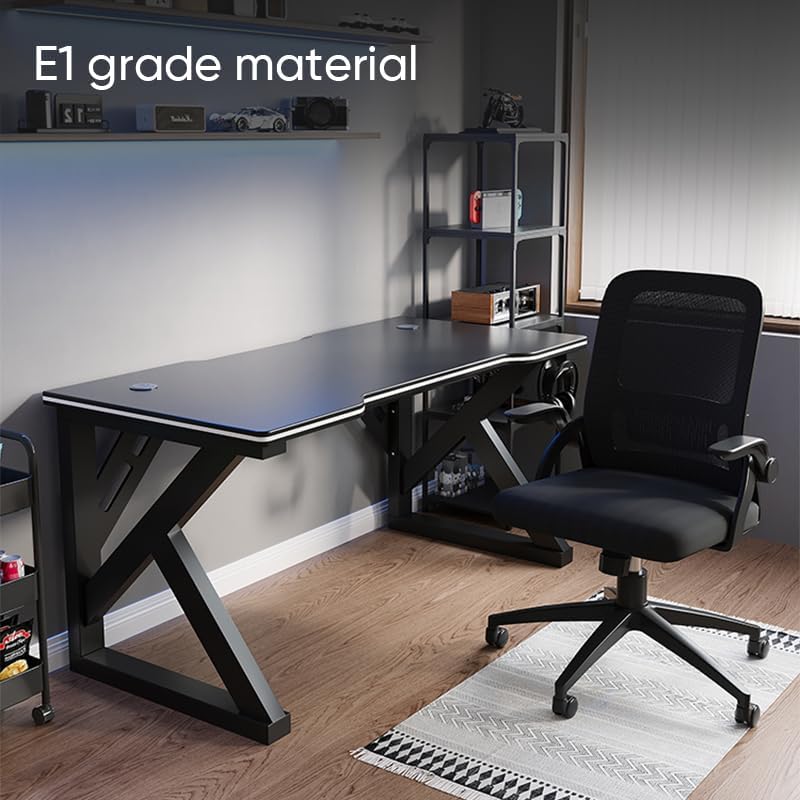
Image: The Deli Gaming Table highlighting E1 grade material.
Informacije o jamstvu
For specific warranty details regarding your Deli Gaming Table E91511, please refer to the warranty card included with your purchase or visit the official Deli webstranica. Jamstveni uvjeti obično pokrivaju proizvodne nedostatke u normalnim uvjetima upotrebe.
Korisnička podrška
If you have any questions, require assistance with assembly, or need to report a missing/damaged part, please contact Deli customer support through the following channels:
- Webstranica: Visit the official Deli webstranica za resurse podrške i kontaktne obrasce.
- Email: Refer to your purchase documentation for customer service email addresses.
- Telefon: Check the product packaging or official webstranica za telefonske brojeve korisničke službe.
Please have your model number (E91511) and proof of purchase ready when contacting support.