
1. Uvod
Thank you for choosing the YUEHISY Swimming MP3 Player. This device is designed to provide a high-quality audio experience in various environments, including underwater activities. With its IPX8 waterproofing rating, 8GB memory, and versatile design, it is an ideal companion for swimming, running, cycling, gym workouts, and other outdoor sports.
This manual provides essential information on setting up, operating, and maintaining your MP3 player to ensure optimal performance and longevity. Please read it thoroughly before use.
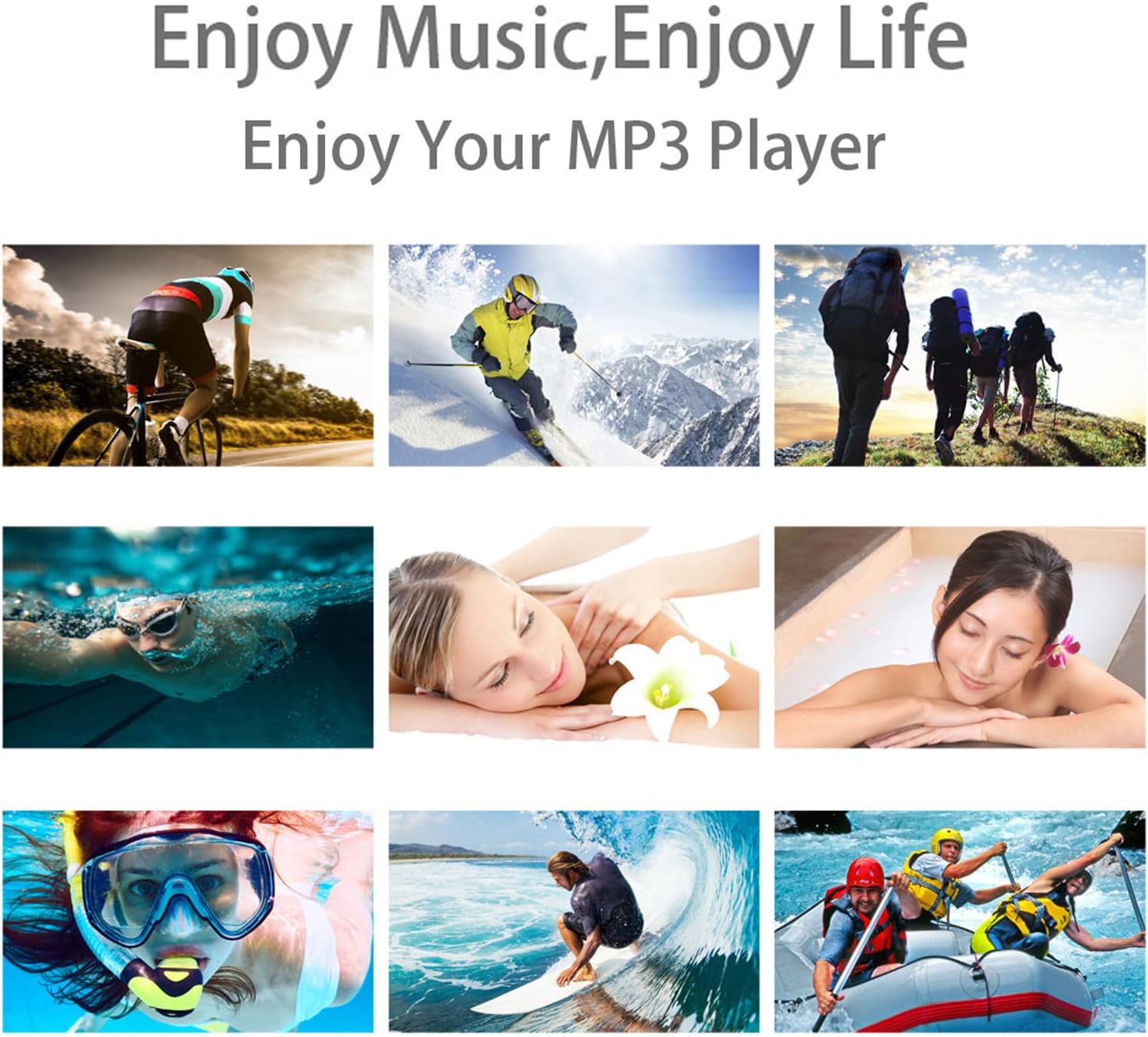
The YUEHISY MP3 Player is suitable for a wide range of activities, from land sports to water-based recreation.
2. Sadržaj paketa
Provjerite jesu li svi artikli prisutni u vašem paketu:
- YUEHISY Waterproof MP3 Player
- Vodootporne slušalice
- 8 x Earplugs (various sizes for optimal fit and waterproofing)
- Charging Cable (USB to 3.5mm jack)
- korisnički priručnik

The complete package includes the MP3 player, headphones, various earplug sizes, and the charging cable.
This video demonstrates the unboxing of the Waterproof MP3 Player, showcasing all included accessories such as the player, headphones, earplugs, USB cable, and user manual.
3. Proizvod je gotovview
Izgled uređaja

Detailed diagram illustrating the various buttons and ports on the MP3 player.
- Power ON/OFF / Play/Pause Button: Press and hold to power on/off. Short press to play or pause music.
- Gumb za sljedeću pjesmu / brzo naprijed: Short press for the next track. Long press to fast forward within a track.
- Gumb za smanjivanje glasnoće: Decreases the playback volume.
- Previous Track / Rewind Button: Short press for the previous track. Long press to rewind within a track.
- Gumb za pojačavanje zvuka: Increases the playback volume.
- Gumb za FM radio: (If applicable) Activates FM radio mode.
- LED indikator: Displays device status (e.g., charging, playing, pairing).
- Gumb za resetiranje: (Small pinhole) Used to reset the device if it becomes unresponsive.
- Headphone Jack (3.5mm) / Charging Port / Data Transfer Port: Multi-functional port for connecting headphones, charging, and transferring files.
4. Postavljanje
4.1 Charging the MP3 Player
Before first use, fully charge your MP3 player. Connect the provided charging cable to the 3.5mm jack on the MP3 player and the USB end to a power adapter or computer USB port. The LED indicator will show charging status.
4.2 Loading Music
Za učitavanje glazbe files onto your MP3 player:
- Connect the MP3 player to your computer using the provided charging/data cable.
- Uređaj će se na računalu pojaviti kao izmjenjivi disk.
- Drag and drop your desired MP3, WMA, OGG, APE, FLAC, WAV, AAC-LC, ACELP, or Audible audio files into the device's storage.
- Jednom files are transferred, safely eject the device from your computer before disconnecting the cable.
This video demonstrates how to connect the MP3 player to a computer for charging and music transfer, and how to switch between music folders.
4.3 Attaching Headphones and Earplugs
The MP3 player comes with waterproof headphones and multiple sizes of earplugs to ensure a secure and waterproof fit. Choose the earplug size that best seals your ear canal to prevent water entry and optimize sound quality.
- For swimming, use the waterproof ear caps.
- For running or gym use, you can replace the waterproof ear caps with sports ear caps (if provided, or standard ear caps).

The 3.5mm jack is used for connecting the headphones, charging, and data transfer.
This video demonstrates how to change the earplugs on the waterproof headphones, showing different types for various activities like swimming and gym use.
4.4 Wearing the MP3 Player
The MP3 player features a multi-functional clip for secure attachment:
- Za plivanje: Clip the MP3 player to your goggle strap, swimsuit, or swimming cap. The 360-degree rotatable clip allows for flexible positioning.
- For Other Sports: Clip it to your clothing, armband, or backpack strap.

The MP3 player can be securely clipped to sportswear for activities like running.
This video highlights the 360-degree rotatable back clip design, demonstrating how it can be adjusted for various wearing preferences.
5. Upute za rad
5.1 Osnovne kontrole reprodukcije
Pogledajte Product Overview section for button locations.
- UKLJUČIVANJE/ISKLJUČIVANJE: Press and hold the Power/Play/Pause button.
- Reproduciraj/pauziraj: Kratko pritisnite tipku za uključivanje/isključivanje/pauziranje.
- Pojačati: Pritisnite tipku za pojačavanje glasnoće.
- Smanjivanje glasnoće: Pritisnite tipku za smanjivanje glasnoće.
- Sljedeća pjesma: Kratko pritisnite gumb Sljedeća pjesma.
- Prethodni zapis: Kratko pritisnite tipku Prethodna pjesma.
- Premotaj naprijed: Dugo pritisnite gumb Sljedeća pjesma.
- Premotati: Dugo pritisnite tipku Prethodna pjesma.
This video illustrates the basic button functions for power, play/pause, volume control, and track navigation.
5.2 Switching Music Folders
To navigate between different music folders on your device:
- Dvaput pritisnite tipku Prethodna pjesma button to jump to the previous folder.
- Dvaput pritisnite tipku Sljedeća pjesma button to jump to the next folder.
This video demonstrates how to switch between different music folders stored on the MP3 player.
5.3 Bluetooth uparivanje
To pair your MP3 player with a Bluetooth speaker or headphones:
- Ensure your Bluetooth speaker/headphones are in pairing mode.
- On the MP3 player, press the Bluetooth button (indicated by a Bluetooth icon) to enter pairing mode. The LED indicator will flash green rapidly.
- The MP3 player will automatically search for and connect to nearby Bluetooth devices.
- Once connected, the LED indicator will turn solid green and blue, and music will begin playing from the paired speaker/headphones.
This video provides a step-by-step guide on how to pair the MP3 player with a Bluetooth speaker.
5.4 Vodootporna upotreba
The YUEHISY MP3 player is IPX8 rated, meaning it can withstand continuous immersion in water under specified conditions. For optimal waterproof performance:
- Always ensure the headphone jack is securely plugged in before entering water.
- Select the correct size of waterproof earplugs to create a tight seal in your ear canal.
- The device can withstand pressure up to 10 feet underwater.

The MP3 player is designed to function reliably even when fully submerged in water.
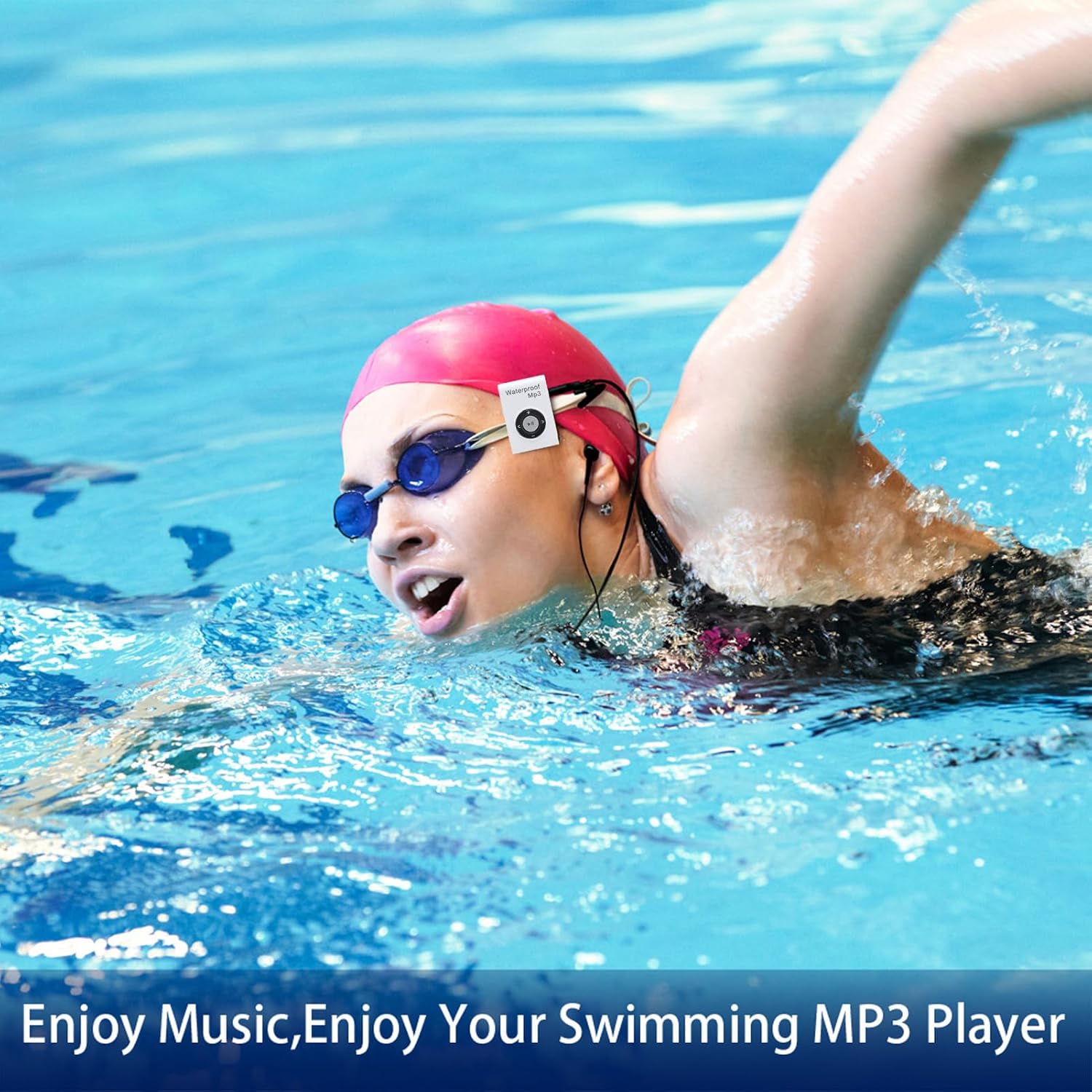
Enjoy your favorite music while swimming by securely attaching the MP3 player to your goggles.
This video demonstrates the IPX8 waterproof capability of the MP3 player by showing it functioning while submerged in water.
6. Održavanje
6.1 Čišćenje
After each use, especially in chlorinated or saltwater, rinse the MP3 player and headphones with fresh water. Wipe them dry with a soft, clean cloth. Do not use abrasive cleaners or solvents.
6.2 Skladištenje
Store the MP3 player and headphones in a cool, dry place away from direct sunlight and extreme temperatures. Avoid storing with sharp objects that could damage the device or cables.
7. Rješavanje problema
- Uređaj se ne uključuje ili ne puni:
Ensure the charging cable is securely connected to both the MP3 player and a power source. Check if the power source is active. If unresponsive, try pressing the Reset button with a small pin. - Nema zvuka ili loša kvaliteta zvuka:
Check if the headphones are fully plugged into the 3.5mm jack. Ensure the earplugs are correctly fitted and create a tight seal in your ear canal. Adjust the volume. Verify that the audio files nisu oštećeni. - Nije moguće prenijeti files:
Ensure the MP3 player is properly connected to your computer and recognized as a disk drive. Try a different USB port or cable. Ensure there is sufficient free space on the device. - Problemi s uparivanjem putem Bluetootha:
Ensure both the MP3 player and the target Bluetooth device are in pairing mode and within range. Disconnect and reconnect the Bluetooth connection.
8. Specifikacije
| Vrsta stavke | Waterproofing MP3 Player |
| Waterproofing Rating | IPX8 |
| Kapacitet memorije | 8 GB |
| Sound Decoding Formats | MP3, WMA, OGG, APE, FLAC, WAV, AAC-LC, ACELP, Audible |
| Kapacitet baterije | Litij-ionska baterija od 150mAh |
| Težina artikla | 2.01 unci (57 grama) |
| Naziv modela | YUEHISYb8i51vxmpn-12 |
| Proizvođač | YUEHISY |
9. Jamstvo i podrška
This product is guaranteed for 1 year against manufacturer's defects. For complete warranty details and to purchase replacement earbuds in more sizes, please refer to the official product webstranicu ili se obratite korisničkoj podršci.
For questions or problems, please contact customer support at:
- Email: help@underwateraudio.com
- Besplatno: 541-623-0202
Your feedback is valuable. If you love your waterproof products, tell your friends! If you don't, tell us so we can make it right.