
1. Gotovoview
The Roku Select Series HD TV provides a streamlined entertainment experience. This 32-inch 720p HD television integrates the Roku operating system for easy access to streaming content, live TV, and various applications. It features a voice remote for convenient control and includes technologies like Bluetooth Headphone Mode and Dolby Audio for enhanced sound.
Ključne značajke
- Besprijekorno strujanje: Fast Wi-Fi and quick app launches for immediate entertainment access.
- Extensive Content: Access to thousands of streaming apps, free movies, shows, and live TV channels.
- Prilagodljiv početni zaslon: Organize apps and content for personalized viewing.
- Automatska ažuriranja softvera: Ensures access to the latest features and applications.
- Integracija pametnog doma: Compatible with Roku Voice, Siri, Alexa, and Google Assistant for voice control. Supports Apple AirPlay for content sharing.
- Clear HD Picture: 720p HD resolution with Roku Smart Picture technology for optimized visuals.
- Glasovni daljinski upravljač: Search, play, and control streaming with voice commands.
- Poboljšani zvuk: Designed for clear speech and louder sound with Dolby Audio technology.
- Način rada Bluetooth slušalica: Private listening with wireless headphones.
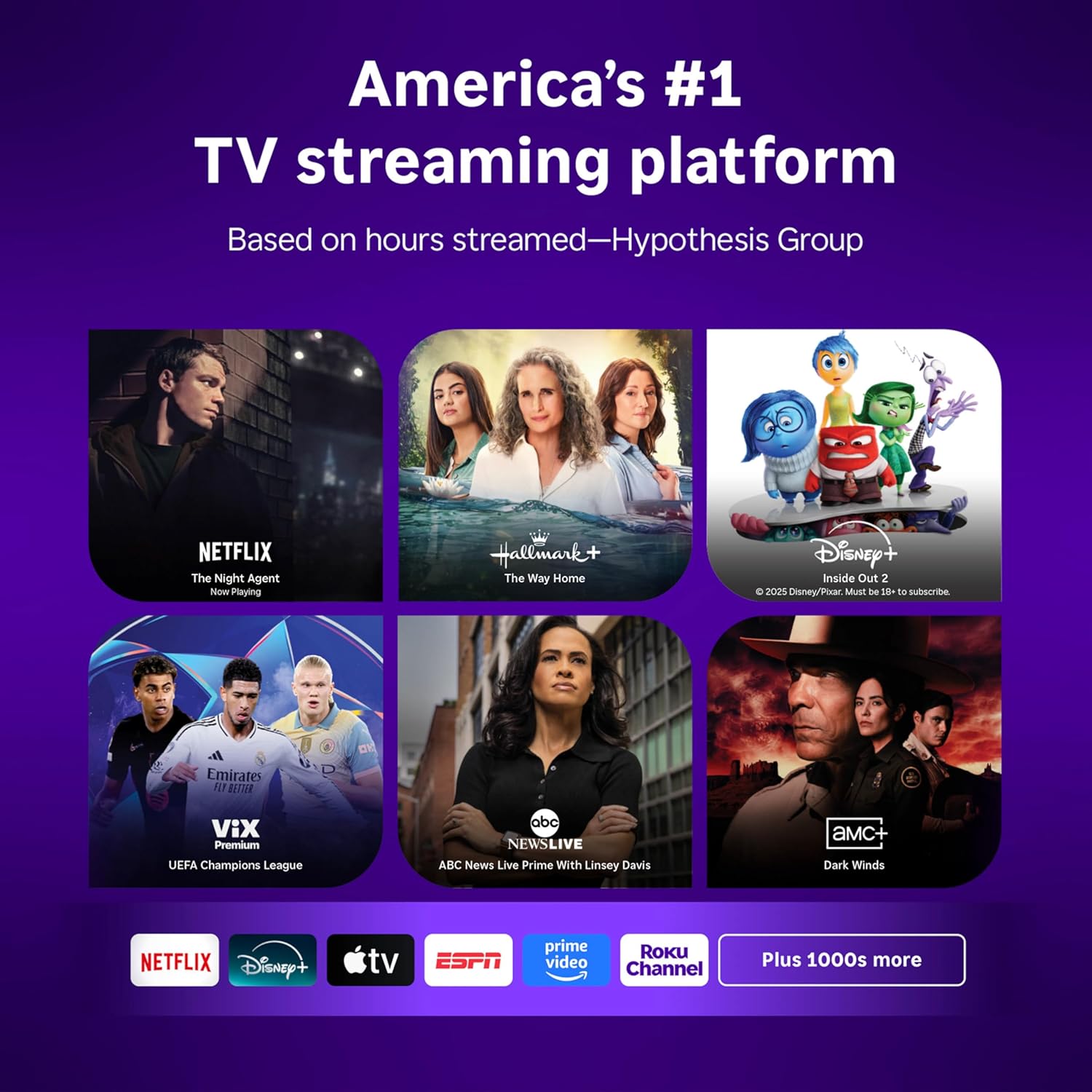
Image: Roku 32-inch Select Series HD Smart TV with included remote control.
2. Što je u kutiji
Prije nego što nastavite s postavljanjem, provjerite jesu li sve komponente prisutne.
- Roku Select Series 32" HD TV
- Stalci i vijci
- Roku Voice Remote with batteries (2 AAA)
- Kabel za napajanje
- Korisnički priručnik (ovaj dokument)

Image: Contents of the Roku Select Series TV packaging.
3. Postavljanje
3.1 Raspakiranje
Pažljivo izvadite televizor i svu dodatnu opremu iz ambalaže. Sačuvajte ambalažu za buduće potrebe transporta ili servisiranja.
3.2 Pričvršćivanje postolja
- Postavite televizor zaslonom prema dolje na meku, čistu površinu kako biste spriječili ogrebotine.
- Poravnajte TV postolje s rupama za vijke na dnu TV-a.
- Pričvrstite stalke pomoću priloženih vijaka. Pazite da su čvrsto zategnuti.
3.3 Spajanje perifernih uređaja
Spojite svoje uređaje na odgovarajuće priključke na stražnjoj strani televizora.
- HDMI: Connect up to three HDMI devices (e.g., cable box, gaming console, Blu-ray player) to the HDMI ports.
- USB: Use the USB port for media playback or connecting compatible accessories.
- Optički (S/PDIF): Za spajanje na vanjski audio sustav.
- Kabel za napajanje: Spojite kabel za napajanje na televizor, a zatim na zidnu utičnicu.
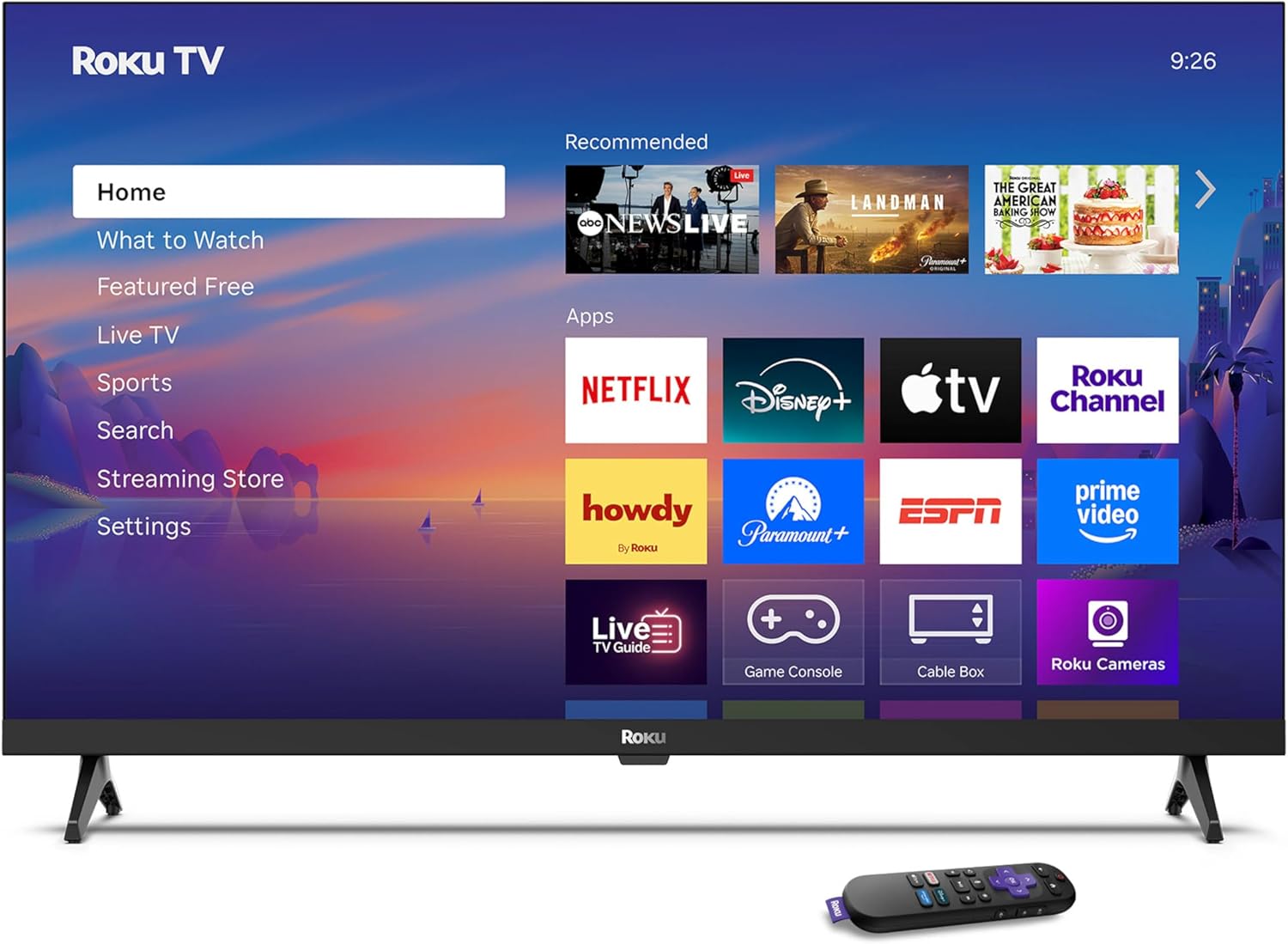
Image: Rear panel connections including HDMI, USB, and optical ports.
3.4 Početno uključivanje i mrežno spajanje
- Plug in the TV and press the power button on the remote or TV.
- Slijedite upute na zaslonu za odabir jezika i povezivanje s Wi-Fi mrežom.
- Activate your Roku account or create a new one.
Video: Prekorview of the Roku TV operating system, demonstrating its user interface and features. This video is provided by Roku, Inc.
4. Upute za rad
4.1 Korištenje glasovnog daljinskog upravljača
The Roku Voice Remote allows for intuitive control of your TV and streaming content.
- Glasovno pretraživanje: Press and hold the voice button and speak your command to search for content, launch apps, or control playback.
- Navigacija: Za kretanje kroz izbornike i odabir stavki koristite navigacijsku tipku.
- Prečaci aplikacije: Namjenske tipke omogućuju brz pristup popularnim streaming uslugama.

Image: Features of the Roku Voice Remote, highlighting voice control and shortcut buttons.
4.2 Navigating the Home Screen
The Roku Home Screen provides access to all your installed apps, inputs, and settings.
- Dom: Vraća vas na glavni početni zaslon.
- Što gledati: Discover recommended content.
- TV uživo: Access free live television channels.
- Trgovina streaminga: Browse and add new streaming channels.
- postavke: Adjust TV and system preferences.

Image: The Roku TV home screen interface.
4.3 Podešavanje postavki slike i zvuka
Prilagodite svoje viewiskustvo pjevanja i slušanja putem izbornika postavki.
- Način slike: Select from predefined modes like Standard, Vivid, Sports, or Movie. Roku Smart Picture automatically optimizes settings.
- Način zvuka: Odaberite Sound Profiles or enable features like Night Mode for reduced volume fluctuations.
- Način rada Bluetooth slušalica: Pair your wireless headphones for private audio.

Image: Picture mode settings on the Roku TV.

Image: Bluetooth Headphone Mode in use.

Image: Dolby Audio technology for clear sound.
5. Održavanje
5.1 Čišćenje zaslona
Za čišćenje TV zaslona nježno ga obrišite mekom, suhom krpom koja ne ostavlja dlačice. Za tvrdokorne mrlje laganoampIsperite krpu vodom ili otopinom za čišćenje zaslona. Izbjegavajte korištenje jakih kemikalija ili abrazivnih materijala.
5.2 Ažuriranja softvera
Your Roku TV automatically receives software updates when connected to the internet. These updates provide new features, performance improvements, and bug fixes. Ensure your TV remains connected to the internet for optimal performance.
6. Rješavanje problema
If you encounter issues with your Roku TV, refer to the following common solutions:
- Bez napajanja: Provjerite je li kabel za napajanje sigurno priključen i u televizor i u ispravnu električnu utičnicu. Pokušajte s drugom utičnicom.
- Nema slike/zvuka: Verify that the correct input source is selected. Check all cable connections (HDMI, audio). Restart the TV by unplugging it for 30 seconds and plugging it back in.
- Daljinski ne radi: Replace the AAA batteries in the remote. Ensure there are no obstructions between the remote and the TV. For voice remote issues, re-pair the remote if necessary (refer to Roku support for specific steps).
- Problemi s mrežnom vezom: Restart your Wi-Fi router and modem. Go to the TV's settings menu, then Network, and try reconnecting to your Wi-Fi network.
- Aplikacija se ne učitava/ruši: Try restarting the app. If the issue persists, remove the app from the home screen, restart the TV, and then re-add the app from the Streaming Store.
7. Specifikacije
| Značajka | Detalj |
|---|---|
| Veličina zaslona | 32 inča |
| Tehnologija zaslona | LED |
| Rezolucija | 720 p |
| Brzina osvježavanja | 60 Hz |
| Posebne značajke | Bluetooth Headphone Mode, Dolby Audio, Voice Remote |
| Tehnologija povezivanja | Bluetooth, WiFi |
| Ukupno HDMI priključaka | 3 |
| Ukupno USB priključaka | 1 |
| Audio ulaz | HDMI |
| Operativni sustav | Roku OS |
| Vrsta montaže | Nosač za stol, Nosač za zid |
| VESA standard za montažu | 200 x 200 mm |
| Dimenzije proizvoda (D x Š x V) | 7"D x 28.3"Š x 18.3"V |
| Težina artikla | 7.5 funti |
| Broj modela | 32R2D5 |
| UPC | 829610008974 |
8. Informacije o jamstvu
8.1 Ograničeno jamstvo
Roku warrants the hardware against defects in materials and workmanship under normal use for a period of one (1) year from the date of purchase ("Warranty Period"). If Roku determines that the device’s hardware is defective during the Warranty Period, Roku’s sole obligation, and your exclusive remedy, will be to either repair or replace the unit with either a new or rebuilt device, at its option. This warranty applies if the product is used in accordance with the provided documentation.
8.2 Pravila povrata
You may return a device for any reason:
- Within thirty (30) days from the date of purchase from Roku.
- Within the applicable return period if purchased from an authorized reseller or distributor.
Additional details regarding product returns can be found on the Roku support site.
9. Podrška
For further assistance, troubleshooting guides, and frequently asked questions, please visit the official Roku support webstranica: