
1. Proizvod je gotovview
The BUGANI Luster Bluetooth Speaker is a portable wireless stereo speaker designed for high-quality audio output with dynamic colorful lighting. It features Bluetooth 5.3 connectivity, IPX6 waterproofing, and extended playtime, making it suitable for various indoor and outdoor environments.

Image: The BUGANI Luster Bluetooth Speaker, showcasing its design and the vibrant light effects, surrounded by water splashes to highlight its waterproof capabilities.
2. Što je u kutiji
- BUGANI Luster Bluetooth Speaker
- USB-C kabel za punjenje
- AUX ulazni kabel
- Kratki vodič za početak
- Odvojiva uzica
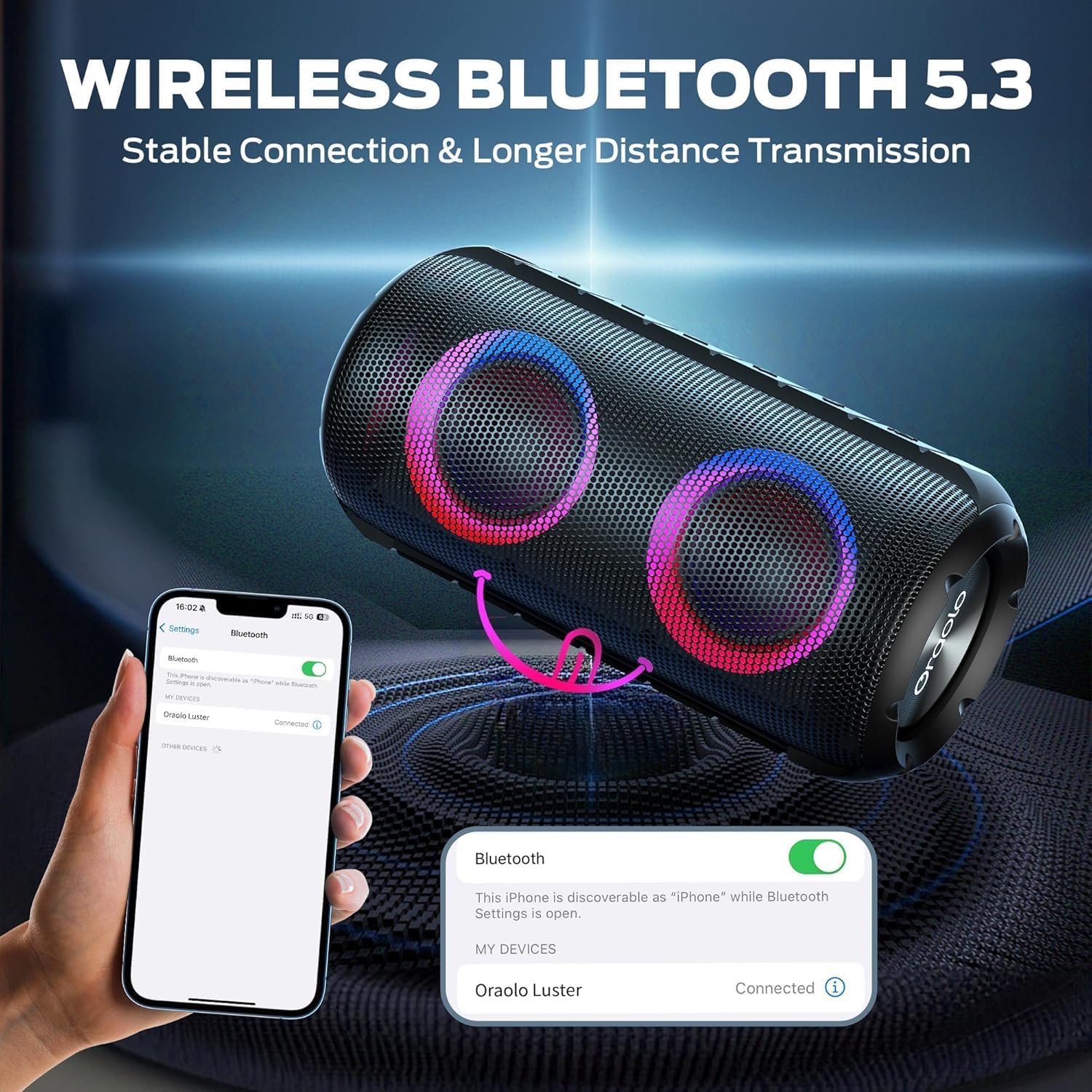
Image: The BUGANI Luster Bluetooth Speaker with its detachable lanyard, illustrating its portability and ease of carrying.
3. Postavljanje
3.1 Početno punjenje
Before first use, fully charge the speaker. Connect the provided USB-C cable to the speaker's charging port and the other end to a USB power adapter (not included) or a computer's USB port. The charging indicator light will show the charging status.
3.2 Uključivanje/isključivanje
- Uključivanje: Pritisnite i držite tipku za napajanje (⏻) for 2-3 seconds until you hear an audible prompt and the lights illuminate.
- Isključivanje: Pritisnite i držite tipku za napajanje (⏻) for 2-3 seconds until you hear an audible prompt and the lights turn off.
3.3 Bluetooth uparivanje
- Provjerite je li zvučnik uključen i u načinu rada za Bluetooth uparivanje (što je naznačeno trepćućim plavim svjetlom).
- Na svom uređaju (pametnom telefonu, tabletu itd.) omogućite Bluetooth i potražite dostupne uređaje.
- Select "BUGANI Luster" from the list of devices.
- Once connected, you will hear a confirmation sound, and the Bluetooth indicator light will become solid blue.
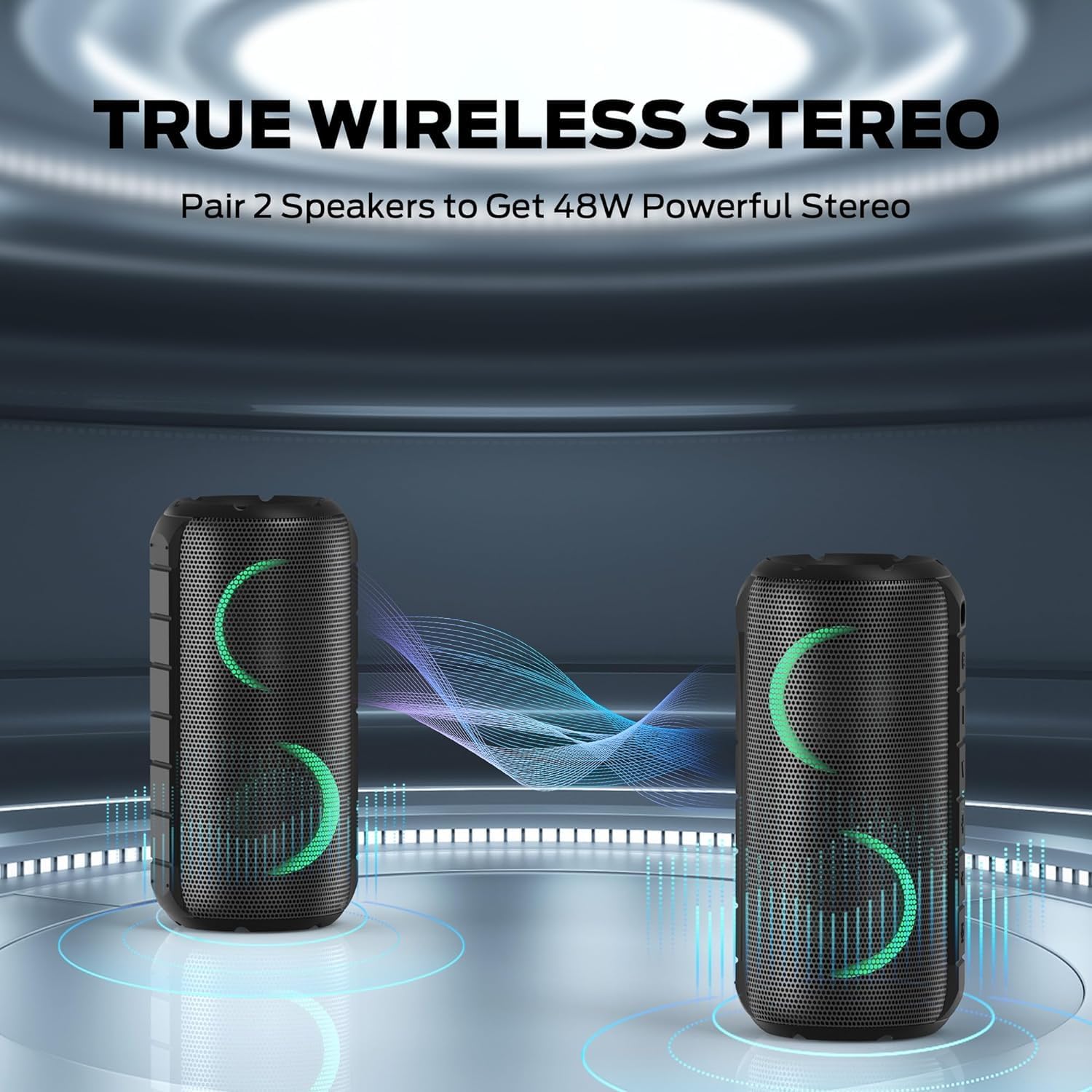
Image: A smartphone displaying its Bluetooth settings, showing a successful connection to the "Oraolo Luster" (BUGANI Luster) speaker, demonstrating the ease of Bluetooth 5.3 pairing.
3.4 Uparivanje s pravim bežičnim stereo sustavom (TWS)
To achieve a more immersive stereo sound, you can pair two BUGANI Luster speakers together.
- Provjerite jesu li oba zvučnika uključena i nisu povezana ni s jednim Bluetooth uređajem.
- On one speaker (this will be the primary speaker), press the TWS button (often indicated by two interlocking circles or a dedicated TWS icon). The speaker will enter TWS pairing mode.
- The primary speaker will automatically search for the secondary speaker. Once connected, you will hear a confirmation sound, and the lights on both speakers will synchronize.
- Sada spojite svoj uređaj na primarni zvučnik putem Bluetootha kako je opisano u odjeljku 3.3. Zvuk će se reproducirati kroz oba zvučnika u stereo formatu.

Image: Two BUGANI Luster speakers positioned to illustrate their True Wireless Stereo (TWS) pairing capability, creating a wider soundstage.
3.5 Priključak AUX-ulaza
For non-Bluetooth devices, use the provided 3.5mm AUX-in cable.
- Connect one end of the 3.5mm AUX-in cable to the speaker's AUX-in port.
- Drugi kraj spojite na audio izlaz vašeg uređaja.
- Zvučnik će se automatski prebaciti u AUX-in način rada.
4. Upute za rad
4.1 Funkcije gumba

Slika: Krupni plan view of the BUGANI Luster speaker's top panel, clearly showing the control buttons for various functions.
| Gumb | Funkcija (kratki pritisak) | Funkcija (dugi pritisak) |
|---|---|---|
| ⏻ (Vlast) | N/A | Uključivanje/isključivanje |
| + (Pojačati) | Povećaj glasnoću | Sljedeća pjesma |
| - (Stišavanje zvuka) | Stišaj zvuk | Prethodna pjesma |
| ▶‖ (Reprodukcija/Pauza) | Reprodukcija/Pauza; Odgovori/prekini poziv | Reject Call; Activate Voice Assistant |
| 💡 (Light Mode) | Cycle through Light Modes | Uključite/isključite svjetla |
| TWS (TWS Pairing) | N/A | Uđite u TWS način uparivanja |
4.2 Colorful Light Show
The speaker features a dynamic RGB light system with 7 colors and 5 light modes. Press the Light Mode button (💡) to cycle through the available modes. Long press the button to turn the lights on or off.

Image: The BUGANI Luster speaker showcasing its vibrant and dynamic colorful light patterns, which enhance the listening experience.
4.3 Pozivi bez upotrebe ruku
Kada je spojen putem Bluetootha, ugrađeni mikrofon zvučnika omogućuje hands-free pozive.
- Odgovori/prekini poziv: Kratko pritisnite tipku Reproduciraj/Pauziraj (▶‖).
- Odbij poziv: Dugo pritisnite tipku Reproduciraj/Pauziraj (▶‖).
4.4 Aktivacija glasovnog asistenta
Dugo pritisnite tipku Reproduciraj/Pauziraj (▶‖) to activate your phone's voice assistant (e.g., Siri, Google Assistant).
5. Održavanje
5.1 Čišćenje
Obrišite zvučnik mekom, damp krpom. Nemojte koristiti abrazivna sredstva za čišćenje, alkohol ili kemijska otapala, jer mogu oštetiti površinu ili unutarnje komponente.
5.2 Vodootpornost (IPX6)
The speaker has an IPX6 waterproof rating, meaning it is protected against powerful water jets. It is suitable for use in rainy conditions or near water bodies like pools and beaches. However, it is ne designed for submersion in water. Ensure the charging port cover is securely closed before exposing the speaker to water.
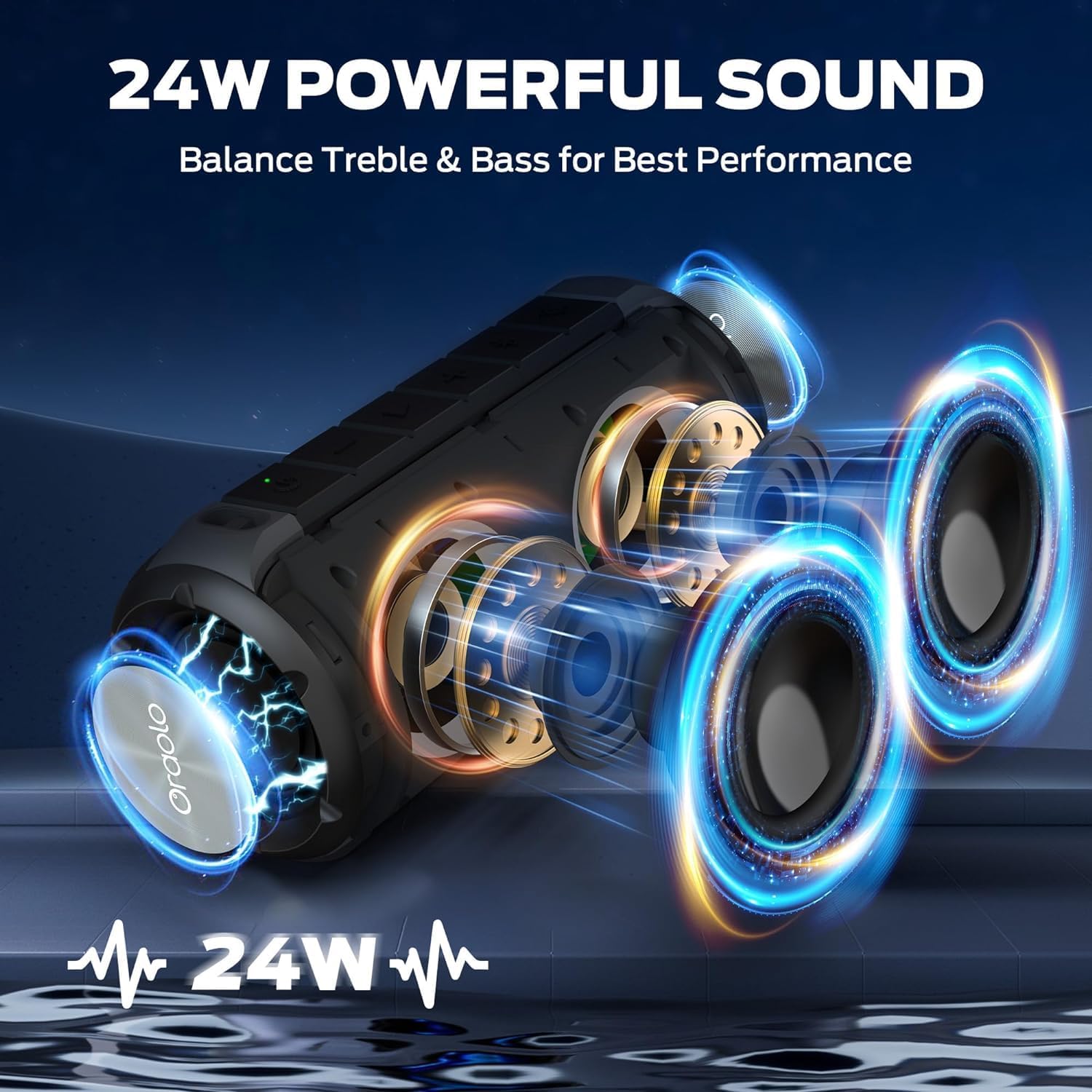
Image: The BUGANI Luster speaker resting on a wet rock with water droplets, visually confirming its IPX6 waterproof rating for outdoor use.
5.3 Skladištenje
Zvučnik čuvajte na hladnom i suhom mjestu, dalje od izravne sunčeve svjetlosti i ekstremnih temperatura. Ako ga skladištite dulje vrijeme, punite bateriju do otprilike 50% svakih nekoliko mjeseci kako biste održali njezino zdravlje.
6. Rješavanje problema
6.1 Bez napajanja
- Provjerite je li zvučnik potpuno napunjen.
- Pritisnite i držite gumb za napajanje 2-3 sekunde.
6.2 Nema zvuka
- Provjerite razinu glasnoće i na zvučniku i na spojenom uređaju.
- Ensure the speaker is correctly paired via Bluetooth or the AUX-in cable is securely connected.
- If using Bluetooth, try disconnecting and re-pairing the device.
6.3 Problemi s uparivanjem putem Bluetootha
- Ensure the speaker is within the effective range (up to 33 feet/10 meters) of your device.
- Izbrišite povijest uparivanja putem Bluetootha na svom uređaju i pokušajte ponovno upariti uređaj.
- Isključite i uključite i zvučnik i uređaj.
- Provjerite da drugi Bluetooth uređaji ne ometaju rad.
6.4 TWS Pairing Fails
- Provjerite jesu li oba zvučnika potpuno napunjena i nisu povezana s drugim Bluetooth uređajem.
- Place the speakers close to each other during the TWS pairing process.
- Follow the TWS pairing steps precisely as described in section 3.4.
7. Specifikacije
| Značajka | Detalj |
|---|---|
| Marka | BUGANI |
| Naziv modela | M166 |
| Vrsta zvučnika | Prijenosni stereo zvučnik |
| Maksimalna izlazna snaga zvučnika | 24 vata |
| Tehnologija povezivanja | Bluetooth 5.3, Auxiliary (3.5mm AUX-in) |
| Ocjena vodootpornosti | IPX6 |
| Vrijeme za igru | Up to 24 hours (at 50% volume, lights off) |
| Dimenzije proizvoda | 4"D x 8"Š x 4"V |
| Težina artikla | 1.34 funti (0.61 kilograma) |
| Baterije | Potrebna 1 AA baterija (uključena) |
8. Jamstvo i podrška
BUGANI products are manufactured to high-quality standards. For specific warranty information and support, please refer to the warranty card included with your product or visit the official BUGANI webstranicu. Sačuvajte račun kao dokaz o kupnji za slučaj reklamacije.
For technical assistance or customer service inquiries, please contact BUGANI customer support through their official channels.