
ARCCTV P2
ARCCTV 2K Security Camera Outdoor P2 User Manual
Model: P2
1. Uvod
This manual provides detailed instructions for the installation, operation, and maintenance of your ARCCTV 2K Security Camera Outdoor P2. Please read this manual thoroughly before using the product to ensure correct usage and optimal performance. Keep this manual for future reference.

Slika 1.1: Prednja strana view of the ARCCTV 2K Security Camera Outdoor P2.
2. Što je u kutiji
Provjerite jesu li sve komponente prisutne u paketu:
- Tijelo kamere
- 5V1A strujni adapter
- Vijci za montažu (set)
- Screw Positioning Sticker
- Naljepnica upozorenja
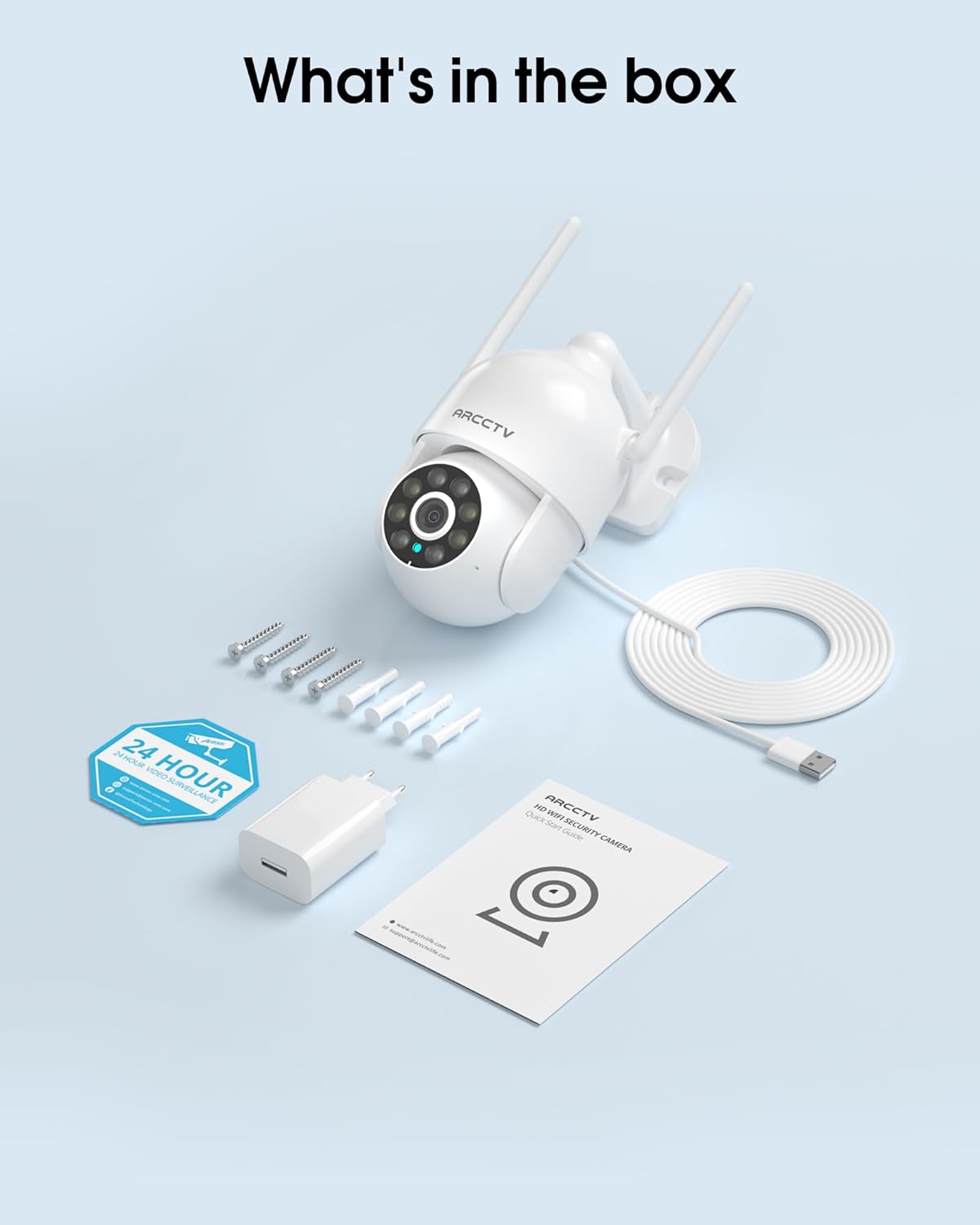
Image 2.1: All items included in the ARCCTV 2K Security Camera package.
3. Značajke proizvoda
- 2K Ultra HD rezolucija: Provides clear 2304x1296p video.
- Noćni vid u punoj boji: Built-in spotlight enables vivid color monitoring in low light.
- 360° Pan-Tilt-Zoom (PTZ): Remotely control 355° horizontal and 90° vertical rotation.
- Automatsko praćenje kretanja: Smart AI automatically follows and records detected movement.
- Dvopojasni WiFi: Supports both 2.4G and 5G WiFi for stable connectivity.
- Dvosmjerni zvuk: Ugrađeni mikrofon i zvučnik za komunikaciju.
- IP66 Otporan na vremenske uvjete: Durable design for outdoor use in various weather conditions (-4°F ~ 122°F).
- Fleksibilna pohrana: Supports local microSD card storage (up to 128GB, not included) and optional cloud storage.
- Snimanje 24/7: Continuous recording capability with stable power supply.
4. Postavljanje
4.1 Instalacija
- Odaberite lokaciju: Odaberite vanjsko mjesto s čistim view of the area you wish to monitor. Ensure it is within range of your Wi-Fi network and a power outlet.
- Montirajte kameru: Use the provided screw positioning sticker to mark drill holes. Drill holes, insert wall anchors, and secure the camera body to the wall using the mounting screws.
- Priključite napajanje: Plug the 5V1A power adapter into the camera and then into a power outlet. The camera will power on and begin its startup sequence.
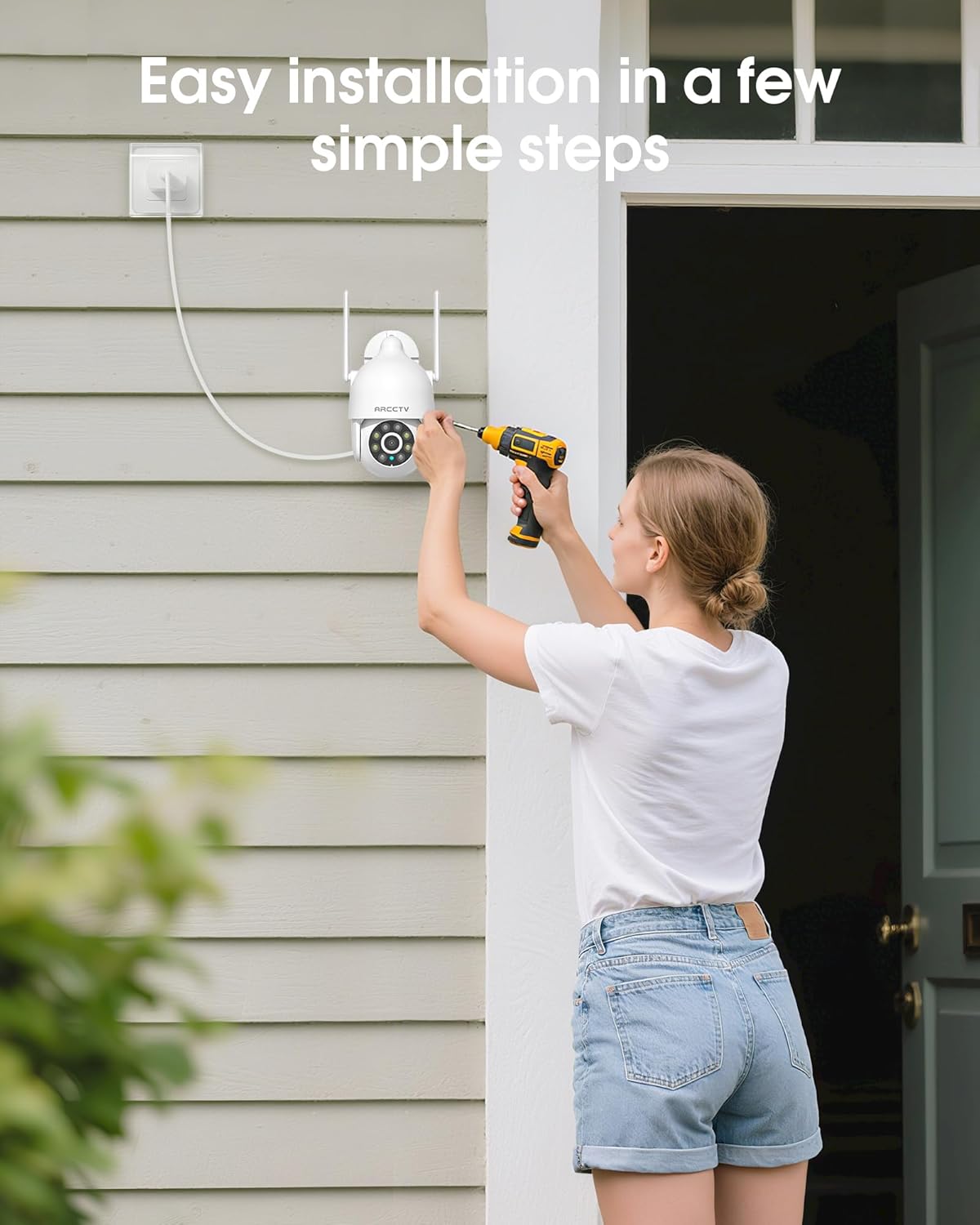
Image 4.1: Illustration of easy camera installation steps.
4.2 Preuzimanje aplikacije i stvaranje računa
- Download the official ARCCTV app from your smartphone's app store (iOS or Android).
- Otvorite aplikaciju i slijedite upute na zaslonu za izradu novog računa ili se prijavite ako ga već imate.
4.3 Wi-Fi veza
- U aplikaciji dodirnite ikonu "Dodaj uređaj" ili "+".
- Select your camera model and follow the prompts to connect it to your Wi-Fi network. The camera supports both 2.4GHz and 5GHz bands for stable connectivity.
- Ensure your smartphone is connected to the same Wi-Fi network during the setup process.
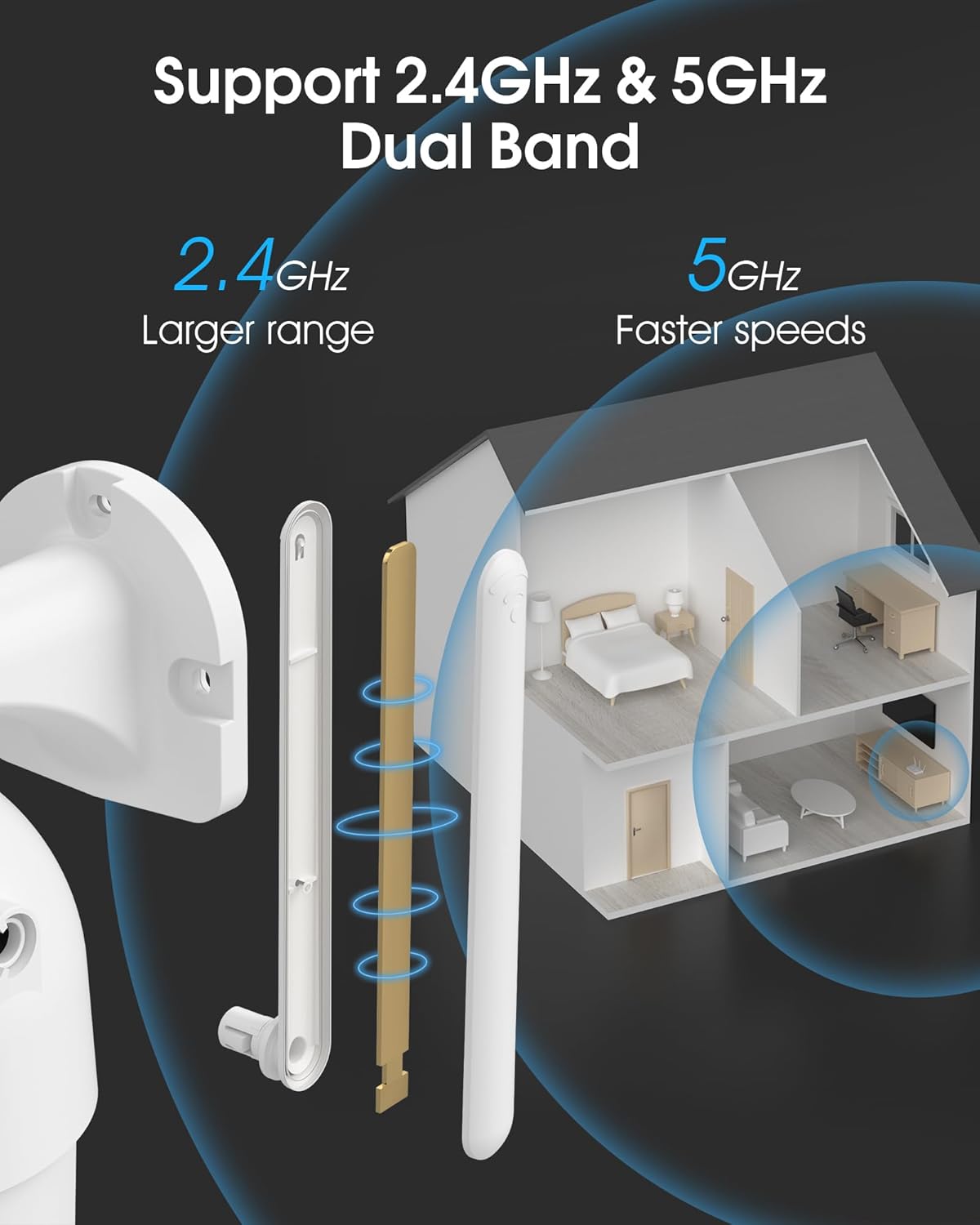
Image 4.2: The camera supports both 2.4GHz (larger range) and 5GHz (faster speeds) Wi-Fi bands.
4.4 Ugradnja MicroSD kartice (opcionalno)
For local storage, install a microSD card (up to 128GB, not included) into the designated slot on the camera. Ensure the camera is powered off before inserting or removing the card.

Image 4.3: Location of the microSD card slot on the camera.
5. Upravljanje kamerom
5.1 Uživo View
Open the ARCCTV app and select your camera to view prijenos uživo. Možete pratiti svoju nekretninu u stvarnom vremenu.
5.2 Upravljanje panoramskim, nagibnim i zumirajućim (PTZ) sustavom
Uživo view screen, use the directional controls to rotate the camera horizontally (Pan: 355°) and vertically (Tilt: 90°) to adjust the viewing angle. You can also set preset points for quick navigation.
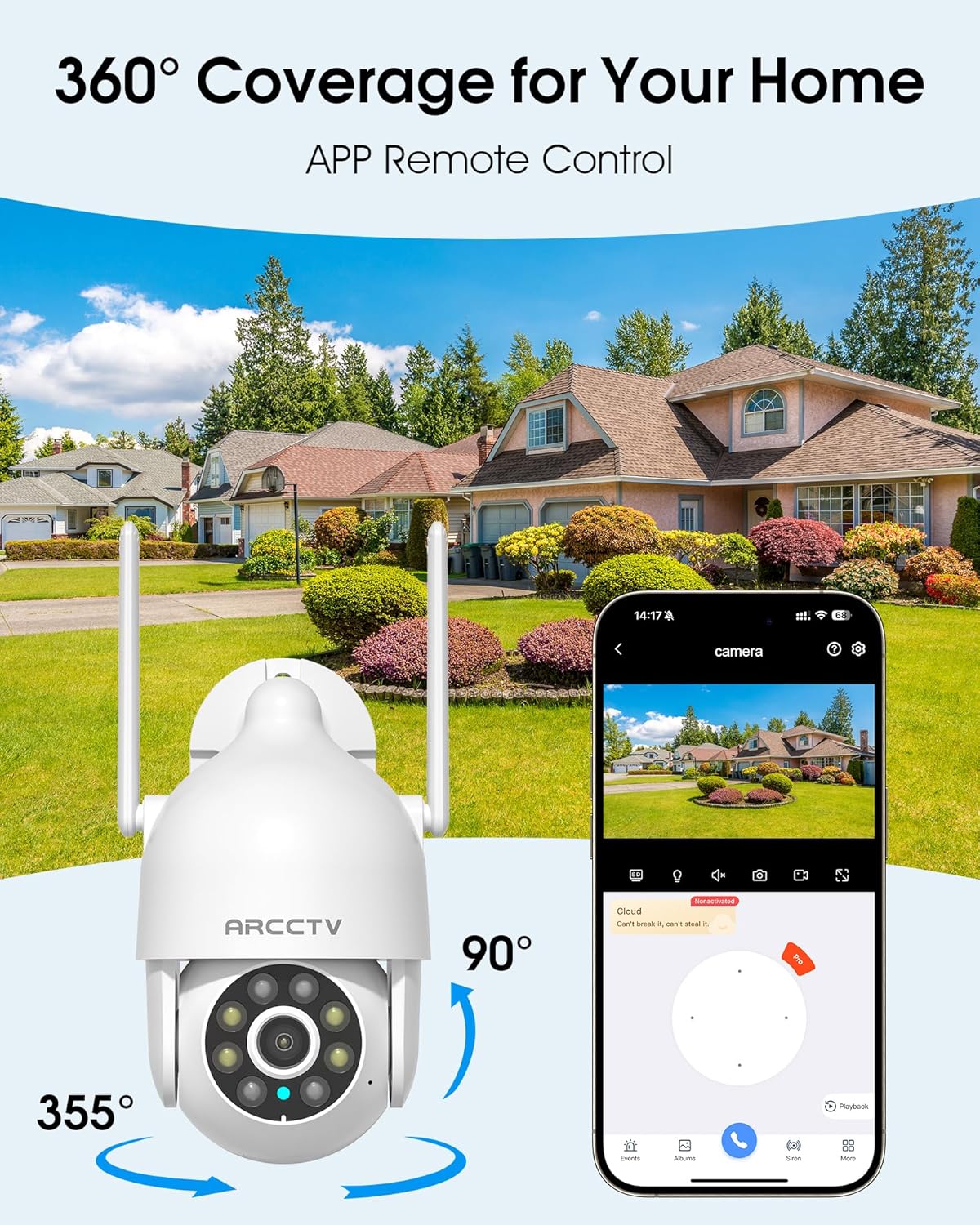
Image 5.1: The camera offers 360° coverage through remote pan and tilt controls.
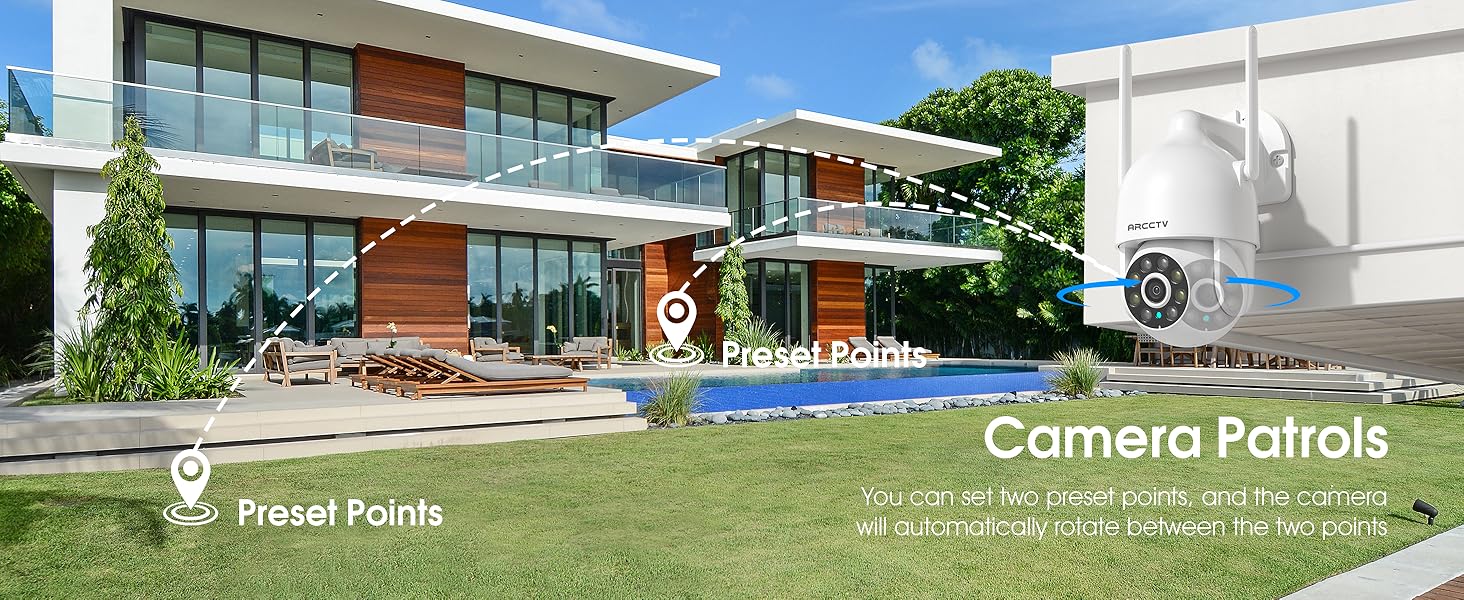
Image 5.2: Setting up camera patrol routes between preset points.
5.3 Motion Tracking and Alerts
The camera features smart AI motion tracking that automatically follows detected movement. You can customize alert zones and receive instant notifications on your smartphone when motion is detected.

Image 5.3: The camera's smart motion tracking feature in action.

Image 5.4: Instant alerts with customizable settings, including spotlight, siren, and two-way audio.
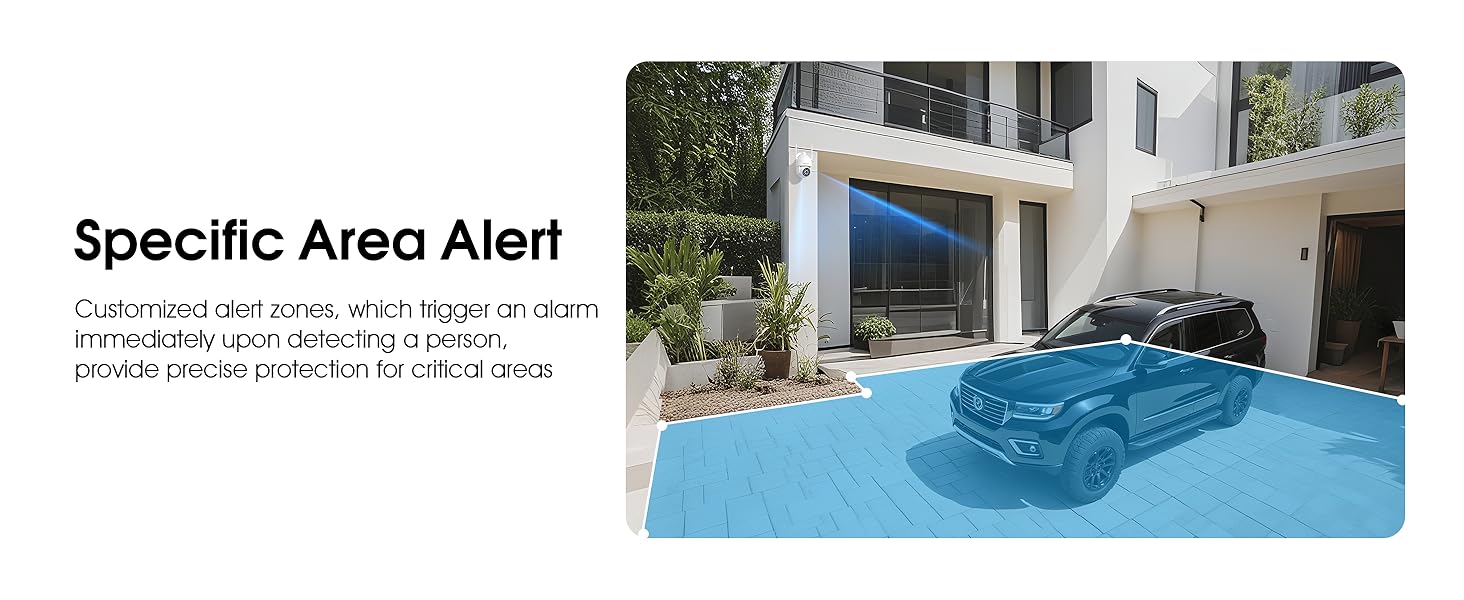
Image 5.5: Setting up specific area alerts for precise protection.
5.4 Načini noćnog vida
The camera offers both full-color night vision (activated by the built-in spotlight) and infrared night vision for clear monitoring in various low-light conditions.

Image 5.6: Comparison of Color Night Vision and Infrared Night Vision.
5.5 Dvosmjerni zvuk
Use the two-way audio feature to communicate with visitors or deter unwanted guests directly through the camera's built-in microphone and speaker.
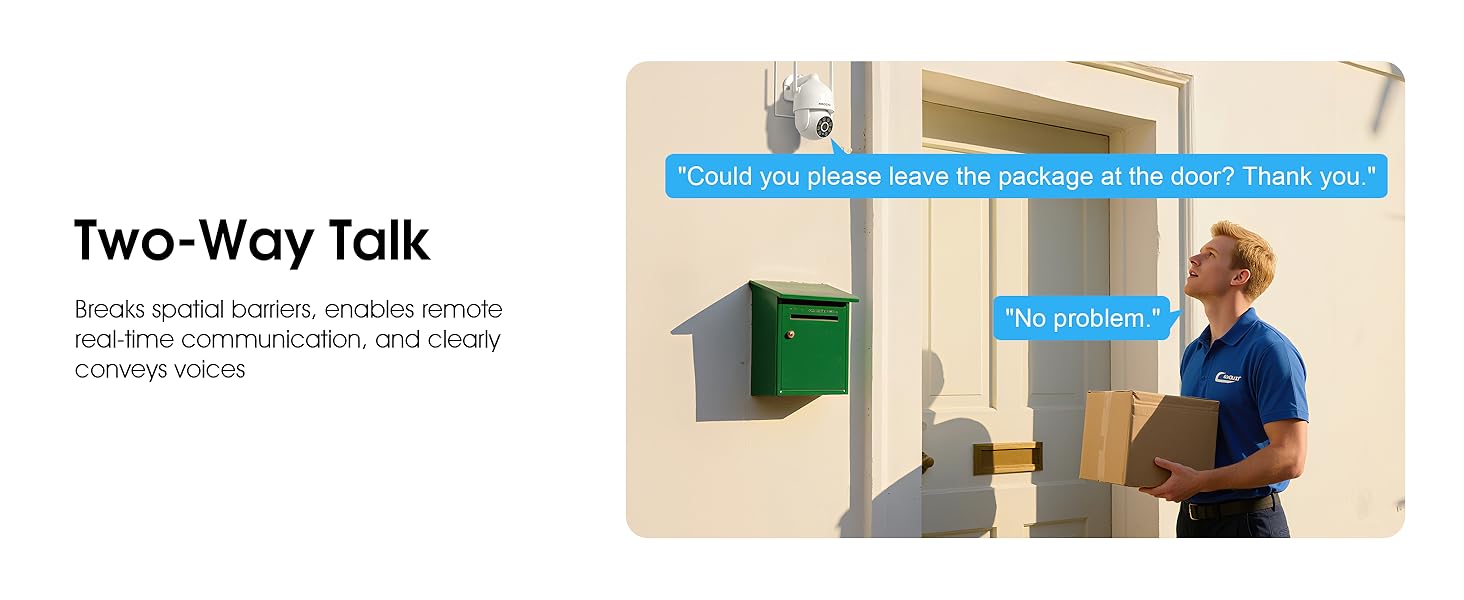
Image 5.7: Utilizing two-way talk for remote communication.
5.6 Snimanje i reprodukcija
The camera supports 24/7 continuous recording. Footage can be saved to a local microSD card (up to 128GB) or to optional cloud storage. Access recorded videos through the app's playback function.

Image 5.8: The camera provides 24/7 recording capabilities.
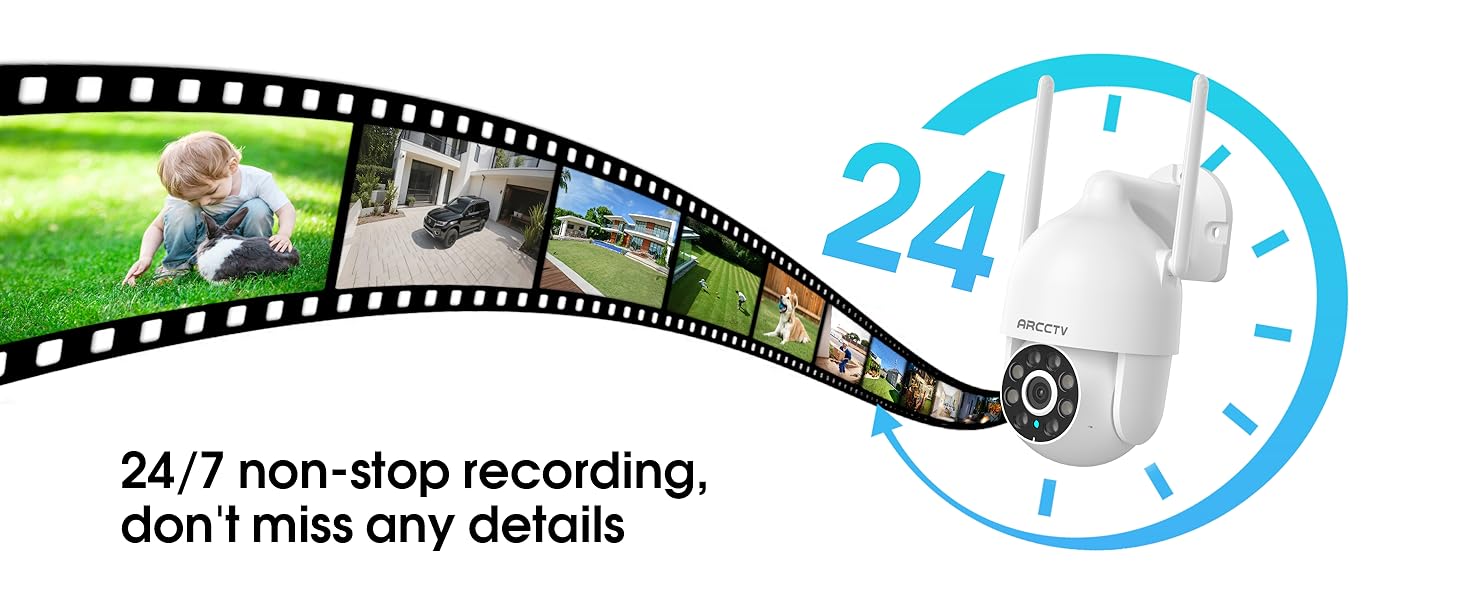
Image 5.9: Continuous 24/7 recording ensures no details are missed.
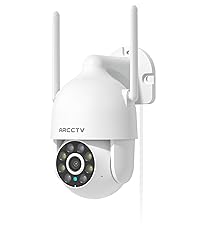
Image 5.10: Cloud storage encryption for secure and accessible recordings (subscription may apply).
5.7 Dijeljenje s obitelji
The app supports multi-member sharing, allowing family members to view the camera feed and collaborate on security monitoring.
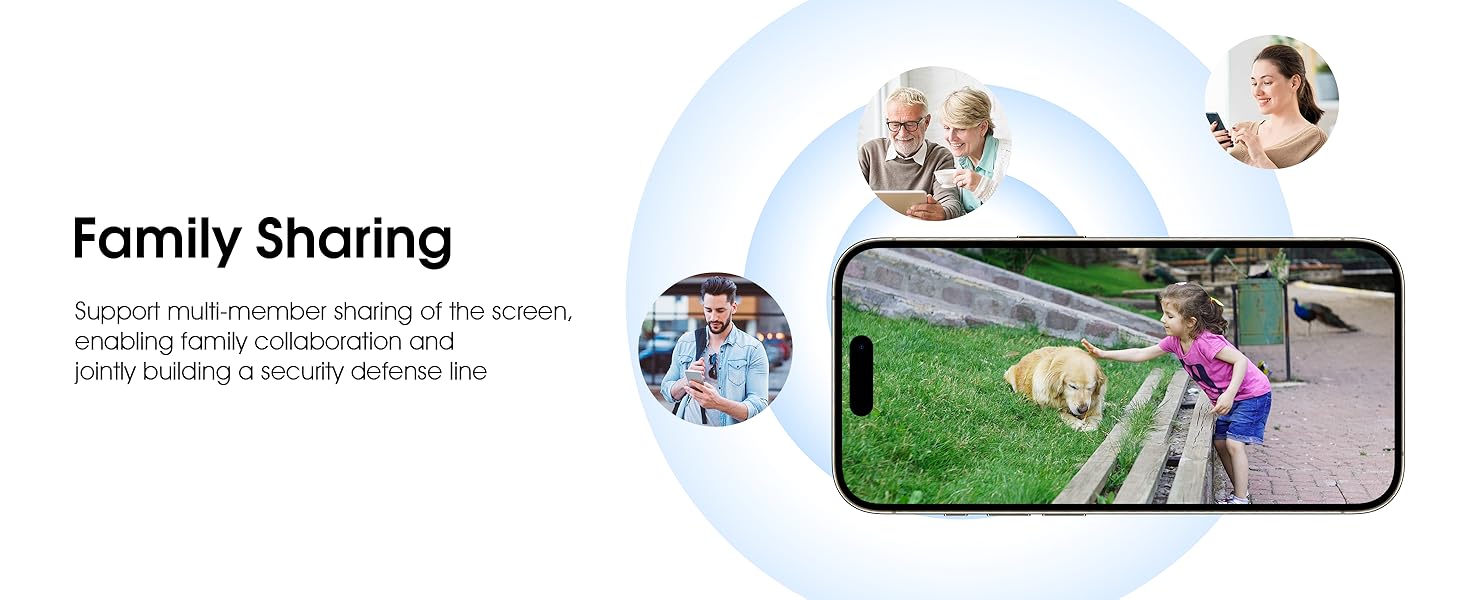
Image 5.11: The family sharing feature allows multiple users to access the camera feed.
5.8 Kompatibilnost s Alexom
The camera is compatible with Alexa, allowing you to check the monitoring screen using voice commands.
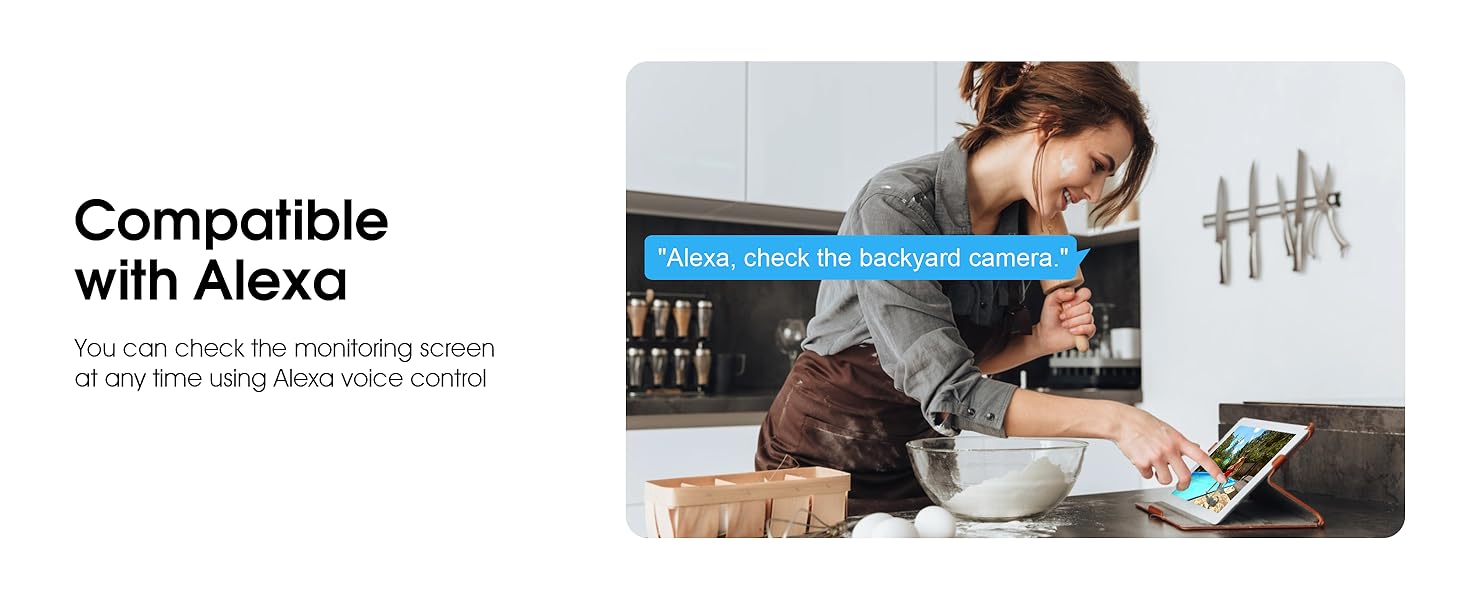
Image 5.12: Voice control via Alexa for convenient monitoring.
6. Održavanje
6.1 Čišćenje fotoaparata
Povremeno čistite objektiv i kućište kamere mekom krpomamp krpom za uklanjanje prašine i ostataka. Nemojte koristiti jake kemikalije ili abrazivna sredstva za čišćenje.
6.2 ažuriranja firmvera
Ensure your camera's firmware is up to date for optimal performance and security. Check for updates within the ARCCTV app and follow the instructions to install them.
6.3 Upravljanje pohranom
If using a microSD card, regularly check its status in the app. Format the card periodically to maintain performance. For cloud storage, manage your subscription and storage space through the app.
7. Rješavanje problema
- Kamera se ne povezuje na Wi-Fi:
- Ensure your Wi-Fi network is 2.4GHz or 5GHz and has a strong signal at the camera's location.
- Provjerite je li lozinka za Wi-Fi ispravno unesena.
- Ponovno pokrenite ruter i kameru.
- Loša kvaliteta slike:
- Očistite leću fotoaparata.
- Osigurajte odgovarajuću rasvjetu za optimalne performanse noćnog vida.
- Provjerite brzinu internetske veze.
- Detekcija pokreta ne radi:
- Provjerite je li detekcija pokreta omogućena u postavkama aplikacije.
- Podesite postavke osjetljivosti.
- Provjerite da u vidnom polju kamere nema prepreka view.
- No Recording to MicroSD Card:
- Ensure a microSD card is properly inserted and formatted in the app.
- Check if the card is full; consider formatting or replacing it.
- Provjerite postavke snimanja u aplikaciji.
8. Specifikacije
| Značajka | Specifikacija |
|---|---|
| Naziv modela | P2 |
| Unutarnja/vanjska upotreba | Vanjski |
| Rezolucija video snimanja | 2K (2304x1296p) |
| Tehnologija povezivanja | Bežično (Wi-Fi) |
| Bežična komunikacijska tehnologija | Wi-Fi (2.4G/5G dvopojasni) |
| Viewing kut | 360 stupnjeva (355° panoramsko okretanje, 90° nagib) |
| Domet noćnog vida | 50 stopa |
| Razina vodootpornosti | IP66 vodootporan |
| Izvor napajanja | 5V1A strujni adapter |
| Maksimalna podržana veličina flash memorije | 128 GB (MicroSD) |
| Mogućnosti audiovizualnog snimanja | Video i audio |
| Posebna značajka | 2-Way Audio, Motion Tracking, Full Color Night Vision |
| Dimenzije artikla D x Š x V | 7.8 x 6.6 x 5.3 inča |
| Težina artikla | 1.39 funti |
9. Jamstvo i podrška
For warranty information and technical support, please refer to the official ARCCTV website or contact their customer service directly. Contact details are typically provided on the product packaging or within the mobile application.
Ask a question about this manual
Ask about setup, troubleshooting, compatibility, parts, safety, or missing instructions. Manuals+ will review the question and use this page’s manual context to help answer it.