
Uvod
The VEKJ A68 Pro AI Translation Earbuds are designed to facilitate seamless communication across language barriers. These earbuds integrate real-time translation, music playback, and call functions, making them suitable for various personal and professional applications. This manual provides detailed instructions for setup, operation, and maintenance of your device.

Image: The VEKJ A68 Pro AI Translation Earbuds in their rose gold charging case, displaying battery levels.
Sadržaj paketa
Molimo provjerite jesu li svi artikli prisutni u vašem paketu:
- A68 Pro Translator Earbuds (2 units)
- USB-C kabel za punjenje (1 komad)
- Instructions for use (1 manual)
- Translation manual (1 manual)
- Nastavci za uši (3 para)
Vodič za postavljanje
1. Punjenje slušalica
Before first use, fully charge the earbuds and the charging case. Connect the provided USB-C cable to the charging case and a power source. The LED display on the case will indicate the charging status.
2. Downloading the "Ear Dance" App
The "Ear Dance" application is essential for utilizing the translation features of your earbuds. You can download it using one of the following methods:
- Scan the QR code provided in the physical instruction manual.
- Tražiti "Ear Dance" in your device's app store (Google Play Store for Android, Apple App Store for iOS).
- Alternatively, you can visit the direct download link: https://earjoy.watchfun.cn/app-download-h5?appCode=eardance

Image: Visual guide for downloading the "Ear Dance" app via QR code or app store search, and the three-step activation process.
3. Pairing with Your Device and Activating the App
Follow these steps to connect your earbuds and activate the "Ear Dance" app:
- Step 1: Connect Earbuds via Bluetooth. Open the charging case. On your mobile phone, go to Bluetooth settings and select "A68 Pro" to pair. You should hear a confirmation sound.
- Step 2: Launch the "Ear Dance" App. Open the "Ear Dance" application on your phone. The app will automatically detect and attempt to connect to the earbuds.
- Step 3: Activate Device. Within the app, you may be prompted to scan a QR code or enter an authorization code found in your instruction manual to complete the device activation.
Upute za rad
Translation Modes (Supported Languages: 164, unless specified)
The VEKJ A68 Pro offers multiple translation modes to suit different communication scenarios:
Audio and Video Call Translation Mode
This mode enables real-time language conversion during audio and video calls. It automatically recognizes and translates spoken dialogue, displaying subtitles on your screen or playing translated audio through the earbuds. Ideal for international conferences or video chats with overseas contacts.

Image: A smartphone screen showing the Audio and Video Call Translation Mode interface, with a video call in progress and translated text.
Način slobodnog razgovora
In Free Talk mode, you wear the earbuds and speak in your native language. The device automatically recognizes and translates your speech into the target language, delivering the translation through the earbuds or via the phone speaker. This mode is suitable for dynamic, two-way conversations and travel.

Image: Two individuals in a business setting, one wearing earbuds, demonstrating the Free Talk translation mode.
Headset + Phone Mode
This mode is designed for quick two-way interactions. One person wears the earbuds, while the other speaks into the phone. The earbuds capture the wearer's voice, and the phone captures the other person's voice, with translations appearing on the phone screen in real-time. Audio output is available through either device.

Image: A woman outdoors, wearing earbuds and looking at her phone, illustrating the Headset + Phone translation mode.
Translator Machine Mode
Functioning as a standalone translator, this mode does not require the earbuds. Speak directly into your phone for instant voice translation, with results displayed on-screen and played through the phone's speaker. Useful when earbuds are not convenient.

Image: A man holding a smartphone, demonstrating the Translator Machine Mode where the phone acts as a standalone translator.
Photo Translation (Supported Languages: 20)
Use your phone's camera to take a picture of foreign text (e.g., a menu, sign, or document). The app will automatically translate the text in the image into your selected language. This is helpful for reading foreign signs or documents.
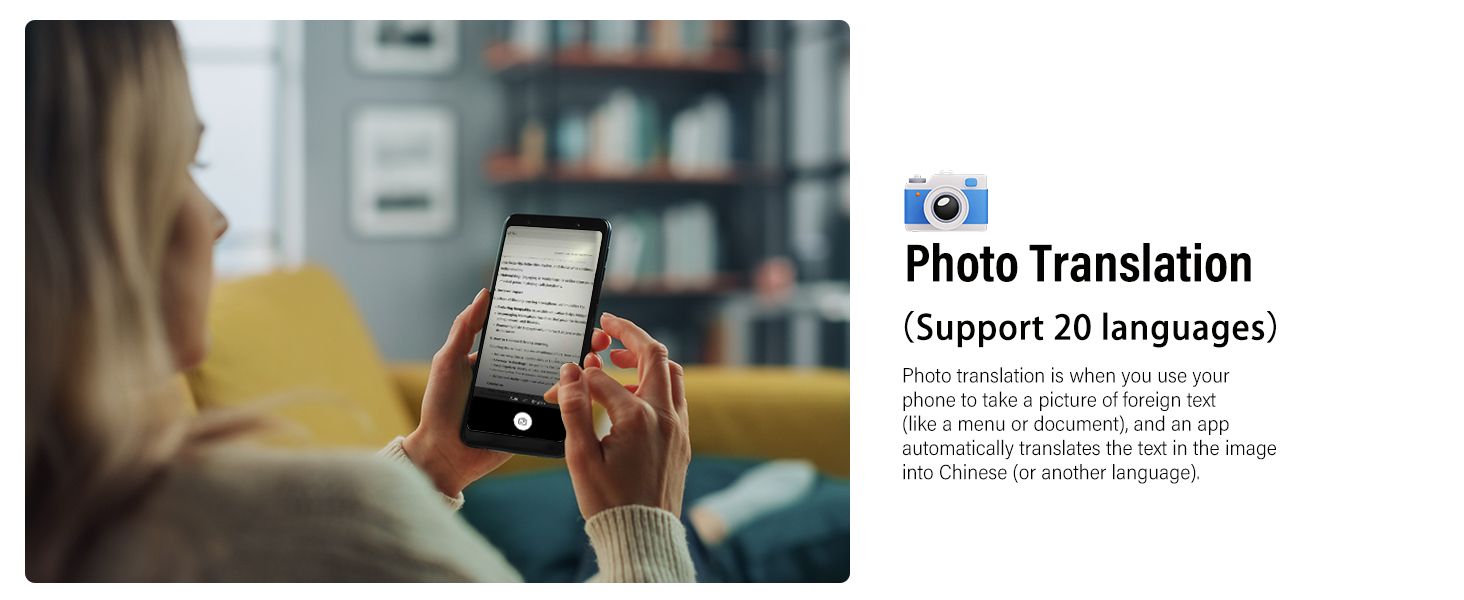
Image: A woman using her smartphone to translate text from a document via the Photo Translation feature.
Voice Note Mode (Supported Languages: 11)
This mode converts spoken speech to text in real-time, offering automatic transcription and translation capabilities. It is useful for note-taking during meetings, lectures, or creative brainstorming sessions.

Image: An adult and a child engaged in a learning activity, potentially using the Voice Note Mode for transcription or translation.
AI Dialogue Mode (Supported Languages: 13)
Integrated with OpenAI 4.0 mini API, this mode enables smooth, intelligent conversations. It provides detailed responses for daily chats, information requests, writing assistance, brainstorming, or studying. Note: This mode does not support real-time data like weather or current dates.
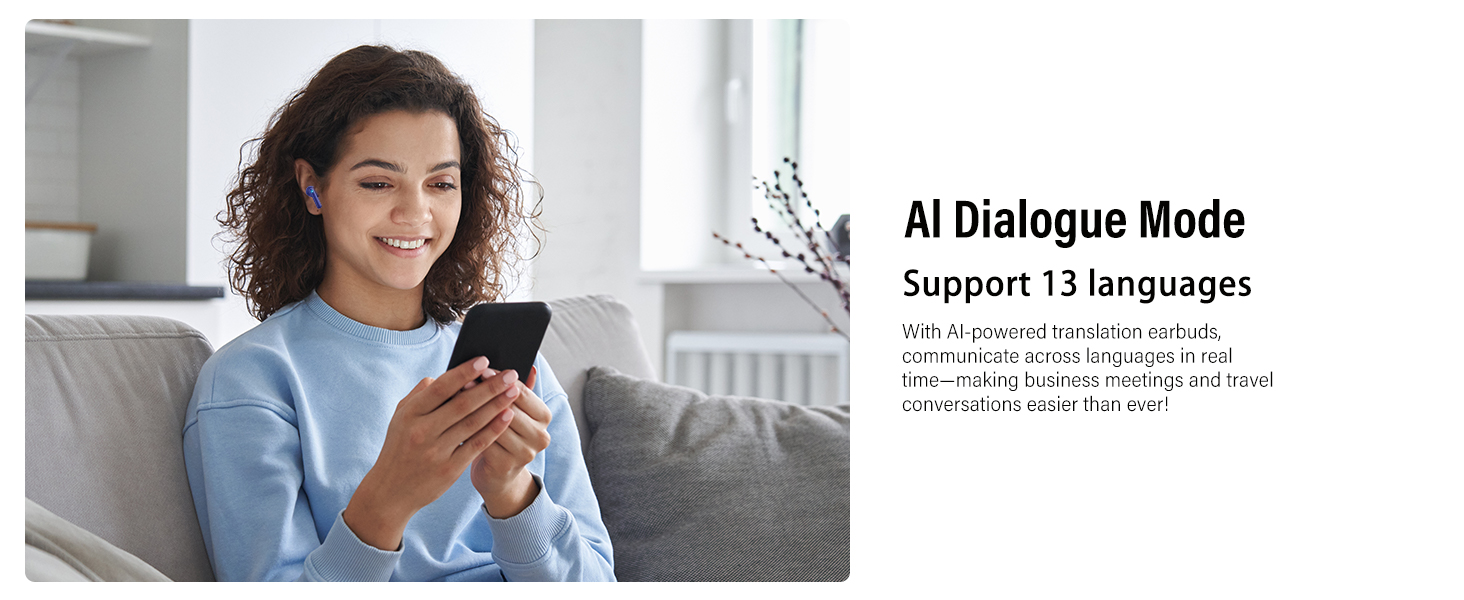
Image: A woman relaxing on a couch, wearing earbuds and interacting with her smartphone, demonstrating the AI Dialogue Mode.
Kontrole na dodir
The earbuds feature sensitive touch controls for various functions:
- Double Tap (R/L): Reprodukcija/Pauziranje glazbe, Odgovori/Završi poziv.
- 3 Clicks (R/L): Activate voice assistant/microphone.
- 1 Click (R): Povećajte glasnoću.
- 1 Click (L): Smanjenje glasnoće.
- Hold on 2S (R): Sljedeća pjesma.
- Hold on 2S (L): Prethodna pjesma.
- 1 Click (R/L) during call: Odgovori/Završi poziv.
- Hold on 2S during call: Odbij poziv.

Image: A visual representation of the touch control gestures and their corresponding functions on the earbuds.
Ključne značajke
Trajanje baterije
The earbuds provide 6-8 hours of usage on a single charge. With the portable charging case, the total battery life extends up to 42 hours. The charging case features a digital LED display to show the power status of both the earbuds and the case.

Image: An illustration highlighting the 6-8 hours of single charge battery life and 42 hours total with the charging case.
Kvaliteta zvuka
Equipped with a 13mm Hi-Fi dynamic driver, these earbuds deliver immersive sound with rich bass and clear treble for an enhanced listening experience.
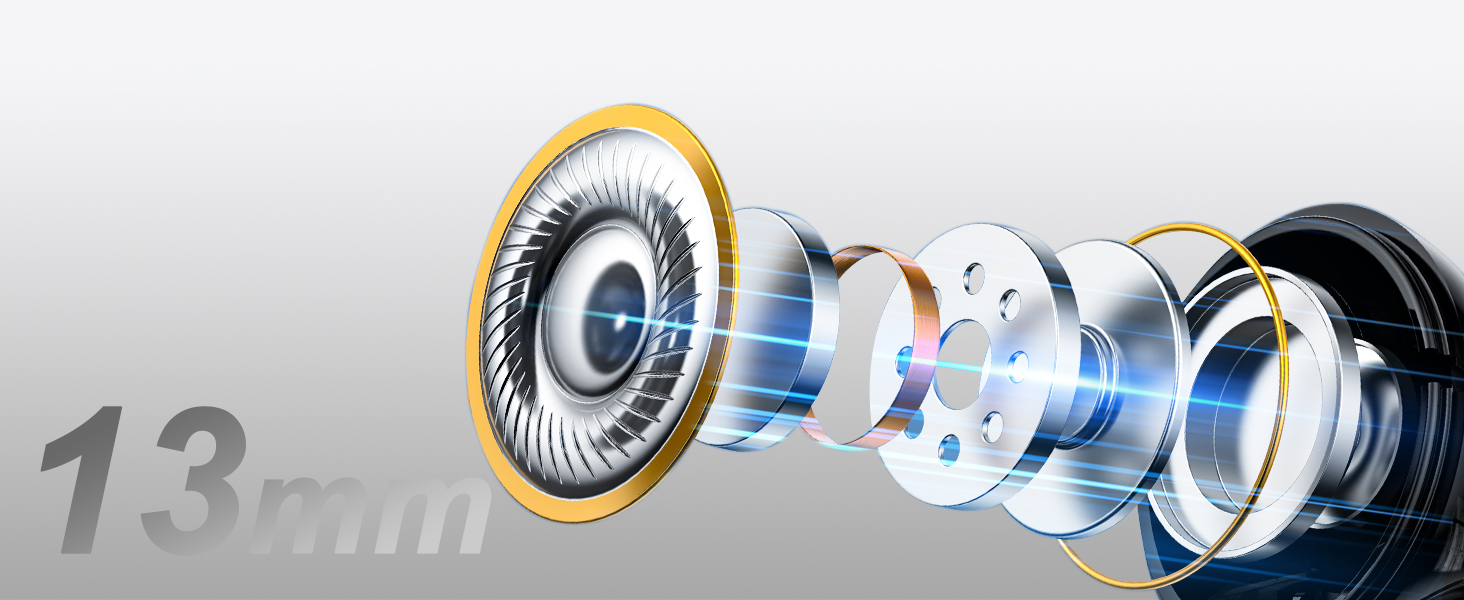
Image: A cutaway diagram illustrating the internal components of the earbud, highlighting the 13mm dynamic driver.
Uklanjanje buke iz okoliša (ENC)
The dual-mic ENC technology effectively filters out up to 90% of background noise, ensuring clear calls and audio even in noisy environments.

Image: An illustration depicting an earbud with sound waves, indicating 35dB noise reduction through ENC technology.
Bluetooth 5.3 povezivanje
Utilizing Bluetooth 5.3, the earbuds offer ultra-fast and stable connections, ensuring seamless audio streaming, calls, and translation functions. After initial pairing, the earbuds will automatically reconnect when the charging case is opened.
IPX7 otpornost na vodu
The earbuds are rated IPX7 water-resistant, making them suitable for use during workouts or in light rain. They are protected against immersion in water up to 1 meter for up to 30 minutes.

Image: A woman exercising outdoors, wearing earbuds, demonstrating the IPX7 water resistance feature.
Rješavanje problema
- Slušalice se ne uparuju: Ensure both earbuds are charged and within range of your device. Turn off and on your device's Bluetooth, then try pairing again. If issues persist, reset the earbuds (refer to the full instruction manual for specific reset procedures).
- Nema zvuka iz jedne slušalice: Place both earbuds back into the charging case, close the lid, wait a few seconds, then take them out again. Check if the earbud is properly seated and charged.
- Prijevod ne radi: Verify that the "Ear Dance" app is open and connected to the earbuds. Check your internet connection, as most translation features require online access. Ensure the correct source and target languages are selected in the app.
- Loša kvaliteta zvuka/šum: Ensure earbuds are clean and properly fitted in your ears. Check for any obstructions in the microphone or speaker. If using ENC, ensure it is enabled in the app settings if applicable.
- App not connecting to earbuds: Close and reopen the "Ear Dance" app. Ensure Bluetooth is enabled on your phone and the earbuds are paired. Restart your phone if necessary.
Tehnički podaci
| Značajka | Detalj |
|---|---|
| Broj modela | A68 Pro |
| Marka | VEKJ |
| Dimenzije paketa | 4.09 x 3.27 x 1.34 inča |
| Težina artikla | 3.84 unci |
| Baterije | Potrebne su 3 AA baterije (uključene) |
| Bluetooth verzija | 5.3 |
| Jezici prijevoda | 164 (various modes support different subsets) |
| Trajanje baterije (slušalice) | 6-8 sati (jedno punjenje) |
| Ukupno trajanje baterije (s kućištem) | Do 42 sati |
| Vodootpornost | IPX7 |
Jamstvo i podrška
For warranty information, technical support, or service inquiries, please refer to the warranty card included in your package or contact VEKJ customer support directly through their official website or the "Ear Dance" app. Please retain your proof of purchase for warranty claims.