
1. Uvod
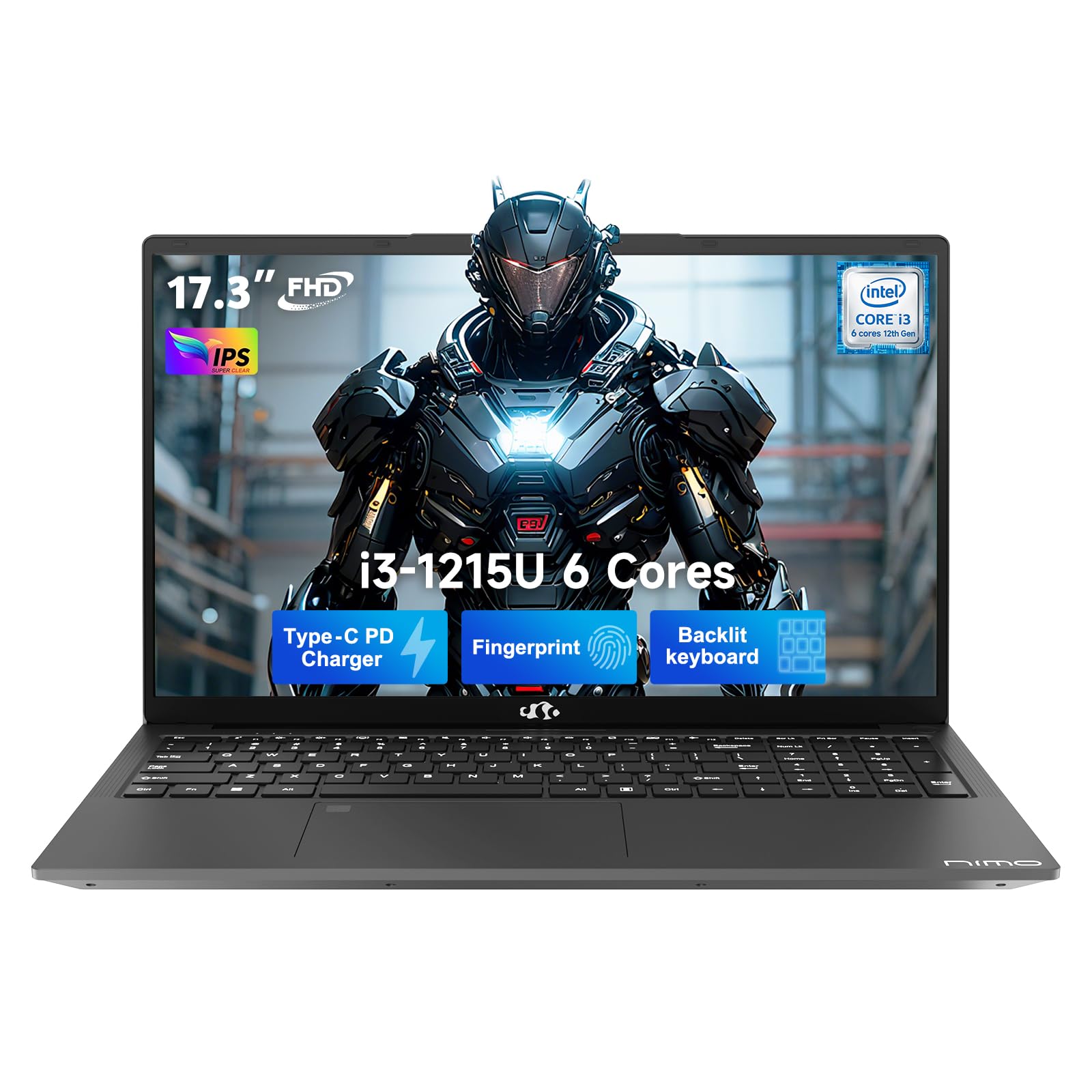
This manual provides essential information for setting up, operating, and maintaining your NIMO 17.3" FHD IPS Laptop. Please read this guide thoroughly before using your device to ensure proper function and longevity. This laptop features an Intel Core i3-1215U processor, 16GB RAM, and a 512GB SSD, designed for efficient everyday computing.
2. Što je u kutiji
- 1 x NIMO N171 Laptop
- 1 x Type-C 65W PD Fast Charger
- 1 x Korisnički priručnik (ovaj dokument)
- Windows 11 Home (unaprijed instaliran)
3. Vodič za postavljanje
3.1 Početno uključivanje
- Raspakirajte laptop: Pažljivo izvadite prijenosno računalo i svu dodatnu opremu iz pakiranja.
- Priključite napajanje: Plug the Type-C 65W PD Fast Charger into the laptop's USB-C port and then into a power outlet.
- Uključivanje: Otvorite poklopac prijenosnog računala i pritisnite gumb za napajanje, koji se obično nalazi u gornjem desnom kutu tipkovnice ili sa strane.
- Postavljanje sustava Windows: Slijedite upute na zaslonu da biste dovršili početno postavljanje sustava Windows 11 Home, uključujući jezik, regiju, mrežnu vezu i stvaranje korisničkog računa.
3.2 Postavljanje senzora otiska prsta
For enhanced security and quick access, set up the integrated fingerprint sensor:
- Idite do Postavke > Računi > Opcije prijave u sustavu Windows 11.
- Locate the "Fingerprint recognition (Windows Hello)" option and click Postaviti.
- Slijedite upute na zaslonu za registraciju otiska prsta.

4. Upute za rad
4.1 Tipkovnica i dodirna podloga
- Tipkovnica s pozadinskim osvjetljenjem: The full-size keyboard includes a numeric keypad and backlighting for use in low-light conditions. The backlight can typically be toggled using a function key combination (e.g., Fn + F5 or similar, refer to keyboard icons).
- Touchpad: Integrirana dodirna ploha podržava višestruke dodirne geste za navigaciju.

4.2 Webkamera s zatvaračem za privatnost
The laptop features a 2MP HD camera with a physical privacy shutter. To ensure privacy, slide the shutter to cover the camera lens when not in use. Slide it open to activate the camera for video calls or other applications.

5. Ključne značajke
5.1 Izvedba
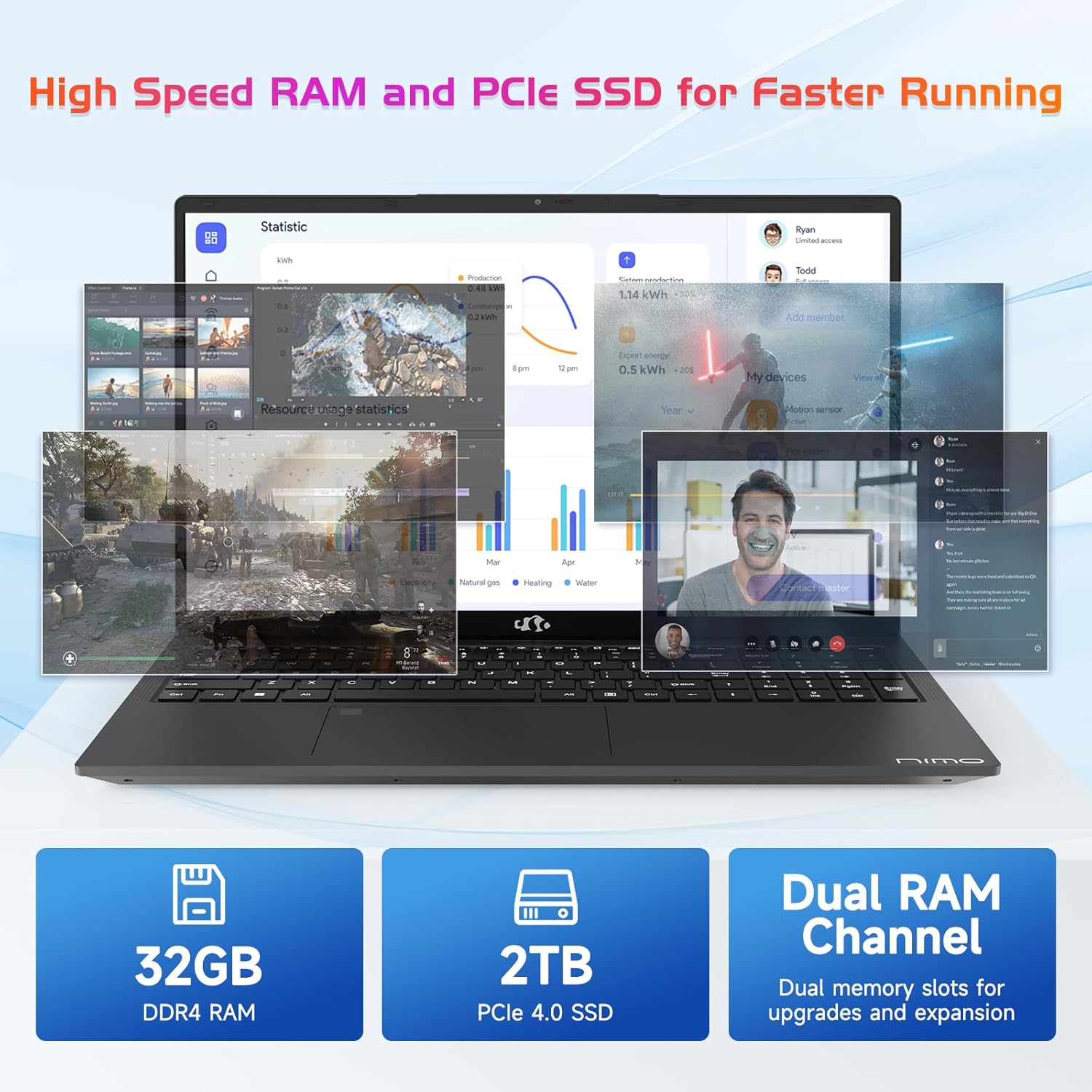
The NIMO N171 laptop is equipped with a 12th Gen Intel Core i3-1215U processor (6 Cores, up to 4.40 GHz), 16GB DDR4 RAM, and a 512GB SSD. This configuration provides responsive performance for multitasking, web browsing, and various applications.

5.2 Prikaz
The laptop features a 17.3-inch Full HD (1920x1080) IPS display, offering a wide viewing experience with clear visuals and reduced eye strain. The screen-to-body ratio is approximately 85%.

5.3 Povezivost
The NIMO N171 supports Wi-Fi 6 for fast and stable wireless internet connectivity and Bluetooth 5.2 for pairing with wireless peripherals.
The laptop includes multiple ports for versatile connectivity:
- USB 3.2 Gen1 ports (x2)
- USB 2.0 priključak (x1)
- USB Type-C 3.2 Gen1 port (x1)
- USB Type-C Gen1 port (Charge Only) (x1)
- Standard HDMI 1.4 port (x1)
- Audio Jack (x1)
- Micro SD card slot (x1)
- Kensington lock slot (x1)

5.4 Baterija i punjenje
The laptop is powered by a 53.58Wh battery, providing up to 9 hours of average battery life. It supports 65W PD Fast Charge via USB-C, allowing for quick recharging.


6. Održavanje
- Čišćenje: Za čišćenje zaslona i vanjske površine koristite meku krpu koja ne ostavlja dlačice. Izbjegavajte jake kemikalije.
- Njega baterije: Kako biste produžili vijek trajanja baterije, izbjegavajte često potpuno pražnjenje baterije. Prijenosno računalo čuvajte na hladnom i suhom mjestu.
- Ažuriranja softvera: Redovito ažurirajte operativni sustav Windows i upravljačke programe kako biste osigurali optimalne performanse i sigurnost.
- Skladištenje: Keep the SSD from becoming completely full to maintain performance. Utilize the Micro SD card slot for additional storage if needed.
7. Rješavanje problema
| Izdati | Mogući uzrok | Otopina |
|---|---|---|
| Laptop se ne uključuje | Problem s niskom baterijom ili adapterom za napajanje | Ensure the charger is properly connected and the power outlet is functional. Allow the laptop to charge for at least 30 minutes before attempting to power on again. |
| Zaslon je prazan ili crn | Display settings, external monitor connection, or system crash | Pritisnite Fn + F7 (or the key with a display icon) to cycle through display modes. Disconnect any external monitors. Perform a hard reset by holding the power button for 10-15 seconds. |
| Problemi s Wi-Fi vezom | Wi-Fi adapter disabled, incorrect password, or router problem | Check if Wi-Fi is enabled in Windows settings. Verify the Wi-Fi password. Restart your router and modem. |
| Senzor otiska prsta ne radi | Unregistered fingerprint, dirty sensor, or software glitch | Ensure your fingerprint is registered correctly. Clean the sensor with a soft cloth. Restart the laptop. |
8. Specifikacije
| Značajka | Detalj |
|---|---|
| Marka | NIMO |
| Naziv modela | NIMO N171 |
| Veličina zaslona | 17.3 inča |
| Razlučivost zaslona | 1920 x 1080 piksela (FHD) |
| Procesor | Intel Core i3-1215U (6 jezgri, do 4.4 GHz) |
| OVAN | 16 GB DDR4 (3200 MHz) |
| Tvrdi disk | 512 GB SSD (čvrsto stanje) |
| Grafički koprocesor | Integrirana grafika (Intel) |
| Operativni sustav | Windows 11 Home |
| Bežična vrsta | Wi-Fi 6 (802.11a/b/g/n/ac) |
| Bluetooth | Bluetooth 5.2 |
| USB 2.0 priključci | 1 |
| USB 3.0 priključci | 3 (includes USB 3.2 Gen1) |
| USB Type-C priključci | 2 (1x 3.2 Gen1, 1x Gen1 Charge Only) |
| HDMI priključak | 1 (Standard HDMI 1.4) |
| Audio utičnica | 1 (Combo Jack) |
| Utor za mikro SD karticu | Da |
| Stražnji Webrezolucija kamere | 2 MP |
| Trajanje baterije (prosjek) | 9 sata |
| Kapacitet baterije | 53.58 Wh |
| Izvor napajanja | Battery Powered (65W PD Fast Charger) |
| Težina artikla | 4.6 funti |
| Dimenzije proizvoda (DxŠxV) | 15.61 x 9.84 x 0.76 inča |
| Posebne značajke | Fingerprint Reader, HD Audio, Memory Card Slot, Numeric Keypad, Backlit Keyboard, Privacy Shutter |
9. Jamstvo i podrška
NIMO provides a Jamstvo 2 godine za ovaj proizvod. Osim toga, 90-day hassle-free return policy is offered. For technical assistance, warranty claims, or product-related inquiries, please contact NIMO customer support.
- Jamstveni rok: 2 godina
- Politika povrata: 90 Days (hassle-free)
- Kontakt: Refer to the official NIMO website or product page for current contact information.


10. Video o proizvoduview
Ovaj video pruža vizualni prikazview of the NIMO 17.3" FHD Intel i3-1215U Laptop, showcasing its design, features, and various usage scenarios.