YUEHISY 48MP FHD 1080P Vlogging Camera Instruction Manual
Model: 48MP FHD 1080P Vlogging Camera
1. Proizvod je gotovview
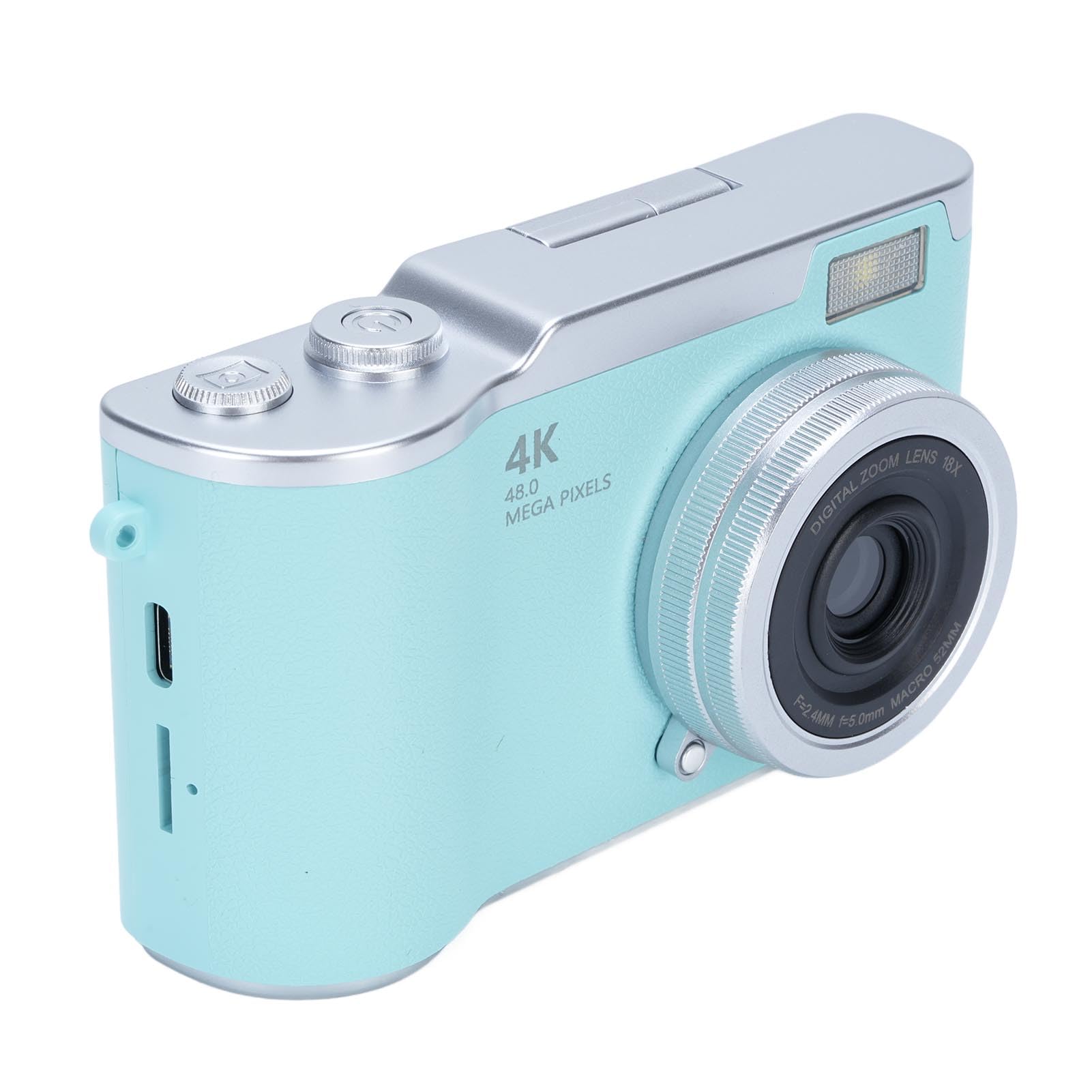
This manual provides instructions for the YUEHISY 48MP FHD 1080P Vlogging Camera. This compact digital camera is designed for capturing high-resolution photos and videos, featuring an 18X digital zoom, a 2.4-inch flip screen, and various creative functions.
Ispred view of the YUEHISY 48MP FHD 1080P Vlogging Camera, showcasing the lens, flash, and compact design.
2. Sadržaj paketa
Provjerite jesu li svi artikli prisutni u paketu:
YUEHISY Digital Camera
Remen za zapešće
Kabel za punjenje (USB)
korisnički priručnik
The camera shown with its wrist strap and USB charging cable, which are included in the package.
3. Postavljanje
3.1. Ugradnja i punjenje baterije
Pronađite odjeljak za baterije na fotoaparatu.
Insert the provided Li-ion battery (800mAh) according to the polarity indicators.
Čvrsto zatvorite odjeljak za baterije.
Connect the camera to a power source using the supplied USB charging cable. The charging indicator will illuminate.
Allow the battery to fully charge before first use. A full charge provides approximately 4 hours of continuous recording.
3.2. Ugradnja memorijske kartice
This camera requires a memory card (not included) to store photos and videos. It supports up to 128GB memory cards.
Pronađite utor za memorijsku karticu, obično blizu odjeljka za bateriju.
Insert a compatible memory card (e.g., microSD with adapter) into the slot until it clicks into place. Ensure the card is inserted in the correct orientation.
Za uklanjanje, lagano pritisnite karticu dok ne izađe.
3.3. Početno uključivanje
After installing the battery and memory card, press and hold the Power On Key to turn on the camera. Follow any on-screen prompts for initial setup, such as setting the date and time.
4. Upute za rad
4.1. Kontrole kamere
An annotated diagram showing the location and function of the camera's main control buttons on the top and back.
Tipka za uključivanje: Press and hold to turn the camera on or off.
Gumb za snimanje slike: Press to capture a photo or start/stop video recording.
T (Zoom In): Magnifies the view or playback image.
W (Zoom Out): Reduces the view or playback image.
Preklopni zaslon: The 2.4-inch HD screen can be flipped up for selfies or easy viewing.
Navigation Buttons (Left, Right, Up, Down): Koristi se za navigaciju izbornicima i odabir opcija.
Gumb U redu/Potvrdi: Potvrđuje odabire u izbornicima.
4.2. Snimanje fotografija
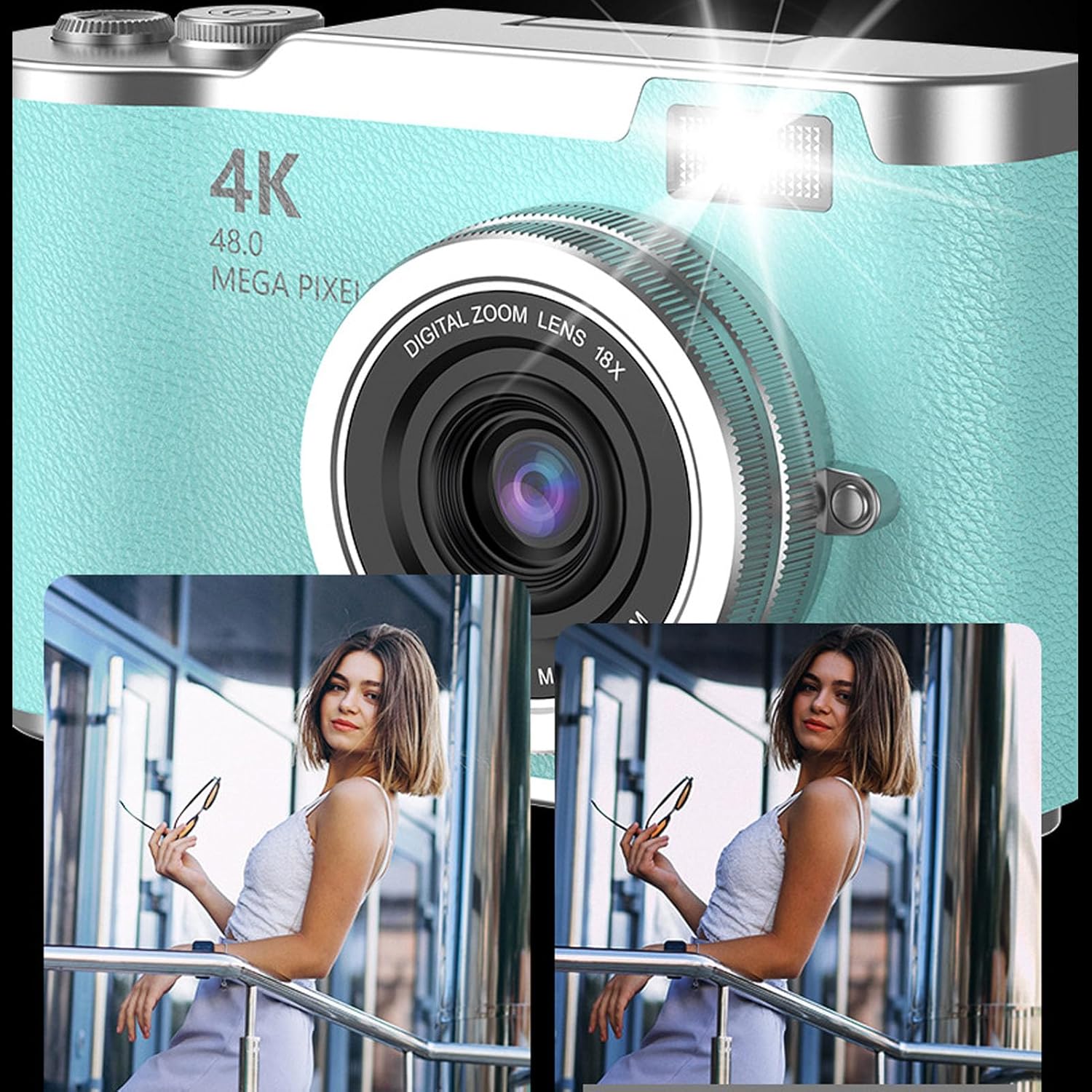
Ensure the camera is in photo mode. Frame your shot using the 2.4-inch flip screen. Press the Take Picture Button to capture a 48MP image. The camera features high-speed autofocus for clear and vivid shots. An LED fill light assists in low-light conditions.
This image illustrates the effect of the built-in flash fill light, showing a clearer and brighter photo when the flash is used.
4.3. Snimanje videa
Switch the camera to video mode. Press the Take Picture Button to start recording 1080P video. Press it again to stop recording. The camera supports loop recording, which can be enabled in the settings menu.
4.4. Using the Flip Screen
The 2.4-inch HD screen can be flipped upwards, allowing for easy self-portraits (selfies) or convenient viewing from various angles. This feature helps in composing shots accurately.
The camera with its screen flipped up, ideal for vlogging or taking selfies, showing a vibrant image on the display.
4.5. Digitalni zum
Utilize the T (Zoom In) and W (Zoom Out) buttons to adjust the 18X digital zoom. This allows you to capture distant subjects with enhanced detail.
This image shows the camera's 18X digital zoom in action, comparing a wide shot to a magnified view of a distant subject.
4.6. Višenamjenske značajke
The camera includes various functions to enhance your photography and entertainment:
Self-Timers: Options for 2, 5, or 10-second delays before taking a photo.
Vrijemeamping: Add date and time to your photos and videos.
Efekti filtera: Apply different visual filters to your images.
Games and Music: Access built-in games and a music function for entertainment.
5. Održavanje
5.1. Čišćenje fotoaparata
Za čišćenje kućišta fotoaparata koristite meku, suhu krpu.
Za leću i zaslon koristite specijaliziranu krpu i otopinu za čišćenje leća kako biste izbjegli ogrebotine.
Nemojte koristiti jake kemikalije ili abrazivne materijale.
5.2. Briga o bateriji
Redovito punite bateriju, čak i ako se fotoaparat ne koristi često, kako biste održali njezino stanje.
Ako kameru skladištite dulje vrijeme, izvadite bateriju.
5.3. Rukovanje memorijskim karticama
Uvijek formatirajte nove memorijske kartice u fotoaparatu prije prve upotrebe.
Safely eject the memory card from the camera or computer to prevent data corruption.
Držite memorijske kartice dalje od jakih magnetskih polja.
6. Rješavanje problema
Problem
Mogući uzrok
Otopina
Kamera se ne uključuje.
Baterija je prazna ili nepravilno instalirana.
Charge the battery fully. Reinstall the battery correctly.
Ne mogu snimati fotografije/videozapise.
Memorijska kartica je puna, nije umetnuta ili je oštećena.
Umetnite memorijsku karticu. Izbrišite nepotrebne files. Formatirajte memorijsku karticu (time će se izbrisati svi podaci).
Slike su mutne.
Objektiv je prljav. Nedovoljno svjetla. Podrhtavanje fotoaparata.
Clean the lens. Use the LED fill light or shoot in brighter conditions. Hold the camera steady.
Kamera se zamrzava ili prestaje reagirati.
Softverski kvar.
Izvadite i ponovno umetnite bateriju za resetiranje fotoaparata.
7. Specifikacije
Značajka
Detalj
Kvaliteta slike
Do 48 megapiksela
Video rezolucija
1080P Full HD (Maximum)
Digitalni zum
18X
Zaslon
2.4-inch HD Flip Screen
Vrsta baterije
Li-ion baterija
Kapacitet baterije
800 mAh
Trajanje baterije (video)
Up to 4 hours continuous recording
Podrška za pohranu
Memorijska kartica do 128 GB (nije uključena)
Bljesak
Built-in LED Fill Light
File Formati
JPEG (fotografije), MP4 (videozapisi)
Vrsta senzora
CMOS
Dimenzije (približno)
117 mm x 64 mm x 29 mm (4.61 in x 2.52 in x 1.14 in)
Visual representation of the camera's approximate dimensions.
8. Informacije o jamstvu
This product comes with a manufacturer warranty for 90 days from the date of purchase. Please retain your proof of purchase for warranty claims. The warranty covers manufacturing defects but does not cover damage caused by misuse, accidents, or unauthorized modifications.
9. Podrška
For technical assistance, troubleshooting beyond this manual, or warranty inquiries, please contact the seller or manufacturer directly. Refer to your purchase documentation for specific contact details.
Ask a question about this manual
Ask about setup, troubleshooting, compatibility, parts, safety, or missing instructions. Manuals+ will review the question and use this page’s manual context to help answer it.