
LongPlus X84
LongPlus 2K Vicohome Wireless Outdoor Security Camera Instruction Manual
Model: X84
Uvod
This manual provides detailed instructions for the installation, operation, and maintenance of your LongPlus 2K Vicohome Wireless Outdoor Security Camera. Please read this manual thoroughly before using the product to ensure proper functionality and safety.

Image: Two LongPlus 2K Vicohome Wireless Outdoor Security Cameras, black, with water droplets, mounted on a wall bracket.
Sadržaj paketa
Provjerite jesu li sve dolje navedene stavke uključene u vaš paket:
- Security Camera with Bracket
- Paket vijaka
- Resetiraj iglu
- USB kabel
- Kratki vodič za početak
Značajke proizvoda
- AI Event Analysis: Identifies and differentiates between people, pets, vehicles, and packages to reduce false alarms.
- 3MP Color Night Vision: Captures clear color images in low light conditions up to 33 feet.
- PIR Motion Detection & Siren Alarm: Triggers an audio and strobe light alarm upon detecting humanoid motion.
- Fleksibilna pohrana: Supports up to 128GB Micro SD card (not included) and optional cloud storage.
- Dvosmjerni razgovor: Allows communication through the Vicohome app.
- 100% Wire-free: Battery-operated design for easy installation without wiring.
- Integracija pametnog doma: Kompatibilno s Amazon Alexom.
- Široko polje od View: 125 stupnjeva viewing kut.
- Dizajn otporan na vremenske uvjete: IP65 zaštita za vanjsku upotrebu.
Postavljanje
1. Punjenje kamere
Before initial use, fully charge the camera using the provided USB cable. The charging indicator light will show the charging status.
2. Instalacija aplikacije i stvaranje računa
- Download the "Vicohome" app from your smartphone's app store (iOS or Android).
- Otvorite aplikaciju i slijedite upute na zaslonu za izradu računa i prijavu.
3. Povezivanje na Wi-Fi
- Ensure your camera is powered on and near your Wi-Fi router.
- In the Vicohome app, tap the "+" icon to add a new device.
- Follow the app's instructions to connect the camera to your 2.4GHz Wi-Fi network. 5GHz networks are not supported.
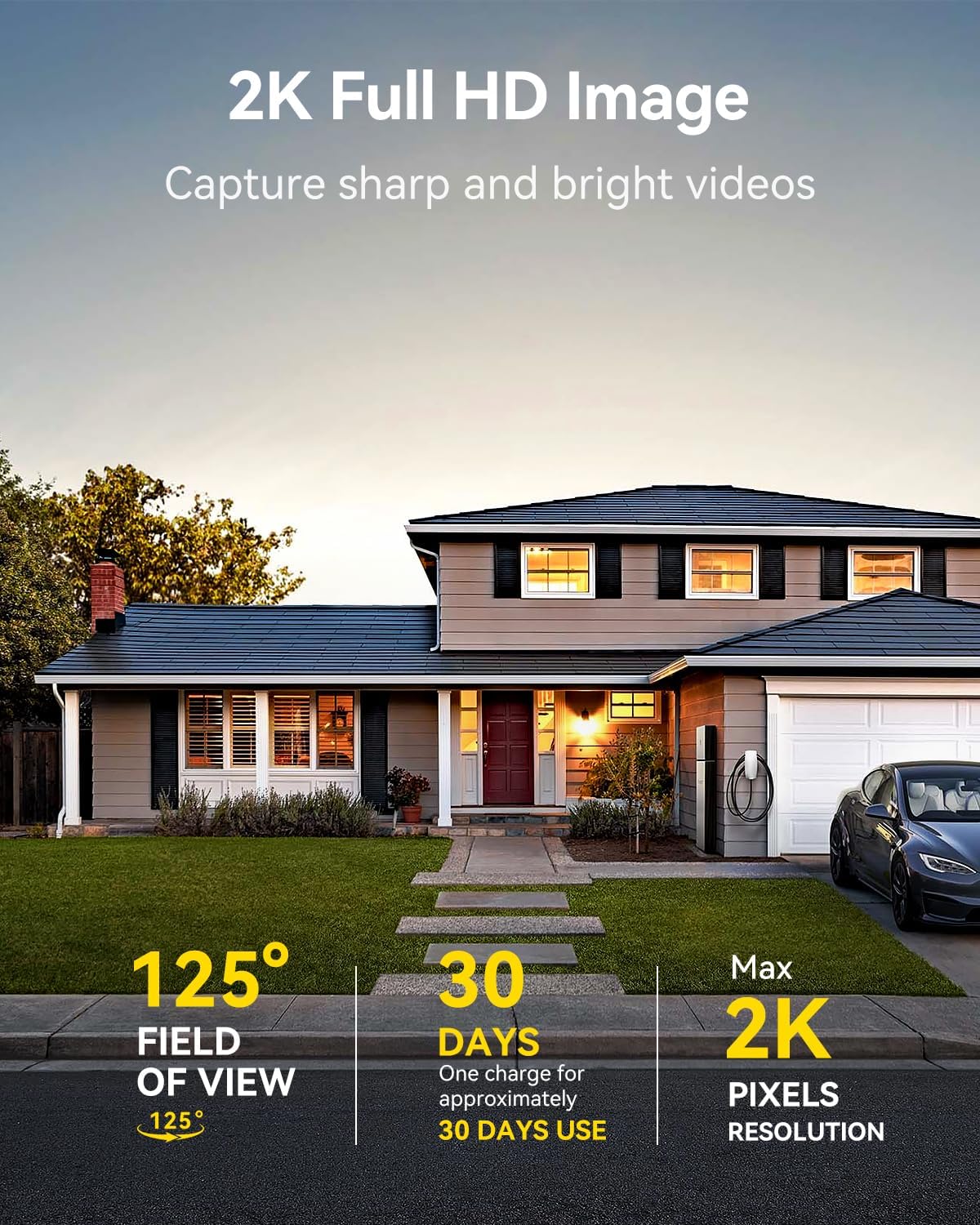
Image: A LongPlus security camera on a wooden table, illustrating its 2.4GHz WiFi connectivity.
4. Montaža kamere
The camera can be mounted on a ceiling or wall. Choose a location that provides the desired viewkut snimanja i unutar je Wi-Fi dometa.
- Mark the positions for drilling using the camera bracket as a template.
- Izbušite pilot rupe i po potrebi umetnite zidne tiple.
- Secure the bracket to the surface using the provided screws.
- Pričvrstite kameru na nosač i podesite kut.

Image: A LongPlus security camera mounted on an outdoor wall, demonstrating its wire-free installation.
Operacija
1. Uživo View
Open the Vicohome app and select your camera to view the live feed. You can monitor your surroundings in real-time.

Image: A smartphone displaying the live feed from a LongPlus security camera, showing children playing in a yard.
2. Dvosmjerni razgovor
Od uživo view screen in the app, tap the microphone icon to initiate two-way communication. Speak into your phone to communicate with individuals near the camera.

Image: A person receiving a package at their front door, demonstrating the two-way talk feature of the LongPlus camera.
3. Postavke detekcije pokreta
Configure motion detection sensitivity and define detection zones within the Vicohome app settings for your camera. This helps in reducing unwanted alerts.

Image: A man walking past a LongPlus security camera, illustrating motion detection and app alerts.

Slika: Iz zraka view of a house with a pool, illustrating customizable motion detection zones for different objects.

Image: A house with a lawn, demonstrating the ability to set specific motion detection zones.
4. Noćni vid
The camera automatically switches to color night vision in low light conditions, providing clear visibility.

Image: A LongPlus security camera mounted outdoors at night, showing its color night vision capability on a smartphone screen.
5. Snimanje i reprodukcija
Recordings are stored on a Micro SD card (if installed) or in the cloud (subscription may be required). Access and playback recorded events through the Vicohome app's library section.

Image: A LongPlus camera with an SD card being inserted, illustrating local and cloud storage options.
6. Dijeljenje uređaja
You can share access to your camera with other users through the Vicohome app, allowing multiple individuals to monitor the feed simultaneously.
7. Integracija pametnog doma
The camera is compatible with Amazon Alexa. Follow the instructions in the Vicohome app or Alexa app to link your devices and use voice commands for monitoring.

Image: A person using an Amazon Echo Show to view the camera feed via Alexa voice commands.
Održavanje
1. Punjenje baterije
Monitor the battery level through the Vicohome app. Recharge the camera when the battery is low to ensure continuous operation. If the camera is installed in a hard-to-reach location, consider using a compatible solar panel charger (sold separately) to reduce the frequency of manual charging.
2. Upravljanje SD karticom
If using a Micro SD card, ensure it is a genuine card and inserted correctly. Periodically review i upravljati pohranjenim footage. The card can be ejected with a gentle press.
3. Čišćenje
Gently wipe the camera lens and body with a soft, dry cloth to remove dust and debris. Avoid using harsh chemicals or abrasive materials.
Rješavanje problema
| Problem | Mogući uzrok | Otopina |
|---|---|---|
| Kamera se ne povezuje na Wi-Fi | Netočna lozinka za Wi-Fi; kamera je previše udaljena od usmjerivača; korištena je Wi-Fi mreža od 5 GHz. | Verify Wi-Fi password. Move camera closer to router. Ensure you are connecting to a 2.4GHz Wi-Fi network. Reset the camera using the reset needle and try pairing again. |
| Česte lažne uzbune | High motion detection sensitivity; environmental factors (e.g., moving branches, insects). | Reduce motion detection sensitivity in the Vicohome app. Define specific detection zones to exclude irrelevant areas. |
| Kratko trajanje baterije | Frequent motion detection events; cold weather; continuous live view korištenje. | Smanjite osjetljivost detekcije pokreta. Ograničite prijenos uživo view sessions. Consider purchasing a solar panel charger for continuous power. Ensure the camera is fully charged before deployment. |
| Loša kvaliteta slike noću | Obstructions near the lens; insufficient ambient light for color night vision. | Ensure the camera lens is clean and free from obstructions. Verify that the night vision mode is active in the app settings. |
| SD kartica ne snima | SD card not inserted correctly; incompatible SD card; SD card full or corrupted. | Reinsert the SD card carefully. Use a genuine Micro SD card up to 128GB. Format the SD card through the app. Replace the SD card if corrupted. |
Tehnički podaci
| Značajka | Detalj |
|---|---|
| Broj modela | X84 |
| Unutarnja/vanjska upotreba | Unutarnji, vanjski |
| Izvor napajanja | Napajanje na baterije |
| Protokol za povezivanje | Wi-Fi (2.4 GHz) |
| Vrsta kontrolera | Amazon Alexa, Vicohome App |
| Rezolucija video snimanja | 1440p (2K) |
| Učinkovito još uvijek razrješenje | 3 MP |
| Viewing kut | 130 stupnja |
| Domet noćnog vida | 33 stopa |
| Frame Rate | 15 sličica u sekundi |
| Materijal | Visokokvalitetni ABS |
| Razina vodootpornosti | IP65 (vodootporan) |
| Maksimalna podržana veličina flash memorije | 128 GB (mikro SD) |
| Dimenzije predmeta (D x Š x V) | 2.36 x 2.16 x 4 inča |
| Težina artikla | 1.59 funti (0.72 kilograma) |
| Baterije | Potrebna je 1 litij-ionska baterija (uključena) |
podrška
For technical assistance, troubleshooting beyond this manual, or warranty inquiries, please contact LongPlus customer support. Refer to the product packaging or the official LongPlus webstranica za kontakt podatke.
Također možete posjetiti LongPlus Store on Amazon za dodatne informacije o proizvodu i resurse.
Ask a question about this manual
Ask about setup, troubleshooting, compatibility, parts, safety, or missing instructions. Manuals+ will review the question and use this page’s manual context to help answer it.